INSTALLATION
It is quite a challenge to install the decoder in your loco. You should have some
basic electrical knowledge. If you do not , please ask the dealer for help in the
installation.
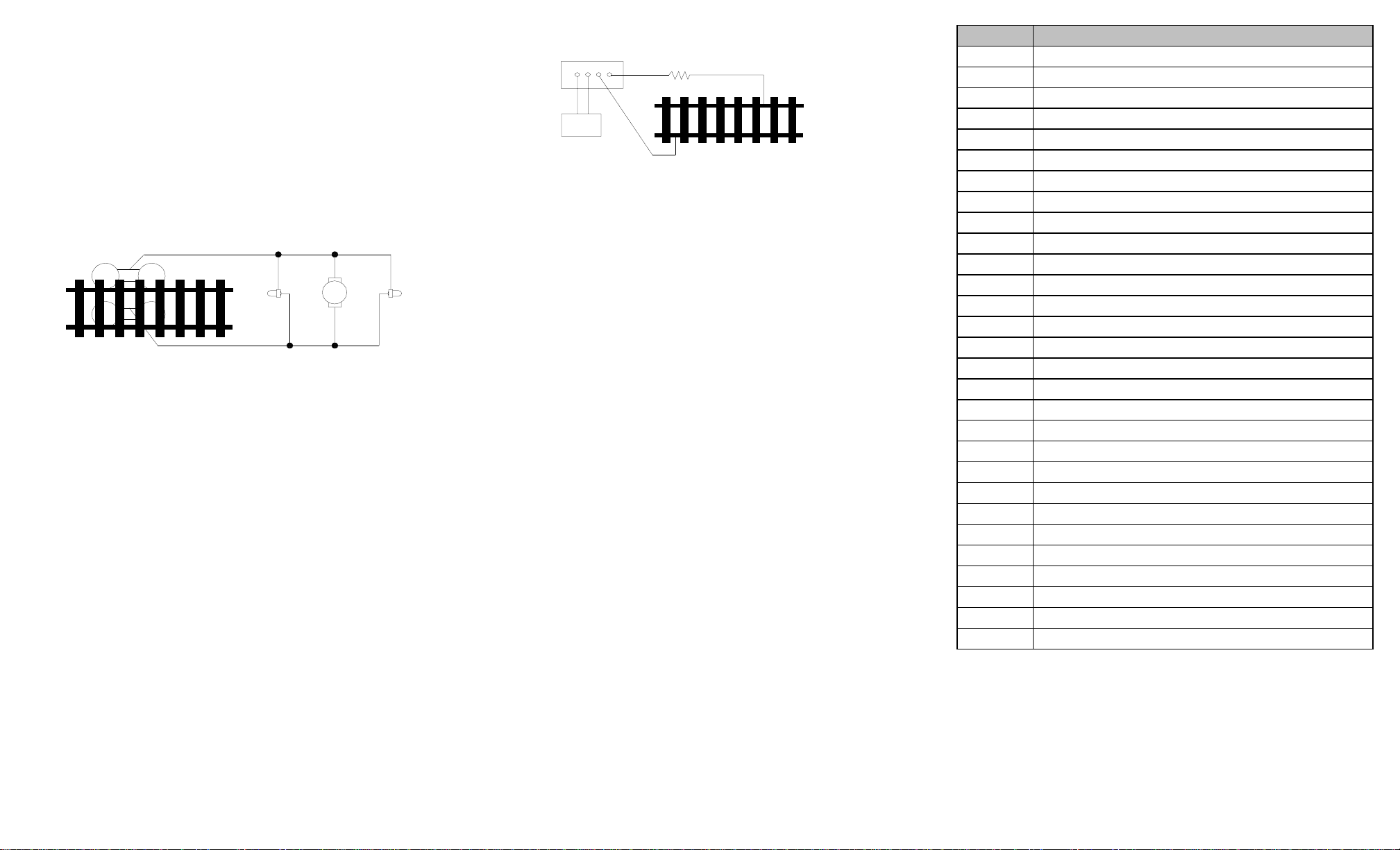
Figure 1 shows the electrical circuit of most standard locos. The terminals of the
motor and lights are directly connected to the wheel pickup. Each type of loco
has its own method of electrical pickup and distribution. There is no standard
rule for installing decoders. It is always better to consult the loco manufacturer
on how to install a decoder in your particular loco. First, figure out your loco’s
electrical wiring and how to disconnect (isolate) the motor and light(s). Label all
wires before you disconnect them.
Figure 1. Connection of standard locomotive. Note: The ‘X’ marks indicate
where to disconnect (isolate).
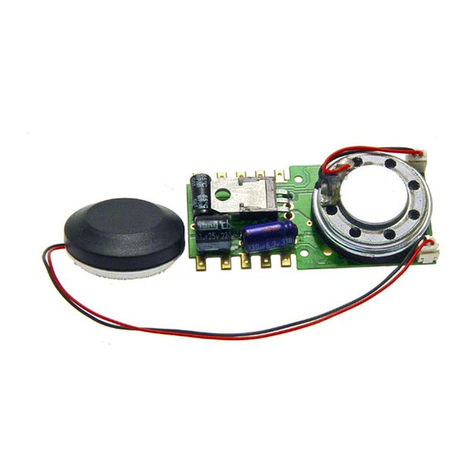
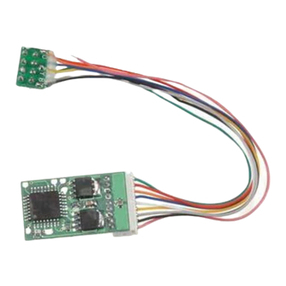
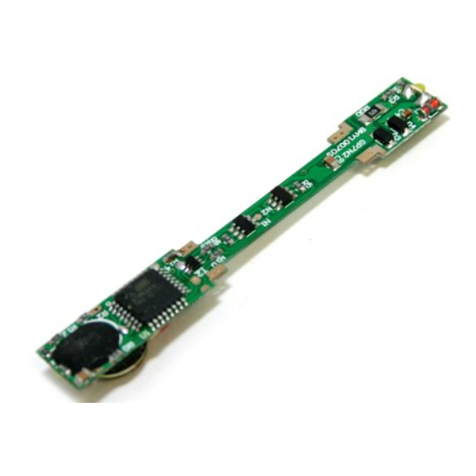
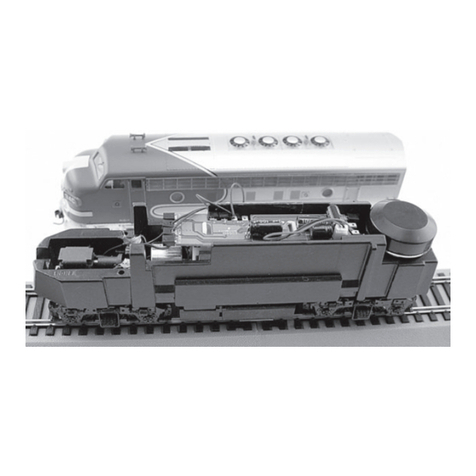
This decoder is equipped with a wire harness that has an N.M.R.A. 8 pin medium
plug on one end that simply plugs into a dcc ready loco, if you locomotive has a 9
pin JST decoder plug, simply unplug the wire harness of the decoder at the end
of the board and plug the decoder into the 9 pin receptacle.
If your locomotive is not dcc ready and does not have a decoder plug, use the
following directions:
The decoder will be inserted between the wheel pickups and the motor. After
disconnecting the motor terminals from the pickups, connect the right side pickup
wires to the red decoder wire, and connect the left side pickup wires to the
black decoder wire. Connect the right motor terminal to the orange decoder wire,
then connect the left motor terminal to the grey decoder wire.Always use good
soldering techniques, and use shrink wrap to isolate the connections. The white
decoder wire is for the front headlight and the yellow decoder wire is for the rear
light. The blue decoder wire is the light common. The pink and green decoder
wires are for your accessory lights, use the blue decoder wire as the common for
these extra lights. Use double-sided sticky tape to place the decoder in a safe
place. The decoder can’t touch any metal part or bare wires. The 28 mm speaker
should have an enclosure made for a better sound quality.
If you have a 1.5V bulb or LED’s, you should connect a 2k ohm resistor in series to
one of the light leads to limit current.
MAKING A TEST TRACK
We strongly recommend building a test track with a 27 ohm resistor to limit current.
Only test your installed decoder on the test track. The test track will reduce the
chance of damaging your decoder due to an incorrectly installed decoder. Note- The
test track is not your program track.
TESTING
The decoder has been programmed to address #3, 28/128 speed steps.To test,
place the loco on the test track. Select address #3 and 28 speed steps. Move up
the throttle and the loco should move. Push the light button [F0] and headlight
should come on. Change the direction of the loco and the loco should change
direction. The loco cannot reach full speed, due to the resistor. If all the above
occurs, you passed the test. Congratulations! Do not run the loco for an extended
period of time on the test track or the resistor will overheat. If your installed decoder
does not pass the test, find the problem, correct it and test it again. As long as you test
the decoder on the test track there is little chance of damaging the decoder. This is why
the test track is so important.
OPERATION
The decoder has 20 types of chuff sounds (10 single and 10 double). You can
use F24 to select them or F6 to turn the chuff off. With our unique double chuff
enable, (CV122), you can also have 10 articulated chuff sounds. You can use F19 to
select 17 different whistles. You can also use F18 to select 7 different bells. With
MRC ProdigyAdvance2DCC which has 28 functions, you can easily setup and
access all the decoder’s functions. With all other DCC systems you have to use CV
programming to setup the decoder.
BACK EMF LOAD CONTROL (PID CONTROLLER)
This decoder is equipped with adjustable back EMF load control feature. It is a
closed loop speed control. With back EMF load control the locomotive will maintain its
speed regardless of pulling up hill or driving down hill. You may program the back EMF
load control intensity, CV124, to a lower value to get less back EMF load control. This
will enable the locomotive to slow down during uphill travel like real locomotive.
The PID controller contains three components: proportional gain (CV113); the
integral gain (CV114); and derivative gain (fixed). Fine tuning a PID controller is
difficult and experimental on part of the end user, so we optimized these settings
at the factory, but still give the customer the ability to make final adjustments. We
recommend that you do not change these settings. Too much gain may cause the
motor to oscilate (become unstable). Too little gain may cause slow
response. Additional knowledge of PID feedback control is required before
attempting to adjust CV113 and CV114. If CV113 and CV114 are programmed
incorrectly, the locomotive will not run smothly. Program CV125 to “1” will automati-
cally restore the default PID controller settings.
Right side pickup
Front
light Motor Rear
light
Left side pickup
X X
X X X
X
Figure2. Diagram of test track
DCC base unit
Power supply Test track
27 ohm resistor
Function Idle/Moving
F0 Headlight on/off
F1 Bell on/off
F2 Whistle
F3 Accessory lights on/off, Long air release
F4 Coupling 1
F5 Brake squeal (moving) and brake release (idle)
F6 Chuff sound on/off (Drifting) -all other sounds on
F7 Fire box open/close
F8 Water injector
F9 Metal crank sound on/off (moving), steam associated sound (idle)
F10 Water filling
F11 Blower hiss
F12 All sounds on/off
F13 Master volume reduce by 2
F14 Master volume increase by 2
F15 Flange noise
F16 Shoveling
F17 Coal auger
F18 Bell type select (total 7 different ones)
F19 Whistle type select (total 17 different ones)
F20 Air hose firing/uncoupling lever
F21 Flange noise
F22 Associated loco sound
F23 Flange noise
F24 Chuff type select
F25 Long air release
F26 Sand dropping
F27 Associated loco sound
F28 Associated loco sound