1
Contents
Contents
2
3
6
LAN Port LED Status Table........................................................................................6
7
CPU Socket.................................................................................................................8
DIMM Slots..................................................................................................................9
M2_1: M.2 Slot (Key M)...............................................................................................9
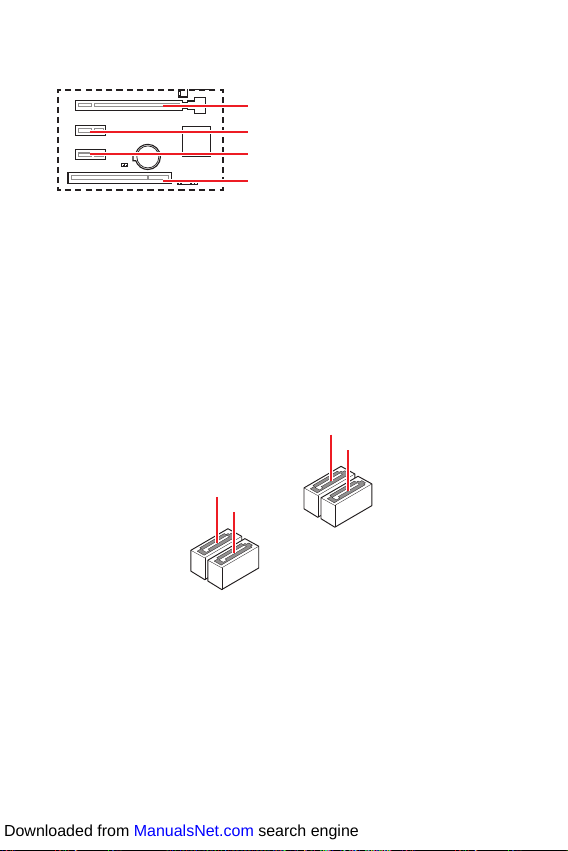
PCI_E1~3 & PCI1: PCIe & PCI Expansion Slots .......................................................10
SATA1~4: SATA 6Gb/s Connectors...........................................................................10
JFP1, JFP2: Front Panel Connectors.......................................................................11
JAUD1: Front Audio Connector ................................................................................11
ATX_PWR1, CPU_PWR1: Power Connectors...........................................................12
JUSB1: USB 2.0 Connectors.....................................................................................13
JUSB2: USB 3.2 Gen 1 5Gbps Connector.................................................................13
CPU_FAN1, SYS_FAN1: Fan Connectors.................................................................14
JTPM1: TPM Module Connector...............................................................................14
JLPT1: Parallel Port Connector...............................................................................15
JCOM1: Serial Port Connector.................................................................................15
EZ Debug LED...........................................................................................................15
JBAT1: Clear CMOS (Reset BIOS) Jumper...............................................................16
JCI1: Chassis Intrusion Connector...........................................................................16
17
BIOS Setup................................................................................................................18
Entering BIOS Setup.................................................................................................18
Resetting BIOS..........................................................................................................19
Updating BIOS...........................................................................................................19
20
Installing Windows® 10.............................................................................................20
Installing Drivers......................................................................................................20
Installing Utilities .....................................................................................................20
Thank you for purchasing the MSI®mother-
board. This User Guide gives information about board layout,
component overview, BIOS setup and software installation.
Downloaded from ManualsNet.com search engine