Section 78 00-02-0803
03-07-12 - 1 -
Hardware Installation
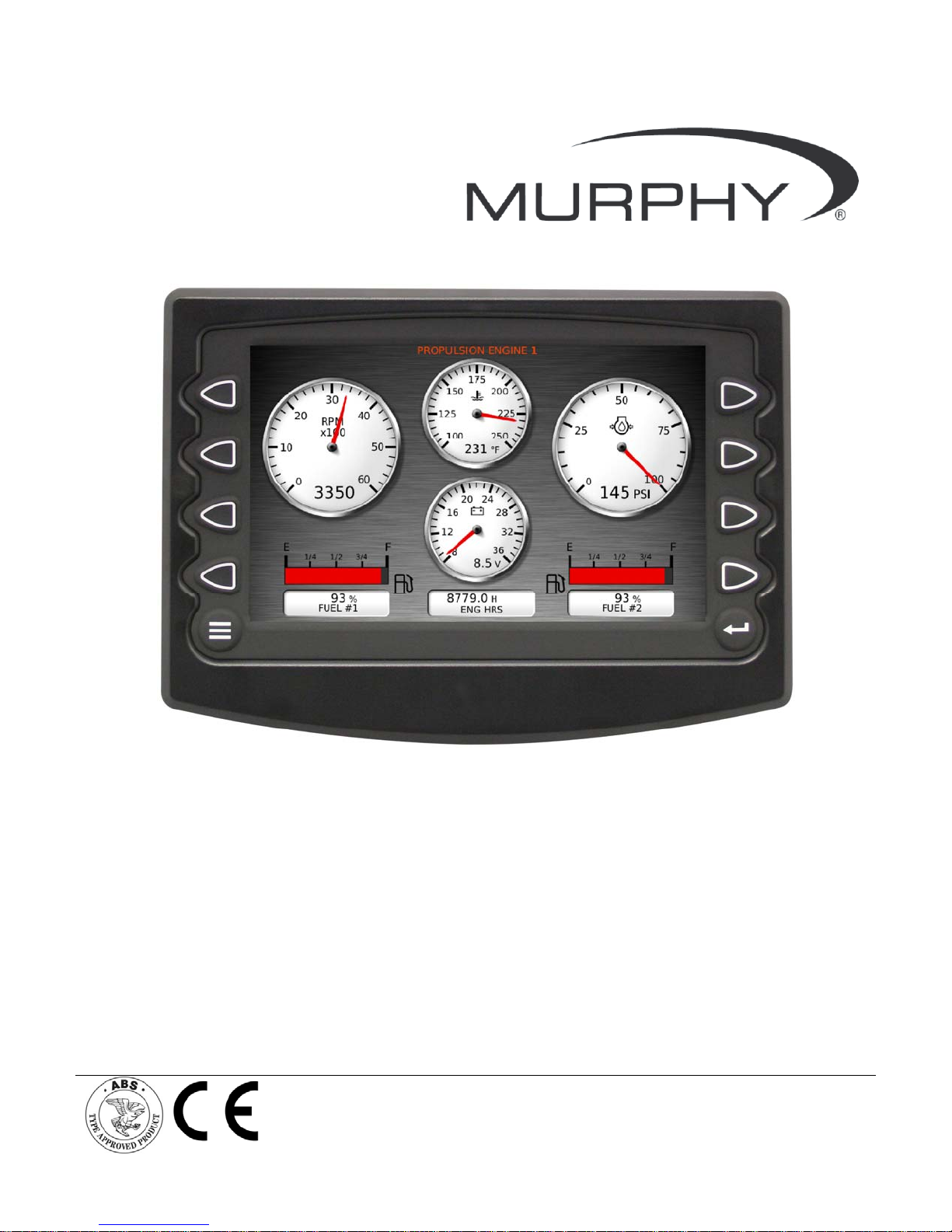
The following instructions will guide you through installing the HelmView 750 display.
Inspecting Package Contents
Before attempting to install the product, we recommend you account for all parts and inspect
each item for damage (which sometimes occurs during shipping). The items included in the
box are:
HV750 or HVS750 unit
Installation kit – P/N 78-00-0638 includes:
4 ea. machine screws and flat washers
4 Nylock nuts
Installation manual – P/N 00-02-0803
Operations Manual – P/N 00-02-0805
Dash-Mounted Installation
Tools needed.
Drill with 5/32” size bit
Jig Saw
Wrench or socket 6-32 Nylock nuts (provided) to studs
Preparing the Dash
Determine the location of the HelmView in the dash. Use the Installation Template (included at
the end of the manual) as a guideline to cut a hole in the dash to the specified dimensions. Drill
holes where indicated on the template for the mounting screws.
NOTE: When using the paper template from the manual, if you downloaded this
document from the FW Murphy website, be aware that the pdf file may not
automatically print to scale. When submitting the file for print, you will need to
select “None” for Page Scaling. Check the accuracy of the printed template by
verifying the measurements labeled on the template are correct.