MuxLab 500789 User manual
© MuxLab Inc. 94-000941-B SE-000941-B
2321 Rue Cohen, Montreal, Quebec, Canada, H4R 2N7
Tel: (514) 905-0588 Fax: (514) 905-0589
Toll Free (North America): (877) 689-5228
E-mail: [email protected] URL: www.muxlab.com
Specifications
Specifications
Environment
HDMI 2.0
Devices
TVs, monitors, projectors supporting HDMI.
Signal Protocol/Standard
HDMI 2.0 and HDCP 2.2
Video Bandwidth
594MHz
Network Bandwidth
25Mbps (typical)
Protocols
Supports Multicast, HLS, and RTSP
Connectors
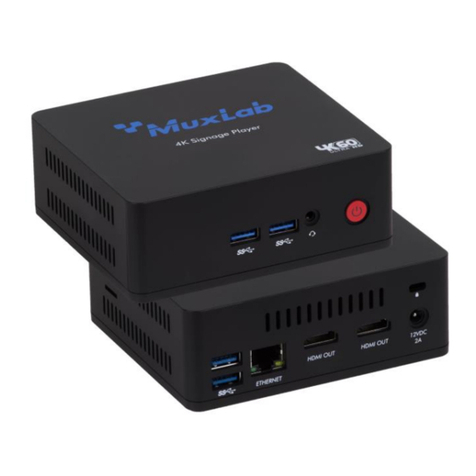
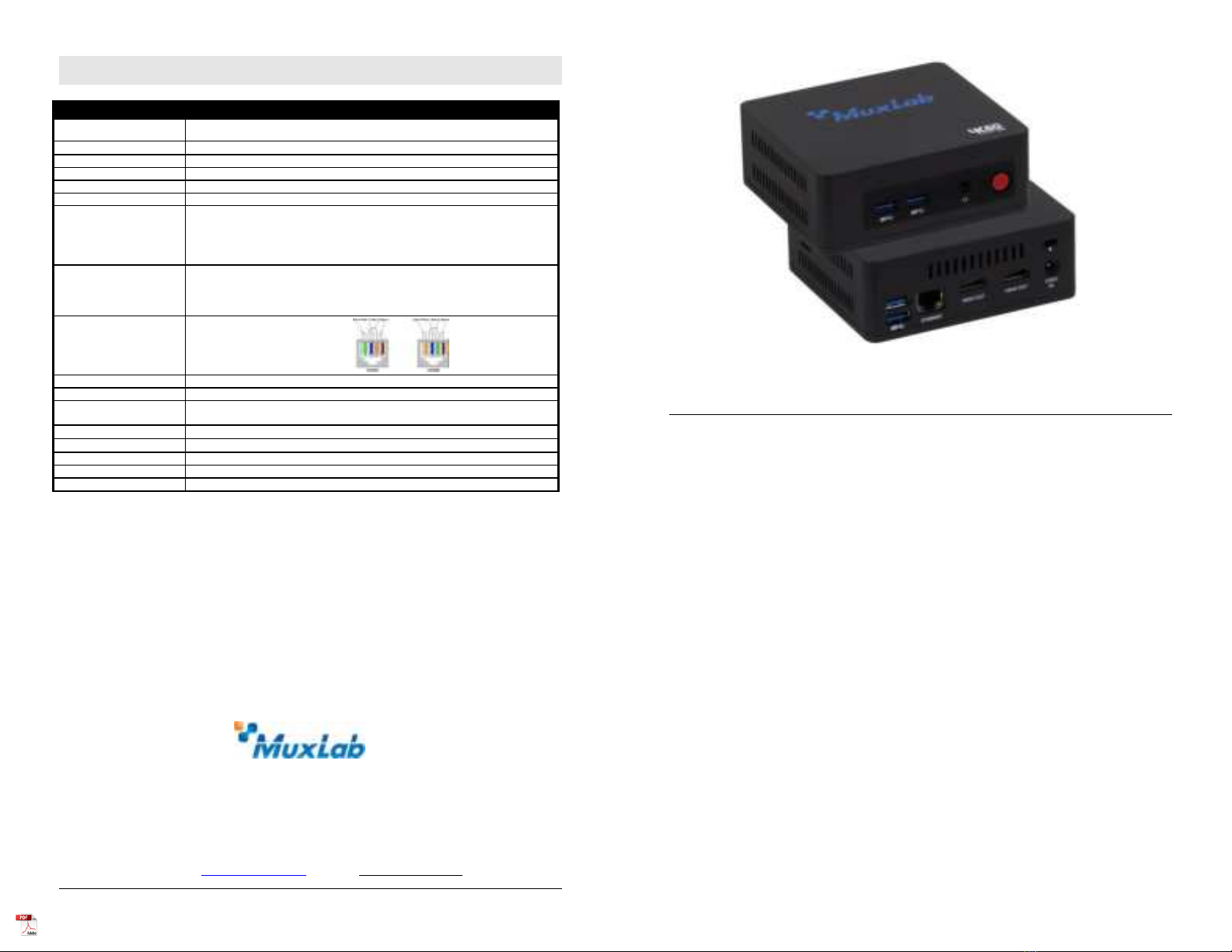
Two (2) HDMI output connectors for AV.
One (1) RJ45 Ethernet connection for LAN connection.
Four (4) USB 3.0 connectors (for future use).
One (1) 3.5mm output connector for audio extraction.
One (1) 2.1mm power connector.
Maximum Distance
Cat5e/6: 330ft (100m) from Ethernet Switch. Unlimited over the Internet
Note: When installed in an electrically noisy environment, an STP cable must be
used. Also, cross-connection reduces the effective distance depending on the grade
of twisted cable used.
RJ45 Pin Configuration
Reverse Polarity Sensitive.
Use EIA/TIA 568A or 586B
straight-through wiring.
RJ45 Link
Pin 1 (R) Pin 2 (T)
Pin 3 (R) Pin 6 (T)
Pin 4 (R) Pin 5 (T)
Pin 7 (R) Pin 8 (T)
Power Supply
Includes a 12VDC/ 2A power adapter.
Power Consumption
12W
Temperature
Operating: 0° to 40°C Storage: -20° to 85°C
Humidity: Up to 95% non-condensing
Dimensions
4.5” x 4.0” x 1.6” (115mm x102mm x 42mm)
Weight
1.44 lbs (0.65kg)
Compliance
Regulatory: FCC, CE, RoHS Flammability: 94V0
Warranty
3 years
Order Information
500789 DigiSign 4K Signage Player (UPC: 627699007891)
DigiSign 4K Signage Player (500789)
Quick Installation Guide
Overview
The DigiSign 4K Signage Player (model 500789) is capable of playing multiple audio/video
content simultaneously in a multiview window up to 4K/60 (4:4:4) from a local network, the
Internet, or internal memory, and supports multiview capability (including dual 4K videos, or
multiple 1080p videos and supports a scheduler to automatically deliver the windowed audio/video
content based on a yearly schedule. Multiple video, audio and image file formats are supported. The
unit delivers 4K@60Hz (4:4:4) content to a display or to a MuxLab AV over IP system to be
distributed to multiple displays and video wall arrangements. The Player supports a Keyword
Dictionary, Proof of Play and Interactive Mode.
The exceptionally low bandwidth requirements of this device allows it to accept streaming
audio/video content over a local network, and over the Internet. The unit may be extended up to
100m from the Ethernet switch over CAT5/6 cable.
The DigiSign 4K Signage Player is managed by the DigiSign CMS (Content Management System)
Software running on PC, which supports video, audio and image content as well as HTML5, RSS
feeds and many other widgets. DigiSign CMS can easily and quick create digital signage content
and schedule the content to be played on the Player. The Player has 128GB of internal memory to
store the created signage content and schedule in order to run autonomously.
Applications
Applications include digital signage / media player, audio/video streaming over LAN and Internet,
commercial and residential AV systems, corporate lobbies, malls and boutiques, airports,
subway/train/bus stations, etc.

© MuxLab Inc. 2020
Installation
1. Connect the player to the HDMI display equipment with an HDMI compliant cable, or alternatively
connect the Player to an AV over IP Transmitter to be able to connect to multiple AV over IP
Receivers and/or video walls, and turn on the Display equipment.
2. Using a CAT5/6 cable connect the Ethernet port of the player to an Ethernet switch.
3. Next connect the power supply to the unit and then to an AC outlet. The Power LED will turn on
and the unit will start up.
4. MuxLab’s DigiSign CMS software can now be used to discover the 500789 and manage the unit.
Please reference the DigiSign CMS manual on how to discover, manage, schedule and publish
signage content to this Player.
The unit is configured in DHCP mode by default, and will be assigned an IP address if your network
has a DHCP server.
5. If audio extraction is required, connect a Stereo 3.5 mm audio cable to the 3.5 mm jack for analog
audio, and then connect the other cable end to audio equipment.
6. The following diagram illustrates a typical configuration.
Troubleshooting
The following table describes some of the symptoms, probable causes and possible solutions in regard to
the installation of the DigiSign 4K Signage Player:
Symptom
Probable Cause
Possible Solutions
No Power LED
No power to the unit
•Check power connections
Choppy Video
Configuration
•Check cable length
•Check the HDMI Cable Quality
•Check if IGMP is enabled on the Ethernet Switch
•Validate your video stream
USB drive not detected
(function not available in
current release, for future use)
(function not available in current release, for future
use)
If you still cannot diagnose the problem, please call MuxLab Customer Technical Support at 877-689-
5228 (toll-free in North America) or (+1) 514-905-0588 (International).
Other MuxLab Media Player manuals