www.natus.com3
3. OPERATION
Warning! Do not use in the presence of gases that support combustion (for example,
oxygen, nitrous oxide, or other anesthetic agents).
Caution: If meter or sensor is dropped a distance of 1 foot or more, verify proper operation
and compare reading to that of a known good meter. Have unit recalibrated as necessary.
Read and be familiar with this instruction manual before using this device.
This product should only be used by technically qualied hospital personnel.
Inspect this device before each use to ensure proper functioning.
NOTE: The hospital or facility is responsible for ensuring that all personnel who operate or
maintain this device are trained in its operation and safe use, and for maintaining training records
of attendance and evidence of understanding.
3.1 Connecting the Sensor
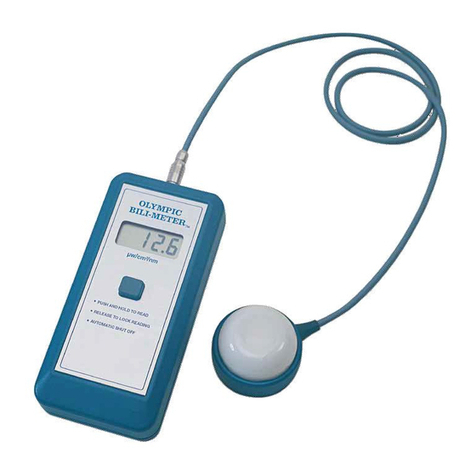
The sensor connects to the socket on the
readout. To connect, turn the connector
until the keyed slots are aligned, and then
carefully insert the connector into the socket.
3.2 Disconnecting the Sensor
Caution: To avoid damage, never pull
on the cable to remove the connector.
To remove the sensor, pull back on the
connector (toward the sensor).
3.3 Verifying Proper Operation
Verify proper operation on receipt of a new
neoBLUE Radiometer, after servicing, and
before each use.
To verify proper operation:
1. Conrm that calibration is current by checking the calibration date sticker both on the bottom
of the sensor and on the bottom of the readout.
2. Conrm that the sensor is connected to the readout.
3. Hold the sensor near a neoBLUE phototherapy light, and press the ON/READ button.
Verify that a reading appears and that it changes as the position of the sensor moves.
Figure 3. Connecting the sensor to the readout
Figure 4. Disconnecting the sensor