manuals.online logo
Brands
  1. Home
  2. •
  3. Brands
  4. •
  5. Nilfisk-Advance
  6. •
  7. Scrubber
  8. •
  9. Nilfisk-Advance SC800 User manual

Nilfisk-Advance SC800 User manual

Other manuals for SC800

3

Other Nilfisk-Advance Scrubber manuals
Nilfisk-Advance SC351 User guide

Nilfisk-Advance

Nilfisk-Advance SC351 User guide

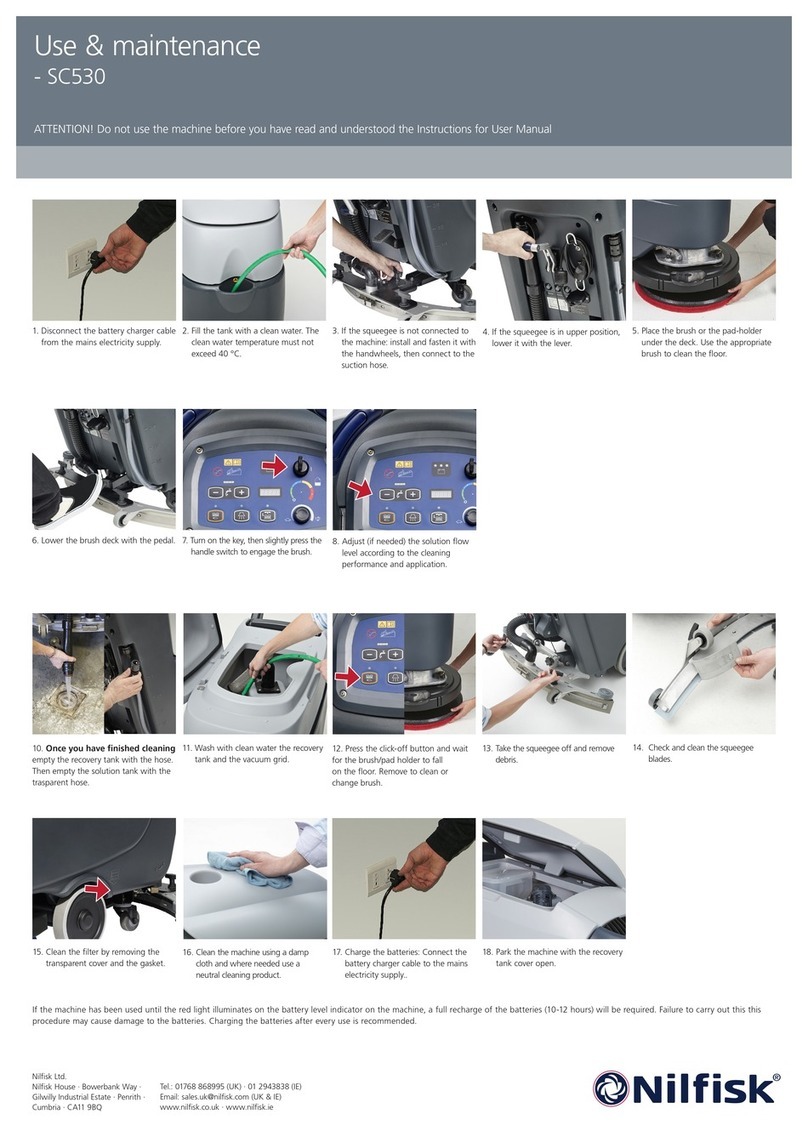
Nilfisk-Advance SC530 Parts list manual

Nilfisk-Advance

Nilfisk-Advance SC530 Parts list manual

Nilfisk-Advance Retriever 4000B User manual

Nilfisk-Advance

Nilfisk-Advance Retriever 4000B User manual

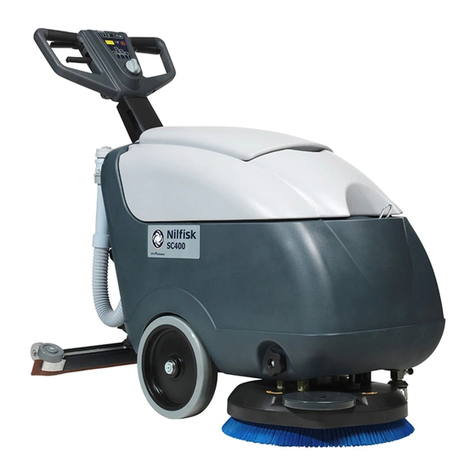
Nilfisk-Advance Advance SC400 User manual
Nilfisk-Advance

Nilfisk-Advance Advance SC400 User manual

Nilfisk-Advance SC800 Operating instructions

Nilfisk-Advance

Nilfisk-Advance SC800 Operating instructions

Nilfisk-Advance Advolution UHR 70-1700 User manual

Nilfisk-Advance

Nilfisk-Advance Advolution UHR 70-1700 User manual

Nilfisk-Advance Advance SC901 ST-28D User manual

Nilfisk-Advance

Nilfisk-Advance Advance SC901 ST-28D User manual

Nilfisk-Advance Micromax 17B User manual

Nilfisk-Advance

Nilfisk-Advance Micromax 17B User manual

Nilfisk-Advance BA551 User manual

Nilfisk-Advance

Nilfisk-Advance BA551 User manual

Nilfisk-Advance CA 430 S User manual

Nilfisk-Advance

Nilfisk-Advance CA 430 S User manual

Nilfisk-Advance ecoflex BA 551 User manual

Nilfisk-Advance

Nilfisk-Advance ecoflex BA 551 User manual

Nilfisk-Advance ROS1300 User manual

Nilfisk-Advance

Nilfisk-Advance ROS1300 User manual

Nilfisk-Advance BA551 Operating instructions

Nilfisk-Advance

Nilfisk-Advance BA551 Operating instructions

Nilfisk-Advance Captor 5400 User manual

Nilfisk-Advance

Nilfisk-Advance Captor 5400 User manual

Nilfisk-Advance ecoflex BA 551D User manual

Nilfisk-Advance

Nilfisk-Advance ecoflex BA 551D User manual

Nilfisk-Advance AquaRide User manual

Nilfisk-Advance

Nilfisk-Advance AquaRide User manual

Nilfisk-Advance Captor 4300 User manual

Nilfisk-Advance

Nilfisk-Advance Captor 4300 User manual

Nilfisk-Advance SW4000 User manual

Nilfisk-Advance

Nilfisk-Advance SW4000 User manual

Nilfisk-Advance BR 601 User manual

Nilfisk-Advance

Nilfisk-Advance BR 601 User manual

Nilfisk-Advance SC4000 User manual

Nilfisk-Advance

Nilfisk-Advance SC4000 User manual
Nilfisk-Advance SC500 User manual

Nilfisk-Advance

Nilfisk-Advance SC500 User manual

Nilfisk-Advance Advance SC370 User manual

Nilfisk-Advance

Nilfisk-Advance Advance SC370 User manual

Nilfisk-Advance SC450 Parts list manual

Nilfisk-Advance

Nilfisk-Advance SC450 Parts list manual

Nilfisk-Advance 908 7144 020 User manual

Nilfisk-Advance

Nilfisk-Advance 908 7144 020 User manual

Popular Scrubber manuals by other brands
Windsor Saber Cutter SC326 10052220 operating instructions

Windsor

Windsor Saber Cutter SC326 10052220 operating instructions

Powr-Flite PFX1380 SERIES Operators manual and parts lists

Powr-Flite

Powr-Flite PFX1380 SERIES Operators manual and parts lists

Olympus M200H operating manual

Olympus

Olympus M200H operating manual

Clarke BEXT 100H Operation?and safety

Clarke

Clarke BEXT 100H Operation?and safety

JOHNY VAC JVC70BCT user guide

JOHNY VAC

JOHNY VAC JVC70BCT user guide

RCm Elan Series Instruction and maintenance handbook

RCm

RCm Elan Series Instruction and maintenance handbook

Floorpul ruby 48 blt Use and maintenance

Floorpul

Floorpul ruby 48 blt Use and maintenance

Kärcher B 120 W quick start

Kärcher

Kärcher B 120 W quick start

Truvox Orbis MotorScrubber 20 user manual

Truvox

Truvox Orbis MotorScrubber 20 user manual

Numatic TTB 4045/100 Original instructions

Numatic

Numatic TTB 4045/100 Original instructions

U.S. Products PEX 500-C-TICK Information & operating instructions

U.S. Products

U.S. Products PEX 500-C-TICK Information & operating instructions

Mclennan C510 Operator's manual

Mclennan

Mclennan C510 Operator's manual

Columbus ARA 66 BM 100 operating manual

Columbus

Columbus ARA 66 BM 100 operating manual

Numatic TTV 678G / 300T Owner's instructions

Numatic

Numatic TTV 678G / 300T Owner's instructions
Onyx RX-34 Operator's manual

Onyx

Onyx RX-34 Operator's manual

REMS Twist instruction manual

REMS

REMS Twist instruction manual

Tennant 7200 Service manual

Tennant

Tennant 7200 Service manual

Clarke CA30 20B Service manual

Clarke

Clarke CA30 20B Service manual

manuals.online logo
manuals.online logoBrands
  • About & Mission
  • Contact us
  • Privacy Policy
  • Terms and Conditions

Copyright 2025 Manuals.Online. All Rights Reserved.

Nilfisk A/S
Kornmarksvej 1
DK-2605 Brøndby
Denmark
Tel.: +45 43 23 40 50
Fax: +45 43 43 77 00
mail.com@nilfisk.com
www.nilfisk.com
If the machine has been used until the Red light illuminates on the battery level indicator on the machine, a full recharge of the batteries (10-12 hours) will be required. Failure to carry out this this
procedure may cause damage to the batteries. Charging the batteries after every use is recommended.
PLEASE ENSURE RED SOCKET IS LEFT DISCONNECTED AFTER RECHARGE IF THE MACHINE IS NOT TO BE USED ON A DAILY BASIS
Use and Maintenance
- SC800
ATTENTION! Do not use the machine before you have read and understood the Instructions for User Manual
2. Fill the tank with a clean water. The
clean water temperature must not
exceed 40 °C.
1b. Disconnect the battery charger
cable from the electrical main.
3. Fill the EcoFlex tank with a deter-
gent suitable for the work to be
performed (highly concentrated
detergent).
4. Install the squeegee and fasten it
with the handwheels, then connect
the vacuum hose to the squeegee.
1a. Switch off charger by pressing the
STOP button. Unplug charger cable
from red battery plug. Reconnect
the red battery plug to the machine.
17. Clean the machine using a damp
cloth and where needed use a neutral
cleaning product.
15. Press the switch and wait for the
brushes to fall on the floor.Remove
the brushes and clean them.
16. Take the squeegee off and remove
debris. Check and clean the squeegee
blades.
18. Charge the batteries: Connect the
battery charger cable from the elec-
trical main.
19. Park the machine with the recovery
tank cover open.
12. At the end of the work. Empty the
recovery tank with the hose. Then
empty the solution tank with the
trasparent hose
10. Lower the squeegee with the lever. 11. Push the drive paddle for starting
floor cleaning. If solution applied
flows outside the brush housing dur-
ing use, reduce the flow of solution.
Switch off the machine using the key.
13. Wash with clean water the recovery
tank and the vacuum grid. Remove
and clean the debris tray.
14. Clean the filter: 1) Close the solu-
tion tap under the machine. 2)
Remove the transparent cover and
the gasket, then remove the filter
strainer.
7. Press the solution flow control
switches as necessary, depending
on the type of cleaning to be per-
formed.
5. Place the brushes or the pad-holders
under the deck. Use the appropriate
brushes to clean the floor.
6. Turn the ignition key to “I”, then
lower the deck by pressing the Green
switch. To engage the brushes,
slightly press the drive paddle and
then release it.
8. Press the detergent flow control
switch. The number of display shows
the detergent concentration level in the
solution (see the table on the label).
See the User Manual for setting change.
9. Press the EcoFlex™ switch whenever
you temporarily need a greater clean-
ing power.
External battery charger Machine with battery charger
Nilfisk A/S
Kornmarksvej 1
DK-2605 Brøndby
Denmark
Tel.: +45 43 23 40 50
Fax: +45 43 43 77 00
mail.com@nilfisk.com
www.nilfisk.com
The machine
doesn’t work
as it should?
The suction
doesn’t work
as it should?
The machine
doesn’t clean
as it should?
The brush
don’t work as they
should?
Troubleshooting
- SC800
ATTENTION! Do not use the machine before you have read and understood the Instructions for User Manual
1Check if the power cable is correctly
connected.
2Check if the battery is charged. 3Turn the ignition key to “0”, then
try to start the machine without
pressing the paddle.
4Check if the surfaces has a gradient
exceeding the specifications.
1Check if the suction hose is
correctly installed and cleaned.
2Open the recovery tank and check
if the vacuum grid and gasket are
cleaned.
3Check if squeegee blades are dam-
aged or dirty.
4Close the recovery tank cover prop-
erly and/or verify the gasket wear.
1Check if you have the right
detergent and water settings.
2Check if the solution/clean water
tap is open.
3Check if the solution filter is
cleaned.
4Check if the isn’t any dirty in the
EcoFlex™ system.
1Check if the brushes are correctly
installed and not worn out.
2Check if there isn’t any brush motor
overload i.e. 3 battery Ledsflash
simultaneously or error code on dis-
play.
3Check if there are external materials
avoiding brush.
4Check if the Leds are on. Wait until
the lights are steady.