manuals.online logo
Brands
  1. Home
  2. •
  3. Brands
  4. •
  5. Ninja
  6. •
  7. Blender
  8. •
  9. Ninja FOODI POWER NUTRI DUO SS101 Series User manual

Ninja FOODI POWER NUTRI DUO SS101 Series User manual

Other manuals for FOODI POWER NUTRI DUO SS101 Series

1

This manual suits for next models

5

Other Ninja Blender manuals

Ninja Kitchen System Pulse BL208Q Series User manual

Ninja

Ninja Kitchen System Pulse BL208Q Series User manual

Ninja BLAST BC151EUBK User manual

Ninja

Ninja BLAST BC151EUBK User manual

Ninja Master Prep Professional QB1007Q User manual

Ninja

Ninja Master Prep Professional QB1007Q User manual

Ninja BL642Z User manual

Ninja

Ninja BL642Z User manual

Ninja BL490UK User manual

Ninja

Ninja BL490UK User manual

Ninja Master Prep Professional QB1000C 30 User manual

Ninja

Ninja Master Prep Professional QB1000C 30 User manual

Ninja BL680A User manual

Ninja

Ninja BL680A User manual

Ninja BL454Q Series User manual

Ninja

Ninja BL454Q Series User manual

Ninja BL470UK User manual

Ninja

Ninja BL470UK User manual

Ninja BL640 User manual

Ninja

Ninja BL640 User manual

Ninja BLENDER DUO IV701 Installation instructions

Ninja

Ninja BLENDER DUO IV701 Installation instructions

Ninja QB3000NZ User manual

Ninja

Ninja QB3000NZ User manual

Ninja H5 User manual

Ninja

Ninja H5 User manual

Ninja BL450QUK series User manual

Ninja

Ninja BL450QUK series User manual

Ninja BL450 User manual

Ninja

Ninja BL450 User manual

Ninja Foodi CO351B Series User manual

Ninja

Ninja Foodi CO351B Series User manual

Ninja 1000 User manual

Ninja

Ninja 1000 User manual

Ninja BL700 series User manual

Ninja

Ninja BL700 series User manual

Ninja CT610C User manual

Ninja

Ninja CT610C User manual

Ninja FIT QB3001ANZ User manual

Ninja

Ninja FIT QB3001ANZ User manual

Ninja BL682Z User manual

Ninja

Ninja BL682Z User manual

Ninja BL680REF User manual

Ninja

Ninja BL680REF User manual

Ninja BLENDER DUO IV700 Series User manual

Ninja

Ninja BLENDER DUO IV700 Series User manual

Ninja BL500 User manual

Ninja

Ninja BL500 User manual

Popular Blender manuals by other brands

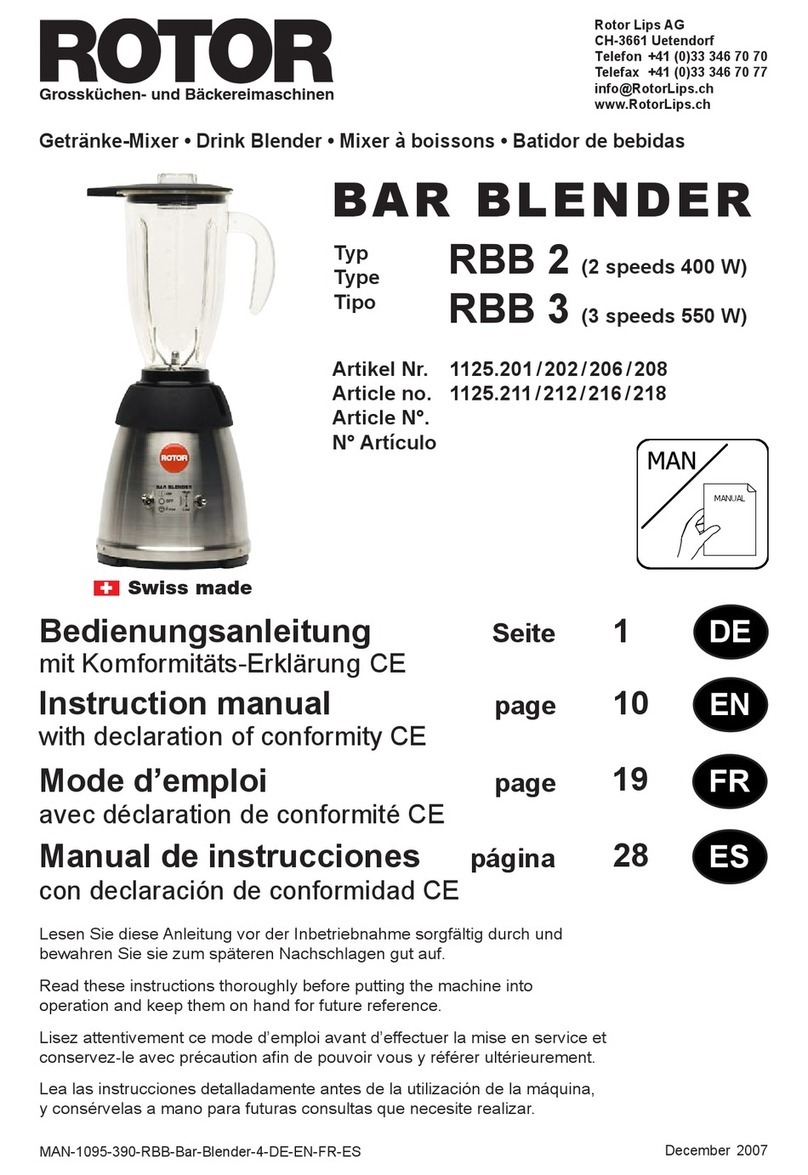
ROTOR 1125.201 instruction manual

ROTOR

ROTOR 1125.201 instruction manual

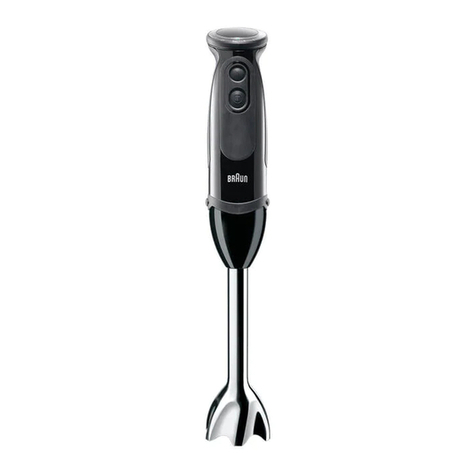
Braun Multiquick 5 Vario series User instructions

Braun

Braun Multiquick 5 Vario series User instructions

ARENDO MIRA 305424 user manual

ARENDO

ARENDO MIRA 305424 user manual

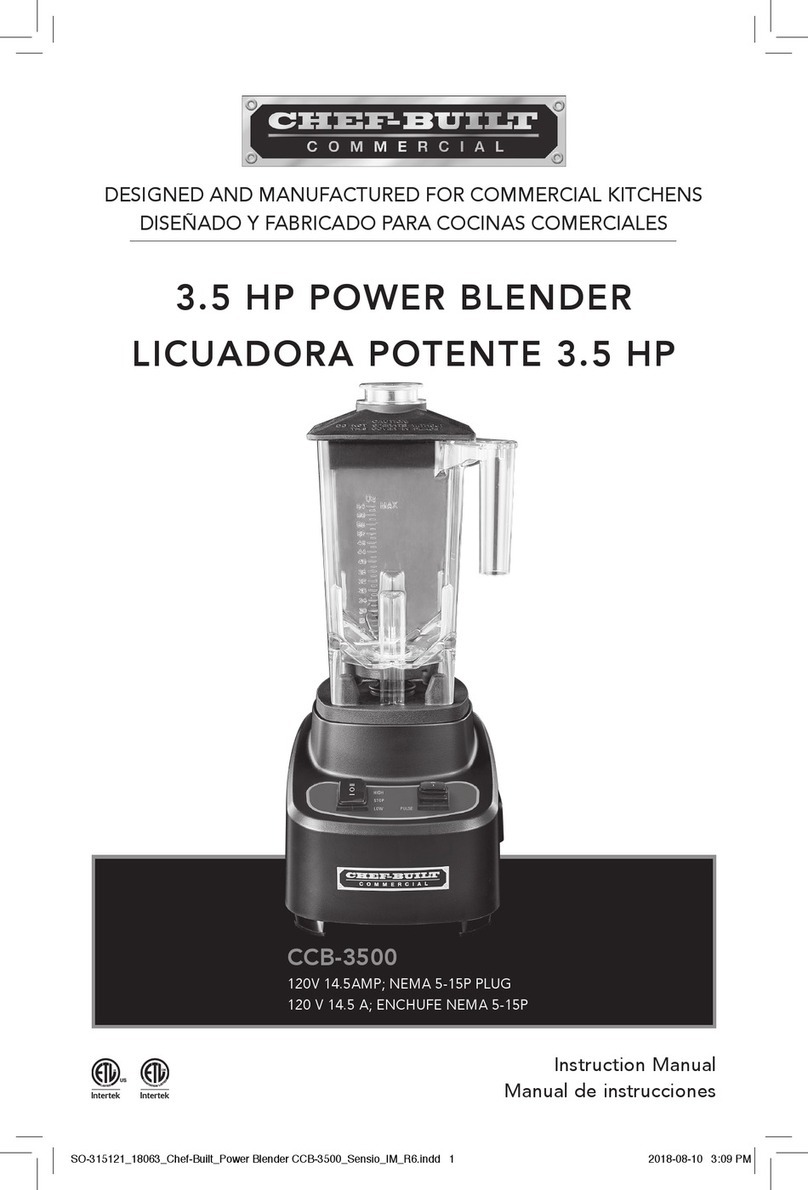
CHEF-BUILT CCB-3500 instruction manual

CHEF-BUILT

CHEF-BUILT CCB-3500 instruction manual

Viconte VC-4406 instruction manual

Viconte

Viconte VC-4406 instruction manual

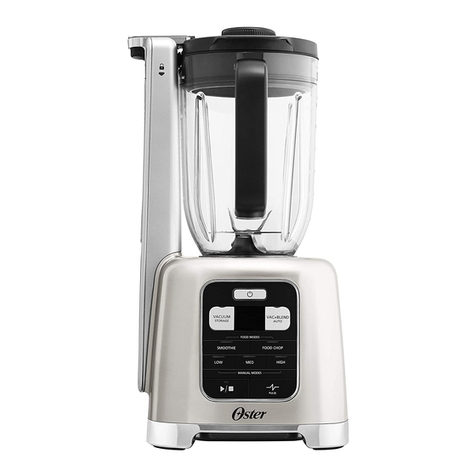
Oster BLSTAB-CB0 user manual

Oster

Oster BLSTAB-CB0 user manual

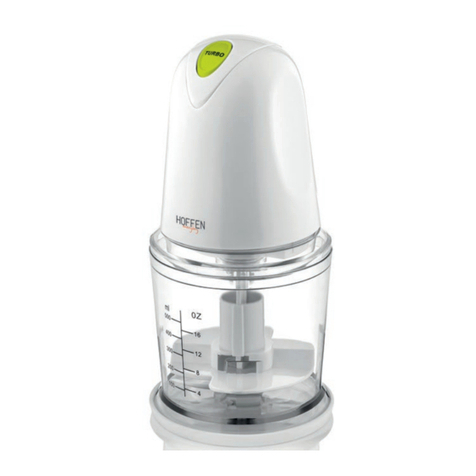
HOFFEN MC-3005 instruction manual

HOFFEN

HOFFEN MC-3005 instruction manual

Sunbeam 4182 user manual

Sunbeam

Sunbeam 4182 user manual

Black & Decker BLC18750DM user guide

Black & Decker

Black & Decker BLC18750DM user guide

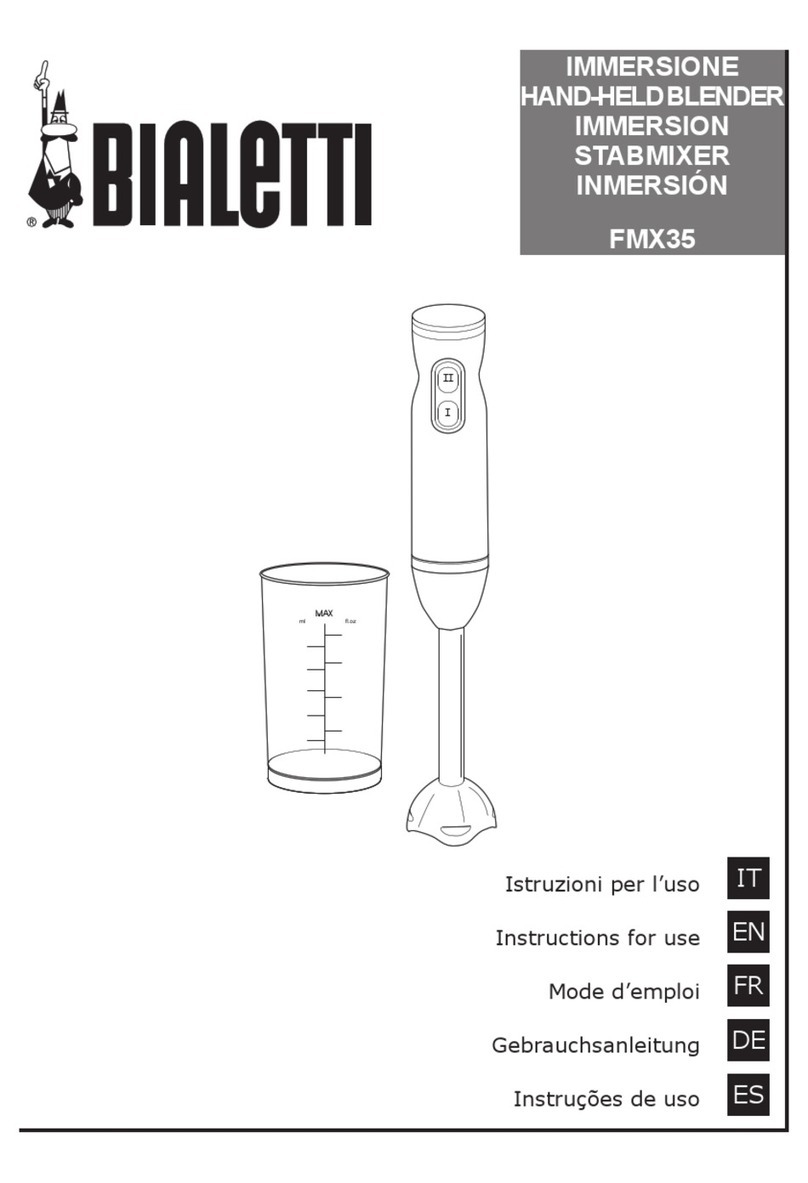
Bialetti FMX35 Instructions for use

Bialetti

Bialetti FMX35 Instructions for use

Black & Decker BL8000 user manual

Black & Decker

Black & Decker BL8000 user manual

Duronic BL530 manual

Duronic

Duronic BL530 manual

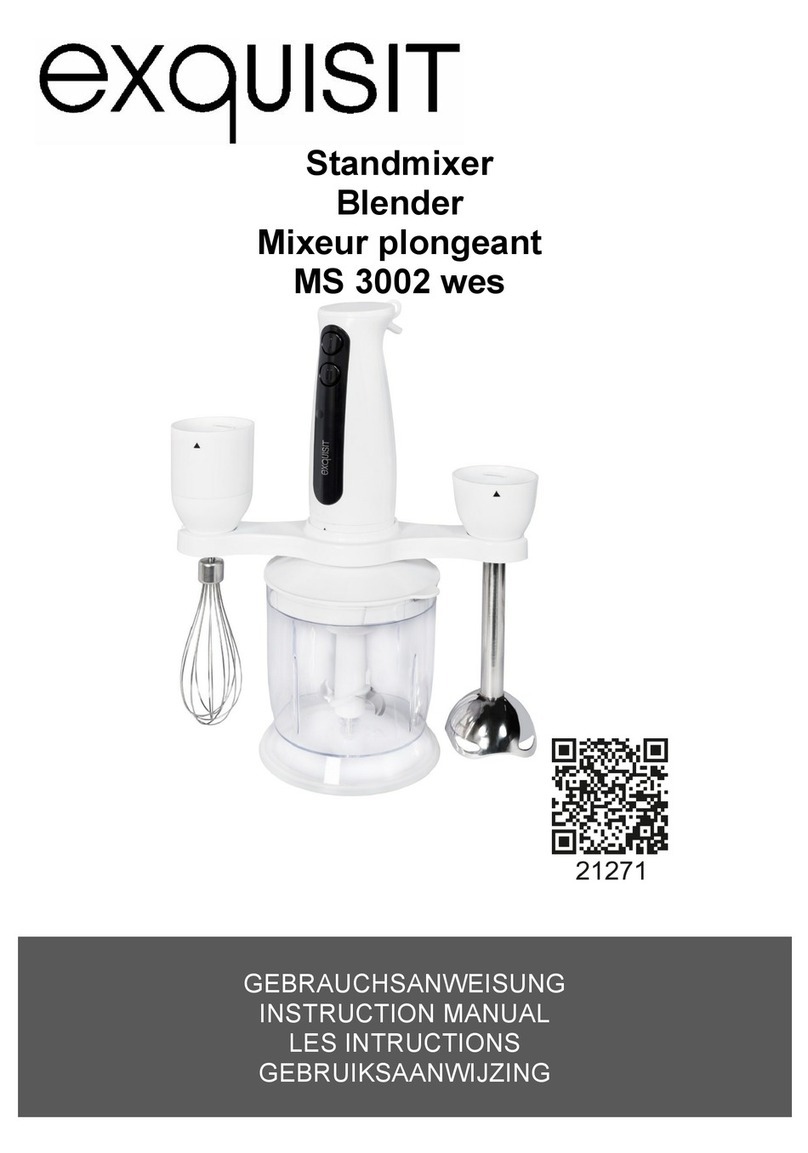
Exquisit MS 3002 wes instruction manual

Exquisit

Exquisit MS 3002 wes instruction manual

Lumme LU-KP1891A user manual

Lumme

Lumme LU-KP1891A user manual

Binatone HB-735 instruction manual

Binatone

Binatone HB-735 instruction manual

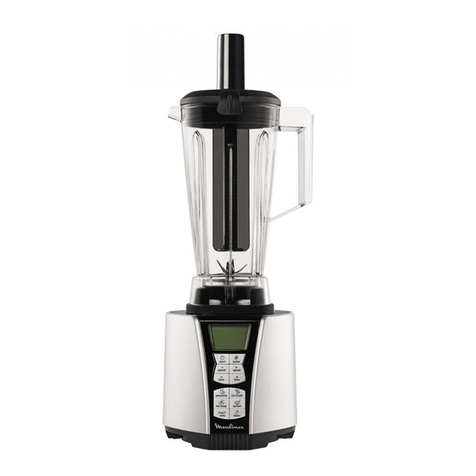
Moulinex LM936E10 manual

Moulinex

Moulinex LM936E10 manual

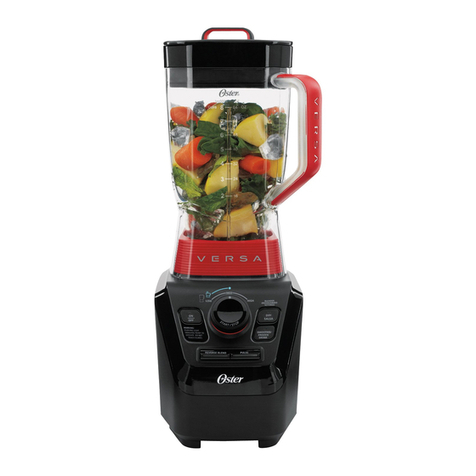
Oster VERSA Performance guide

Oster

Oster VERSA Performance guide

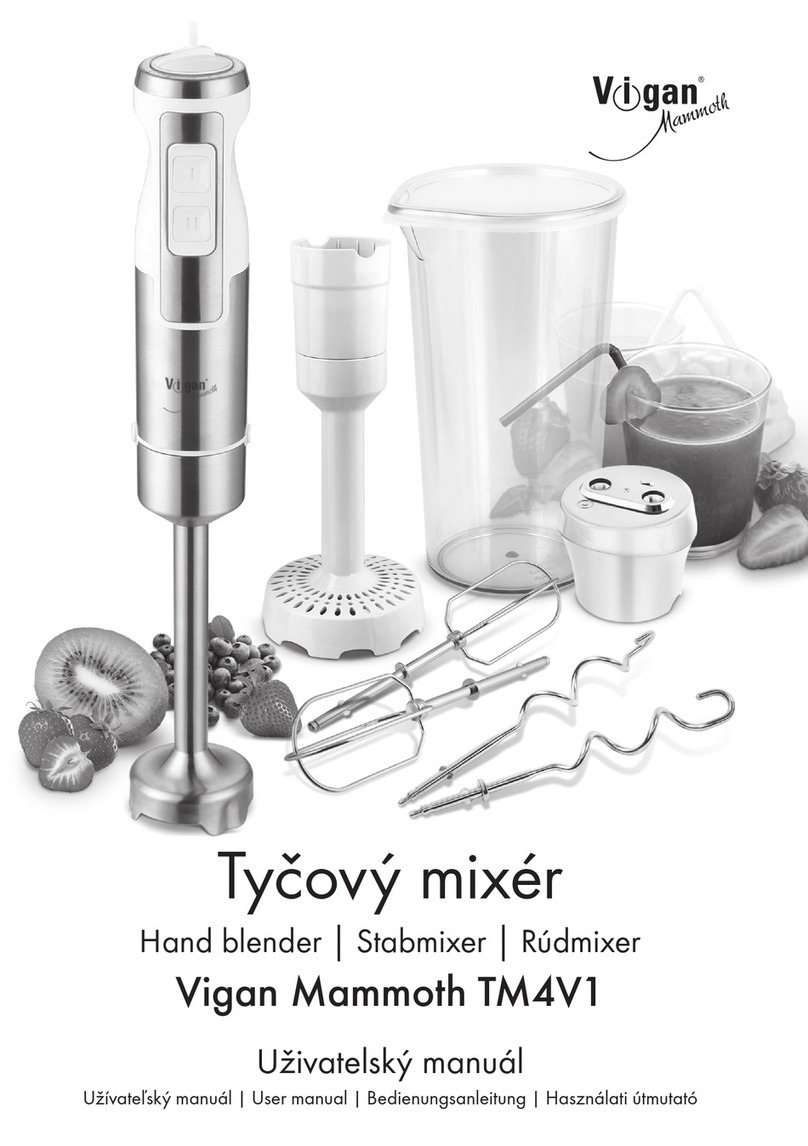
Vigan Mammoth TM4V1 user manual

Vigan Mammoth

Vigan Mammoth TM4V1 user manual

manuals.online logo
manuals.online logoBrands
  • About & Mission
  • Contact us
  • Privacy Policy
  • Terms and Conditions

Copyright 2025 Manuals.Online. All Rights Reserved.

Please make sure to read the enclosed Ninja® Owner’s Guide prior to using your unit.
Hybrid Edge™Blades
Assembly
QUICK START
GUIDE
Using the Unit
What’s in the Box
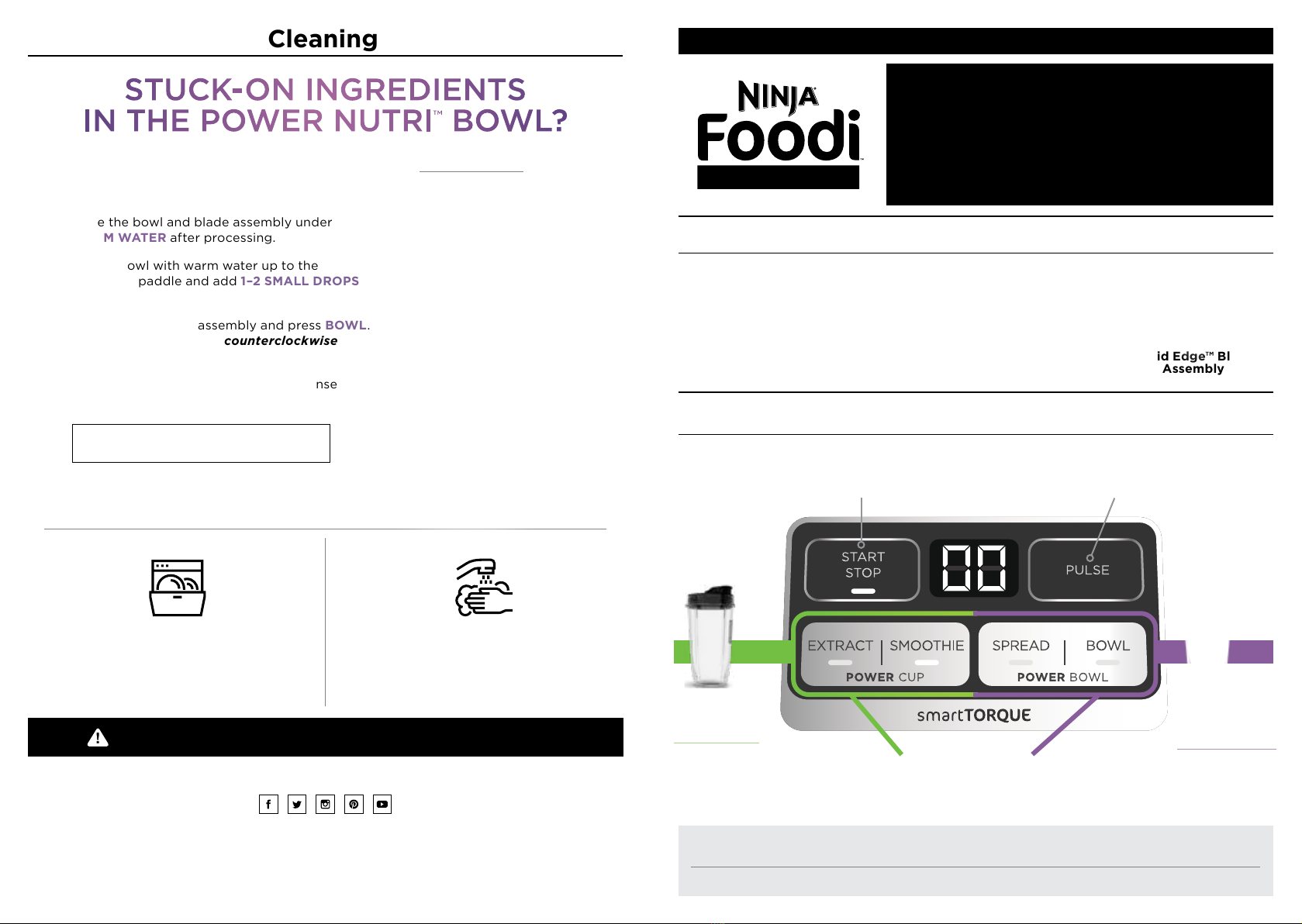
Auto-iQ®Programs
Intelligent preset programs combine unique blending
and pausing patterns that do the work for you.
START/STOP
Press for continuous blending up to
60 seconds; press again to stop.
PULSE
Use short presses for short pulses
and long presses for long pulses.
EXTRACT
Green Drinks
Refreshers
BOWL
Smoothie Bowls
Açai Bowls
Sorbet
SMOOTHIE
Fruit Smoothies
Protein Shakes
Tips
START/STOP and PULSE cannot be used in conjunction with any Auto-iQ programs.
To stop running an Auto-iQ program before it’s done, press the currently active button again.
Use DRINKABLE
programs with
the POWER
NUTRI CUP.
Use SPOONABLE
programs with
the POWER
NUTRI BOWL.
For questions or to register your product, visit us online at ninjakitchen.com
@ninjakitchen
© 2020 SharkNinja Operating LLC.
AUTO-IQ, DUO, and NINJA are registered trademarks of SharkNinja Operating LLC.
FOODI, HYBRID EDGE, and POWER NUTRI are trademarks of SharkNinja Operating LLC.
SS101_QSG_MP_Mv13
WARNING: Handle the blade assembly with care when washing, as the blades are
sharp. Contact with the blades’ edges can result in laceration.
1. Rinse the bowl and blade assembly under
WARM WATER after processing.
2. Fill the bowl with warm water up to the
top of the paddle and add 1–2 SMALL DROPS
of dish soap.
3. Screw on the blade assembly and press BOWL.
Twist the Power Paddle counterclockwise
continuously while cleaning.
4. Once complete, empty contents and rinse
under warm water.
Cleaning
Dishwasher
Containers, lids, and blade assembly
are all top-rack dishwasher safe.
Hand-Washing
Wash containers, lids, and blade assembly
in warm, soapy water. When washing the
blade assembly, use a dishwashing utensil
with a handle.
STUCK-ON INGREDIENTS
IN THE POWER NUTRI ™BOWL?
WATER
TO TOP OF
PADDLE
1–2 DROPS DISH SOAP
SPREAD
Nut Butters
Hummus
Pesto
Power Nutri Cup
with Spout Lid
Base
POWER NUTRI™DUO®
NOTE: The paddle in the Power Nutri Bowl
is not removable.
Power Nutri Bowl
with Storage Lid

1.
Fill container with desired
contents. Screw on the
blade assembly until you
have a tight seal.
IF USING
POWER NUTRI™CUP,
SKIP STEP 2.
3.
When blending is
complete, remove the
container from base.
Then, remove the blade
assembly from container.
WARNING: Handle the blade assembly with care, as the blades are sharp.
1.
Add milk, or milk alternative such
as soy, coconut, almond, or oat
milk, up to the LIQUID FILL line.
4.
Screw on the blade assembly and
install the bowl on the motor base.
Select BOWL and twist the
Power Paddle counterclockwise
continuously while processing.
2.
Add frozen fruits, directly from
freezer, and/or açai or dragon fruit
packets, up to the MAX FILL line.
5.
After blending is complete, add your favorite toppings, such as
coconut flakes, granola, fresh bananas, berries, and agave nectar.
Cut larger fruit, like bananas, in quarters.
If using açai or dragon fruit packets,
thaw slightly and cut in quarters.
ALWAYS DO THIS FIRST.
Assembly
Blend & Enjoy
OR
OR
2.
If using the Power
Nutri Bowl, twist
the Power Paddle
counterclockwise
continuously while
processing.
Taking It To Go?
Place the Storage Lid or Spout Lid on top
of the bowl or cup, and turn clockwise to seal.
3. (Optional)
Amplify your base by adding
1 scoop of yogurt, flavor powder,
protein powder, and/or nut butter.
SMOOTHIE BOWL BASICS
USING THE POWER NUTRI™BOWL
2.
Flip container upside
down and install on base.
Rotate clockwise until it
clicks into place.
1.
Select any program
to begin blending.
NOTE: DO NOT microwave or freeze the Power Nutri Bowl or Power Nutri Cup.
DID YOU KNOW?
Smoothie bowls are
thicker & spoonable,
compared to
smoothies which are
thinner & drinkable.