Warnings
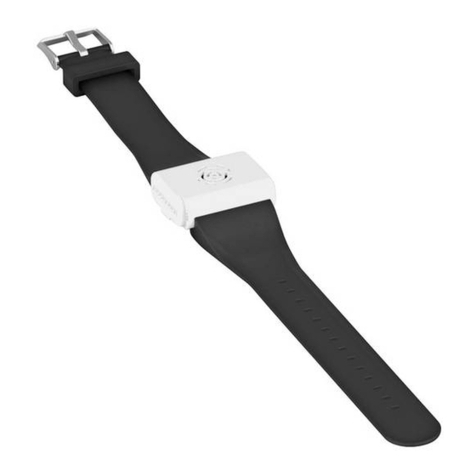
1. Please install the Heat Insulation Guard when using the
product to prevent scalds.
2. The product is designed to be used by adults. Keep the
product out of reach of children.
3. Children under 16 years old must be under adult
supervision when using this product to prevent scalds and
accidents.
4. DO NOT leave the product unattended when it is in use.
Stop using the product at any sign of malfunction.
5. DO NOT place the product in water.
6. DONOTputyourngers,metalsorforeignmattersinto
the product to avoid accidents or damage.
7. DONOTusetheproductinaconnedspace.
8. Stop using the product and dispose of it immediately if
thereisanyleakage,odor,ordeformationinthebattery.
9. DO NOT expose the product to temperatures above 60°C
(140℉)foralongtime.
10. DO NOT disassemble or modify the product without
authorization,asthiswillcausethewarrantytobenullied.
Please check the Warranty Service for details.
Warranty Service
All NITECORE®products are warranted for quality. Any DOA /
defective product can be exchanged for a replacement through
a local distributor/dealer within 15 days of purchase. After
that,alldefective/malfunctioningNITECORE®products can
be repaired free of charge within 12 months from the date
ofpurchase.Beyond12months,thechargeforaccessories,
replacement parts and delivery shall be at your own expenses.
Thewarrantywillbenulliedif
1.theproduct(s)is/arebrokendown,reconstructedand/or
modiedbyunauthorizedparties.
2.theproduct(s)is/aredamagedduetoimproperuse.
For the latest information on NITECORE®productsandservices,
please contact a local NITECORE®distributor or send an email
※Thetrademarksandproductimagesspeciedhereinthis
user manual are for reference purposes only. The copyright
belongs to their lawful holders.
※Allimages,textsandstatementsspeciedhereinthis
user manual are for reference purposes only. Should any
discrepancy occur between this manual and information
speciedonwww.nitecore.com,SysmaxInnovationsCo.,
Ltd. reserves the rights to interpret and amend the content
of this document at any time without prior notice.
Worldwide Warranty Service
Model number Date of purchase
————————————— —————————————
Serial number Store Stamp
————————————— —————————————
Thisisthecerticateofauthenticityifthisitemandwe
conrmthatithasbeensubjectedtothemostexacting
qualitycontrolsbySYSMAXInnovationsCo.,Ltd.
NOTE:
Please ensure this warranty card is fully completed by the
distributor or retailer after purchasing the product. Should
the product fail to operate correctly during the warranty
period,itmaybereturnedwiththecompletedwarrantycard
and original sales receipt to the retailer or local distributor
for replacement or repair.
SYSMAX Innovations Co., Ltd.
TEL: +86-20-83862000
FAX: +86-20-83882723
Web: www.nitecore.com
Address: Unit6355,5/F,No.1021
GaopuRoad,TianheDistrict,
Guangzhou,510653,Guangdong,China
Thanks for purchasing NITECORE!
Made in China
EMR30082022
Pleasendusonfacebook:NITECORECharger
EMR20
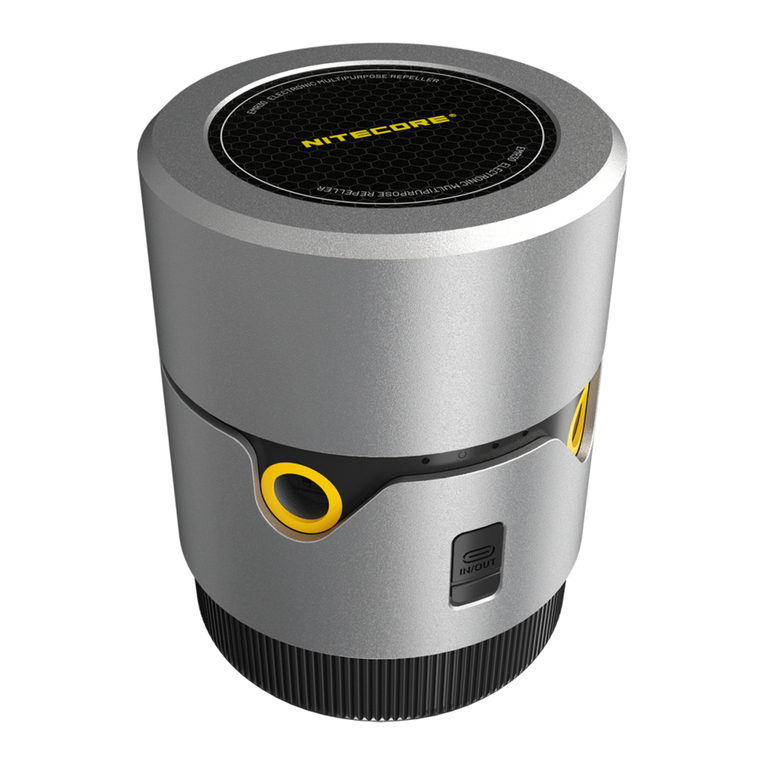
Portable Electronic
Multipurpose Repeller
IMPORTANT
Read all instructions before use.
This product is intended for adult use only. This product is not
a toy.
Product Introduction
TheEMR20isspeciallydesignedforoutdooractivities,suchas
outdoorwork,camping,shing,trekkingandmore.
Specifications
Input 5V⎓2.4A / 9V⎓2A(18WMAX)
Output 5V⎓2.4A / 9V⎓2A / 12V⎓1.5A(18WMAX)
Rated Capacity 6,400mAh5V(TYP1A)
Capacity 10,000mAh36Wh
Heating
Temperature 125℃/257℉MAX
Modes Indoor Mode: 11ft Protection Zone
Outdoor Mode: 16ft Protection Zone
Dimensions 135mm x 48.8mm x 31mm
(5.3"x1.9"x1.2")(AccessoriesNotIncluded)
Weight 227g±5g(8oz±0.1oz)
(AccessoriesNotIncluded)
Accessories HeatInsulationGuard,USB-CCharging
Cable,10xMosquitoRepellentMats
Waterproof
Rating IPX5
Charging
Connecting to the External Power
Use the USB cable to connect an external power supply (e.g.
aUSBadapter,apowerbankorotherUSBchargingdevice)to
the USB charging port to begin the charging process. (Input:
5V⎓2A / 9V⎓2A)
Note: The mosquito repelling function can be activated during
the charging process.
Operating Instructions
·On: WhentheEMR20iso,shortpressandthenlongpress
the Power Button until all 4 indicators turn on one by one
toactivatethemosquitorepellingfunction,afterwhichthe
blue indicator beneath the Power Button will remain steadily
turned on to indicate the access to Outdoor Mode (Default
StartupMode).
·O:WhentheEMR20ison,longpressthePowerButton
untilall4powerindicatorsturnoonebyonetoturnothe
mosquito repelling function.
·Mode Switching: When the mosquito repelling function is
on,shortpressthePowerButtontoswitchbetweenIndoor
Mode and Outdoor Mode. If the blue indicator beneath the
PowerButtonissteadilyon,theEMR20isinOutdoorMode.
Ifthegreenindicatorissteadilyon,theEMR20isinIndoor
Mode.
Power Indication
·Short press the Power Button and the power indicators will
turn on to indicate the power level. The EMR20 needs to get
rechargedwhenthelastpowerindicatorashestoindicate
low power.
·Duringthechargingprocess,thepowerindicatorswillash
to indicate the power level. All 4 indicators will turn on
steadily when the product is fully charged.
Status of Indicators Power Level
4 Constant-on Approx. 100%
3 Constant-on Approx. 75%
2 Constant-on Approx. 50%
1 Constant-on Approx. 25%
1 Flashing Nearly Depleted (Please charge the
productassoonaspossible)
Using the EMR20
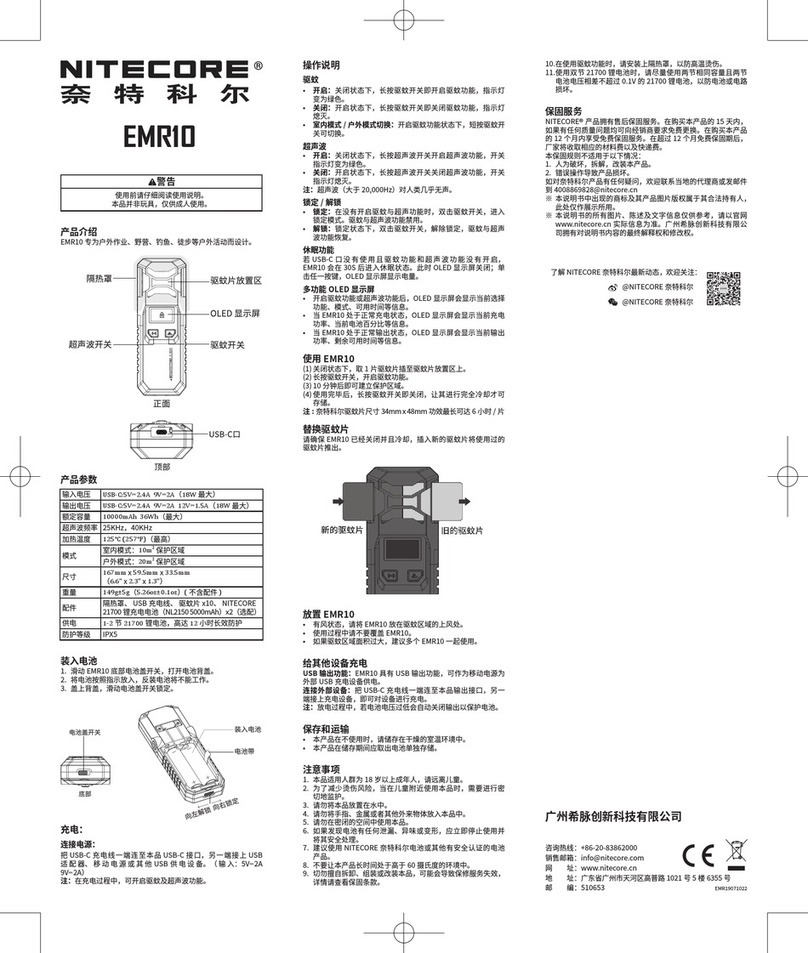
1.Whentheproductiso,insert1repellentmatintothe
Repellent Mat Placement Area.
2. Activate the mosquito repelling function.
3. The protection zone will be created after 10 minutes.
4.Afteruse,longpressthePowerButtontoturnothe
mosquito repelling function. Please store the product after
cooling completely.
Note: NITECORE Mosquito Repellent Mat Size:
34mmx48mm/1.34"x1.89"(upto6hourseach)
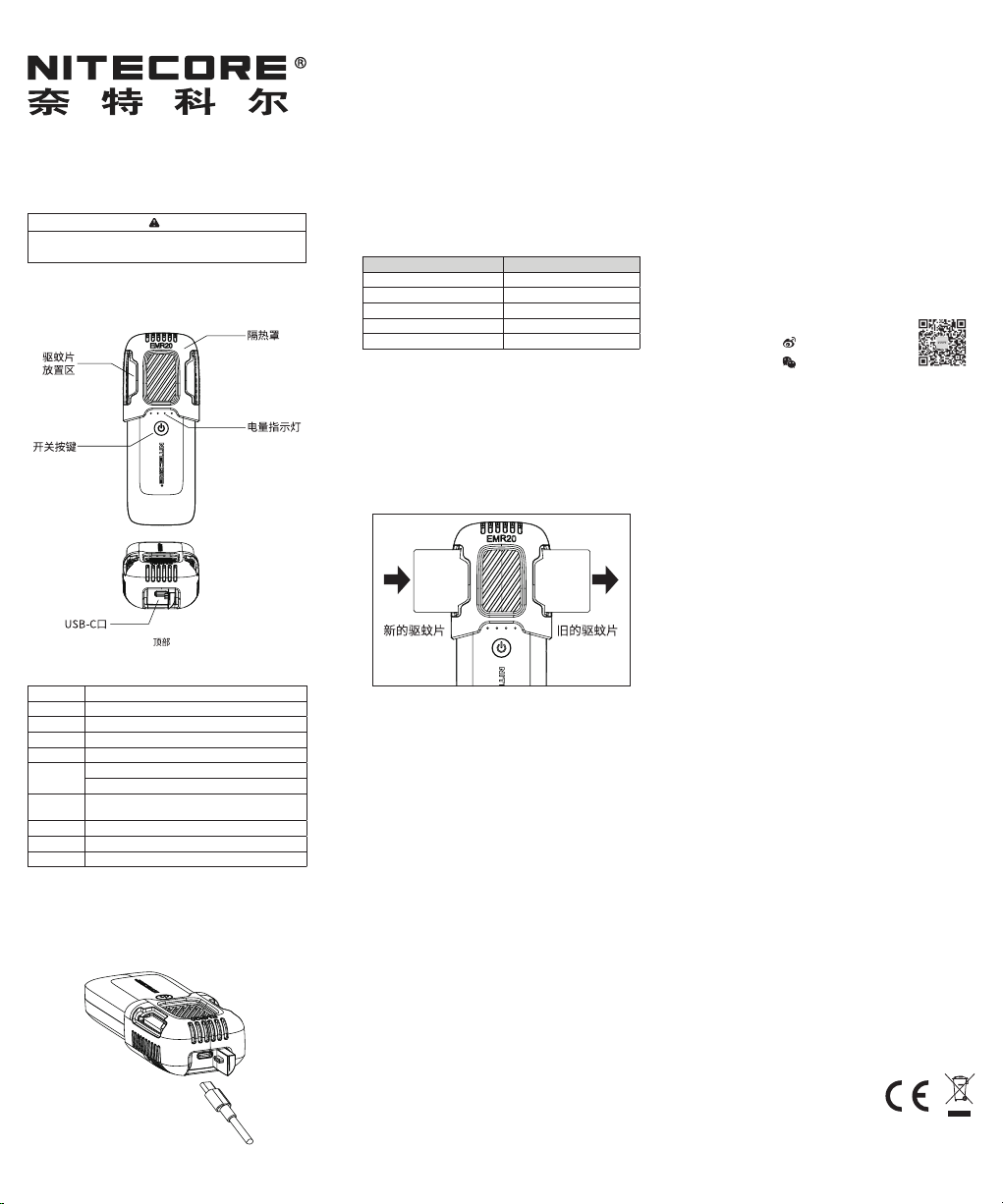
Mosquito Repellent Mat Replacement
MakesuretheEMR20isoandcooled.Insertanewrepellent
mat while pushing out the used one.
EMR20 Placement
·Place the EMR20 upwind of the mosquito repellent area if it
is windy.
·DO NOT cover the EMR20 during the using process.
·It is recommended to use multiple EMR20 together to create
a larger protection zone.
Charging the External Device
USB Output:AvailablewiththeUSBoutput,theEMR20canbe
used as a power supply to charge external devices.
Connecting to the External Device: Use the USB cable to
connect an external USB device to the USB charging port to
begin the charging process.
Note: Duringthedischargingprocess,theUSBoutputwillbe
automaticallyotoprotectthebatteryifthebatteryvoltageis
low.
Storage and Transportation
·Store the product in ventilated and dry places at room
temperature.
·Charge the product every 3 months if it is not used for a long
period of time.
New Used