manuals.online logo
Brands
  1. Home
  2. •
  3. Brands
  4. •
  5. Nokia
  6. •
  7. Cell Phone
  8. •
  9. Nokia E51 - Smartphone 130 MB User manual

Nokia E51 - Smartphone 130 MB User manual

Other manuals for E51 - Smartphone 130 MB

7

Other Nokia Cell Phone manuals

Nokia 002J3H6 User manual

Nokia

Nokia 002J3H6 User manual

Nokia 6682 User manual

Nokia

Nokia 6682 User manual

Nokia 6340i - Cell Phone - AMPS User manual

Nokia

Nokia 6340i - Cell Phone - AMPS User manual

Nokia Asha 309 RM-843 Quick start guide

Nokia

Nokia Asha 309 RM-843 Quick start guide

Nokia NOKIA C3-00 User manual

Nokia

Nokia NOKIA C3-00 User manual

Nokia N82 User manual

Nokia

Nokia N82 User manual

Nokia E70 Installation and maintenance instructions

Nokia

Nokia E70 Installation and maintenance instructions

Nokia 6680 - Cell Phone 10 MB Quick start guide

Nokia

Nokia 6680 - Cell Phone 10 MB Quick start guide

Nokia Lumia 620 User manual

Nokia

Nokia Lumia 620 User manual

Nokia 22200 User manual

Nokia

Nokia 22200 User manual

Nokia 6682 User manual

Nokia

Nokia 6682 User manual

Nokia N86 8MP User manual

Nokia

Nokia N86 8MP User manual

Nokia 3360 - Cell Phone - AMPS User manual

Nokia

Nokia 3360 - Cell Phone - AMPS User manual

Nokia 2280 User manual

Nokia

Nokia 2280 User manual

Nokia 1.3 User manual

Nokia

Nokia 1.3 User manual

Nokia 2116 User manual

Nokia

Nokia 2116 User manual

Nokia X7-00 User manual

Nokia

Nokia X7-00 User manual

Nokia 3125 User manual

Nokia

Nokia 3125 User manual

Nokia Lumia 1020 RM-875 User manual

Nokia

Nokia Lumia 1020 RM-875 User manual

Nokia 6730 classic User manual

Nokia

Nokia 6730 classic User manual

Nokia X1-00 User manual

Nokia

Nokia X1-00 User manual

Nokia TA-1462 Specification sheet

Nokia

Nokia TA-1462 Specification sheet

Nokia 5500 Sport User manual

Nokia

Nokia 5500 Sport User manual

Nokia 6085 - Cell Phone 4 MB User manual

Nokia

Nokia 6085 - Cell Phone 4 MB User manual

Popular Cell Phone manuals by other brands

Gigabyte GSmart t600 null

Gigabyte

Gigabyte GSmart t600 null

Sony Ericsson Z200 null

Sony Ericsson

Sony Ericsson Z200 null

Gigabyte GSmart t600 null

Gigabyte

Gigabyte GSmart t600 null

Gigabyte GSmart t600 null

Gigabyte

Gigabyte GSmart t600 null

Sony Ericsson K700i null

Sony Ericsson

Sony Ericsson K700i null

Zte BLADE A520 quick start guide

Zte

Zte BLADE A520 quick start guide

Blackbe;rry KEYone Safety and product information

Blackbe;rry

Blackbe;rry KEYone Safety and product information

Bea-fon X5 Premium quick guide

Bea-fon

Bea-fon X5 Premium quick guide

Blackbe;rry 8707 Series user guide

Blackbe;rry

Blackbe;rry 8707 Series user guide

Blackbe;rry Storm Troubleshooting

Blackbe;rry

Blackbe;rry Storm Troubleshooting

LG LM-X420QN user guide

LG

LG LM-X420QN user guide

LifeWatch V user guide

LifeWatch

LifeWatch V user guide

Bea-fon SILVER LINE SL860 user guide

Bea-fon

Bea-fon SILVER LINE SL860 user guide

IKI Mobile KF4.5i user manual

IKI Mobile

IKI Mobile KF4.5i user manual

Hitech HT-850 user guide

Hitech

Hitech HT-850 user guide

Yezz Fashion F10 user manual

Yezz

Yezz Fashion F10 user manual

Point Mobile PM60 user manual

Point Mobile

Point Mobile PM60 user manual

Blackbe;rry Q10 user guide

Blackbe;rry

Blackbe;rry Q10 user guide

manuals.online logo
manuals.online logoBrands
  • About & Mission
  • Contact us
  • Privacy Policy
  • Terms and Conditions

Copyright 2025 Manuals.Online. All Rights Reserved.

international wireless solutions
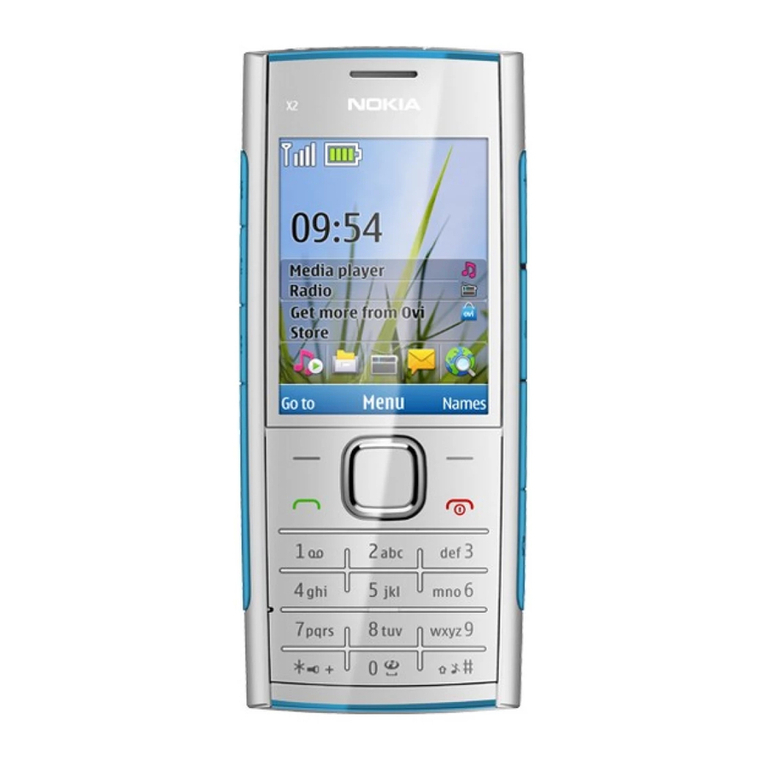
Nokia E51
Lost/Stolen Equipment
If your equipment is lost or stolen you must contact
Cellhire immediately at support@cellhire.com or call
+1.214.355.5200 (follow the prompts).
All calls made are the responsibility of the customer until the
line is suspended by the network.
For a complete users manual please visit:
www.cellhire.com/support/equipment-manuals
24 Hour Technical Support
Cellhire’s Support Center is available
24 hours a day, 7 days week:
Within the US: 1 877 244 7242
Outside the US: +1 214 355 5200
[email protected]
www.cellhire.com/support
HOLD DOWN
ON/OFF KEY
(located on top)
VOLUME
KEYS
CALL KEY
LEFT
SELECTION
KEY
CHARGER
CONNECTOR
(on bottom)
END KEY
Japan
NokiaE51
User Instructions
© 2010 Cellhire USA LLC. All rights reserved. Cellhire is a trademark of Cellhire USA.
All other trademarks are the property of their respective owners.REV 07-26-10
Please note: This phone does not work in the US
Your Mobile Number
uInternational Country Codes
uVoiceMail Instructions
Retrieving your VoiceMail messages
Your Nokia phone will automatically divert incoming
calls to a VoiceMail Messaging Service when the
phone is switched off, engaged or out of coverage.
Retrieval of messages left in your voicemail will be
charged at the standard call rate. Please refer to
your Rental Agreement.
Please follow the instructions below to retrieve
your messages:
While in Japan
Dial 1416 then press the call key.
Australia ...............61
Austria ..................43
Belgium ................32
Brazil ....................55
Canada ................1
China ....................86
Finland .................358
France ..................33
Germany ..............49
Greece .................30
Hong Kong ...........852
Italy ......................39
Japan ...................81
Netherlands ..........31
Norway .................47
Portugal ................351
Russia ..................7
South Africa ..........27
Spain ....................34
Sweden ................46
Switzerland ...........41
Taiwan ..................886
UK ........................44
USA ......................1
uBasic Phone Operation
Setting up your Nokia phone
Be sure the battery is charged. Your phone is
supplied with a dual volt charger (110/220 volt)
and an international adapter so it can be charged
anywhere in the world.
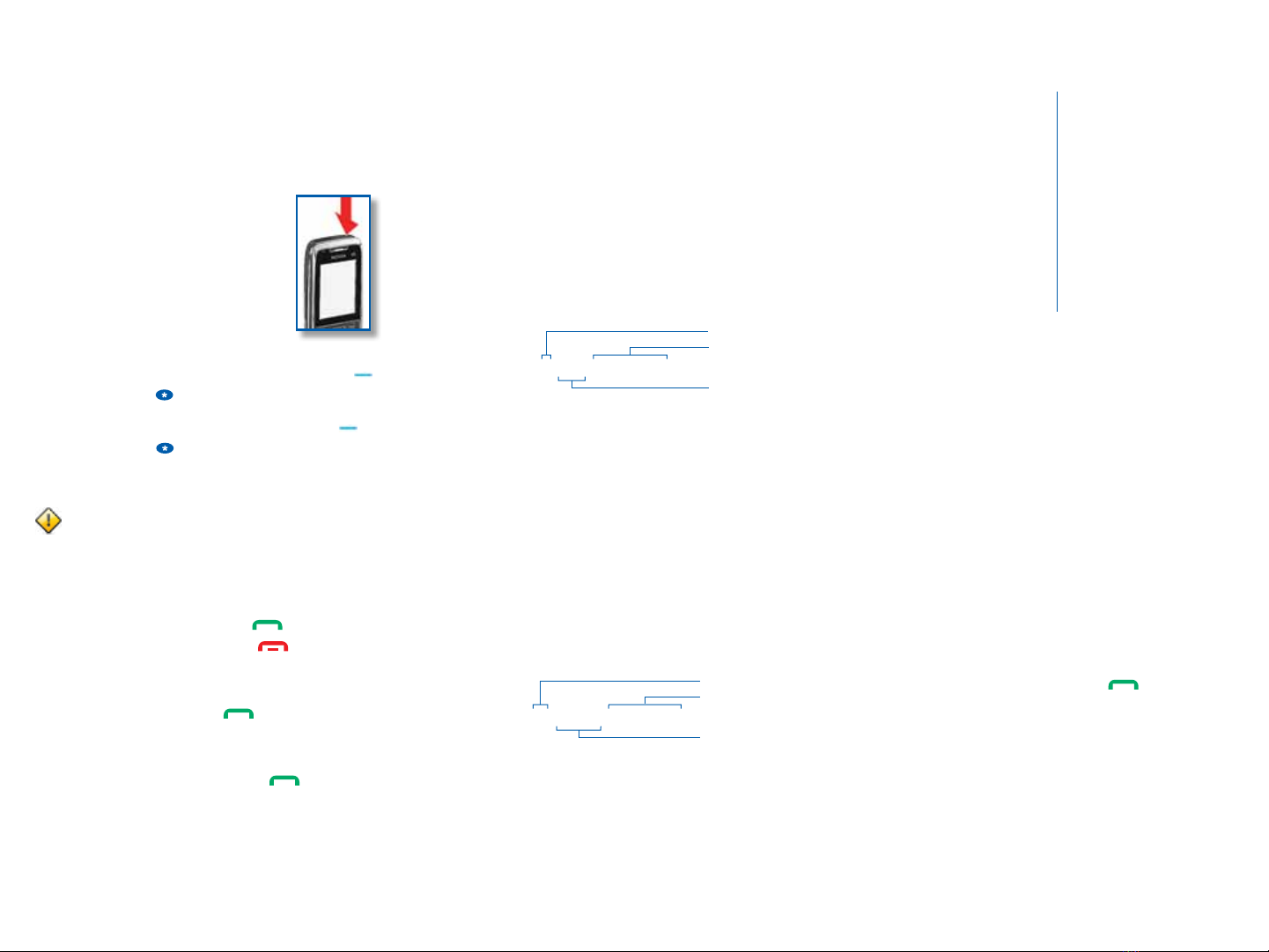
To power the phone on/off
Press and hold the power key as
shown until phone powers on or
powers off.
To unlock & lock the keypad
To unlock the keypad press the left selection key ,
and press the * key within 1.5 seconds.
To lock the keypad press the left selection key ,
and press the * key within 3.5 seconds. To answer
a call when the keypad is locked, simply press the
call key.
Important Note: Cellhire recommends you lock the
keypad when you’re not using the phone. This prevents
erroneous calls and text messages from being sent.
To answer & end a call
To answer press the call key.
To end press the end call key.
To redial the last number called
Press the call key twice.
To make an emergency call
Dial 112 then press the call key.
To adjust volume
Press the volume keys located on the top-right
side of the phone.
uDialing Instructions
Calling a US number while in Japan
To call back to the US from Japan, you will need to dial
the following:
1. Enter 010
2. Enter the US country code, 1. (To call a different
country, see International Country Codes section)
3. Enter the phone number, including area code
For example, to call Cellhire Support, dial:
Receiving a call from the US while in Japan
People in the US should dial the following to call you:
1. Enter 011
2. Enter the Japan country code, 81
3. Enter your Japan mobile number (without the first 0)*
For example a call to your number from the US
would look like:
TIP: To make a local call within Japan enter the area
code (including the 0), followed by the phone number.
phone number
area code
US country code
010 1 214 355 5200
phone number
area code
(without the first 0)*
Japan country code
011 81 XXXX XXX XXX
*Omit the first digit of a non-US phone number if the number starts with a “0”