07/15 Rev. 02 USER MANUAL Functionality
AP5.4–AP5.6
6
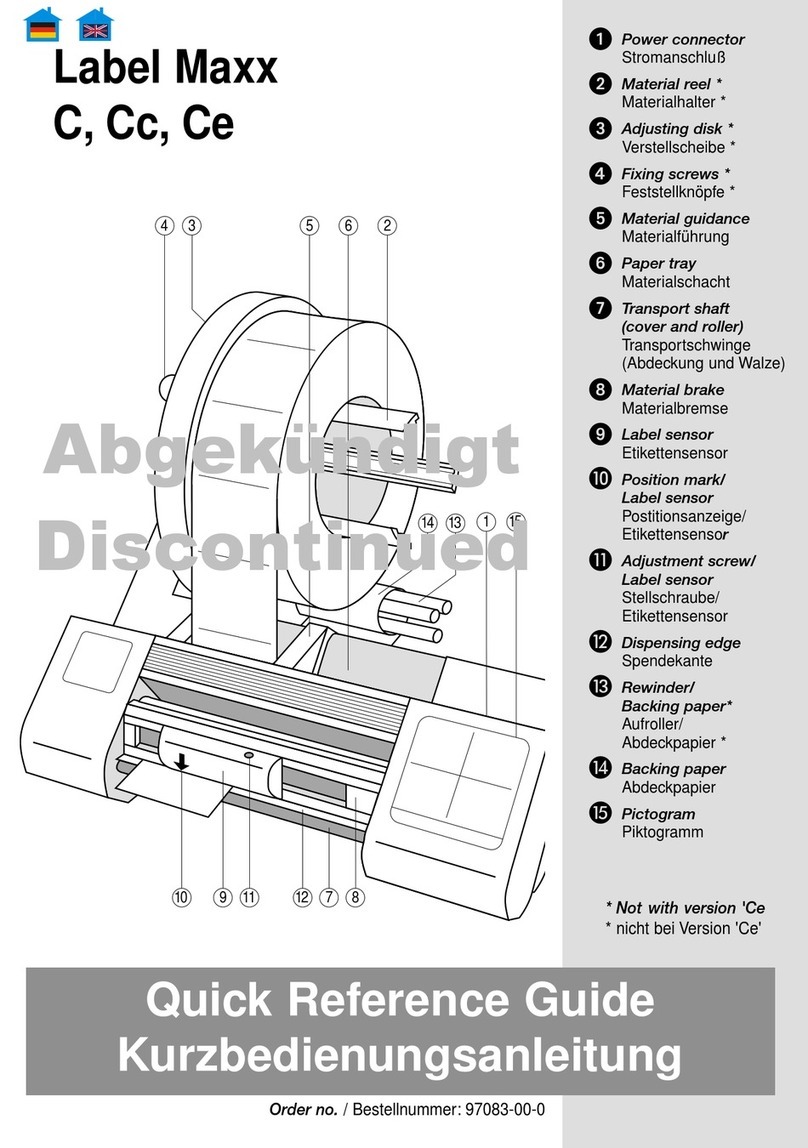
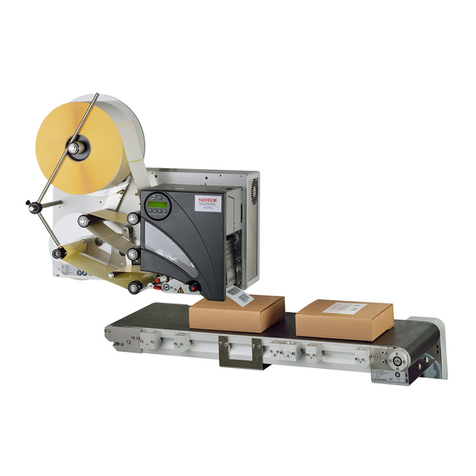
AP 5.4/5.6 dispenser
The AP 5.4/5.6 dispenser allows freshly printed labels to be dispensed (via the dis-
pensing edge) or rewound in the printer enclosure (via the defelector).
• When used as a dispenser, the label material is drawn around the dispensing edge
and only the backing paper is rewound.
• When used as a rewinder, the printed label is guided across a baffle plate and re-
wound together with the backing paper.
The electronic components in the rewinder control the tensile force on the release pa-
per so that the same force is applied for all winding diameters. This is controlled inde-
pendently of the material width and printing speed. The controller can be set
automatically or manually depending on the settings in the parameter menu.
The manual setting is only necessary in special cases and may only be performed
by qualified, authorised service personnel.
After switching on the printer, the rewinder is initialised and the backing paper is tight-
ened.
Once a print job is received, the printer searches for the first label start marking at re-
duced printing speed. To do this, the label material is moved by at least the distance
between the label sensor and the printhead (70 mm). This distance is used by the re-
winder controller to calculate the diameter of the previously wound backing paper. To
allow the controller to calculate the diameter even with endless material, in this case
printing also does not start until the material has moved 70 mm. The print job is carried
out at the speed that has been set in the parameter menu or as specified by the print
job.
If a fault occurs during operation, the rewinder shuts off automatically.
Once the maximum diameter of the backing paper has been reached, a message ap-
pears on the display and the rewinder shuts off automatically.
Dispenser operating
modes
The following operating modes are available for the dispenser:
•Dispenser mode with dispenser sensor:
The material feed ends at the dispensing edge, i.e., the label to be dispensed re-
mains hanging on the dispensing edge (set dispensing position). The printer waits
until the label is removed before moving the next empty label beneath the print-
head and then printing and dispensing it.
•Dispenser mode with foot switch:
Pressing the foot switch releases the label for printing and dispensing. Afterwards,
the next empty label is positioned beneath the printhead.
See topic section (De)activating the dispensing edge , page 9.