manuals.online logo
Brands
  1. Home
  2. •
  3. Brands
  4. •
  5. Ocular
  6. •
  7. Batteries Charger
  8. •
  9. Ocular LTE Plus User manual

Ocular LTE Plus User manual

Other manuals for LTE Plus

2

This manual suits for next models

2

Other Ocular Batteries Charger manuals

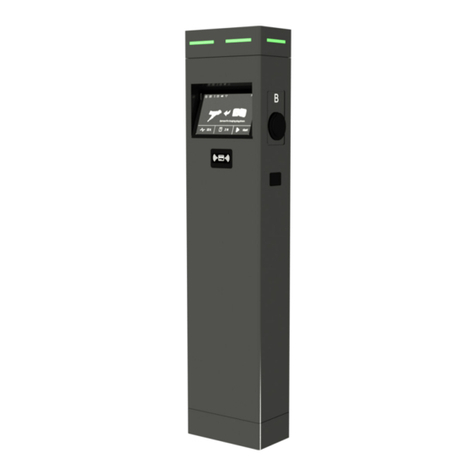
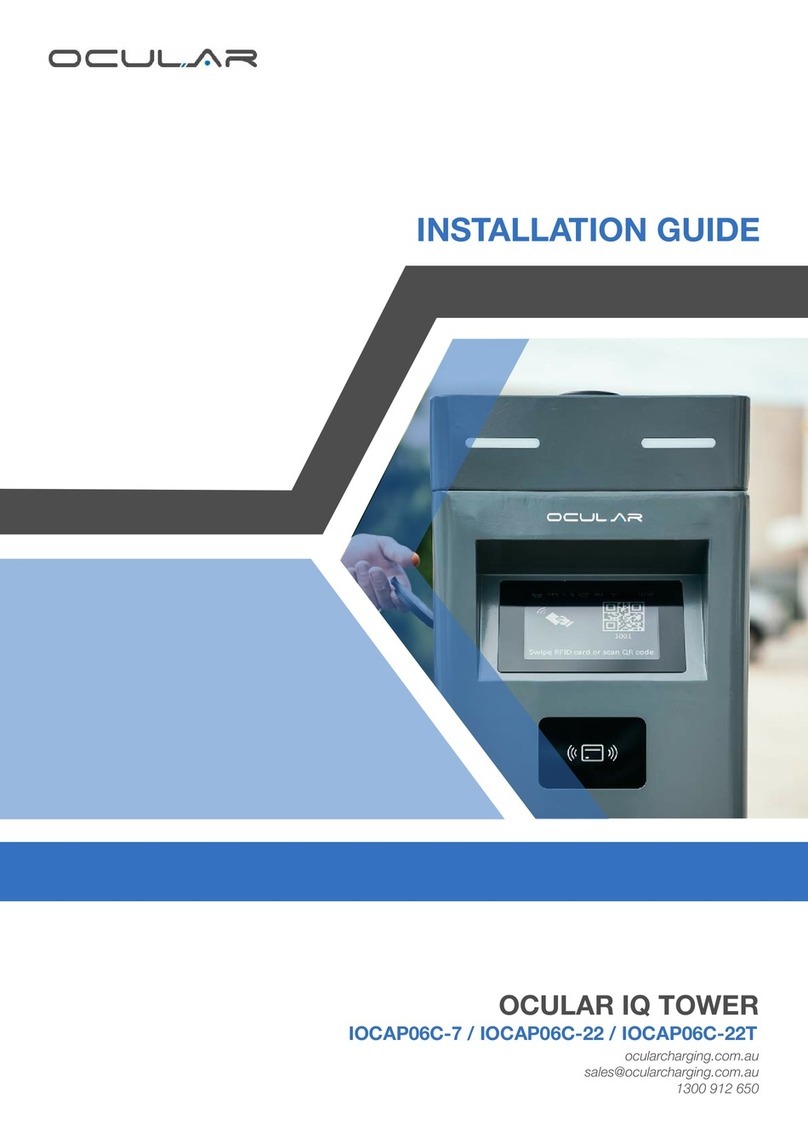
Ocular IQ TOWER User manual

Ocular

Ocular IQ TOWER User manual

Ocular IOCAH10-7S User manual

Ocular

Ocular IOCAH10-7S User manual

Ocular IOCAP06C-7 User manual

Ocular

Ocular IOCAP06C-7 User manual

Ocular OCULAR IQ COMMERCIAL User manual

Ocular

Ocular OCULAR IQ COMMERCIAL User manual

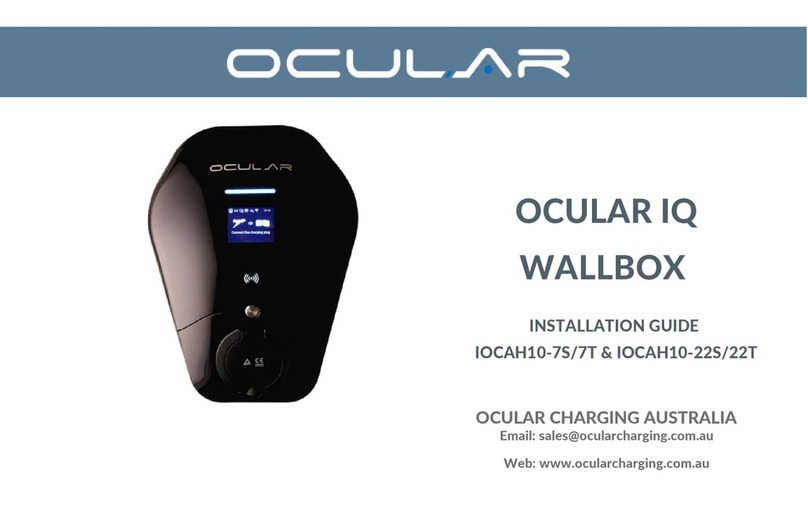
Ocular IQ WALLBOX User manual

Ocular

Ocular IQ WALLBOX User manual

Ocular IQ SOLAR User manual

Ocular

Ocular IQ SOLAR User manual

Popular Batteries Charger manuals by other brands

EVBox BusinessLine manual

EVBox

EVBox BusinessLine manual

Goobay 71808 user manual

Goobay

Goobay 71808 user manual

Kogan KACRDQIS4XA user manual

Kogan

Kogan KACRDQIS4XA user manual

Sealey WCB3 quick start guide

Sealey

Sealey WCB3 quick start guide

Vanner SP00143/181 owner's manual

Vanner

Vanner SP00143/181 owner's manual

KeyOuest KO037515 quick start guide

KeyOuest

KeyOuest KO037515 quick start guide

Enplus Silk Series user manual

Enplus

Enplus Silk Series user manual

Intermec SF51 user guide

Intermec

Intermec SF51 user guide

Colorovo PowerBox 6800 user guide

Colorovo

Colorovo PowerBox 6800 user guide

Smartech WBC-250 Operator's manual

Smartech

Smartech WBC-250 Operator's manual

PIXO C-USB instruction manual

PIXO

PIXO C-USB instruction manual

Gunson G4104 quick start guide

Gunson

Gunson G4104 quick start guide

Dometic NDS SCE320 Short Operating Manual

Dometic

Dometic NDS SCE320 Short Operating Manual

ABB HT572708 Operation manual

ABB

ABB HT572708 Operation manual

EVOline Square80 manual

EVOline

EVOline Square80 manual

Redarc SBC24025 Operating instructions and owner's manual

Redarc

Redarc SBC24025 Operating instructions and owner's manual

Absaar HV04 manual

Absaar

Absaar HV04 manual

DazeTechnology Cover Dazebox Home installation manual

DazeTechnology

DazeTechnology Cover Dazebox Home installation manual

manuals.online logo
manuals.online logoBrands
  • About & Mission
  • Contact us
  • Privacy Policy
  • Terms and Conditions

Copyright 2025 Manuals.Online. All Rights Reserved.

ocularcharging.com.au
sales@ocularcharging.com.au
1300 912 650
OCULAR LTE PLUS
USER MANUAL
OC20-BC-7.2KW-Plus-A
OC20-BC-22KW-Plus-A
Scan here
for FAQs
Scan here for
support documents
The charging sessions can be terminated either by the
car or the charger.
To stop charging via the car please consult your car
manual.
To stop charging via the charger, simply press stop
charging on the EVSE Master App.
How to charge - LTE Plus
Starting a charging session
LTE tethered model: Plug the attached charging cable
into your car port.
Stopping a charging session
Changing the charging speed
Before plugging the charging cable into the car, adjust
the charging speed on the EVSE Master App with the
Current slider to adjust the charging speed.
Scan for a tutorial on
the EVSE master app
You will not be able to exceed this new limit on the
EVSE Master App.
Current Selection Mode
Press the silver button on the right hand side of the charger 3
times within 10 seconds This must be done within 60 seconds
after restarting the charging unit.
Please note that after 60 seconds from restarting, the charging unit will
continue with its normal booting process. Restart again if the button is not
pressed in this time.
Charging Current display
The LCD display will automatically switch to a new screen in this
mode. It will display the set output current. To change the set
output current, press the silver button until you reach the
required Amperage. It will start at 32 Amps, and will go down to
6 Amps before returning back to 32 Amps.
The current will be changed in 1 Amp intervals.
Finalising new charging limit
In order to finalise the new output current, once you have
selected the required Amperage in Step 2, leave the charger for
20 seconds until it reboots.
Please note: the new output current will be set on the charger and will not

need to be reset each time the charger is rebooted.
How to program output
current