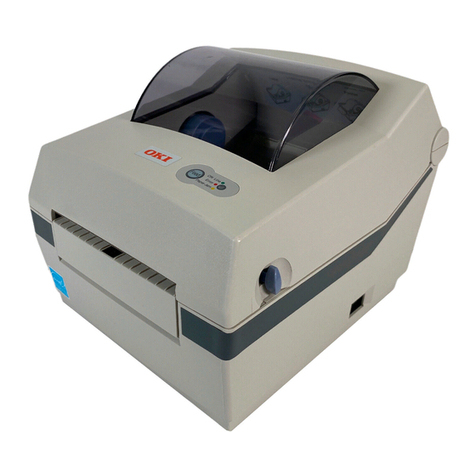
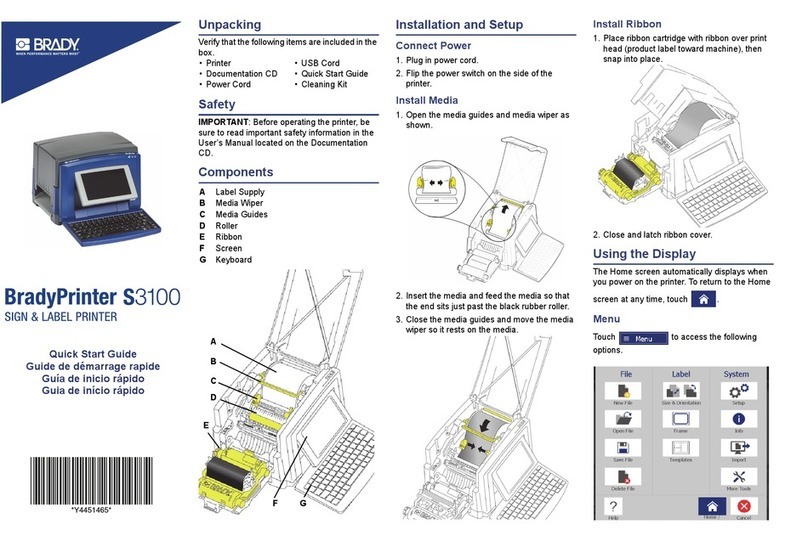
Rev. 1.0
■Table of Contents
※Manual Information & Usage Precautions ..................................................................5
1. Content Confirmation....................................................................................................9
2. Product Part Names.....................................................................................................10
3. Installation & Usage.....................................................................................................12
3-1 Power Connection ....................................................................................................12
3-2 Interface Cable Connection......................................................................................13
3-3 Paper Installation......................................................................................................15
3-4 Ribbon Installation....................................................................................................16
3-5 Buttons and LED.......................................................................................................20
3-6 Test printing ..............................................................................................................22
4. Self-Test........................................................................................................................23
5. Detailed features..........................................................................................................24
5-1 Printer setting using utility program...........................................................................24
5-2 Stand-alone Configuration Mode ..............................................................................25
5-3 Pause/Cancel ...........................................................................................................26
5-4 Media Calibration......................................................................................................27
5-5 Smart Media Detection.............................................................................................28
5-6 Gap Sensor Auto Calibration Mode ..........................................................................28
5-7 Black Mark SensorAuto Calibration Mode ...............................................................29
5-8 Manual Calibration Mode..........................................................................................30
5-9 Cover Closing Mode.................................................................................................31
5-10 Data Dump Mode....................................................................................................31
5-11 Factory Reset..........................................................................................................32
5-12 The Peel-Off (Option)..............................................................................................32
5-13 Using Fan-Fold Paper.............................................................................................34
5-14 Auto Cutter (Option)................................................................................................35
5-15 Real-Time Clock (Option) .......................................................................................36
6. Cleaning Head..............................................................................................................37
6-1 Cleaning Head..........................................................................................................37
6-2 Cleaning Sensors, Roller or/and Paper Path............................................................38
7. Appendix.......................................................................................................................39
7-1 Specifications............................................................................................................39
7-2 Label Types ..............................................................................................................39