iii
TABLE OF
CONTENTS
Page
npacking Instructions i
Chapter 1 General Description 1-1
1.1 Introduction 1-1
1.2 Parts of the Thermometer 1-
1.2.1 Front of the Thermometer 1-
1.2.2 Rear of the Thermometer 1-5
Chapter 2 sing the Handheld Infrared Thermometer 2-1
2.1 How to Power the Thermometer 2-1
2.1.1 Battery Operation 2-1
2.1.2 ac Power Operation 2-1
2.2 Operating the Thermometer 2-2
2.2.1 Measurement Techniques 2-7
2. Real Time Mode (Active Operation) 2-9
2. .1 Adjusting Emissivity 2-12
2. .2 Using the LOCK Function 2-12
2. . Calculating Temperature Values 2-1
2. .4 Changing the Temperature from °F to °C (or vice versa) 2-1
2. .5 Turning on the Display Backlighting 2-1
2. .6 Using the Alarm Functions 2-14
2. .7 Using Ambient Target Temperature
Compensation (OS521 through OS524) 2-16
2. .8 Sending Temperature Data to a Serial
Printer (OS521 through OS524) 2-17
2. .9 Sending Temperature Data to a Personal
Computer (OS521 through OS524) 2-19
2. .10 Storing the Temperature Data on Command
(OS522 through OS524) 2-22
2. .11 Erasing the Temperature Data from Memory 2-2
2.4 Recall Mode (Passive Operation) 2-24
2.4.1 Reviewing the Last Parameters 2-26
2.4.2 Downloading Previously Stored Temperature Data
(OS522 through OS524) 2-26
2.4. Reviewing Previously Stored Temperature Data
(OS522 through OS524) 2-28
Chapter 3 Laser Sight Module 3-1
.1 Warnings and Cautions -1
.2 Description -2
. Operating the Laser Sight Module -
. .1 Installing the Laser Sight Module onto the Thermometer -
. .2 Removing the Laser Sight Module from the Thermometer -5
Chapter 4 Sighting Scope 4-1
4.1 Sighting Scope 4-1
4.2 Installing and Operating the Sighting Scope 4-1
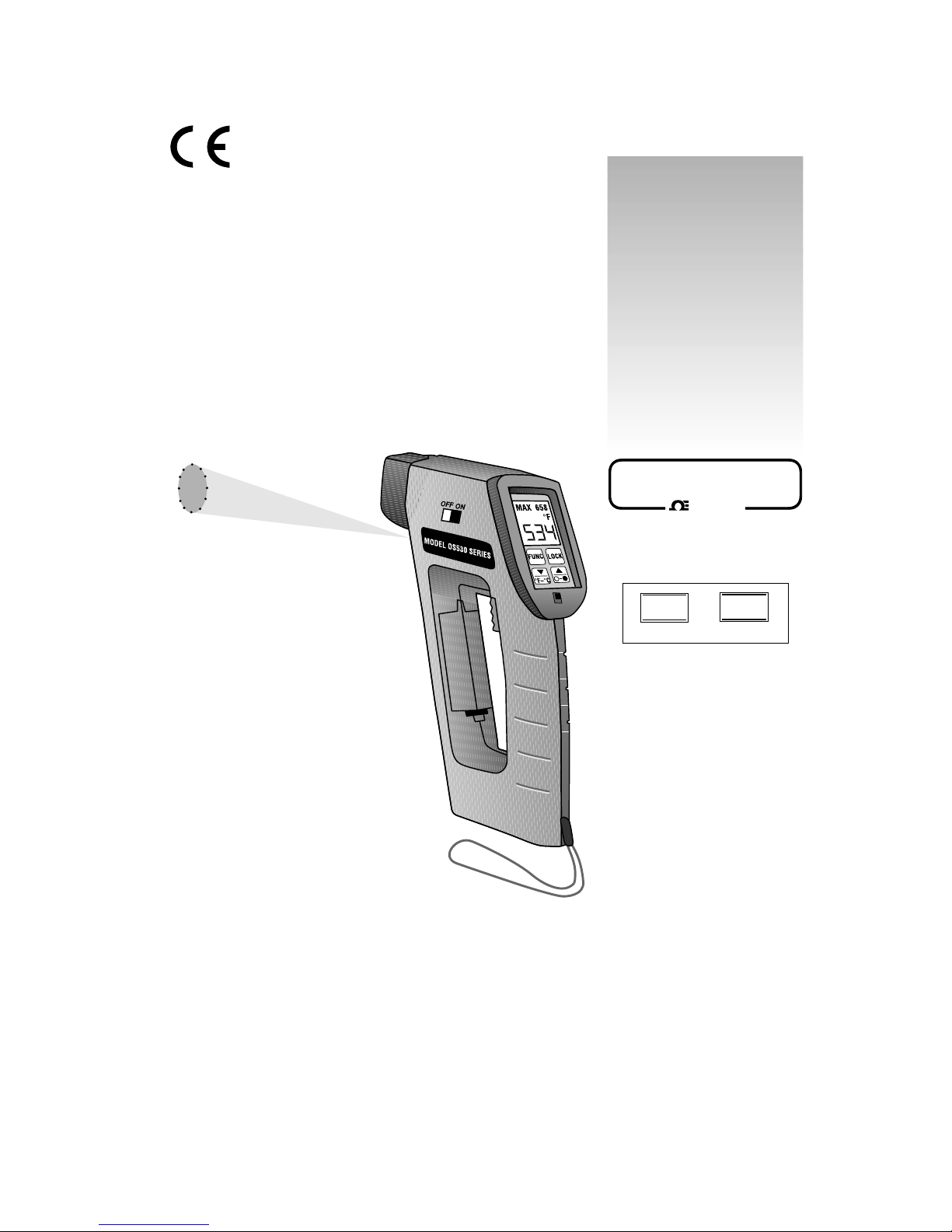
OS520 Series
Handheld Infrared Thermometer