•
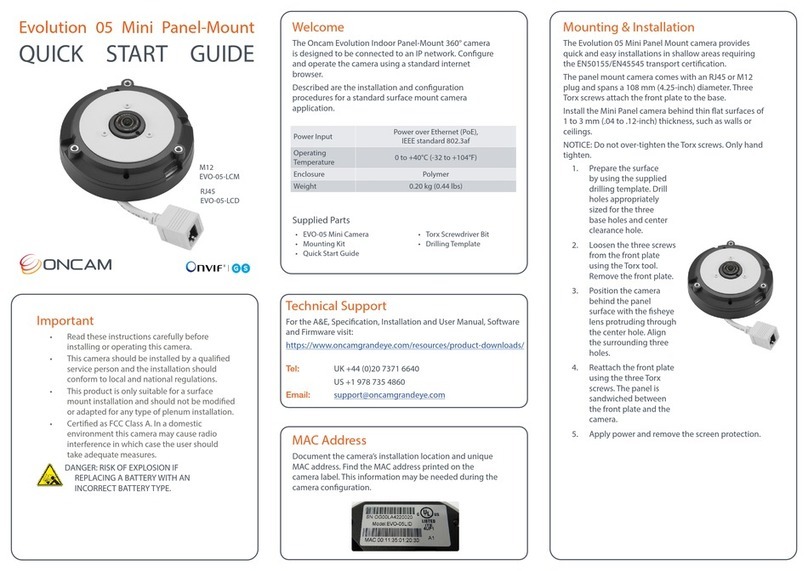
PoE. Connect power and data using an Ethernet cable plugged into the camera Ethernet
port. The PoE supplied equipment must be compliant with IEEE 802.3AF.
•
Direct DC Input. Use only a UL/CSA‐approved LPS or NEC Class 2 power source with a
12 VDC 1A AC adapter (not supplied).
1.3.1
CAUTION: Do not power the camera using 12 V and PoE at the same time. Doing so may damage
the camera and void the warranty.
1.3.2
See Section 10 for more information.
1.4 12-pin I/O Connector
The camera module has a number of input and output ports that support the following functions:
•
Alarm In
•
Alarm Out
•
External IR Filter Control In
•
Audio in/out (Microphone, Speaker)
•
Power (12V, Ground)
•
LED 1 & 2
1.4.1. See Section 10 for more information.
2
Camera Placement and Orientation
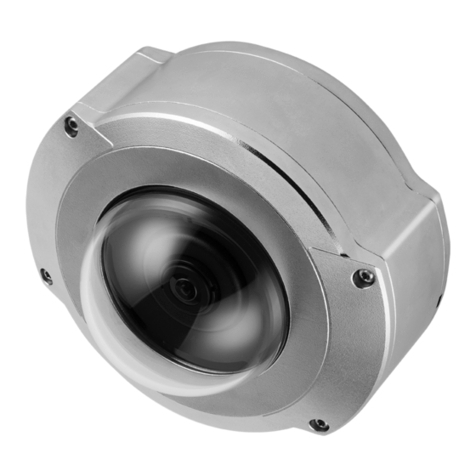
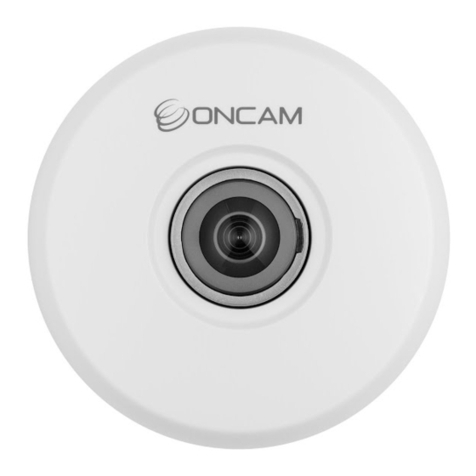
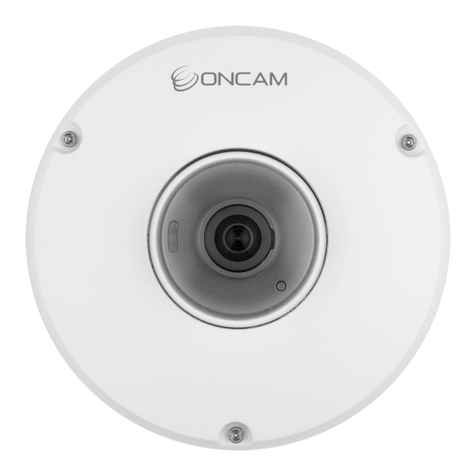
Camera placement is an important factor when planning any camera deployment. The Evolution
180 camera has an exceptionally wide viewing angle (187°). Consider the camera location for
providing comprehensive coverage of a wide area. Mount the camera with an unobstructed view
and consider scene optimization when one portion of the scene is bright and another dark.
The camera supports three different mounting orientations; Wall, Ceiling and Table, but the high-
performance Panoramic Views give the best images when the camera is looking out towards the
horizon, for example on a wall. Each of these orientations has corresponding settings in the
Camera Web Interface. These camera settings ensure the correct dewarping algorithm is used
when connecting to a compatible VMS or NVR system. In Wall mode, additional controls allow
fine-tuning of the Panoramic View to frame and dewarp the scene perfectly.
Depending on the use case, a single 180° camera can cover a very large space. Mounting a
camera high-up gives great situational awareness throughout a large room. When planning
coverage, ensure there are no obstructions. Typical obstructions include pillars, high-sided
furniture and any hanging objects near the camera such as signage or lighting installations.
Even though the Panoramic View can be adjusted up or down or directed anywhere in front of the
lens, the sharpest images will be achieved when the Panorama is across the middle of the
camera’s view. It’s therefore best to aim the lens at the general height of the areas of greatest
interest. To facilitate this, mounting brackets are provided with the Indoor camera at three
different fixed angles, allowing surface or conduit-mounting with various options for cable entry,
conduit and connections. The Outdoor camera’s integrated mounting bracket allows the camera
to be tilted down at any angle from 0° to -45°, still being surface-mounted or screwed onto the
end of a drop conduit.
Ceiling mounting is preferred when most of the action is occurring below the camera in a
horizontal plane. When a person is directly below the camera though, the view captured is the
top‐of head. When the person moves away from the camera, more of their body becomes visible.