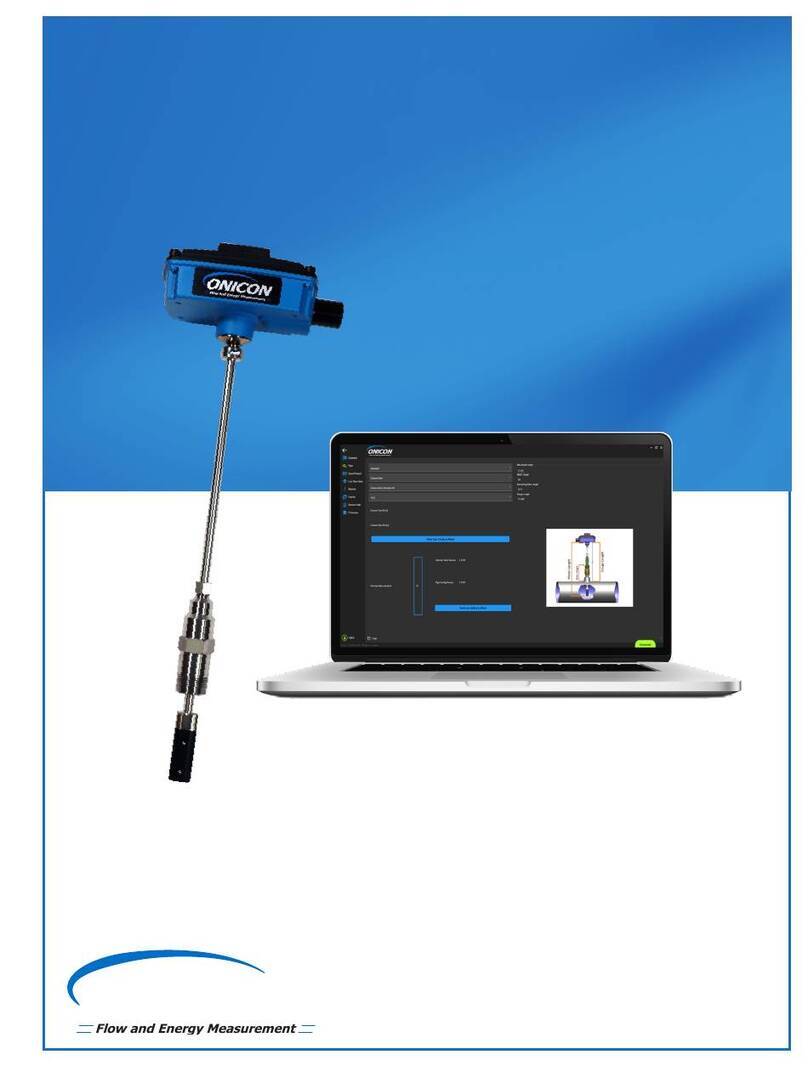
F-1000 SERIES TURBINE METER CONFIGURATION UTILITY AND INSTALLATION GUIDE
ONICON Incorporated 727.447.6140 Page 2 onicon.com
1.0 ACQUIRING, INSTALLING, AND UPDATING THE CONFIGURATION UTILITY..................... 3
1.1 Acquiring the Conguration Utility.............................................................................................................3
1.2 Installing the Conguration Utility..............................................................................................................3
1.3 Updating the Conguration Utility .............................................................................................................5
2.0 USB CABLE AND DRIVER INSTALLATION ............................................................................... 6
2.1 Driver Installation...............................................................................................................................................6
2.2 USB Cable Connection to the Insertion Turbine Meter ......................................................................8
3.0 HOW TO USE THE CONFIGURATION UTILITY ........................................................................ 9
3.1 Opening the Software......................................................................................................................................9
3.2 Connection, Status, and Mode Indicators ................................................................................................9
3.2.1 Connection Indicator.........................................................................................................................9
3.2.2 Status Indicator .................................................................................................................................10
3.2.3 Mode Indicator..................................................................................................................................10
3.3 Programming/Informational Tabs.............................................................................................................11
3.3.1 Meter Data ..........................................................................................................................................11
3.3.2 Pipe Selection.....................................................................................................................................13
3.3.3 Flow Settings......................................................................................................................................17
3.3.4 Frequency Output ............................................................................................................................19
3.3.5 Scaled Pulse Output ........................................................................................................................21
3.3.6 Turbine Rotation Test .....................................................................................................................22
3.3.7 Real Time Data...................................................................................................................................25
3.3.8 Statistics ...............................................................................................................................................27
3.3.9 Status.....................................................................................................................................................29
3.3.10 Firmware Update ..............................................................................................................................31
TABLE OF CONTENTS