manuals.online logo
Brands
  1. Home
  2. •
  3. Brands
  4. •
  5. Operative Experience
  6. •
  7. Medical Equipment
  8. •
  9. Operative Experience TCCS User manual

Operative Experience TCCS User manual

Other Operative Experience Medical Equipment manuals
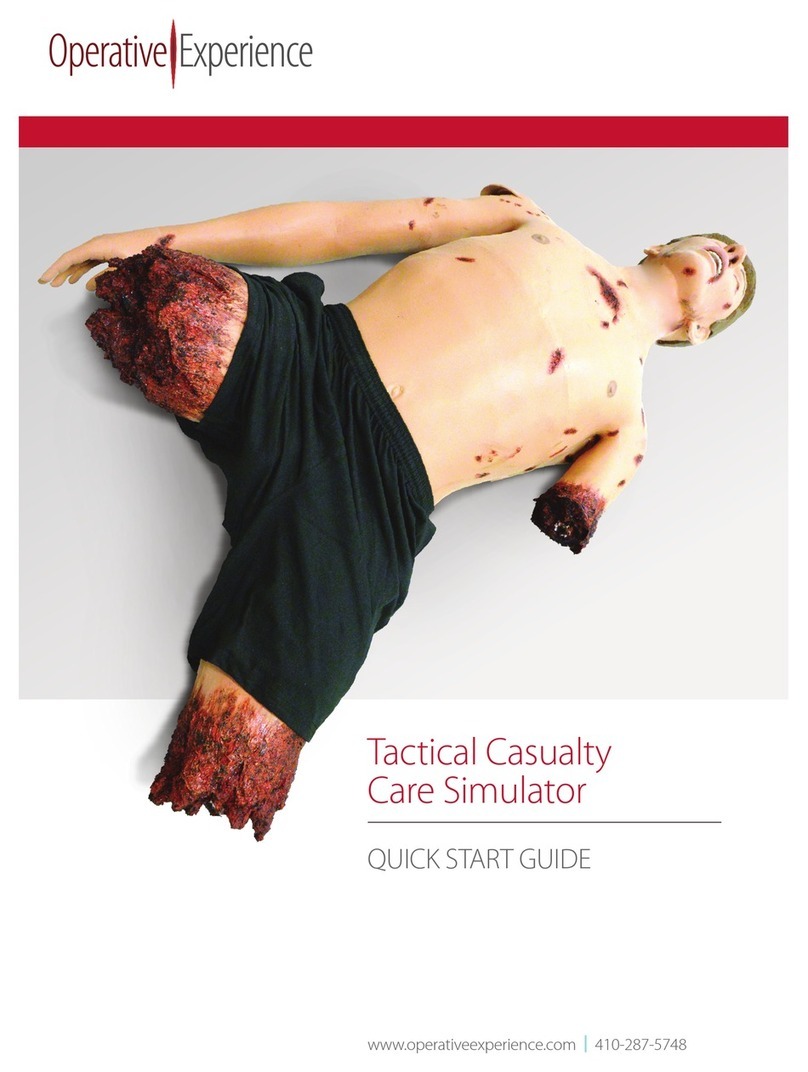
Operative Experience Tactical Casualty Care Simulator User manual

Operative Experience

Operative Experience Tactical Casualty Care Simulator User manual

Operative Experience TCCS Plus User manual

Operative Experience

Operative Experience TCCS Plus User manual

Operative Experience THCT User manual

Operative Experience

Operative Experience THCT User manual

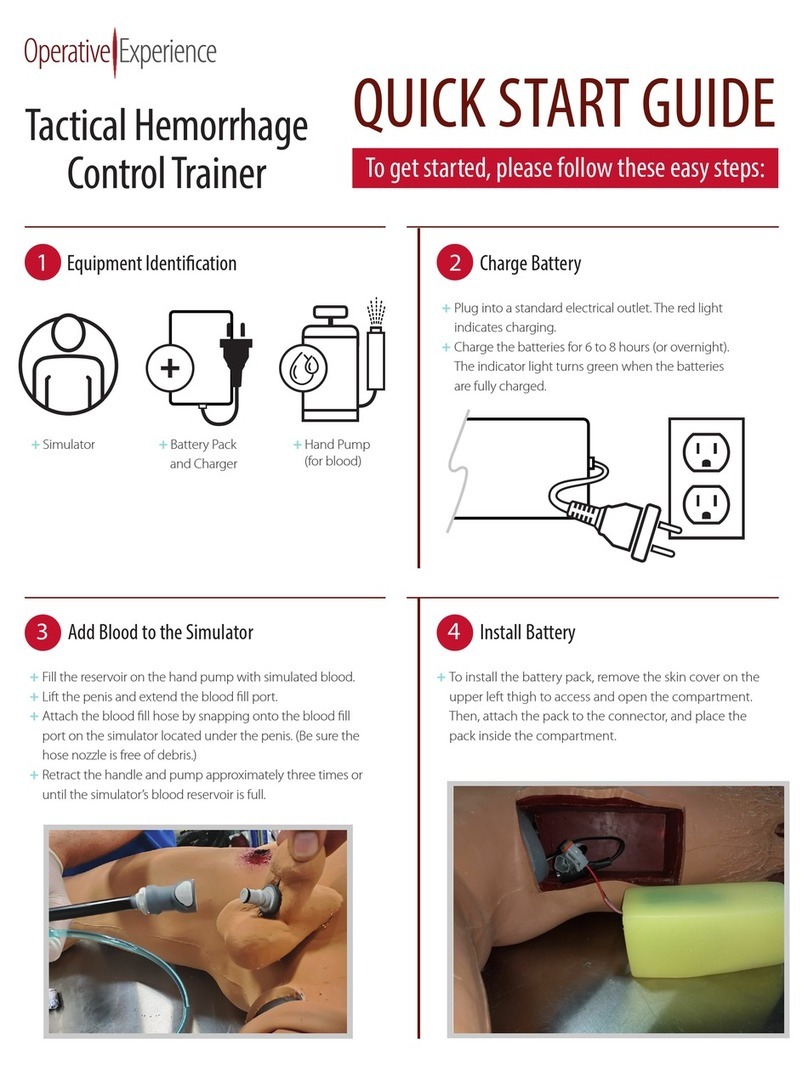
Operative Experience Tactical Hemorrhage Control Trainer User manual

Operative Experience

Operative Experience Tactical Hemorrhage Control Trainer User manual

Popular Medical Equipment manuals by other brands

Itamar Medical WatchPAT Operation manual

Itamar Medical

Itamar Medical WatchPAT Operation manual

PROTEOR 1P650 KNEE Assembling and adjustment instructions

PROTEOR

PROTEOR 1P650 KNEE Assembling and adjustment instructions

Liberate Medical VentFree user manual

Liberate Medical

Liberate Medical VentFree user manual

Dicarre DA20 user guide

Dicarre

Dicarre DA20 user guide

Stryker Medical M Series Operation manual

Stryker Medical

Stryker Medical M Series Operation manual

Invacare ScanBed 750 user manual

Invacare

Invacare ScanBed 750 user manual

Getinge Arjohuntleigh Nimbus 3 Professional Instructions for use

Getinge

Getinge Arjohuntleigh Nimbus 3 Professional Instructions for use

Mettler Electronics Sonicator 730 Maintenance manual

Mettler Electronics

Mettler Electronics Sonicator 730 Maintenance manual

Pressalit Care R1100 Mounting instruction

Pressalit Care

Pressalit Care R1100 Mounting instruction

Denas MS DENAS-T operating manual

Denas MS

Denas MS DENAS-T operating manual

bort medical ActiveColor quick guide

bort medical

bort medical ActiveColor quick guide

AccuVein AV400 user manual

AccuVein

AccuVein AV400 user manual

agiliti NP Trio user manual

agiliti

agiliti NP Trio user manual

Rocket Medical Rocket Digital Oocyte Aspiration Pump Service manual

Rocket Medical

Rocket Medical Rocket Digital Oocyte Aspiration Pump Service manual

Monteris Medical Neuroblate Instructions for use

Monteris Medical

Monteris Medical Neuroblate Instructions for use

Otto Block 8E33 7 manual

Otto Block

Otto Block 8E33 7 manual

ADVANCED HOME CARE Helios Guide

ADVANCED HOME CARE

ADVANCED HOME CARE Helios Guide

NeuLog NUL-208 Guide

NeuLog

NeuLog NUL-208 Guide

manuals.online logo
manuals.online logoBrands
  • About & Mission
  • Contact us
  • Privacy Policy
  • Terms and Conditions

Copyright 2025 Manuals.Online. All Rights Reserved.

1Equipment Identication
QUICK START GUIDE
To get started, please follow these easy steps:
+Turn on the tablet and select an available WiFi network
+Download the OEI Sim application from the iOS or
iPadOS App store, Mac OS App store, Google Play store,
or Microsoft store
+Go to the tablet’s WiFi settings and disconnect the WiFi
network you used to download the application
2Download the OEI App onto the Tablet
Tactical Casualty Care
Simulator (TCCS) Male
3Charge Battery
+Plug the battery pack charger into a standard electrical
outlet. The red light indicates charging and turns green
when the batteries are fully charged.
+Charge the batteries six (6) to eight (8) hours
(or overnight).
+Simulator
+2-Way
Communication
+Instructor Tablet
+Hand Pump
(for blood*)
+Battery Pack
and Charger
*Simulated blood also supplied.
+Press the Power button located in the battery console so
that the light illuminates.
+If using the Power Cord, plug the cord into the connection
adjacent to the power button, securing by turning
clockwise to lock into place.
+Allow the simulator approximately two (2) minutes to
cycle through the powering up sequence.
6
+Fill the reservoir on the hand pump with simulated blood.
+Locate the blood fill port on the simulator’s right waist.
+Attach the hand pump’s blood fill hose by snapping onto
the blood fill port. (Be sure the hose nozzle is free of
debris.)
+Retract the handle and pump approximately three (3)
times or until the simululator’s blood reservoir is full.
4 Add Blood to the Simulator
Power On
+Remove the cover on the upper left thigh to access and
open the compartment.
+Attach the battery to the connector.
+Reset the battery in the compartment.
+Replace the cover.
5 Install Battery
TCCS Male QUICK START GUIDE
+Go to the instructor tablet’s wireless access.
+Locate the WiFi Network indicated by
identification and serial number
+Enter the Password: oeiadmin
+Click the shortcut icon on the Instructor Tablet to
open the OEI Sim application. The software loads
and the Welcome screen appears.
7Connect to the Simulator’s WiFi Network 8Access the OEI SIM App on the Tablet
+Locate the simulator from the list of Available Simulators.
+Click Connect.
The application connects to the simulator
and the Instructor Interface appears.
+Press the Play button on the Instructor Interface
to begin the simulation.
See full user manual at operativeexperience.com/support
for detailed instructions
9
10
Select the Simulator
Begin Simulation
operativeexperience.com | 500 Principio Parkway West, Suite 900 | North East, MD 21901 | 410-287-5748 © 2019 Operative Experience, Inc.
Questions and Support
For in-depth answers on how to use your simulator consult the
User Manual downloadable from the OEI App welcome screen
or from the website at operativeexperience.com/support.
If you need personal assistance with your simulator, contact us at
Phone: (410) 287-5748
Email: support@operativeexperience.com
TCCS Male QUICK START GUIDE
+Stop Simulation by pressing
the Stop button on the
Instructor Interface.
+Power off simulator by pressing
the Power Button in the battery
compartment.
The illuminated light flashes until
the unit automatically powers off.
11 Powering O