Contents
Accessories
Your Device
Use Introduction
Basic steps for phone operation
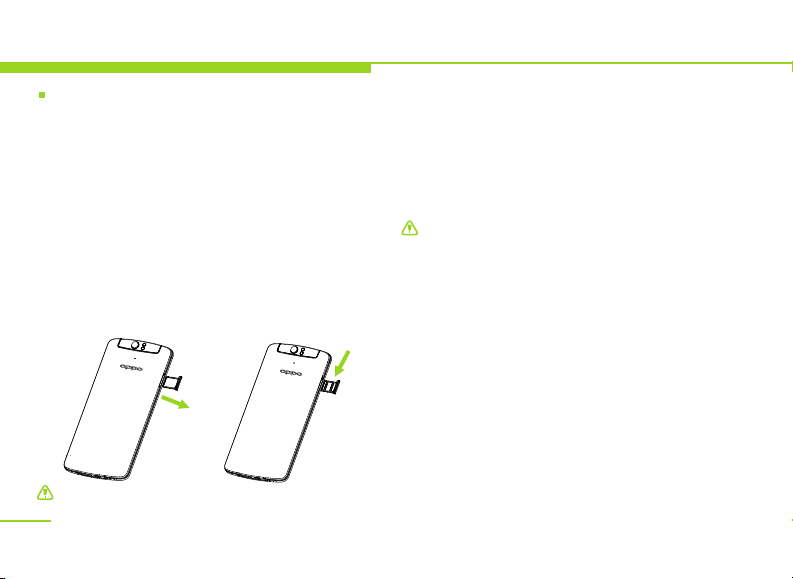
Install the SIM card and battery
Switch on/off
Device password and unlock
Charge the device
Network modes
Operating system 13
Touch control and keys 14
Landscape mode and backlight 15
Indicators 16
Main interface 17
Main menu 18
Input methods 18
Basic Functions
Calling 20
Phonebook 20
Messaging 21
Settings 21
Life assistant
Clock 24
.........................................................7
.........................................................8
.........................................................9
.............................................10
..........................10
.................................................................11
..................................12
.......................................................13
............................................................13
.......................................................
............................................
............................
........................................................................
...............................................................
.....................................................................
..............................................................
...............................................20
...............................................................................
......................................................................
.......................................................................
............................................................................
....................................................24
..................................................................................
Menu index
Calendar
Calculator
Multimedia Applications
Music player 25
Video 25
Camera 25
File management 25
PC connections 26
Wireless connections 26
Network 27
Email 27
Browser 27
Others
SIM application 29
Troubleshooting
Health and Safety
Battery security 33
Care and maintenance 38
Fundamental Performance Parameters.41
Help you get to know this device 41
..........................................................................24
........................................................................24
...............................25
...................................................................
.................................................................................
.............................................................................
..........................................................
.............................................................
.................................................
...........................................................................
.................................................................................
...........................................................................
.................................................................29
............................................................
..............................................30
...........................................33
............................................................
..............................................
........................
6