
Orbita 2043MD User manual

Thank you for purchasing our products, please read the
instructions carefully before use, please keep the instructions
for future reference
Safe Box Operation
Instructions

一、 Opening safe box
2043MD safe can be opened by user password (4-6 digits, factory setting 1234) and
master password (6 digits).
Steps for first time opening the safe box:
a. Input 4*5# battery into outer connecting battery case, and connect battery case with
safe box.
b. Enter the factory setting user password “1234”, then press”#”, Nixie tube shows
“ ”, then you can pull the safe door.
c. After door is opened, take out the battery and input into the safe inside battery
case. (on the door backside)
Steps for using master password to open safe box:
Enter “**002#”, input master password (refer to 3rd menu how to add mater passw-
ord), press “#” to confirm to open the safe box.
二、 Closing safe box
三、 Anti - prying virtual password function
Method a. Enter 4-6 digits, press “#” to confirm, user password is set
successfully. Close the safe door, user password will display on the Nixie
tube. Guest can close the safe box by press “#” only within 15 minutes
after setting the user password. Method b. Enter “**002#”, input 6 digits’
master password, press “#” to confirm, Nixie tube shows “ ”.
Method c. Use mechanical key to close the safe box
Under opening status, enter “**001#”, show” ”, enter last master
password, press”#” to confirm. If failed, Nixie tube shows” ”, if
succeed, shows “ ”, then can enter 6 digits’ new master passw-
ord. When shows “ ” , enter same new password again, then finish
setting. If set successfully , shows “ ” , set wrongly . shows “
“ . For new safe , no master password was set, then input new
master password directly.
四、 Anti - prying virtual password function
Use mechanical key to open the safe box when forgot password .
五、 Notes
1. When voltage is lower than “4.8”V, Nixie Tube will show “ ”
and beep once, then need to change new battery.
2. Enter wrong password will show “ ”, if wrongly input 3 times, safe
will be locked for 15 minutes, shows” +Minutes ”
3. Enter “**003#”, can hide the password and shows “ “, do same operation
again , will show the password .
4. Click “*” to delete when enter passwords
5. When safe is under opening status, enter “**0752456789#” to delete the
parameters set by guests. Nixie tube will show ” ”
6. When close the safe, if not close completely , nixie tube will show “ ”
and can hear a long beep.
7. Enter”**004#” to know the safe version . format is “ +3 numbers "
Other manuals for 2043MD
1
Other Orbita Safe manuals

Popular Safe manuals by other brands



Honeywell
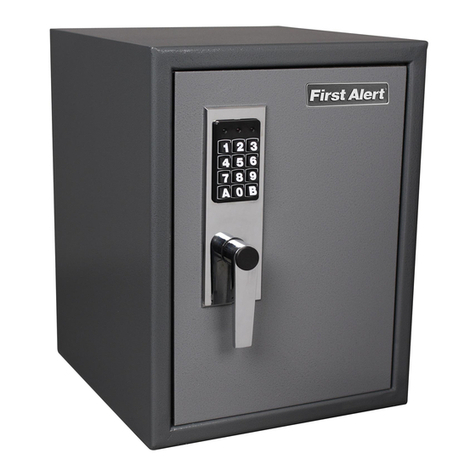
Honeywell 2077D - 1.21 Cubic Foot Anti-Theft Safe user guide
Hornady
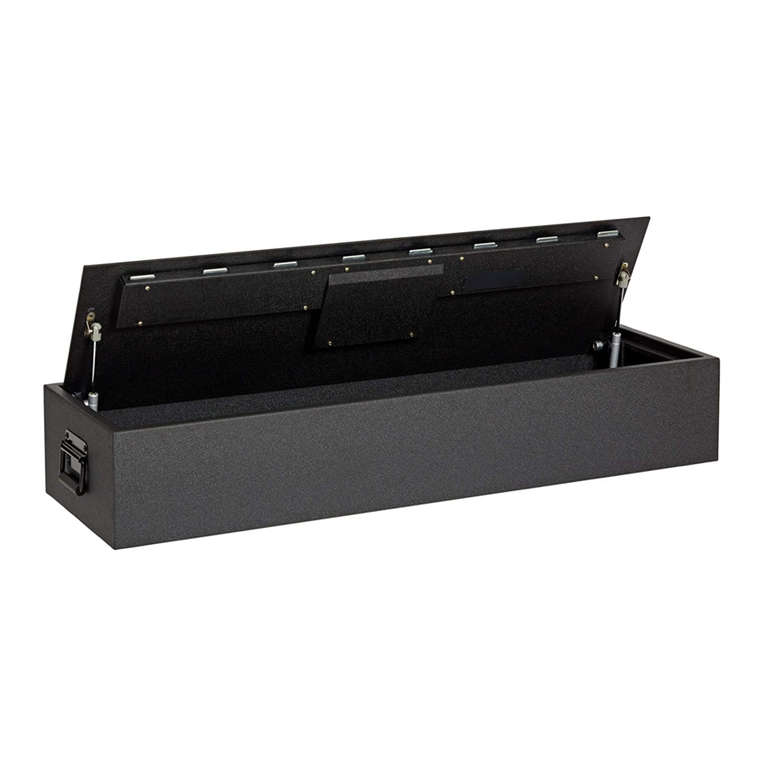
Hornady SnapSafe Trunk Safe II owner's manual
SPORTS AFIELD
SPORTS AFIELD SA-HD5-BIO instruction manual

Honeywell
Honeywell 5912 user guide
Phoenix
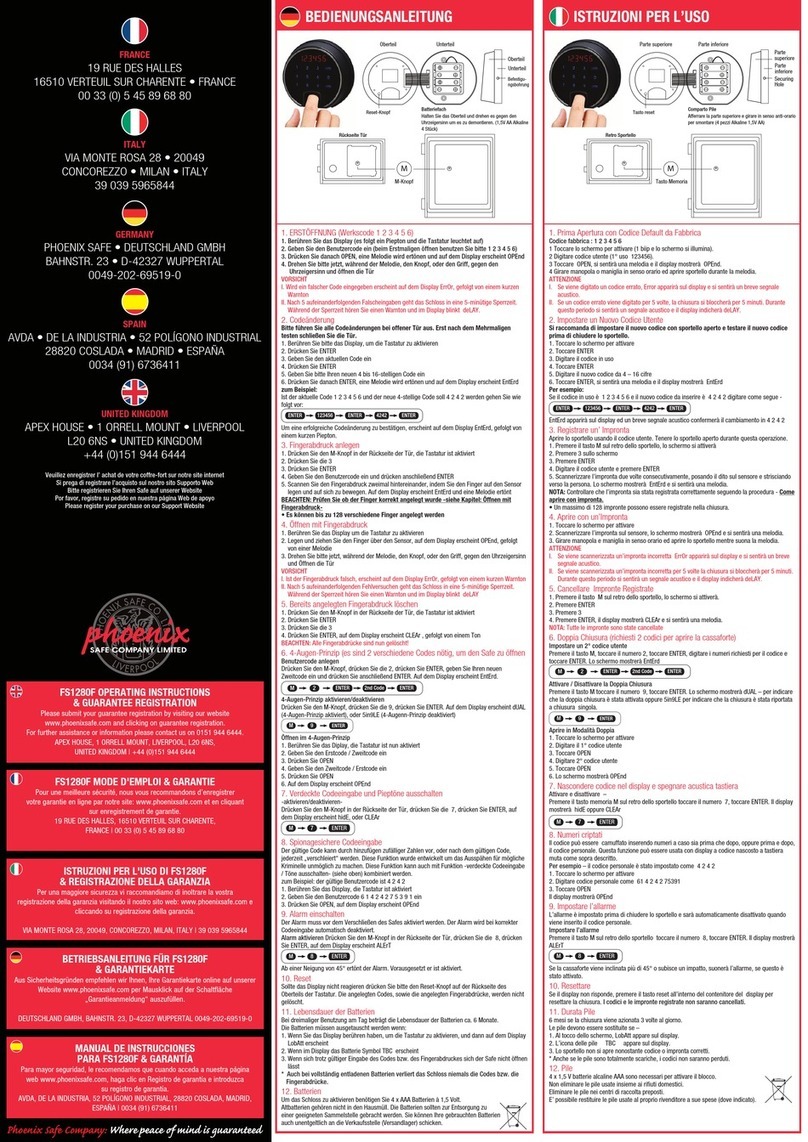
Phoenix FS1280F operating instructions
Phoenix
Phoenix SS0992K Instructions & Guarantee Registration
Technomax
Technomax Trony Series Instruction handbook
SPORTS AFIELD
SPORTS AFIELD INSTINCT BIOMETRIC Series instruction manual
RICHTER CZECH
RICHTER CZECH LA Instructions for use and installation

Olymp
Olymp GOsafe 110 operating instructions
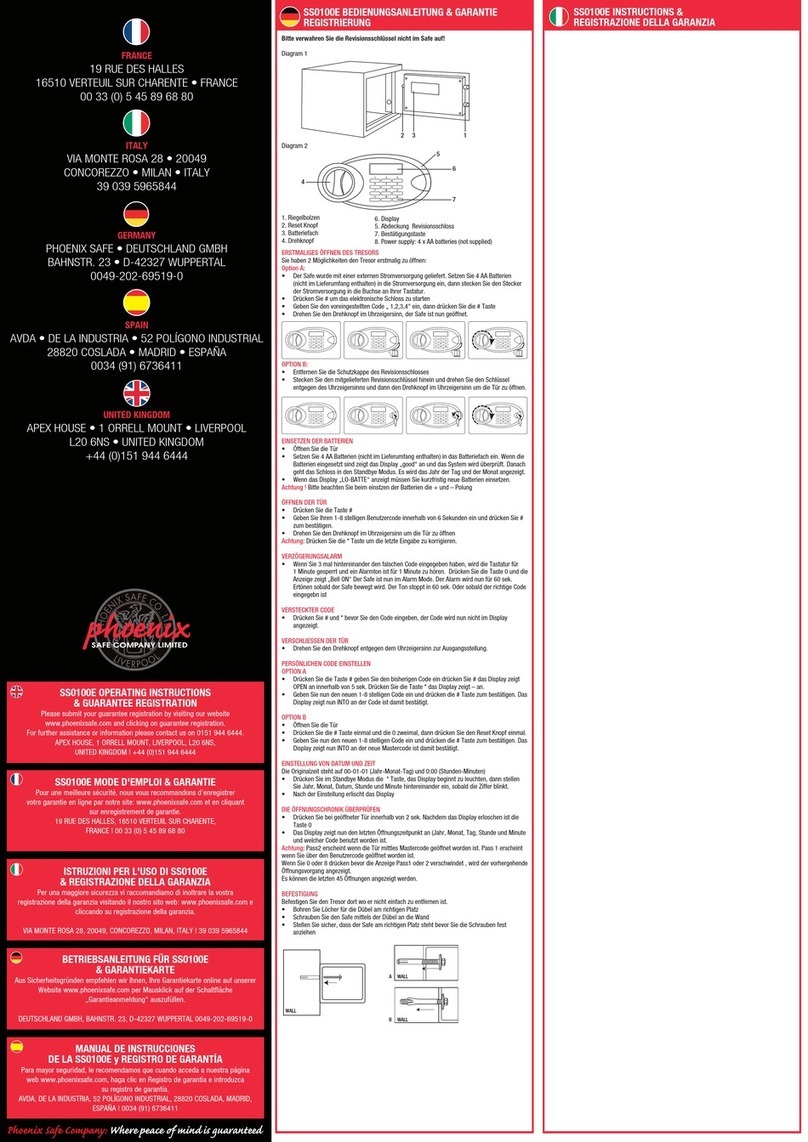
Phoenix
Phoenix SS0100E Operating Instructions & Guarantee Registration
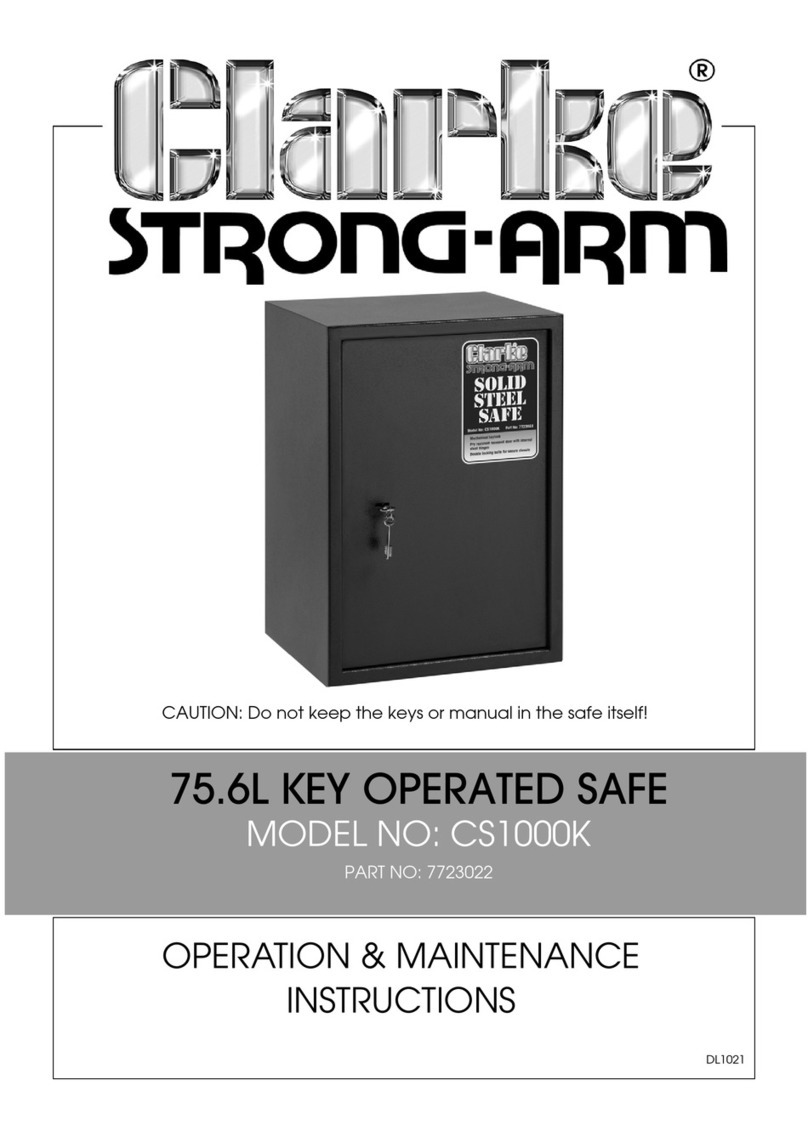
Clarke
Clarke Strong-Arm CS1000K Operation & maintenance instructions