8UM0972225 A 01
Figure 13
3. Service menu
Figure 12
3.3.5. CAN bus
See Figure 12. This option opens the CAN bus menu. This menu
has the following 5 options:
CAN protocol
This option selects the signal, or CAN protocol, that the Monitor
uses. By default this is Orlaco CAN protocol 1. Other protocols
are customer-specific. The CAN speed is automatically adjusted,
but it can also be set manually once the protocol has been
selected.
CAN speed
This option selects the bit rate of the CAN bus. Available options
are: 100, 125, 200, 250, 500 and 1000 kbit.
Set CAN-ID
The Orlaco CAN protocol has an ID (default 0) to control multiple
monitors via one CAN bus. The ID is inactive when the text is
blue and becomes active when the protocol is set to 1. The CAN-
ID can be set from 0-15 where 0 is the default value.
Terminator
Enable/disable the 120 Ω terminator (CAN or RS485) between Rx
and Tx.
3.3.6. LCD backlight
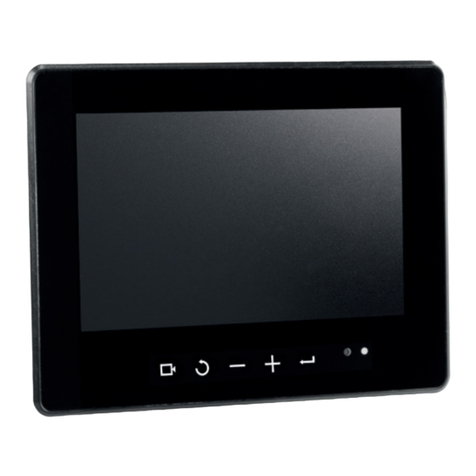
This option opens the backlight submenu for the Monitor 7” HLED.
See Figure 13. This menu has the following 4 options:
LCD backlight mode
This option enables automatic backlight control (ABC). The Moni-
tor automatically adapts its brightness to the ambient light. If
required, a specific day or night brightness can be manually set.
Alternatively, the user can choose to manually adjust the day or
night brightness setting or select a red or blue night mode.
ABC = Standard Automatic Brightness Control
A_B = ABC blue mode
A_R = ABC red mode
DAY = Day mode (can be adjusted between 50–100%)
NIT = Night mode (can be adjusted between 0–50%)
N_B = Night blue mode (can be adjusted between 0–50%),
N_R = Night red mode (can be adjusted between 0–50%)
ABC minimum level
This setting determines the minimum brightness the ABC can use
when there is low ambient light.
LCD backlight day
This option allows the day brightness setting to be manually
adjusted (50–100%).
LCD backlight night
This option allows the night brightness setting to be manually
adjusted (0–50%).