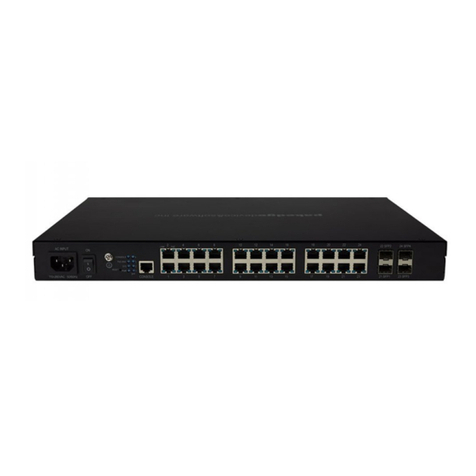
IGMP Snooping with Querier setup for S3-24P switch
This guide will help you configure IGMP Snooping and multicast settings on an
S3-24P switch for general use. You may want to check any 3rd-party vendors
requirements before enabling IGMP Snooping, and you will typically want to
enable IGMP Snooping on all managed switches in the network.
Make sure any VLANs that require IGMP snooping have an IP Interface. If this is
already done or if you are not using VLANs, skip to step 2.
Step 1:
For this example, we are adding an IP Interface for VLAN2. Go to Administration
> Management > Network Interface and type in "vlan2", then click Add.
Then, click on IPv4 on the left menu and type "vlan2" in again for the interface.
Click the drop down for Primary IP Address and select set, then static. Type in
the IP address with CIDR notation ( /24 ) at the end to represent a 255.255.255.0
subnet mask--for example, 192.168.2.2/24 and click apply.
Step 2:
Navigate to Configure > IP Routing > PIM, set IP Multicast
Routing to Enable and hit Apply.
Click PIM Interface Settings on the left menu, type "vlan2" in for Interface Name,
select Mode: SM and click Add.