manuals.online logo
Brands
  1. Home
  2. •
  3. Brands
  4. •
  5. Panamax
  6. •
  7. Protection Device
  8. •
  9. Panamax BlueBolt MD2-ZB User manual

Panamax BlueBolt MD2-ZB User manual

Popular Protection Device manuals by other brands

Merlin Gerin Sepam series 20 Quick start quide

Merlin Gerin

Merlin Gerin Sepam series 20 Quick start quide

OUTSTEEL VENITIAN installation instructions

OUTSTEEL

OUTSTEEL VENITIAN installation instructions

Kemo Electronic M148-24 instructions

Kemo Electronic

Kemo Electronic M148-24 instructions

Endress+Hauser HAW569 quick start guide

Endress+Hauser

Endress+Hauser HAW569 quick start guide

SK ClickClick user manual

SK

SK ClickClick user manual

Ultrasonic SonicPRO installation manual

Ultrasonic

Ultrasonic SonicPRO installation manual

nxt BIA-nXt-DPC 1-22 Installation and operation manual

nxt

nxt BIA-nXt-DPC 1-22 Installation and operation manual

TFortis SG-Switch operating manual

TFortis

TFortis SG-Switch operating manual

BERNINI DESIGN Be172 instruction manual

BERNINI DESIGN

BERNINI DESIGN Be172 instruction manual

Rayleigh Instruments RI-ENERGYSET-3P-ESS-50-100 manual

Rayleigh Instruments

Rayleigh Instruments RI-ENERGYSET-3P-ESS-50-100 manual

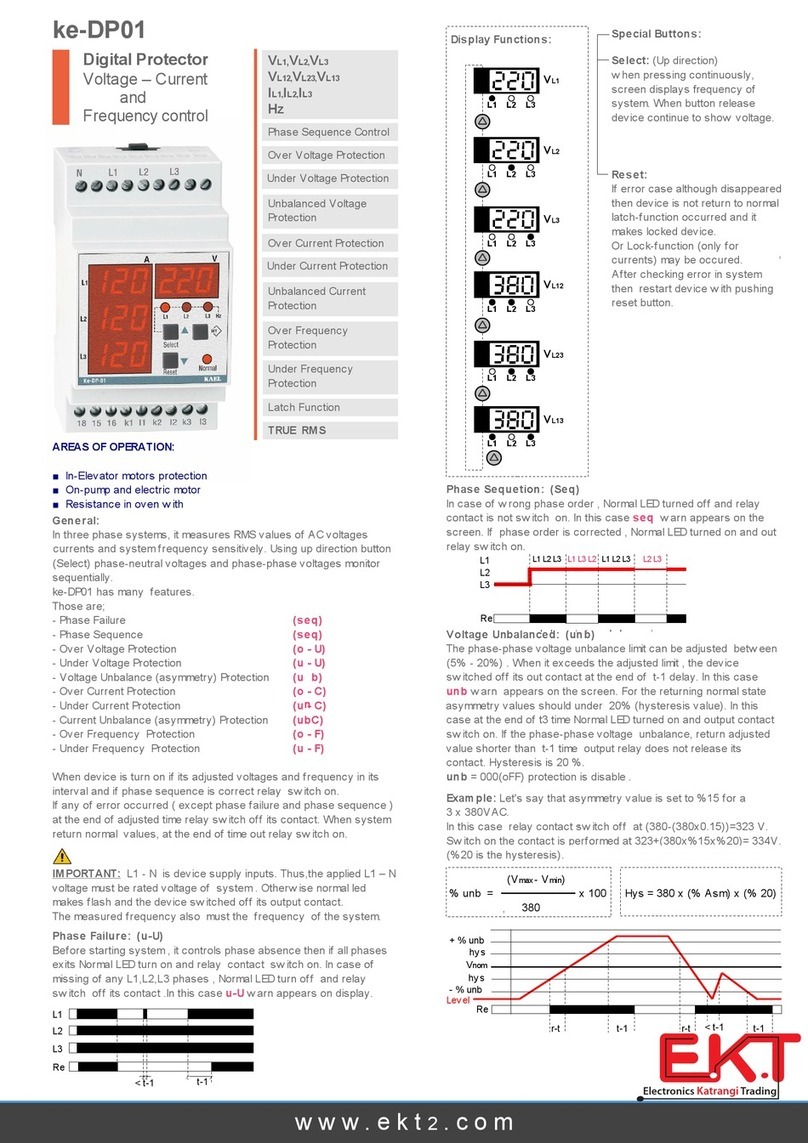
E.K.T. ke-DP01 quick start guide

E.K.T.

E.K.T. ke-DP01 quick start guide

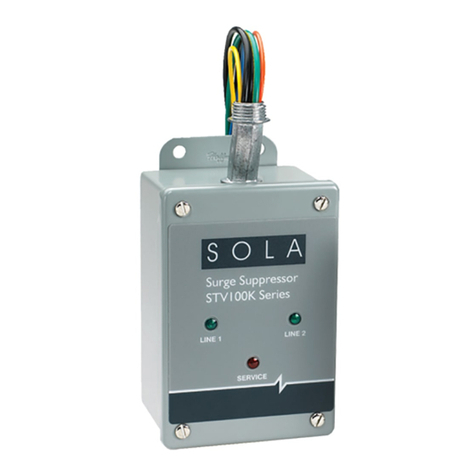
Sola HD STV100K Series instruction manual

Sola HD

Sola HD STV100K Series instruction manual

socomec COUNTIS AMd operating instructions

socomec

socomec COUNTIS AMd operating instructions

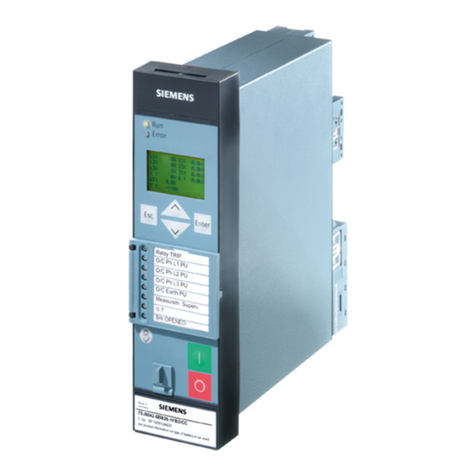
Siemens SIPROTEC 7SD80 manual

Siemens

Siemens SIPROTEC 7SD80 manual

cias MICRO-RAY installation manual

cias

cias MICRO-RAY installation manual

Sungrow PVS-16MH user manual

Sungrow

Sungrow PVS-16MH user manual

Reer 32010 instruction manual

Reer

Reer 32010 instruction manual

STI STI-7560AC Mounting instructions

STI

STI STI-7560AC Mounting instructions

manuals.online logo
manuals.online logoBrands
  • About & Mission
  • Contact us
  • Privacy Policy
  • Terms and Conditions

Copyright 2025 Manuals.Online. All Rights Reserved.

INSTALLATION INSTRUCTIONS MD2-ZB
This device complies with part 15
of the FCC Rules. Operation is subject
to the following two conditions:
(1) This device may not cause harmful interference, and
(2) This device must accept any interference received,
including interference that may cause undesired operation.
This equipment has been tested and found to comply with the limits for a Class B digital device in
accordance with the specifications of Part 15 of FCC rules. These specifications are designed to
provide reasonable protection against such interference win a residential installation.
However, there is no guarantee that interference will not occur in a particular installation.
MD2-ZB
OPTIONS FOR MOUNTING & FRONT COVER FACEPLATE
Cover can be removed & painted to match color
of wall. The cover only can be painted. Do not
paint the sides, top or bottom of the unit or
Warranty will be voided.
www.panamax.com www.mybluebolt.com www.panamax.com www.mybluebolt.com
1
Cover can be flipped around 180 degrees to
hide LEDs from front straight-on view if desired.
RF / ZigBee®
ZigBee®/802.15.4 Radio
2.405-2.475 GHz, unlicensed ISM band
3dBm transmitter output
-99dBm receiver sensitivity
General
Weight__________ 0.7lb
Dimensions_______ 3.25 in. W X 1.625 in.
D X 5.25 in. H
Electrical Ratings
Line Voltage ______ 120 Vac, 60Hz
Current Rating _____ 12 A
Voltage Protection Rating (UL 1449 3rd Edition,
3,000A) _________ 400V L-N, 600V L-G,
500V N-G
Nominal Discharge Current
(UL1449 3rd Edition _ 3,000A
Electrical Measurements
RMS Voltage ______ 1% precision
RMS Current ______ 1% precision
Power___________ 2% precision
Cumulative Energy__ 2% precision
SPECIFICATIONS
Unit can be securely screwed into wall outlet
faceplate using either hole (2) indicated (screw
is included).
WARRANTY POLICIES
Product Warranty: Limited 3 Year Warranty
Connected Equipment Protection Policy:
Limited $100,000
Connected Equipment Policy
C US
AGENCY APPROVALS
CCSAUS Certified: UL1449 3rd Edition
(Type 3 SPD), CSA C22.2 No. 42
UL 1449 Voltage Protection Rating:
400V L-N, 600V L-G, 500V N-G
Cover of MD2-ZB can easily be removed by
pulling off cover at the two side indents (1).
2
OUTLET 1
Left side
Ground Pin Out OUTLET 2
Right side.
Ground Pin
Down
POWER STATUS INDICATOR LIGHTS
Outlet 1
Network
Connection
Status
INDICATOR
LIGHTS
Outlet 2
Wiring Fault
PUSH BUTTONS
For Outlet’s Power ON/OFF
and Network Connection
REMOVABLE COVER
FACEPLATE
Finger Indent to
Pull Off Cover.
In accordance with FCC 15.21, changes or modifications not expressly approved by the party
responsible for compliance could void the user’s authority to operate the equipment.
ZigBee is a registered trademark of ZigBee Alliance, Inc.
DIN-00019-B 11/12

INSTALLATION
BLT
Blue
®
BLT
Blue
®
BLT
Blue
®
BLT
Blue
®
BLT
Blue
®
BLT
Blue
®
5. If the NETWORK / DEMAND
RESPONSE light is RED, the MD2-ZB
is not connected to a ZigBee network.
Proceed to step 6, SETUP.
6. Verify that a BlueBOLT®device (BB-ZB1
or another MD2-ZB) is powered on and within
100 ft. of that active BlueBOLT®device.
1.Turn OFF the equipment that you are
plugging into the MD2-ZB
2. Plug MD2-ZB into the wall outlet. The
red WIRING FAULT light indicates an im-
properly wired outlet that must be checked
by a qualified electrician.
4. Press the OUTLET 1 and/or OUTLET 2
buttons to switch power on the respective
outlets. 8. On MD2-ZB, press and hold the
OUTLET 1 and OUTLET 2buttons simul-
taneously until the NETWORK / DEMAND
RESPONSE light blips / blinks / flashes,
approximately 4 seconds. The NETWORK/
DEMAND / RESPONSE light will turn
GREEN once it has joined the network.
7. Through the BlueBOLT®interface,
enable JOINING. Refer to the user manual
for BB-ZB1 for detailed instructions.
3. Plug your equipment into the AC outlets.
SETUP
OUTLET 1
WIRING FAULT
NETWORK
DEMAND RESP.
OUTLET 2
OUTLET 1 OUTLET 2
NETWORK CONNECT
PUSH BOTH
SIMULTANEOUSLY
Multiple MD2-ZB units can be installed within 100 ft. from an active device (BB-ZB1 or another active MD2-ZB).
BB-ZB1
MD2-ZB MD2-ZB
MD2-ZB
OUTLET 1
WIRING FAULT
NETWORK
DEMAND RESP.
OUTLET 2
OUTLET 1 OUTLET 2
NETWORK CONNECT
PUSH BOTH
SIMULTANEOUSLY
OUTLET 1
WIRING FAULT
NETWORK
DEMAND RESP.
OUTLET 2
OUTLET 1 OUTLET 2
NETWORK CONNECT
PUSH BOTH
SIMULTANEOUSLY
OUTLET 1
WIRING FAULT
NETWORK
DEMAND RESP.
OUTLET 2
OUTLET 1 OUTLET 2
NETWORK CONNECT
PUSH BOTH
SIMULTANEOUSLY
100 ft. Maximum 100 ft. Max. 100 ft. Maximum
MD2-ZB requires BB-ZB1 Gateway (sold separately).
www.panamax.com www.mybluebolt.com