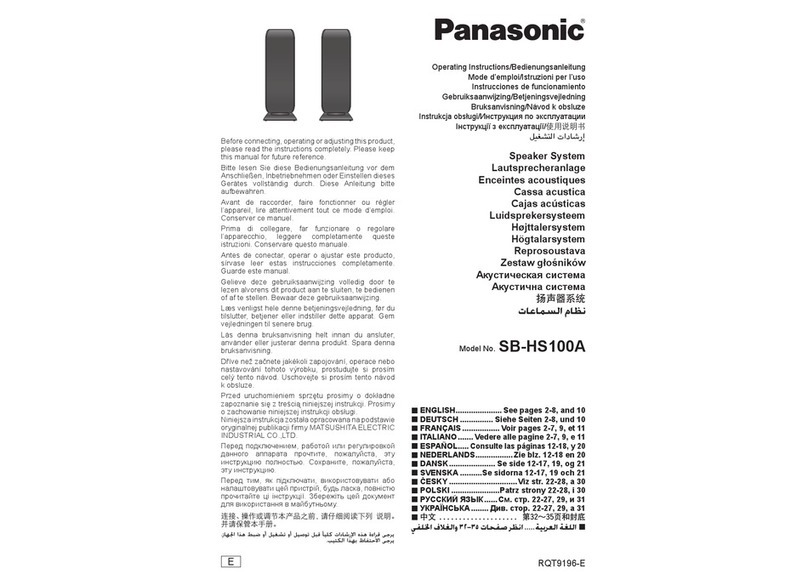
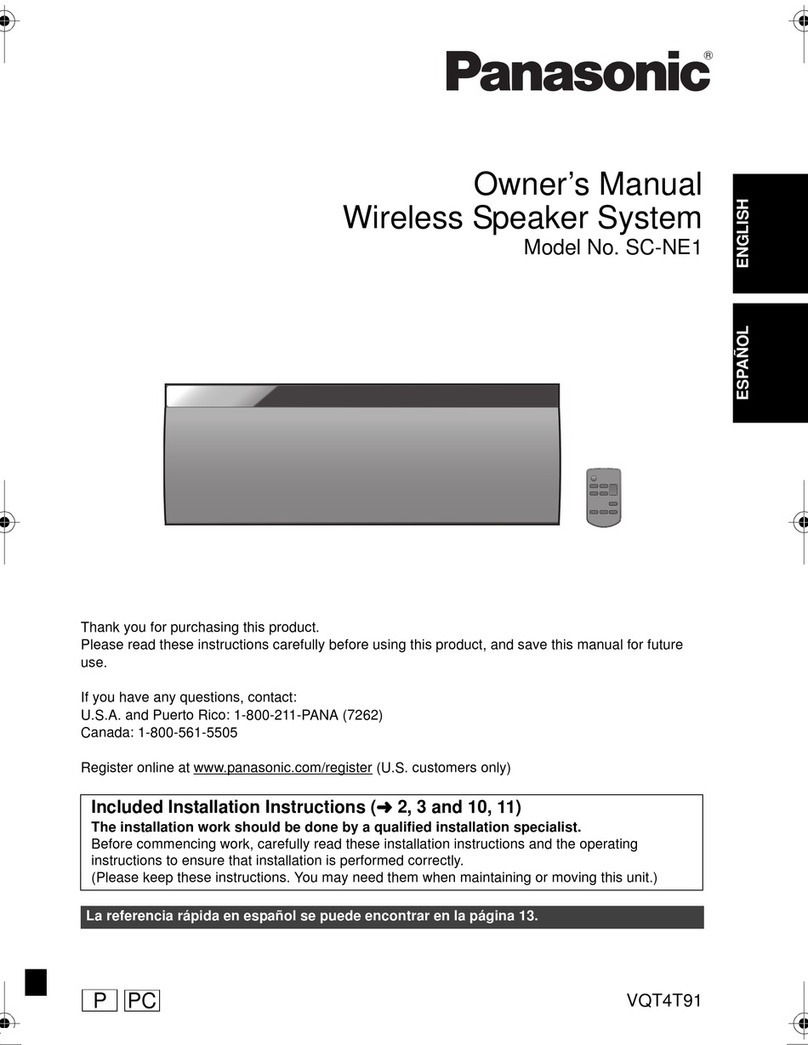
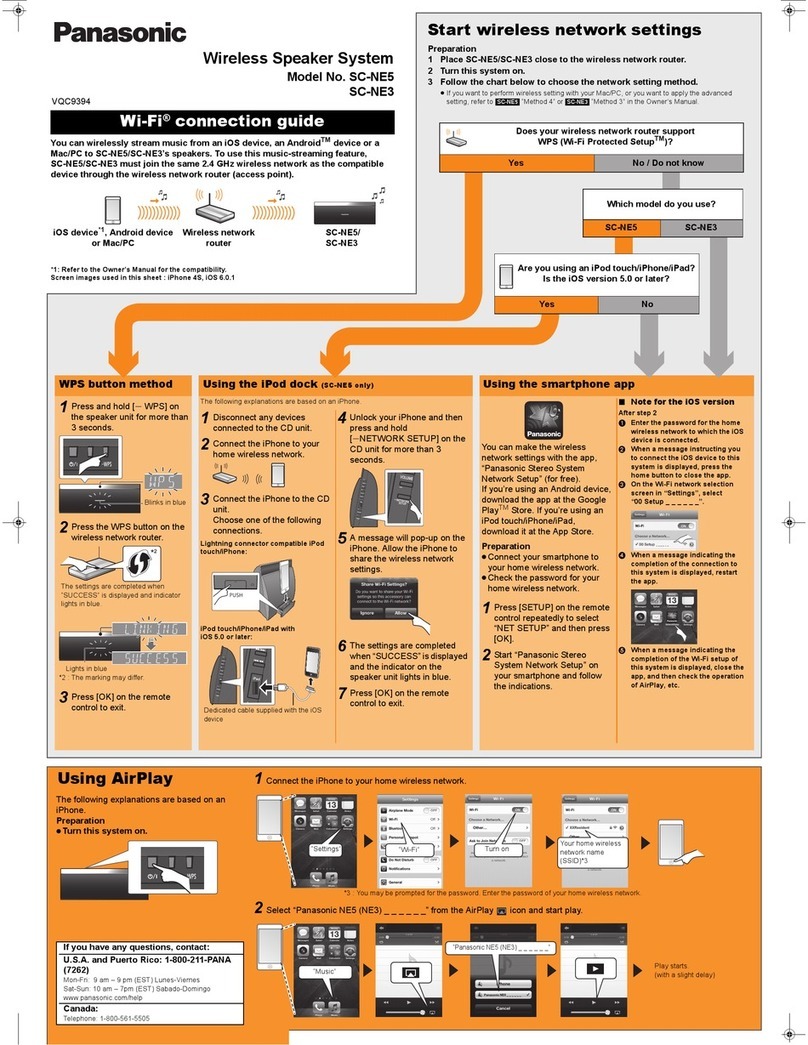
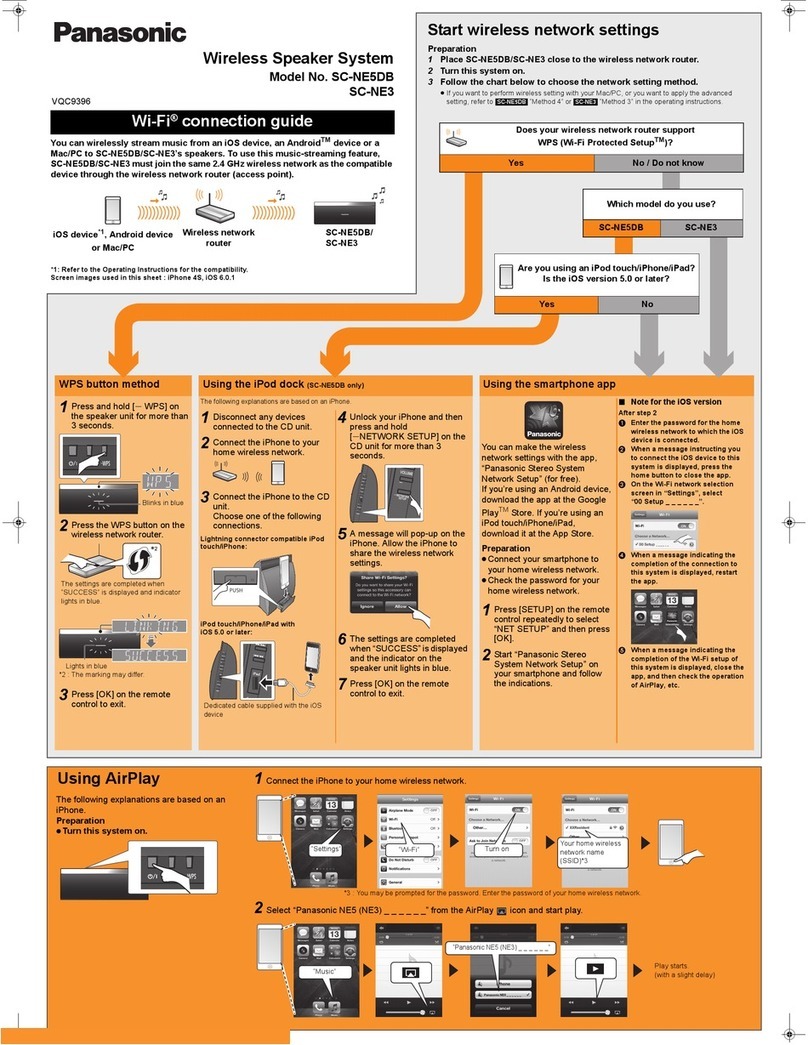
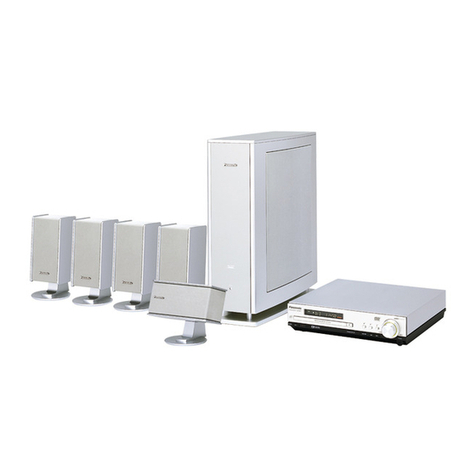
Owner’s Manual
<Setup>
Wireless Speaker System
Model No. SC-ALL8
SC-ALL3
Thank you for purchasing this product.
Please read these instructions carefully before using this product, and save this manual for future use.
Model number suffix “EB” denotes UK model.
This manual contains quick set up information.
More detailed instructions are contained in “Owner’s Manual <Full version>” which can be
downloaded at the links below.
Manufactured by: Panasonic Corporation
Kadoma, Osaka, Japan
Importer for Europe: Panasonic Marketing Europe GmbH
Panasonic Testing Centre
Winsbergring 15, 22525 Hamburg, Germany
Panasonic Corporation
Web Site: http://panasonic.net
p
SQT0189
F0314BM0
C Panasonic Corporation 2014
Declaration of Conformity (DoC)
Hereby, “Panasonic Corporation” declares that this product is in compliance with the essential requirements and other relevant provisions of
Directive 1999/5/EC.
Customers can download a copy of the original DoC to our R&TTE products from our DoC server:
http://www.doc.panasonic.de
Contact to Authorised Representative:
Panasonic Marketing Europe GmbH, Panasonic Testing Centre, Winsbergring 15, 22525 Hamburg, Germany
This product is intended to be used in the following countries.
GB, DE, AT, BE, DK, SE, FR, IT, ES, NL, FI, GR, PT, PL, HU, CZ, SK, EE, LV, LT, SI, BG, RO, MT, CY, IE, LU, HR, NO, CH, IS, LI, TR
This product is intended for general consumer. (Category 3)
The WLAN feature of this product shall exclusively be used inside buildings.
This product on purpose to connect to access point of 2.4 GHz or 5 GHz WLAN.
Precautions
Unit
≥To reduce the risk of fire, electric shock or product damage,
– Do not expose this unit to rain, moisture, dripping or splashing.
– Do not place objects filled with liquids, such as vases, on this unit.
– Use only the recommended accessories.
– Do not remove covers.
– Do not repair this unit by yourself. Refer servicing to qualified
service personnel.
– Do not let metal objects fall inside this unit.
– Do not place heavy items on this unit.
AC mains lead
≥To reduce the risk of fire, electric shock or product damage,
– Ensure that the power supply voltage corresponds to the voltage
printed on this unit.
– Insert the mains plug fully into the socket outlet.
– Do not pull, bend, or place heavy items on the lead.
– Do not handle the plug with wet hands.
– Hold onto the mains plug body when disconnecting the plug.
– Do not use a damaged mains plug or socket outlet.
≥The mains plug is the disconnecting device.
Install this unit so that the mains plug can be unplugged from the
socket outlet immediately.
Attachment
≥To prevent injury, this apparatus must be securely attached to the
wall in accordance with the installation instructions.
≥Keep the safety holder, the screws, and the wall mount brackets
out of reach of children to prevent swallowing.
Unit
≥Do not place sources of naked flames, such as lighted candles,
on this unit.
≥
This unit may receive radio interference caused by mobile
telephones during use. If such interference occurs, please increase
separation between this unit and the mobile telephone.
≥This unit is intended for use in moderate climates.
Placement
≥Place this unit on an even surface.
≥To reduce the risk of fire, electric shock or product damage,
– Do not install or place this unit in a bookcase, built-in cabinet or in
another confined space. Ensure this unit is well ventilated.
– Do not obstruct this unit’s ventilation openings with newspapers,
tablecloths, curtains, and similar items.
– Do not expose this unit to direct sunlight, high temperatures, high
humidity, and excessive vibration.
AC mains lead
≥Do not use AC mains lead with other equipment.
(For the AC mains plug of three pins)
For your safety, please read the following text carefully.
This appliance is supplied with a moulded three pin mains plug for
your safety and convenience.
A 5-ampere fuse is fitted in this plug.
Should the fuse need to be replaced please ensure that the
replacement fuse has a rating of 5-ampere and that it is approved by
ASTA or BSI to BS1362.
Check for the ASTA mark Ï or the BSI mark Ì on the body of the
fuse.
If the plug contains a removable fuse cover you must ensure that it
is refitted when the fuse is replaced.
If you lose the fuse cover the plug must not be used until a
replacement cover is obtained.
A replacement fuse cover can be purchased from your local dealer.
Before use
Remove the connector cover.
How to replace the fuse
The location of the fuse differ according to the type of AC mains plug
(figures A and B). Confirm the AC mains plug fitted and follow the
instructions below.
Illustrations may differ from actual AC mains plug.
1. Open the fuse cover with a screwdriver.
2. Replace the fuse and close or attach the fuse cover.
NORSK
Produkt
≥
For å redusere faren for brann, elektrisk støt eller skade på apparatet:
– Utsett ikke produktet for regn, fukt, drypping eller sprut.
– Ikke plasser objekter som er fylt med væske, som vaser, på
apparatet.
– Bruk kun anbefalt tilbehør.
– Fjern ikke deksler.
– Reparer ikke denne enheten selv, overlat service til kvalifisert
servicepersonell.
Vekselstrømnett
≥Nettstøpselet er trukket ut fra denne enheten.
Installer denne enheten slik at nettstøpselet umiddelbart kan
trekkes fra stikkontakten.
Produkt
≥Plasser ikke åpen ild, slik som levende lys, oppå apparatet.
≥
Dette apparatet er beregnet for bruk under moderate klimaforhold.
Plassering
≥
For å redusere faren for brann, elektrisk støt eller skade på apparatet:
– Ikke plasser apparatet i en bokhylle, et innebygget kabinett eller et
annet lukket sted. Pass på at produktet er godt ventilert.
– Apparatets ventilasjonsåpninger må ikke dekkes til med aviser,
duker, gardiner eller lignende.
WARNING
CAUTION
Caution for AC Mains Lead
Product Identification Marking is located on
the bottom of the unit.
Product Identification Marking is located on
the rear of the unit.
This symbol indicates separate
collection of waste electrical and
electronic equipment.
More detailed information is contained
in “Owner’s Manual <Full version>”.
ADVARSEL
FORSIKTIG