9
Installation Guide
AT-OME-MH21-CP
Resetting to Factory-Defaults
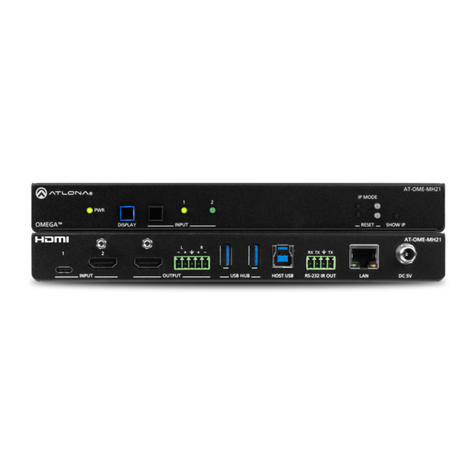
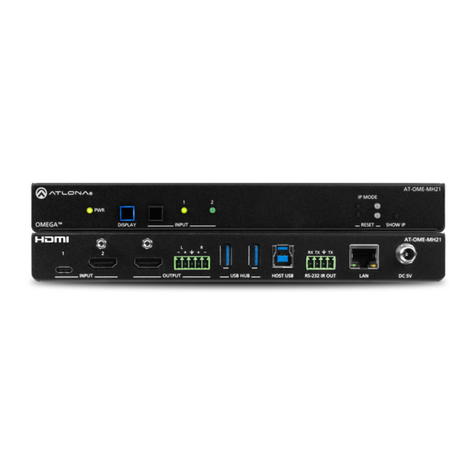
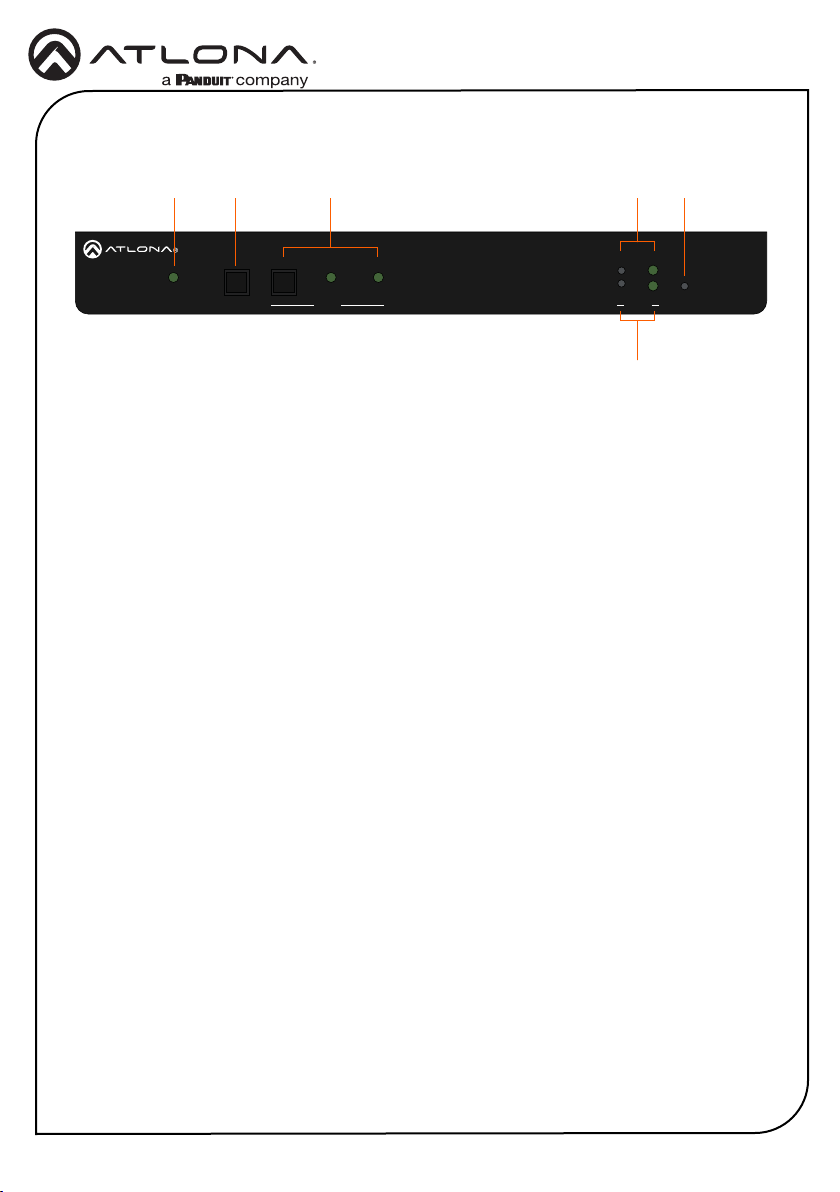
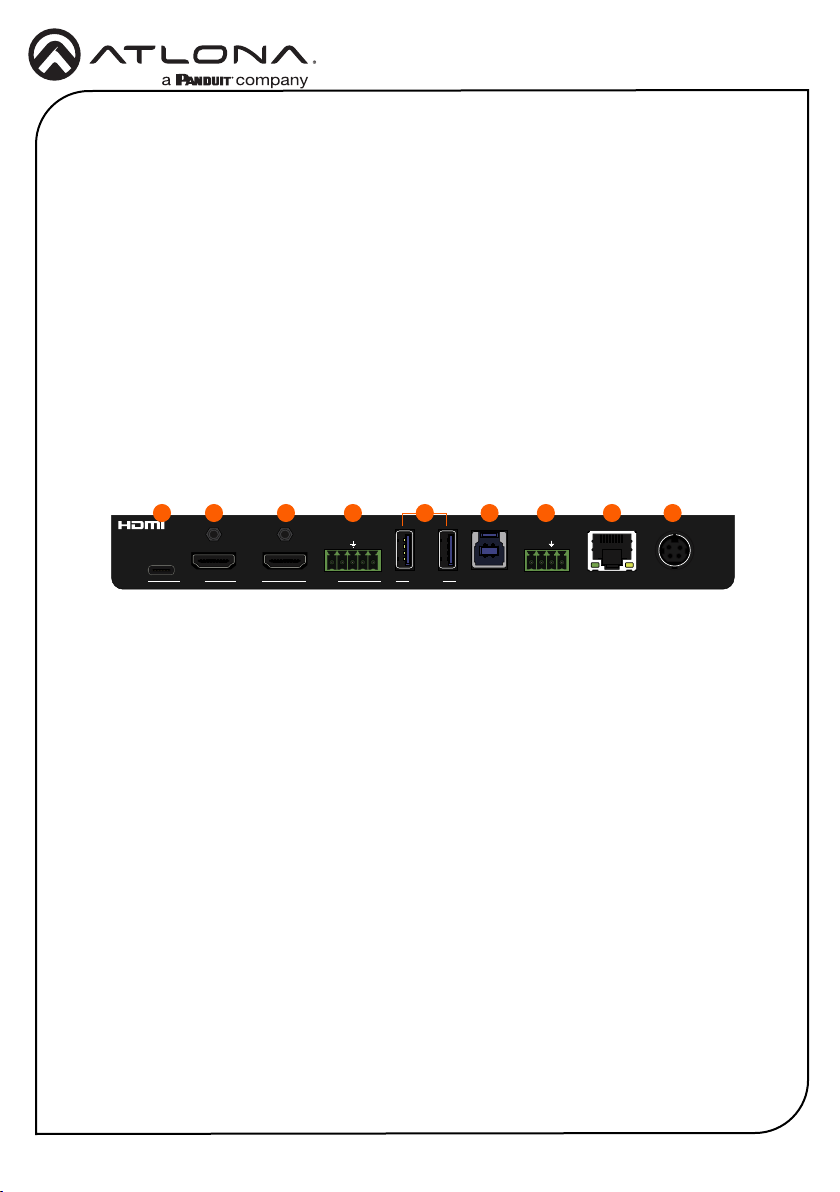
To reset the AT-OME-MH21-CP to factory-default settings, press and hold the RESET button for
approximately 5 seconds. Release the button when the RESET LED indicator begins to ash.
The LED indicator will ash three times to indicate that the reset procedure has completed.
Velocity™with Integrated AMS
Web Server
The AT-OME-MH21-CP includes a built-in web server, which allows easy management and con-
trol of all features. Follow the instructions below to access the web server.
1. Set the IP mode of the AT-OME-MH21-CP. Refer to IP Conguration (page 8) for more
information.
2. Connect an Ethernet cable from the LAN port on the AT-OME-MH21-CP to the Local Area
Network (LAN).
3. Connect an HDMI cable from the AT-OME-MH21-CP to a display, then press the SHOW IP
button on the front panel to display the IP address.
4. Launch a web browser and enter the IP address of the unit.
5. The AT-OME-MH21-CP Registration page will be displayed.
6. Enter the username, password, and conrm the password on the registration page to
register the device. The password must contain a minimum of 8 characters, including 1
uppercase, 1 lowercase, and 1 numeric character.
7. Click on Register button.
8. The AT-OME-MH21-CP Login page will be displayed.
9. Enter the username and password login credentials that were entered during the registration
process.
10. Click the Login button
INPUT
21
AT-OME-MH21-CP
DC 24VLANIR OUTRS-232HOST USBUSB HUB
L R
- -
+ + TXRX TX
OUTPUT
PWR
IP MODE
DISPLAY
AT-OME-MH21-CP
OMEGATM RESET SHOW IPINPUT
21
RESET button
For easy conguration of Atlona devices, Velocity with Integrated AMS is available from https://
atlona.com/AMS for free. Once AMS has been setup, following the instructions below.
1. Open a browser on the same network as Velocity with Integrated AMS and go to the IP
address of Velocity with Integrated AMS. View the Velocity with Integrated AMS installation
instructions on how to nd the IP of the software, if necessary.
2. Enter the login information on the Velocity with Integrated AMS web page, then click the
Login button.
3. View the AT-OME-MH21-CP manual for routing and conguration information.