14
APPS AND FEATURES
15
Send Your Message
Talk with your fingers. Make a bold statement with the touch of a
button.
Text Messaging
Sending a New Text Message to a Phone
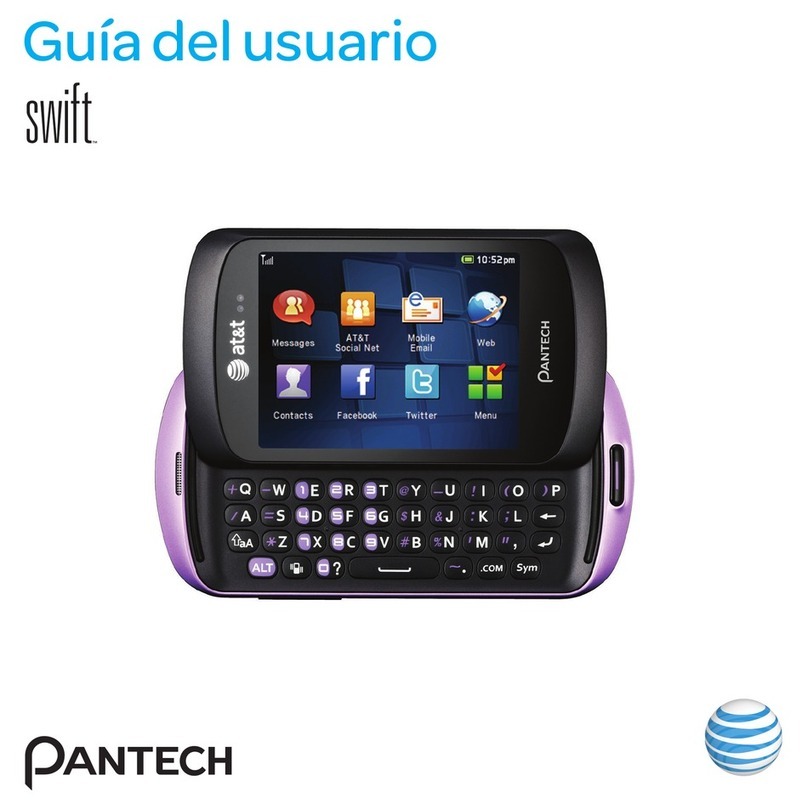
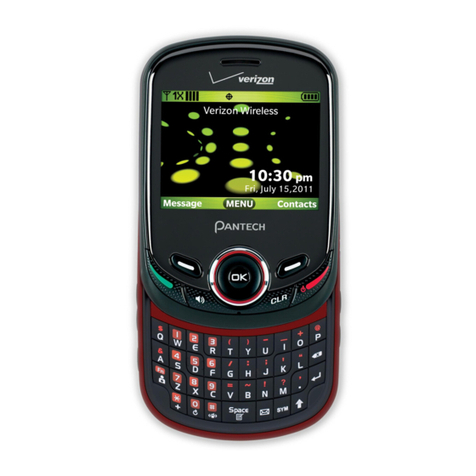
1. Slide the phone up and press the TXT COMPOSER Key .
2. Enter the phone number or e-mail address you would like to
reach, and press the Key.
3. Enter your message, and then press the Key [SEND].
Picture Messaging
Take pictures that you can send to virtually any wireless number or
e-mail address.
Snap a Photo and Send as a Picture Message
1. Slide the phone up, press the Key [Menu], then press
4. Multimedia > 1. Picture & Video > 3. Take Picture.
Shortcut: From idle mode, if the keypad is locked, press the END/POWER Key
, then press the Key in less than three seconds to unlock the keypad.
Press the Camera Key (located on the right side of the device) to access
the camera viewfinder.
2. Point the camera at your subject and press the Key [TAKE]
to take the picture.
3. Press the Key [SEND] to send the picture. Enter the phone
number or e-mail address of the recipient in the To: field, then
press the Key.
4. Under To:, input the phone number or e-mail address of the
recipient, then press the Key.
5. Enter a message in the Text: field and press the Directional
Key up or down to scroll to and make adjustments to any
additional fields.
6. Press the Key [SEND] to send the picture message.
Store a Picture on your Phone
1. Slide the phone up, press the Key [Menu], then press
4. Multimedia > 1. Picture & Video > 3. Take Picture.
Shortcut: From idle mode, if the keypad is locked, press the END/POWER Key
, then press the Key in less than three seconds to unlock the keypad.
Press the Camera Key (located on the right side of the device) to access
the camera viewfinder.
2. Point the camera at your subject and press the Key [TAKE]
to take the picture.
3. Press the Left Soft Key [Save] to save the picture on your
phone.