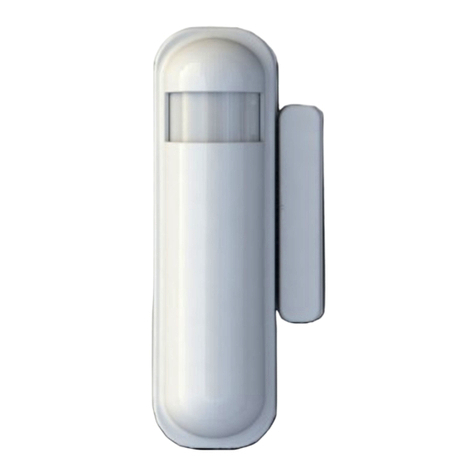
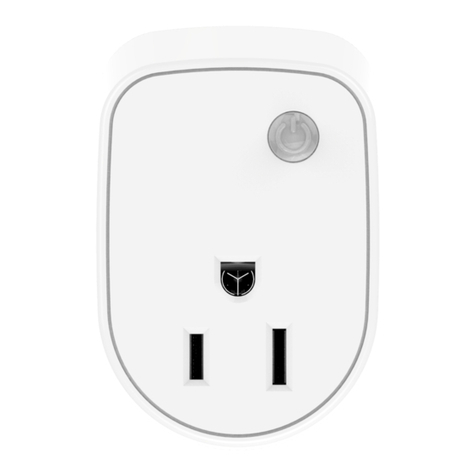
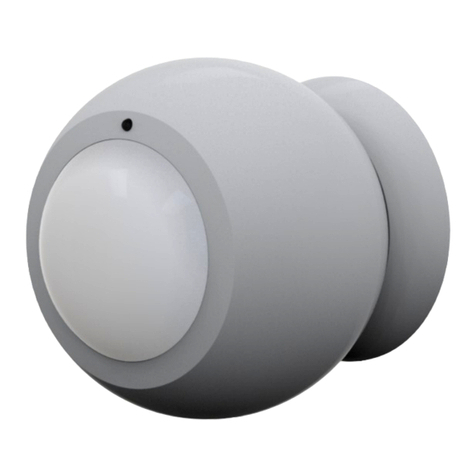
Function Description
Add
1. Have Z-WaveTM Controller entered inclusion mode.
2. Pressin the tamper key three times within 1.5
seconds to enter the inclusion mode.
3. After add successful, the device will wake to
receive the settin command from Z-WaveTM
Controller about 20 seconds.
Remove
1. Have Z-WaveTM Controller entered exclusion mode.
2. Pressin tamper key three times within 1.5 seconds
to enter the exclusion mode.
Node ID has been excluded.
Reset
otice: Use this procedure only in the event
that the primary controller is lost or
otherwise inoperable.
1. Pressin tamper key four times within 1.5 seconds
and do not release the tamper key in the 4th
pressed, and the LED will li ht ON.
2. After 3 seconds the LED will turn OFF, after that
within 2 seconds, release the tamper key. If
successful, the LED will li ht ON one second.
Otherwise, the LED will flash once.
3. IDs are excluded and all settin s will reset to
factory default.
Association
1. Have Z-WaveTM Controller entered association
mode.
2. Pressin tamper key three times within 1.5 seconds
to enter the association mode.
Note: PAT02-1A and PAT02-1C are support 2 roups,
and PAT02-1B only support 1 roup. The roup 1 is for
receivin the report messa e, like tri ered event,
temperature, humidity etc. The roup 2 is for the li ht
control, the device will send the “Basic Set” command
to this roup. And each roup support 8 nodes
maximum.
•Failed or success in add/remove the node ID can be viewed
from Z-WaveTM Controller.
otice 1: Always RESET a Z-WaveTM device before tryin to add it to a
Z-WaveTM network
otice 2: When the device into NWI mode, the sensor functionality
will useless. The NWI mode will timeout after 30 seconds. You can
press the tamper key 3 times to abort the NWI mode.
Z-WaveTM otification
After the device addin to the network, it will wake-up once per day in
default. When it wake-up it will broadcast the “Wake Up Notification”
messa e to the network, and wake-up 10 seconds for receive the
settin commands.
The wake-up interval minimum settin is 30 minutes, and maximum
settin is 120 hours. And the interval step is 30 minutes.
Press the tamper key once. The device will wake-up 10 seconds.
Z-WaveTM Message Report
When the flood tri ered the device will report the tri er event and
also report the battery status, temperature and humidity.
In default the device will usin Notification Report to represent the
tri er event, it can be chan ed to Sensor Binary Report by settin the
confi uration NO. 7 Bit4 to 1.
* Flood Report: (PAT02-A, PAT02-C)
When the flood tri ered, the device will unsolicited to send the report
to the nodes in the roup 1.
Notification Report (V4)
Notification Type: Water Alarm (0x05)
Event: Water Leak detected, Unknown Location (0x02)
2