EN 5
3 Get started
Always follow the instructions in this chapter in
sequence.
Prepare radio antenna
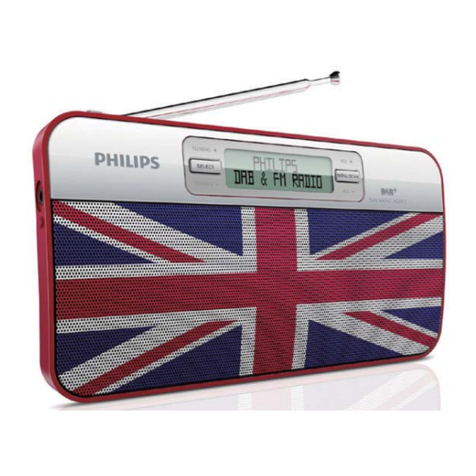
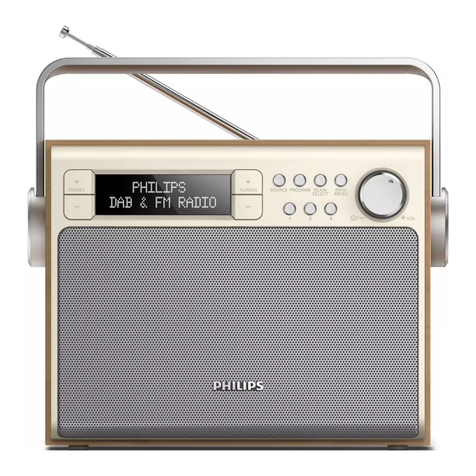
For better radio reception, fully extend and
adjust the position of the antenna.
Note
•To prevent interference, position the antenna as
far as possible from any other radiation sources.
Connect power
You can use this radio player on AC power or
battery power.
Option 1: AC power
Caution
•Risk of product damage! Make sure that the
power voltage corresponds to the voltage
printed on the back or underside of the radio.
•Risk of electric shock! When you unplug the AC
plug, always pull the plug from the socket Never
pull the cord.
1Connect the power adapter to:
• theDC IN socket on the back of the
radio, and the wall socket.
Option 2: Battery power
Caution
•Batteries (battery pack or batteries installed)
shall not be exposed to excessive heat such as
sunshine, fire or the like.
•Danger of explosion if battery is incorrectly replaced.
Replace only with the same equivalent type.
•Do not mix batteries (old and new or carbon
and alkaline, etc.).
•Remove batteries if they are exhausted or if the
unit is not to be used for a long time.
1Open the battery compartment at the back
of the unit.
2Insert four R14/UM-2/C size batteries (not
supplied) with correct polarity (+/-) as
indicated, then close the battery compartment.
The unit is ready to operate.
Caution
•A 'Battery low' Icon is shown when the battery
power is low. Replace batteries or connect to
AC power to ensure normal operation.
Note
•Batteries contain chemical substances, so they
should be disposed of properly.
Turn on
•Press .
The radio switches to the last selected
source.
Adjust the volume level
•Turn - VOL + repeatedly to adjust volume.
Switch to standby mode
•Press again.
The display panel is dimmed.
The time and date (if set) are displayed.
Note
•If the system is idle for 15 minutes, the radio
switches to standby mode automatically.
•To increase battery life, you can turn o the unit
completely by press and hold button. Press
and hold button again to turn on the set again.