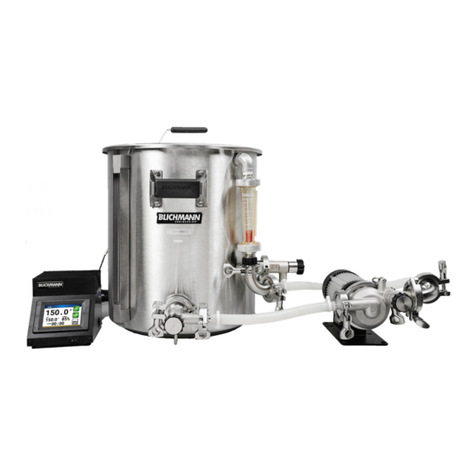
Display
Main Menu
Brew a Recipe
Select to see the list of recipes synced to your Zymatic, then
select one to brew.
Clean/Rinse
Clean: Use this program for a deep clean every 5 brews with a
dishwasher tablet.
Rinse: Use this program after initial set-up and after every brew
to rinse out your machine.
Machine Set-Up
Ethernet: Use to check your Ethernet connection. You must
have an Ethernet cable connected.
WiFi: Use to check your WiFi connection.
Account Sync: Use to sync recipes to your account if it didn’t
automatically sync.
Help
Drain: Will drain the machine for 5 minutes or until you
manually press stop.
Circulate: Will run the keg and drain pump while displaying the
current temperatures. Do not select this option if you do not
have a Step Filter inserted and a keg or tubes connected to your
ball locks.
System Diagnostics: This option will lead through a
diagnostics test that will allow PicoBrew to help you figure out
the cause of any issues you may run into with your Zymatic®.
Help from PicoBrew: Select if you are seeing any issues with
your machine and your Zymatic® will send an error log and
contact customer support at PicoBrew.
Continue from Last Brew: If for some reason your Zymatic®
ran into a power fault or any other errors and stopped your brew
and it is now safe to continue your brew, you can select this
option to continue where you left off.
About Zymatic
Information on account information, serial numbers, and
firmware version.