manuals.online logo
Brands
  1. Home
  2. •
  3. Brands
  4. •
  5. Pinegreen Lighting
  6. •
  7. Lighting Equipment
  8. •
  9. Pinegreen Lighting CL-TRL12RGB User manual

Pinegreen Lighting CL-TRL12RGB User manual

Other Pinegreen Lighting Lighting Equipment manuals

Pinegreen Lighting CL-WLS7000-3CCT User manual

Pinegreen Lighting

Pinegreen Lighting CL-WLS7000-3CCT User manual

Pinegreen Lighting 12000LM User manual

Pinegreen Lighting

Pinegreen Lighting 12000LM User manual

Pinegreen Lighting CL-CB25 User manual

Pinegreen Lighting

Pinegreen Lighting CL-CB25 User manual

Pinegreen Lighting CL-2PKG2SL-ST User manual

Pinegreen Lighting

Pinegreen Lighting CL-2PKG2SL-ST User manual

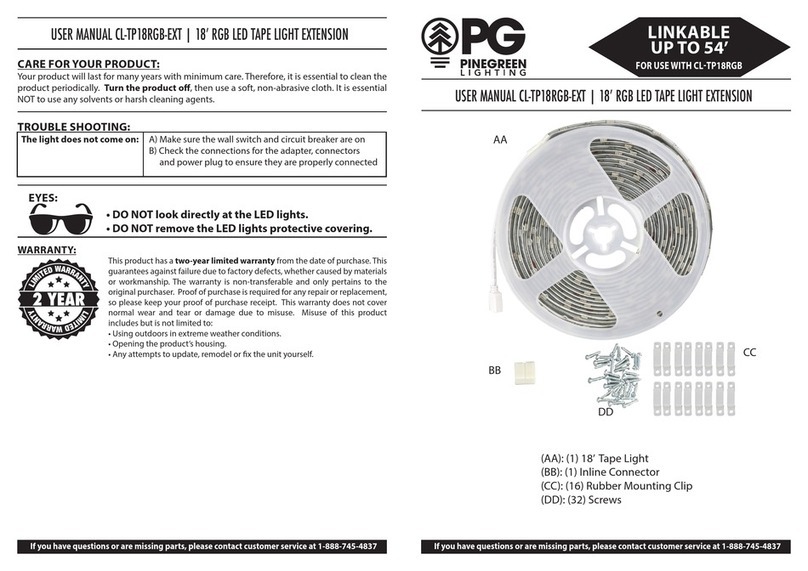
Pinegreen Lighting CL-TP18RGB-EXT User manual

Pinegreen Lighting

Pinegreen Lighting CL-TP18RGB-EXT User manual

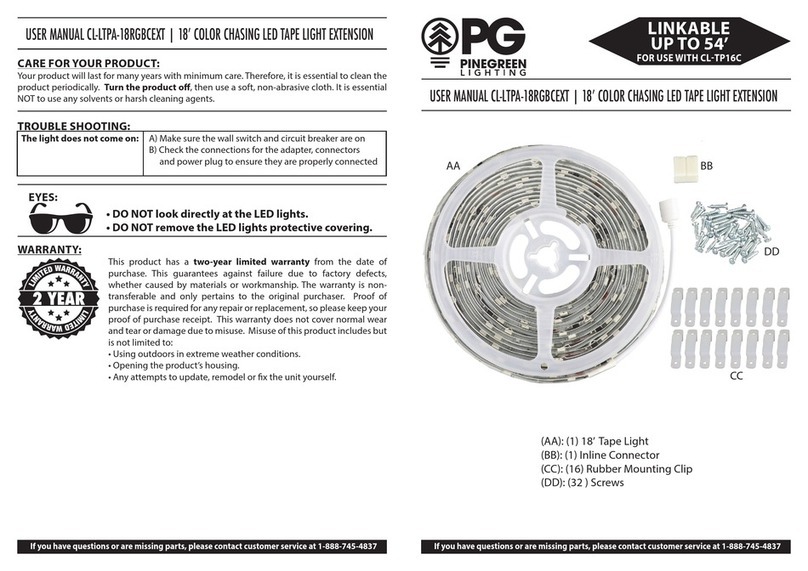
Pinegreen Lighting CL-LTPA-18RGBCEXT User manual

Pinegreen Lighting

Pinegreen Lighting CL-LTPA-18RGBCEXT User manual

Pinegreen Lighting CL-RUH24 User manual

Pinegreen Lighting

Pinegreen Lighting CL-RUH24 User manual

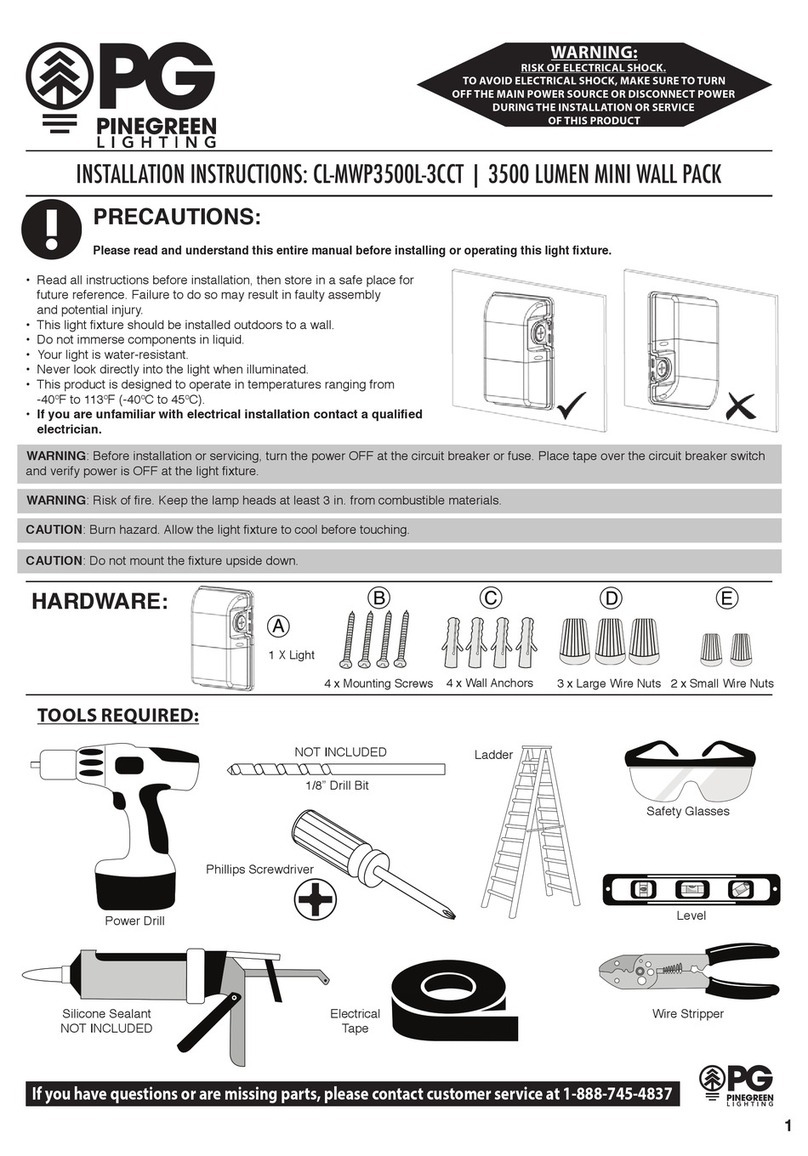
Pinegreen Lighting CL-MWP3500L-3CCT User manual

Pinegreen Lighting

Pinegreen Lighting CL-MWP3500L-3CCT User manual

Pinegreen Lighting CL-BU-G80M-RC User manual

Pinegreen Lighting

Pinegreen Lighting CL-BU-G80M-RC User manual

Pinegreen Lighting CL-SML2ST User manual

Pinegreen Lighting

Pinegreen Lighting CL-SML2ST User manual

Popular Lighting Equipment manuals by other brands

Life 39.9F70020C quick start guide

Life

Life 39.9F70020C quick start guide

EuroLite LED ML-20 user manual

EuroLite

EuroLite LED ML-20 user manual

LIGMAN OD-50141 installation manual

LIGMAN

LIGMAN OD-50141 installation manual

Home Accents Holiday 1002461144 instructions

Home Accents Holiday

Home Accents Holiday 1002461144 instructions

Experia IRiS Ripple Light instruction manual

Experia

Experia IRiS Ripple Light instruction manual

Erco Gecko Mounting instructions

Erco

Erco Gecko Mounting instructions

Inter-lux ZTA.100.Surface Installation and maintenance instructions

Inter-lux

Inter-lux ZTA.100.Surface Installation and maintenance instructions

Whelen Engineering Company TN Series installation guide

Whelen Engineering Company

Whelen Engineering Company TN Series installation guide

IKEA BJÖRKSPIREA manual

IKEA

IKEA BJÖRKSPIREA manual

Toolland PM 6640 instruction manual

Toolland

Toolland PM 6640 instruction manual

GTD GTD-LP200 user manual

GTD

GTD GTD-LP200 user manual

LIVARNO home 1105-W-UK manual

LIVARNO home

LIVARNO home 1105-W-UK manual

ProLights EclPar IPMFC user manual

ProLights

ProLights EclPar IPMFC user manual

Velvet EVO Series user manual

Velvet

Velvet EVO Series user manual

IDTOLIGHT GENT installation instructions

IDTOLIGHT

IDTOLIGHT GENT installation instructions

MAYTONI S35 installation manual

MAYTONI

MAYTONI S35 installation manual

MaxLite MLFP14DP4535 user manual

MaxLite

MaxLite MLFP14DP4535 user manual

SLV Elektronik 550621 instruction manual

SLV Elektronik

SLV Elektronik 550621 instruction manual

manuals.online logo
manuals.online logoBrands
  • About & Mission
  • Contact us
  • Privacy Policy
  • Terms and Conditions

Copyright 2025 Manuals.Online. All Rights Reserved.

CARE FOR YOUR PRODUCT:
Your product will last for many years with minimum care. Therefore, it is essential to clean the
product periodically. Turn the product off, then use a soft, non-abrasive cloth. It is essential
NOT to use any solvents or harsh cleaning agents.
WARRANTY:
This product has a two-year limited warranty from the date of purchase. This
guarantees against failure due to factory defects, whether caused by materials
or workmanship. The warranty is non-transferable and only pertains to the
original purchaser. Proof of purchase is required for any repair or replacement,
so please keep your proof of purchase receipt. This warranty does not cover
normal wear and tear or damage due to misuse. Misuse of this product
includes but is not limited to:
• Using outdoors in extreme weather conditions.
• Opening the product’s housing.
• Any attempts to update, remodel or x the unit yourself.
EYES:
• DO NOT look directly at the LED lights.
• DO NOT remove the LED lights protective covering.
REMOTE CONTROL OPERATION:
USER MANUAL CL-TRL12RGB | 12’ LED COLOR CHANGING ROPE LIGHT
If you have questions or are missing parts, please contact customer service at 1-888-745-4837 If you have questions or are missing parts, please contact customer service at 1-888-745-4837

(AA) (1) 12’Rope Light
(BB) (1) Power Adaptor/Remote Receiver
(CC) (1) Remote Control
(DD) (10) Mounting Clip
(EE) (10) Screws
(FF) (10) Zip Tie
AA BB
CC
FF
DD
EE
Fig 5
LINKABLE
UP TO 180’
Remote Control for CL-TRL12RGB
A. Power - Toggles power On and O
B. Play - Cylcle through colors in Flash, Fade,
Sparkle, and Twinkle Modes
C. Pause - Stops play button operation
D. Speed Control - Changes speed interval from
play button from 4 to 8 seconds between changes
E. Color Models - R (Red), G (Green), B (Blue),
Glacier (Cool White), Y (Yellow), P (Purple), C (Greenish-Blue)
F. Multi-Colors
G. Flash - Cycles current color On and O
H. Fade - Current color Increases and Decreases light
I. Twinkle - Creates a Twinkling Eect of the current color
J. Sparkle- Creates a Sparkle Eect of the current color
K. Battery Pull Tab - This must be removed for remote to function
TROUBLE SHOOTING:
The light does not come on: A) Make sure the wall switch and circuit breaker are on
B) Check the connections for the adapter, connectors
and power plug to ensure they are properly connected
Remote Control for CL-TRL12RGB
A. Power - Toggles power On and O
B. Play - Cylcle through colors in Flash, Fade,
Sparkle, and Twinkle Modes
C. Pause - Stops play button operation
D. Speed Control - Changes speed interval from
play button from 4 to 8 seconds between changes
E. Color Models - R (Red), G (Green), B (Blue),
Glacier (Cool White), Y (Yellow), P (Purple), C (Greenish-Blue)
F. Multi-Colors
G. Flash - Cycles current color On and O
H. Fade - Current color Increases and Decreases light
I. Twinkle - Creates a Twinkling Eect of the current color
J. Sparkle- Creates a Sparkle Eect of the current color
K. Battery Pull Tab - This must be removed for remote to function
USER MANUAL CL-TRL12RGB | 12’ LED COLOR CHANGING ROPE LIGHT USER MANUAL CL-TRL12RGB | 12’ LED COLOR CHANGING ROPE LIGHT
Please read and understand this entire manual before attempting to assemble, operate or
install the product. Please save this instruction manual.
WARNING
• Risk of electric shock: turn power o before installing.
• This rope light must be installed in a dry, open location only.
• CAUTION: To reduce the risk of re, do not install more than 2 rope lights in spaces smaller
than 12 inches by 12 inches by 12 inches.
• Use only plastic ties to secure power cord.
• Not intended for recessed installation in ceilings, or recessed sots.
• The National Electrical Code (NEC) does not permit cords to be concealed where damage
to insulation may go unnoticed. To prevent re danger, do not run cord behind walls,
ceilings, sots, or cabinets where it may be inaccessible for examination. Cords should be
visually examined periodically and immediately replaced when any damage is noted.
• This product is not a toy. Do not store or leave this rope light in a location accessible to
young children.
• Do not install this rope light near or in heat-producing appliances.
• Risk of re hazard, only connect a maximum of the TOTAL length.
CLTRL12RGB  LINKABLE UP TO 180’
• Ensure NOT to exceed the above maximum total length.
• If this unit is installed in an outdoor location, the power plug (BB) must be fully covered by
an certied outdoor covering for use in for a wet location.
CAUTION
• Remove batteries from the remote control (CC) to prevent product damage when the
product is not used for a long period of time.
• Batteries must be inserted in the correct position.
• Do not throw batteries into re or expose them to excess heat.
PREPARATION
• Before beginning assembly, installation or operation of product, make sure all parts are
present. Compare parts with package contents list. If any part is missing or damaged, do not
attempt to assemble, install or operate the products. Contact customer service for
replacement parts.
• Tools required for assembly (not included):
• Phillips screwdriver • Safety glasses • Ladder • Scissors
1. MEASURE: Lay out the installation. Ensure
the mounting surface is clean and free of any
debris or residue.
2. PLUG THE ROPE LIGHT TO THE POWER
ADAPTOR: First, ensure the power adaptor
is not plugged into an electrical socket.
Connect the rope light (AA) to the power
adaptor (BB), making sure to match the two
prongs in the rope light (AA) into the two
holes in the power adaptor (BB). Twist the
nozzle (GG) onto the power cord end (HH)
until the t is secure (Fig 1).
3. MOUNT: Use the mounting clips (DD) with
the screws (EE) and/or zip ties (FF) to mount
the rope light to the desired surface.
A) Usingascrew(EE),securethemountingclip
(DD) to the desired surface making sure it is
in a direction that the rope light (AA) can
snap into (Fig 2). Repeat. Snap the rope
light (AA) into each mounting clip (DD)
(Fig 3).
B) Use a zip tie (FF) to secure the rope light
(AA) to the desired surface (Fig 4). Make
sure to zip tie (FF) the rope light (AA) to a
surface that makes the rope light (AA)
tight and secure. Repeat.
Plug the power to the wall socket. Your
rope light and remote are now ready to use.
To use the remote control (CC), ensure you
are no more than 25 feet away from the
power adapter/remote receiver (BB)
. See Fig 5
on Page 4 for remote features.
AA
AA
FF
EE DD
DD AA
TOP VIEW
ROPE
LIGHT
DIRECTION
GG
Fig 1
Fig 2
Fig 3
Fig 4
HH BB
IMPORTANT SAFETY INSTRUCTIONS ASSEMBLY INSTRUCTIONS
If you have questions or are missing parts, please contact customer service at 1-888-745-4837 If you have questions or are missing parts, please contact customer service at 1-888-745-4837