9 | P a g e
Wireless & Wired Sensors
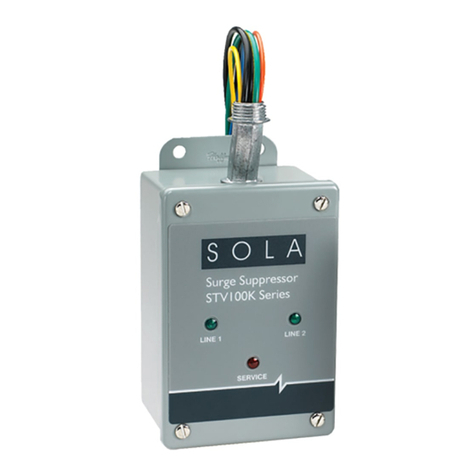
Part #: FB200B & SK200B
III. Wireless & Wired Sensors
A. Component Description
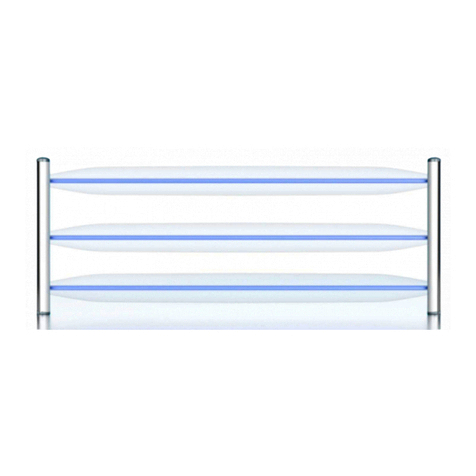
1. The wireless water sensor can have an
optional wired sensor plugged into the
wireless sensor.
2. The wireless sensor operates on 2 AA
batteries or AC adapter (not included).
a. Do NOT place batteries in the wireless
sensor if it is going to be powered with
the AC adapter. Batteries are not for a
backup.
b. Be sure to place Positive (+) side of
AA battery in first, to ensure proper
functionality.
c. Replace AA batteries annually or replace
batteries after the wireless sensor has alarmed due to water.
3. When the wireless sensor detects water via the gold plated sensor pins or the
attached wired sensor the wireless sensor will produce an audible alarm and send
a wireless signal to the VIP Sr. This will tell the VIP Sr. to close the TickerValve
and the VIP Sr. will produce a visual and audible alarm.
4. The FCC Label is located inside the battery compartment, visible during the
installation and removal of the batteries.
5. Wireless sensors will wake up 4 times a day to check proper communication to the
VIP Sr. If this operation fails; the VIP Sr. will go into an alarm and LED 1 will
FLASH RED for LOST SYNC.
B. Operational Instructions
1. Apply desired power to the wireless sensor, either AC power or AA batteries.
2. Place VIP Sr. into SYNC MODE or add devices through ionleaks.com.
3. Tap the red SYNC button on the underside of the wireless sensor; it will then
produce 3 beeps followed by a succession of beeps followed by 3 long beeps.
Note: The wireless sensor must be synced to the VIP Sr. for the system to
automatically turn off the water.
4. Repeat for each wireless sensor, when completed exit SYNC MODE on VIP Sr.
5. Place wireless sensors in the desired locations for the install.
6. Test each synced wireless sensor in the final installation location:
a. Tap the red SYNC button on the underside of the wireless sensor; it will then
produce 3 beeps followed by a succession of beeps followed by 3 long beeps. If
this happens the wireless sensor is within wireless range and is properly
communicating with the VIP Sr. If it does not happen a Repeater is needed to
extend the signal.
b. Or test each wireless sensor with water by wetting the sensor.
7. To remove a wireless sensor from the system, while in Sync mode tap the Sync
button to unsync. Tap again to re-sync the wireless sensor. You can also use
ionleaks.com to do this syncing and un-syncing.