8
7. Bale stacker start-up
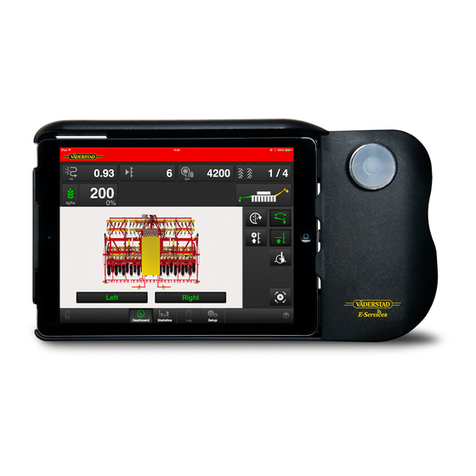
Use the start button to start and pause the loading
program. Press this button to start automatic
loading. The external button ( 1 ) has the same
function.
Use the Menu to choose between the two loading
programs. Choose the loading program where the
bale clamp starts in the inner position or the other
program where the bale clamp starts in the outer
position. By pressing the start button when the bale
clamp is in the inner position, the bale clamp comes
out. You use this for turning the bale. When
pressing the start button a second time, the
loading program will start.
By pressing Menu, you can switch the program so
the bale clamp starts in the outer position. Press the
start button to start the loading program.
When the loading program starts, the bale clamp
compresses the bale until reaching the compression
pressure set in the PLC. The bale is then lifted
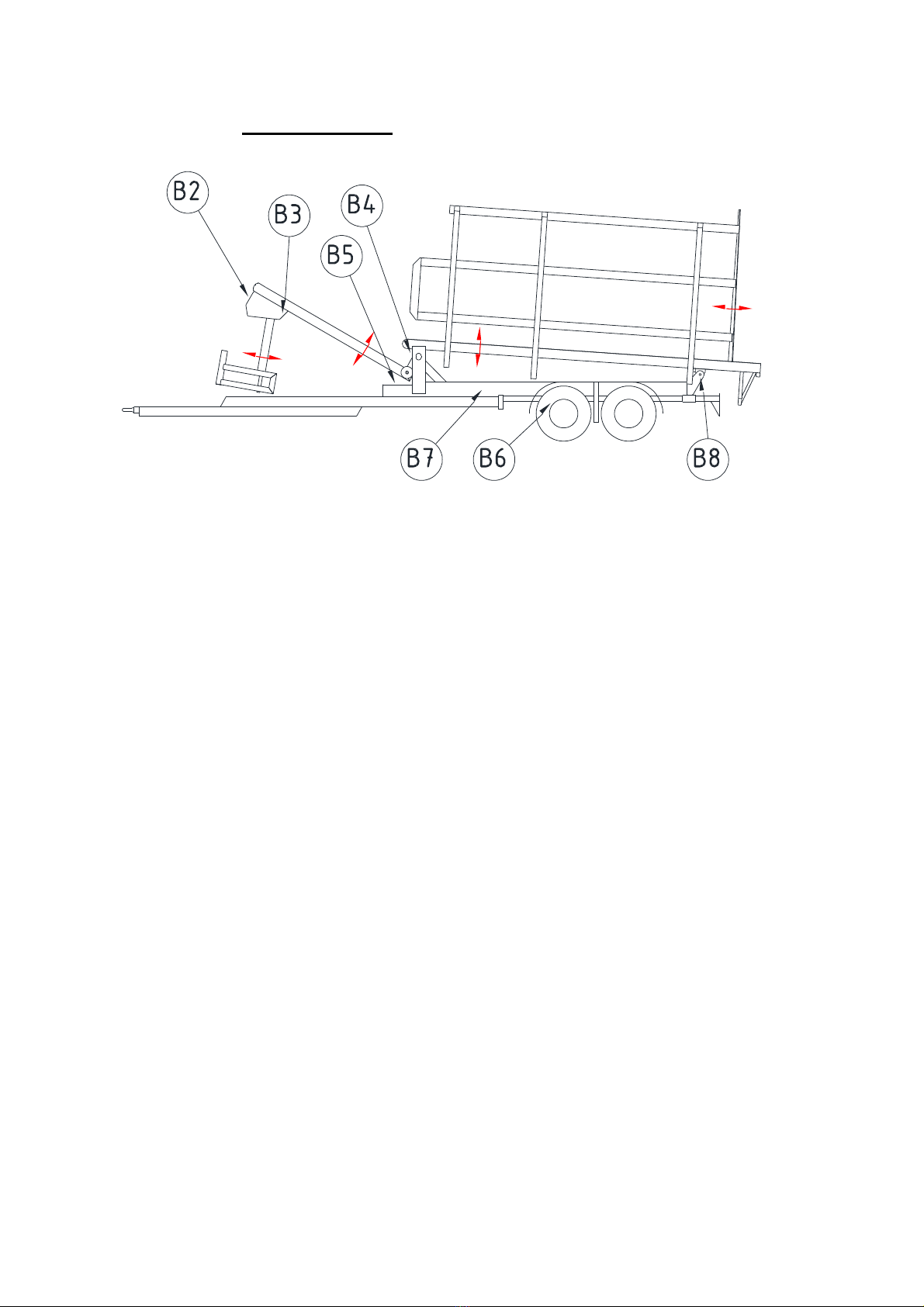
upwards until sensor B2 is activated.
In this position the bale clamp releases the bale
when the set pressure is reached. The fork yoke then
moves downwards until sensor B3 is activated, and
the trailer is ready to receive the next bale.