manuals.online logo
Brands
  1. Home
  2. •
  3. Brands
  4. •
  5. Porta Phone
  6. •
  7. Headset
  8. •
  9. Porta Phone GOLD Series User manual

Porta Phone GOLD Series User manual

Other Porta Phone Headset manuals

Porta Phone The EPAK User manual

Porta Phone

Porta Phone The EPAK User manual

Porta Phone The Lazer-Pro User manual

Porta Phone

Porta Phone The Lazer-Pro User manual

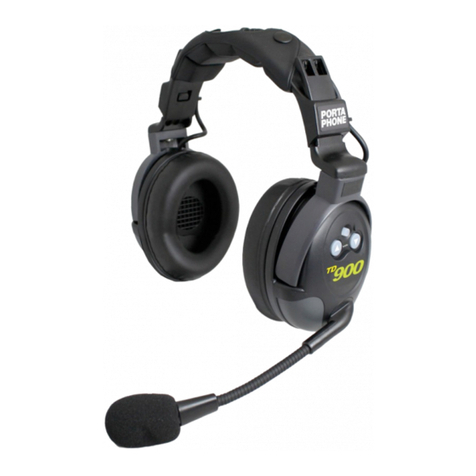
Porta Phone TD900 Wireless User manual

Porta Phone

Porta Phone TD900 Wireless User manual

Porta Phone GOLD Series User manual

Porta Phone

Porta Phone GOLD Series User manual

Porta Phone COMSTAR User manual

Porta Phone

Porta Phone COMSTAR User manual

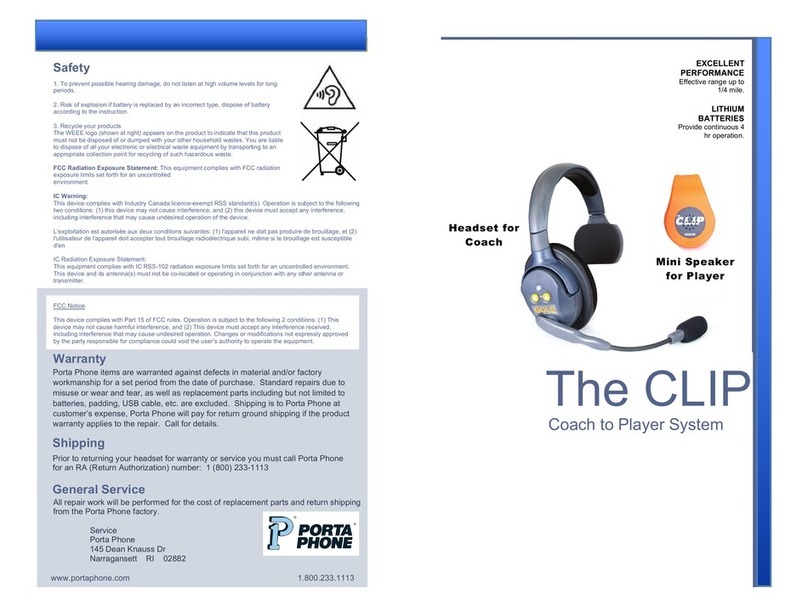
Porta Phone The CLIP User manual

Porta Phone

Porta Phone The CLIP User manual

Porta Phone DBx Wireless User manual

Porta Phone

Porta Phone DBx Wireless User manual

Porta Phone The T1 User manual

Porta Phone

Porta Phone The T1 User manual

Porta Phone TD900 Wireless User manual

Porta Phone

Porta Phone TD900 Wireless User manual

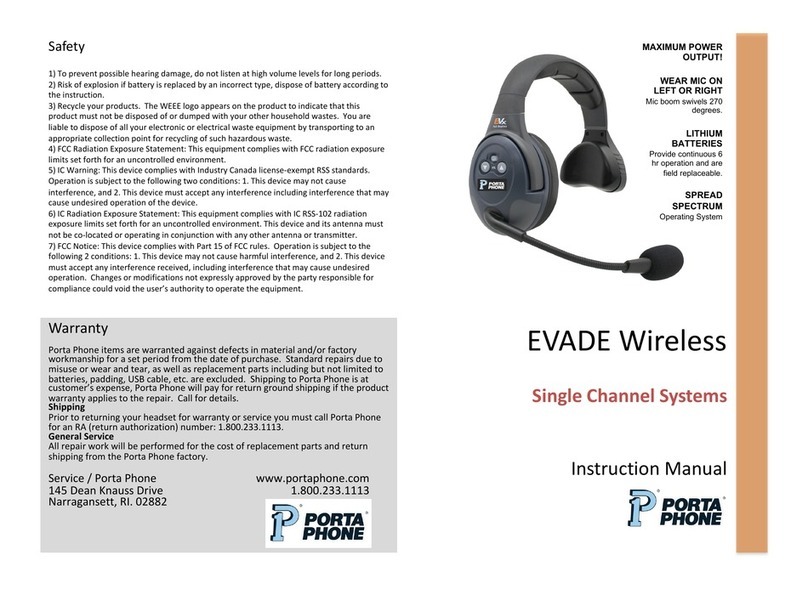
Porta Phone EVADE Wireless User manual

Porta Phone

Porta Phone EVADE Wireless User manual

Porta Phone DBx Wireless User manual

Porta Phone

Porta Phone DBx Wireless User manual

Popular Headset manuals by other brands

Sony WI-SP510 Help guide

Sony

Sony WI-SP510 Help guide

LYSAR INDUSTRIES EQ1 manual

LYSAR INDUSTRIES

LYSAR INDUSTRIES EQ1 manual

Nacon RIG 500 PRO Series user guide

Nacon

Nacon RIG 500 PRO Series user guide

HUHD HW-933M instruction manual

HUHD

HUHD HW-933M instruction manual

H2O Audio Natalie Coughlin Signature Series iSH2-5A1 user guide

H2O Audio

H2O Audio Natalie Coughlin Signature Series iSH2-5A1 user guide

Bose IN-EAR HEADPHONES owner's guide

Bose

Bose IN-EAR HEADPHONES owner's guide

Intaride S-3 manual

Intaride

Intaride S-3 manual

Jabra Elite 7 Pro How do

Jabra

Jabra Elite 7 Pro How do

Sena SMH10 quick start guide

Sena

Sena SMH10 quick start guide

IASUS Stealth  IA-NT4-BASIC-BT manual

IASUS

IASUS Stealth IA-NT4-BASIC-BT manual

Sennheiser EPOS ADAPT 230 user guide

Sennheiser

Sennheiser EPOS ADAPT 230 user guide

Anycom PAROS-10 user manual

Anycom

Anycom PAROS-10 user manual

GE 98971 datasheet

GE

GE 98971 datasheet

Jabra PRO 9460 - PRO 9460-DUO user manual

Jabra

Jabra PRO 9460 - PRO 9460-DUO user manual

Hama 00184070 quick start guide

Hama

Hama 00184070 quick start guide

Plantronics Blackwire 3200 Series user guide

Plantronics

Plantronics Blackwire 3200 Series user guide

Blue Tiger Advantage PLUS user manual

Blue Tiger

Blue Tiger Advantage PLUS user manual

Jabra FR 20 user guide

Jabra

Jabra FR 20 user guide

manuals.online logo
manuals.online logoBrands
  • About & Mission
  • Contact us
  • Privacy Policy
  • Terms and Conditions

Copyright 2025 Manuals.Online. All Rights Reserved.

Single Channel Systems
GOLD Series
EXCELLENT
PERFORMANCE
Effective range up to
1/4 mile.
WEAR ON LEFT
OR RIGHT EAR
Mic boom swivels
270 degrees.
LITHIUM
BATTERIES
Provide continuous 6
hr operation and are
field replaceable.
SPREAD
SPECTRUM
Operating System
Safety
Warranty
All GOLD headsets are warranted against defects in material and/or factory
workmanship for a period of two years from the date of purchase. Standard repairs
due to misuse or wear and tear, as well as replacement parts including but not limited
to batteries, padding, USB cable, etc. are excluded. Shipping is to Porta Phone at
customer’s expense, Porta Phone will pay for return ground shipping if the product
warranty applies to the repair.
Shipping
Prior to returning your headset for warranty or service you must call Porta Phone
for an RA (Return Authorization) number: 1 (800) 233-1113
www.portaphone.com 1.800.233.1113
General Service
All repair work will be performed for the cost of replacement parts and return shipping
from the Porta Phone factory.
Service
Porta Phone
145 Dean Knauss Dr
Narragansett RI 02882
1. To prevent possible hearing damage, do not listen at high volume levels for long
periods.
2. Risk of explosion if battery is replaced by an incorrect type, dispose of battery
according to the instruction.
3. Recycle your products
The WEEE logo (shown at right) appears on the product to indicate that this product
must not be disposed of or dumped with your other household wastes. You are liable
to dispose of all your electronic or electrical waste equipment by transporting to an
appropriate collection point for recycling of such hazardous waste.
FCC Radiation Exposure Statement: This equipment complies with FCC radiation
exposure limits set forth for an uncontrolled
environment.
IC Warning:
This device complies with Industry Canada licence-exempt RSS standard(s). Operation is subject to the following
two conditions: (1) this device may not cause interference, and (2) this device must accept any interference,
including interference that may cause undesired operation of the device.
L'exploitation est autorisée aux deux conditions suivantes: (1) l'appareil ne doit pas produire de brouillage, et (2)
l'utilisateur de l'appareil doit accepter tout brouillage radioélectrique subi, même si le brouillage est susceptible
d'en
IC Radiation Exposure Statement:
This equipment complies with IC RSS-102 radiation exposure limits set forth for an uncontrolled environment.
This device and its antenna(s) must not be co-located or operating in conjunction with any other antenna or
transmitter.
FCC Notice
This device complies with Part 15 of FCC rules. Operation is subject to the following 2 conditions: (1) This
device may not cause harmful interference, and (2) This device must accept any interference received,
including interference that may cause undesired operation. Changes or modifications not expressly approved
by the party responsible for compliance could void the user’s authority to operate the equipment.

IMPORTANT
Single Channel GOLD
systems include one
headset labeled “MAIN”.
This MAIN headset must be turned “ON” to link the
corresponding REMOTE headsets.
ON/OFF Power Button
1) Press the power button on the MAIN headset
– flashing LED indicates power is ON.
2) Press the power button on the REMOTE
headset(s).
3) The LED on all headsets will flash & then turn
solid blue indicating headsets have linked.
Note) To turn off, press and hold the power
button for 2 – 3 seconds. When LED turns red,
release.
Battery
Operation
Set Volume
GOLD series headsets feature 5 volume settings. Select the desired volume
by slowly clicking the UP or DOWN buttons. Audible tone reflects volume
level. Double tone indicates low or max volume.
Microphone Placement
Position the microphone one-finger-width
distance from your mouth.
Speak into the front of the microphone,
indicated by painted arrow and “Talk”.
Microphone
mutes
automatically
when boom
is set to “UP”
position.
Boom
swivels
over the
top 270
degrees.
Headset
can be
worn on
left or right
ear.
All GOLD headsets are powered by a Lithium Polymer battery that will
operate 6 hours when fully charged.
Release Button
Each battery slot has a
corresponding LED indicator:
RED: Charging
GREEN: Fully Charged
Charging
1) Batteries are charged via the multi-charger.
2) Insert the batteries making sure the contacts
are properly aligned.
Installation
1) Press the release button located on the
bottom of the battery compartment.
2) Insert the battery into the compartment (arrow
indicates proper direction) and snap door closed.
Low Indicator
ON / OFF Power
Volume UP / DOWN
AutoMute Function
To preserve optimum charge level remove battery from
compartment when system not in use.
Battery Care