1.POSH Orion Max X550...................................................................错误!未定义书签。
2.Introduction.................................................................................................................. 3
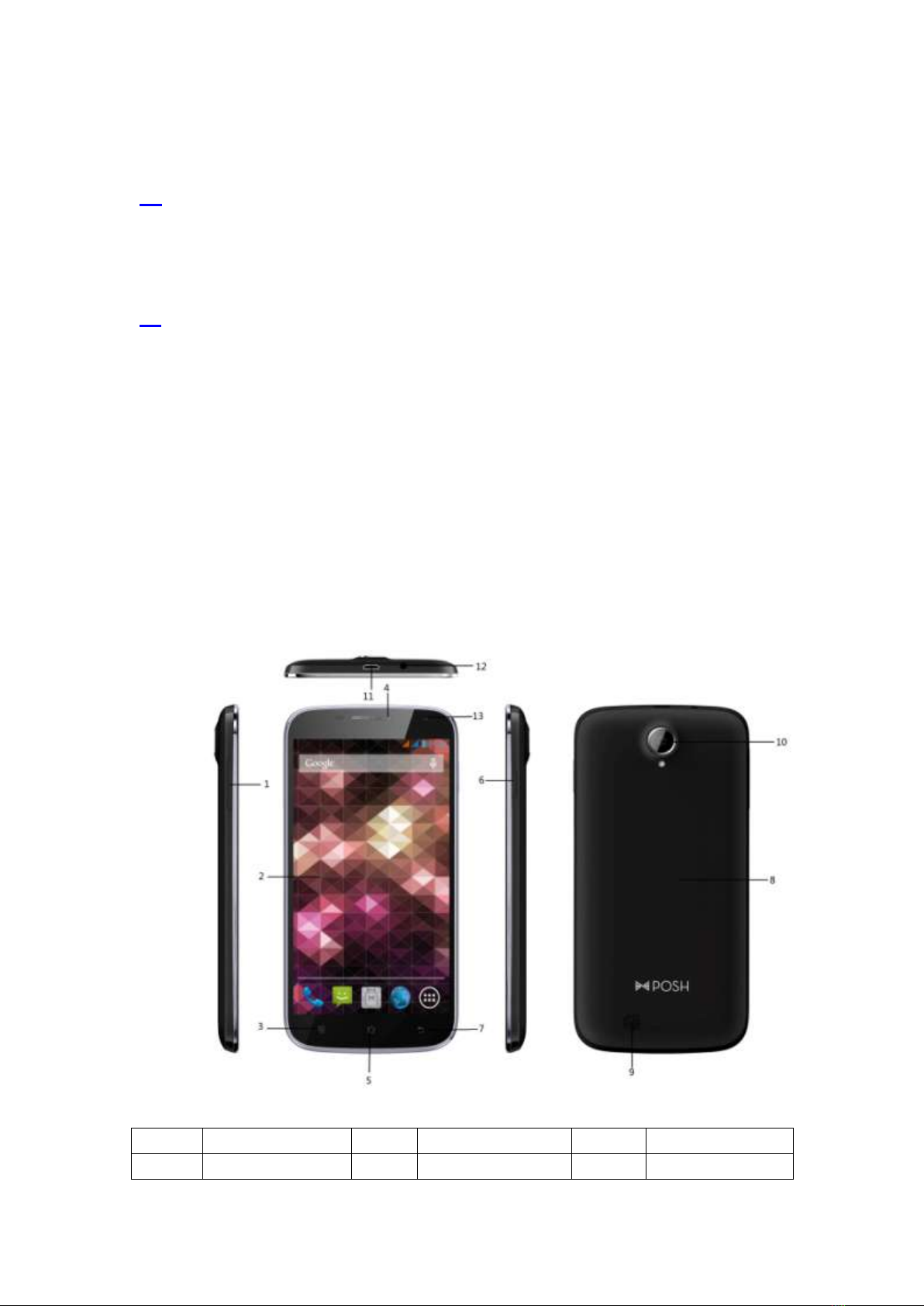
The Names and Explanation of Each Part................................................................. 3
Appearance.............................................................................................................................3
3.Safety & Notice............................................................................................................. 4
4.Start to use ................................................................................................................... 5
Touch & type.............................................................................................................. 5
Assemble & charge....................................................................................................5
Switch On and Off..................................................................................................................7
Unlock SIM card.....................................................................................................................7
Home screen..............................................................................................................7
Quick start: Home screen .......................................................................................... 7
Text entry ...................................................................................................................8
Enter text .................................................................................................................................8
Enter Various Characters........................................................................................... 8
Edit Text...................................................................................................................................8
Select Text...............................................................................................................................8
Shortcut….................................................................................................................. 8
WHT……………...........................................................................错误!未定义书签。
GPS…… ....................................................................................................................9
5.Phone............................................................................................................................ 9
Make a call.................................................................................................................9
During a call...............................................................................................................9
Emergency calls......................................................................................................... 9
Make International Calls ............................................................................................9
Answer Calls............................................................................................................10
Call History ..............................................................................................................10
6.Contact........................................................................................................................ 10
Add a contact...........................................................................................................10
Search contacts .......................................................................................................10
Additional options..................................................................................................... 10
Contact groups......................................................................................................... 11
Favorites.................................................................................................................. 11
7.Messages.................................................................................................................... 11
New message..........................................................................................................12
Delete message threads..........................................................................................12
Forward a message.................................................................................................12
8.Web application.......................................................................................................... 12
Wi-Fi Networks......................................................................................................... 12
Browser.................................................................................................................... 13
9.Multimedia .................................................................................................................. 13
Camera.................................................................................................................... 13
Music ……………………………………………………………………………………….13
Videos......................................................................................................................14