9
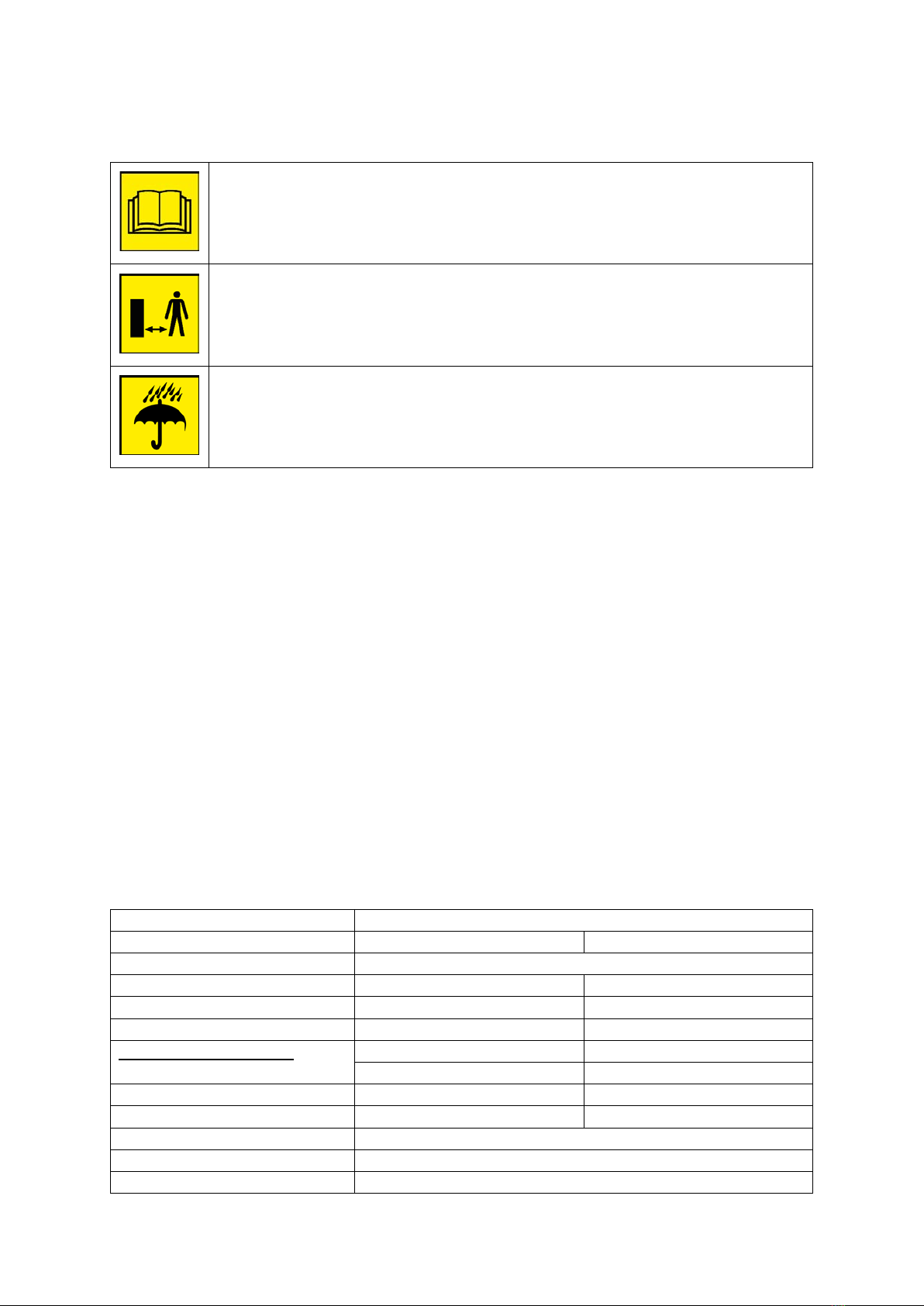
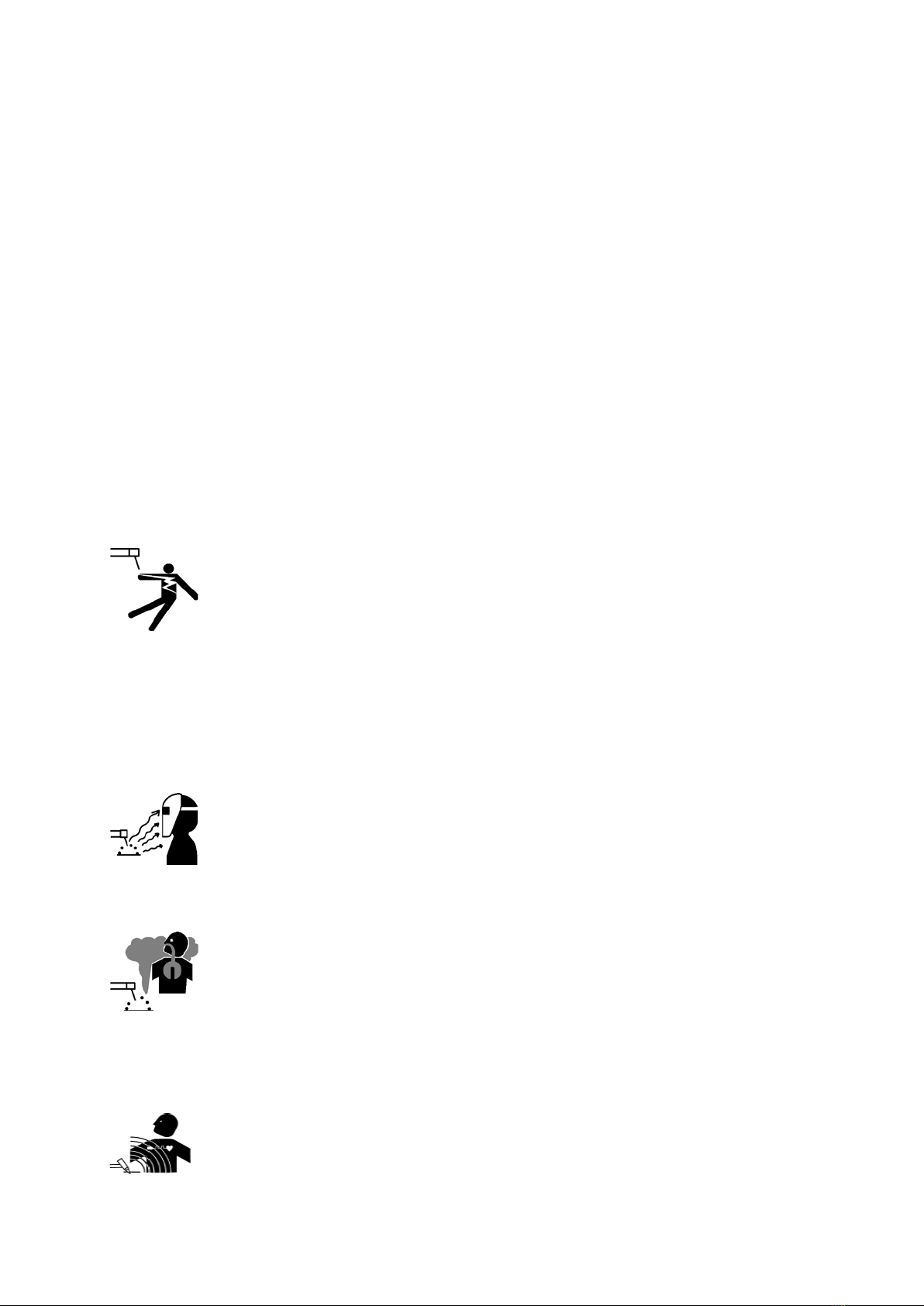
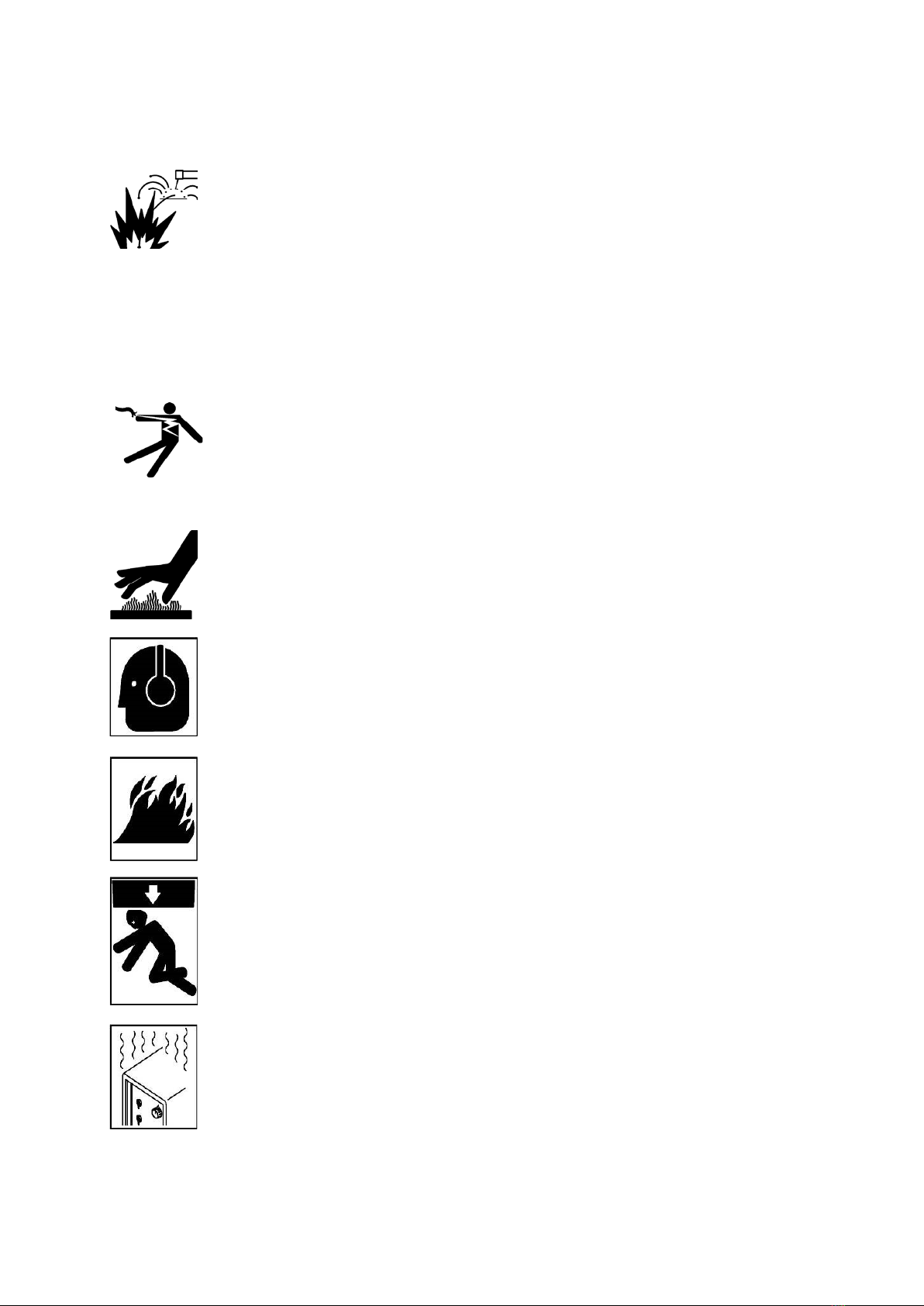
Warning! It is forbidden to use the device or completely dismantled the housing removed, it may cause electric shock Warning! It is forbidden to use the device or completely dismantled the housing removed, it may cause electric shock
and lead to severe injury. Do not touch the energized equipment.
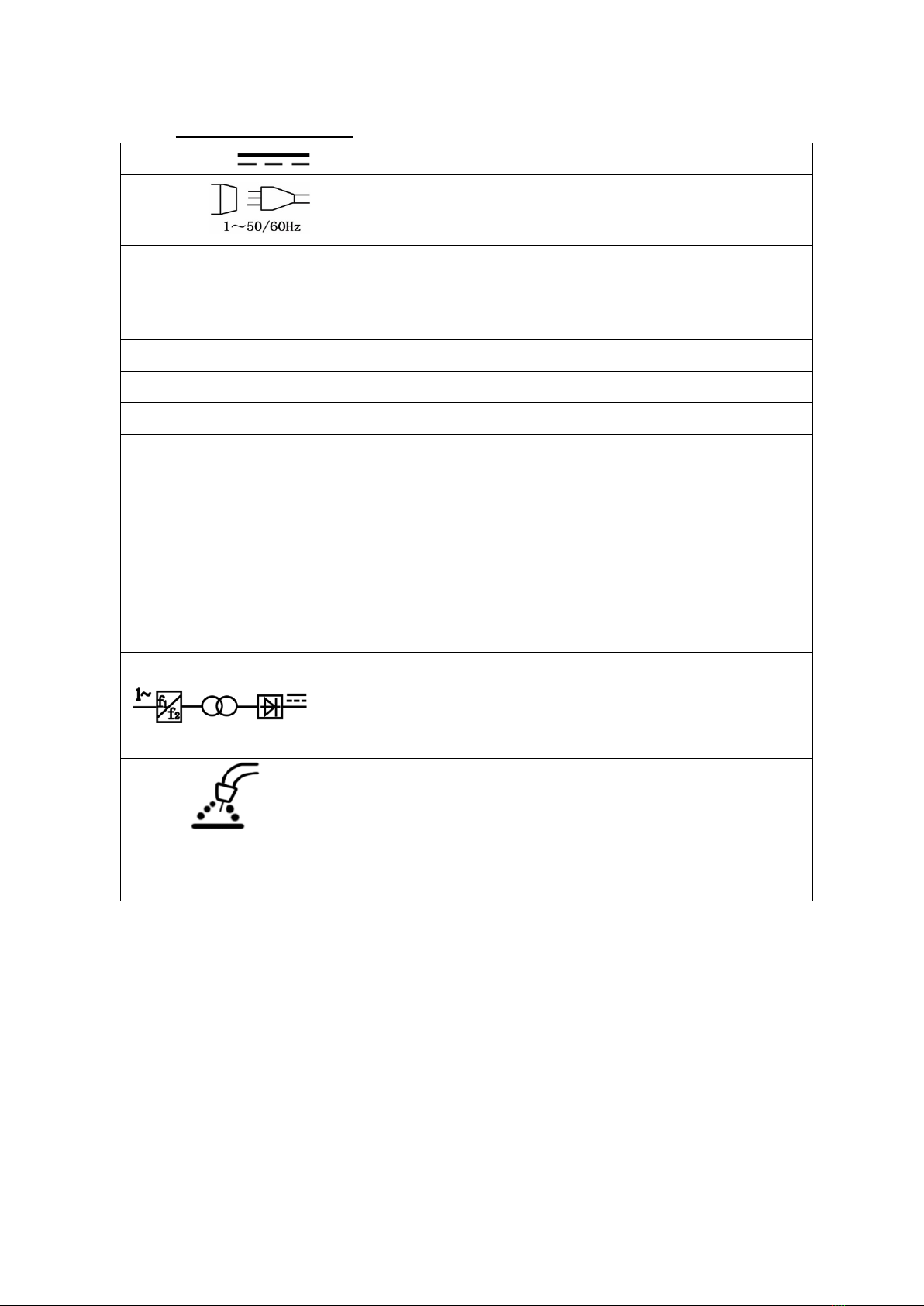
Before installing the unit, check electrical network to which the device is connected meets the requirements placed on
the nameplate and that it meets all local and national standards. Keep in mind that different models of welding
machines may have different requirements for the electricity grid.
1. Before connecting check whether the network meets the requirements of the welding machine. 1. Before connecting check whether the network meets the requirements of the welding machine.
2. Connect the PE or green / yellow ground wire to the grounding system in accordance with the 2. Connect the PE or green / yellow ground wire to the grounding system in accordance with the
national regulations.
3. Connect the welding cables to the device, then the power cord to a single-phase network 3. Connect the welding cables to the device, then the power cord to a single-phase network
the electric voltage of 230V and frequency of 50Hz.
welding service
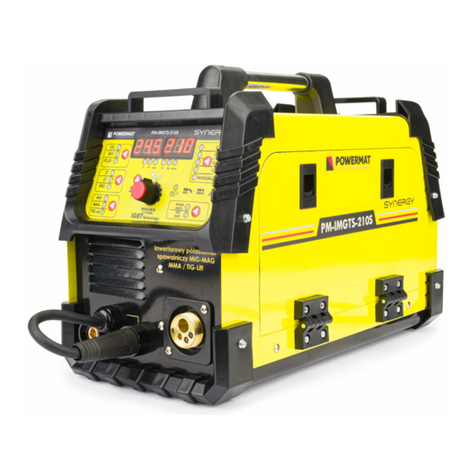
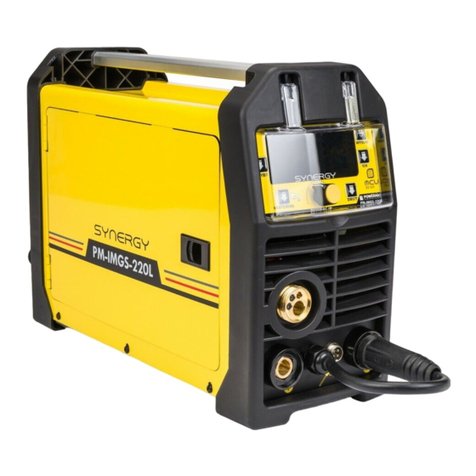
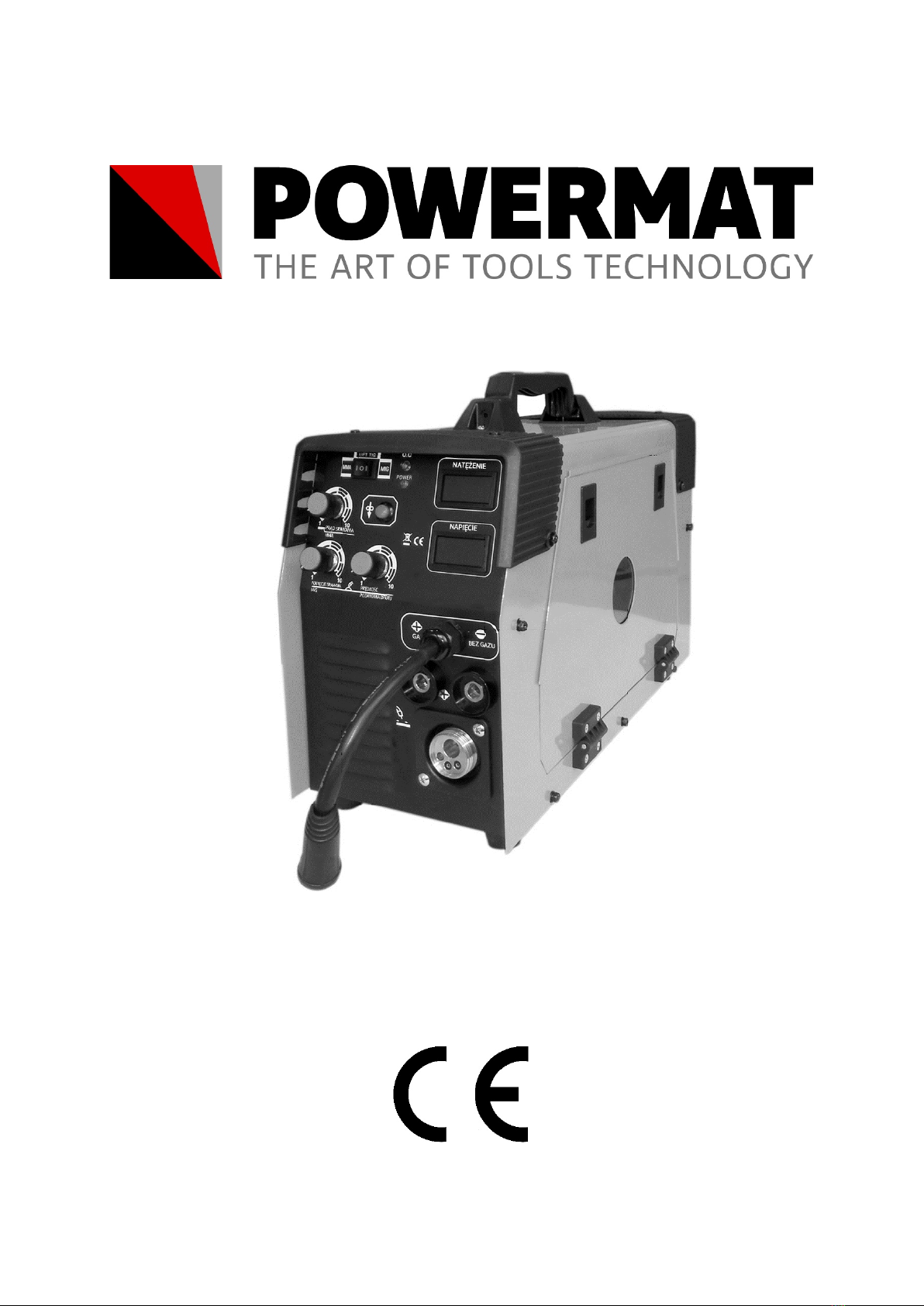
1. The display shows the welding current (when the arc is struck shows the actual value). 1. The display shows the welding current (when the arc is struck shows the actual value).
2. LED overheating ( OC) lights up in case of overheating. In this case2. LED overheating ( OC) lights up in case of overheating. In this case2. LED overheating ( OC) lights up in case of overheating. In this case2. LED overheating ( OC) lights up in case of overheating. In this case
Wait to cool down the unit before continuing work.
3. Mode switch MIG / MMA / TIG-LIFT. 3. Mode switch MIG / MMA / TIG-LIFT.
4. Power LED shows the power. 4. Power LED shows the power.
5. Welding current regulator mode MMA (electrode). 5. Welding current regulator mode MMA (electrode).
6. Press and hold the button to temporarily increase the speed of delivery 6. Press and hold the button to temporarily increase the speed of delivery
wire to the maximum value. When you press the welding wire feeder gives a maximum speed
7. Voltage regulation of welding current mode IMG (wire) is done using the knob 7. Voltage regulation of welding current mode IMG (wire) is done using the knob
front panel. It is usually sufficient that the value on the dial is equal to the adjustment knob is set to the
wire feed speed. Higher voltage arc is longer, which results in less depth of penetration and wider weld
bead. Too much tension increases spatter, porosity, and the risk of flooding przyklejeń. Too little tension
may cause process instability.
8. Feed speed of the welding wire is carried out by rotating 8. Feed speed of the welding wire is carried out by rotating
knob. At a given value of the arc voltage must be adjusted so that the wire feed speed the fusion was stable
waveform.
9. Displays current welding (MIG) 9. Displays current welding (MIG)
10. Connector positive polarity (+) to the polarity applied to the socket must be connected 10. Connector positive polarity (+) to the polarity applied to the socket must be connected
polarizing the wire connector (see 13).
11. Connector negative polarity (-) to apply the polarity must be connected to the socket 11. Connector negative polarity (-) to apply the polarity must be connected to the socket
polarizing the wire connector (see 13).
12. MIG welding gun connector (must be connected when MIG welding 12. MIG welding gun connector (must be connected when MIG welding
13. WARNING polarized connector 13. WARNING polarized connector 13. WARNING polarized connector
and. in the case of gas welding (MIG) connect the polarizing slot and. in the case of gas welding (MIG) connect the polarizing slot
pole (+) while the chuck mass for the (-).
b. In the case of the welding wire itself casing (MIG) connect the polarized b. In the case of the welding wire itself casing (MIG) connect the polarized
to the socket pole (-) mass while the chuck to the (+)