Pagina 9
2.4.2 Sub-Menu Operations
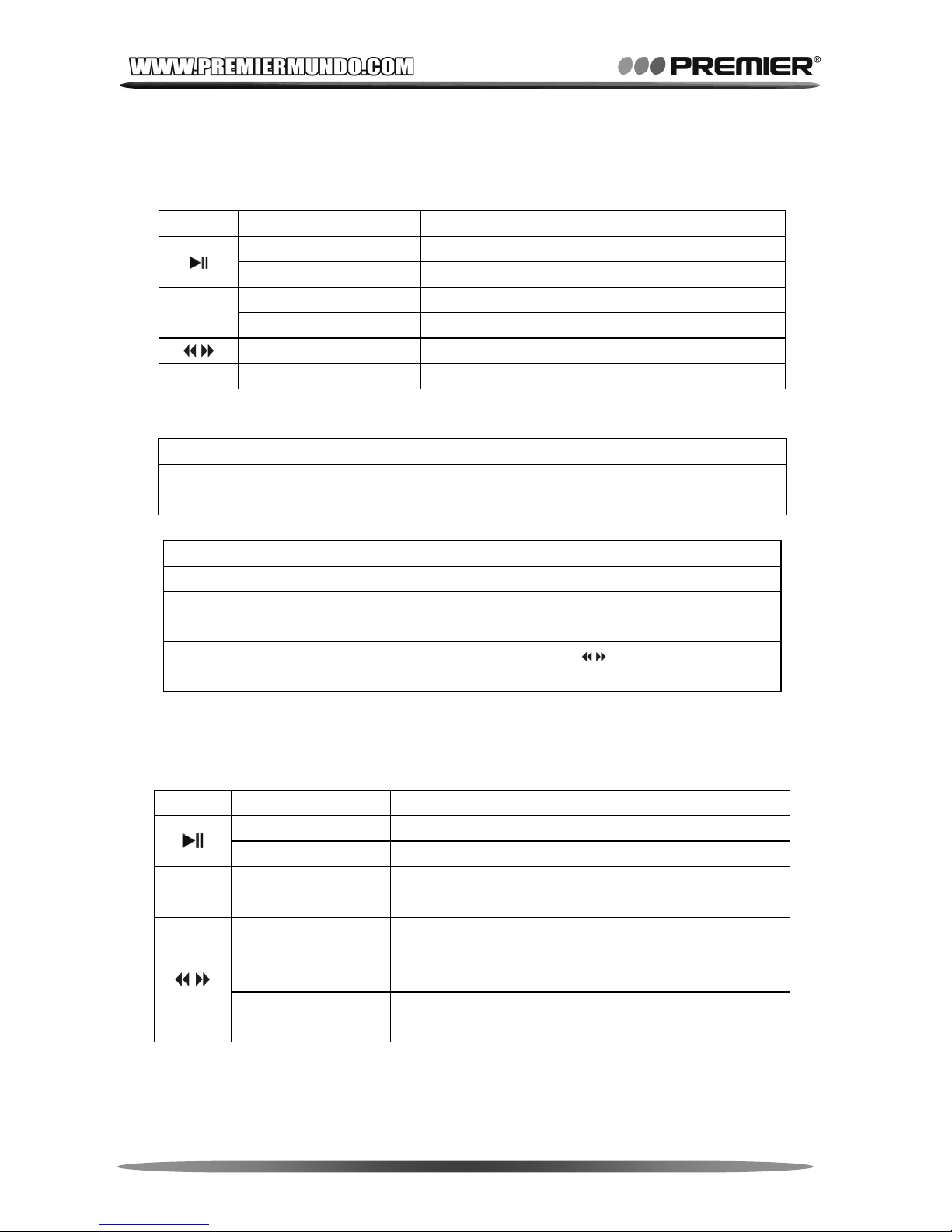
Sub-Menu Operation and Function
Save Save a current channel. Max 20 channels can be
saved each in ‘Normal Brand’ and ‘Japan Brand’.
Record Record current channel. Press <M> to show sub-menu
to select recording bit rate or play gap time.
Delete Delete one saved channels.
Delete All Delete all saved channels.
Auto Search Search and save all available channels automatically.
Normal Band 87MHz ~ 108MHz available in most countries
Japan Band 76MHz ~ 90MHz for Japan
2.5 System Setting
In Main-Menu, press < M > when selecting [System] mode.
2.5.1 General Settings
2.5.2 Firmware upgrade
To upgrade the firmware of the player, please install MP3 Player
Utility from Driver CD and run MP3 Player Upgrade Tool.
Before using this application, please confirm that only one MP3
Sub-Menu Operation and Function
Clock
Press <VOL / ±> to focus items and to adjust
items. Clock will be reset when switch power off. This
will be quoted by recording files.
Backlight Select idle time to turn off back light by second.
Light Color Select repeat color mode for screen background color,
or single color by selecting color number.
Language
Select OSD languages: Simplified / Traditional
Chinese, English, Japanese, Korean, French,
Germany, Italian, Spanish, Portuguese, Dutch,
Swedish, Czech, Danish, Polish, Thai and Russian,
Power Off Select idle time for auto power off time in seconds.
Replay Mode Select a replay mode for music playing.
Contrast Set LCD contrast.
Online Mode Select a mode of active disk when connected to
computer. TIPS See Chapter 3 for further reference.
Memory Info Display total memory capacity and percentage of used
space.
Firmware Version Display the player’s firmware’s version.