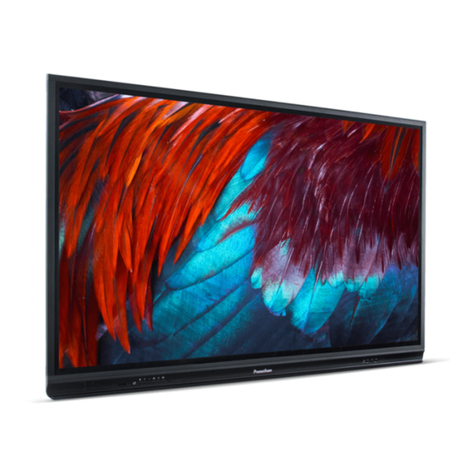
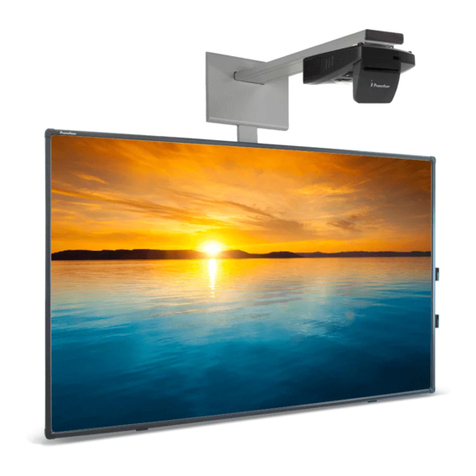
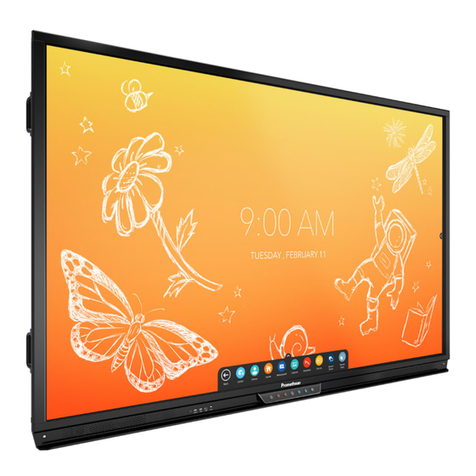
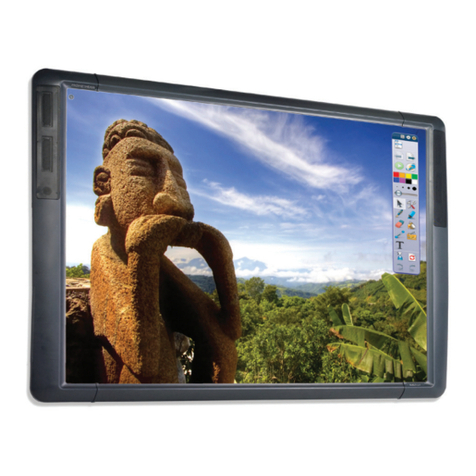
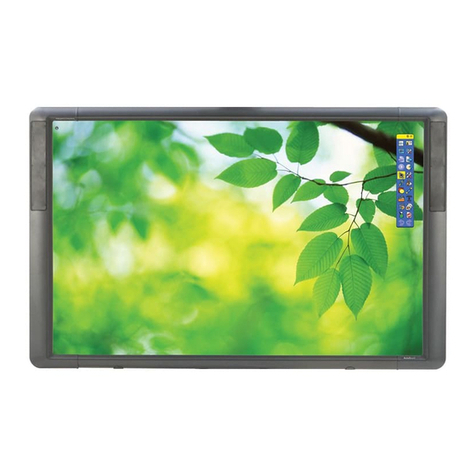
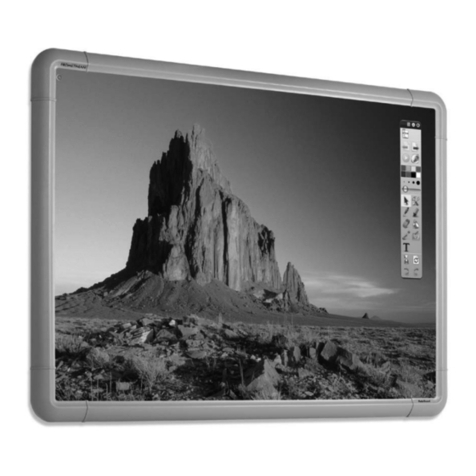
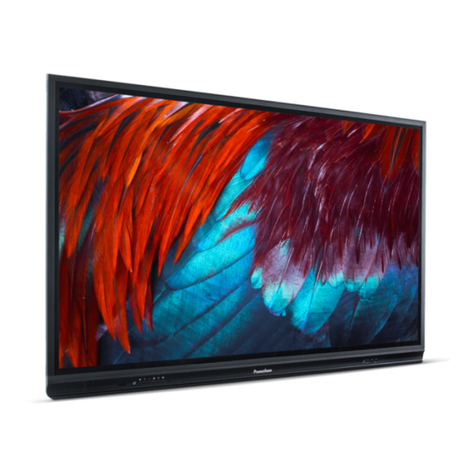
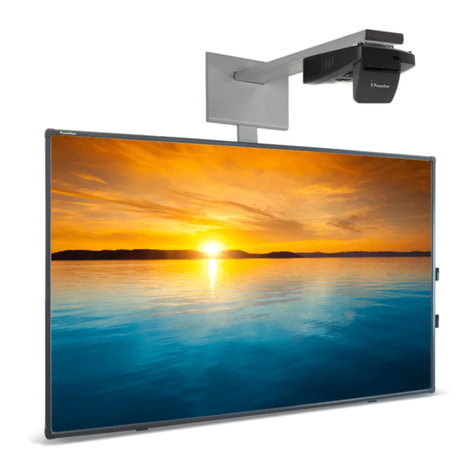
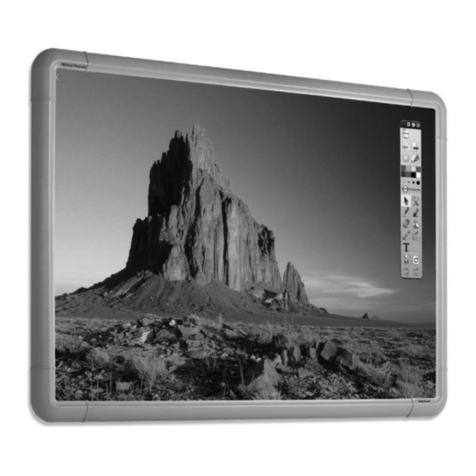
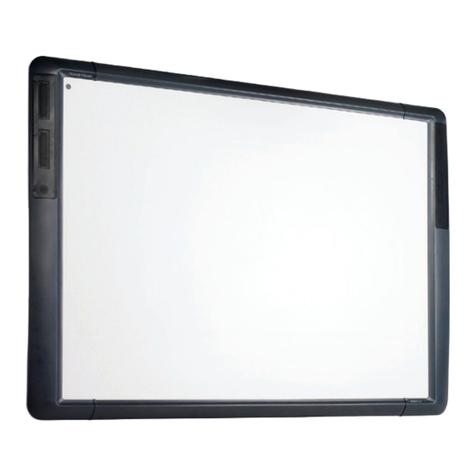
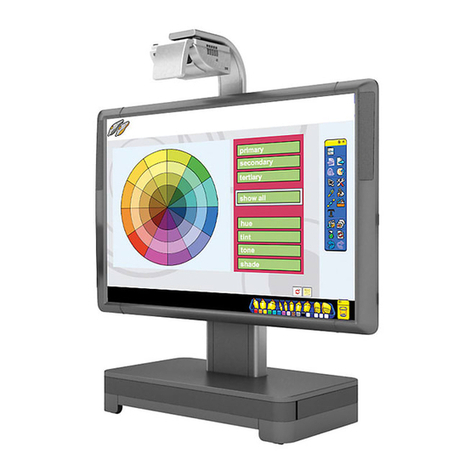
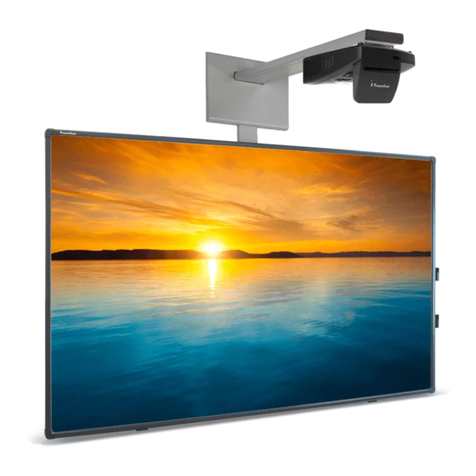
ank you for purchasing an ActivBoard from Promethean. We recommend using your ActivBoard with our
latest software solutions:
• ActivInspire - Fully featured software that combines the best of our award-winning programs in one
package, delivering the best software for education technology integration.
Part of the ActivClassroom, your ActivBoard along with ActivInspire software, was designed to be an
innovative and integrated whole group learning environment which encourages active student participation
in lessons.
Acquire thousands of great lessons, resources and teaching ideas from our free online community,
Promethean Planet. While you’re there, enroll in one of our ActivLearning courses. Just create a user account
and you will have access to a wealth of teaching resources and courses that will help you achieve your
teaching and learning goals.
For more detailed information on installing and using ActivInspire please refer to the links at the end of this
User Guide.
e ActivBoard is USB powered therefore does not require an external Power Supply Unit.
If the ActivBoard is suspected to be faulty or damaged contact Promethean or an authorised Promethean
service agent for advice.
Caution: is product MUST be mounted to a building structure before use.
e installation work should be performed by a qualified installer. Attempting to install the
product without the relevent experience is done so at your own risk.
Incorrect or incomplete installation could result in personal injury, property damage or
product failure.
e weight of the ActivBoard and strength of the wall mounting is required to be
confirmed before installation.
If you choose to use USB extension cables, our advice is that you use self powered USB extension cables,
which boost the USB signal at least every metres.
Please note, if you decide to use USB extensions, and you are experiencing issues with connectivity to your
board, the first port of call is to remove these cables, and use the original cable supplied with the board. If
the board then functions correctly, the issue with connectivity is being caused by the extension cables in use –
this may be due to a fault with these cables, or poor quality.
If you have any concerns or queries regarding this, please contact your regional Promethean Technical
Support team.