manuals.online logo
Brands
  1. Home
  2. •
  3. Brands
  4. •
  5. Radio Shack
  6. •
  7. Drone
  8. •
  9. Radio Shack 2770422 User manual

Radio Shack 2770422 User manual

Other manuals for 2770422

1

Other Radio Shack Drone manuals

Radio Shack Dominator User manual

Radio Shack

Radio Shack Dominator User manual

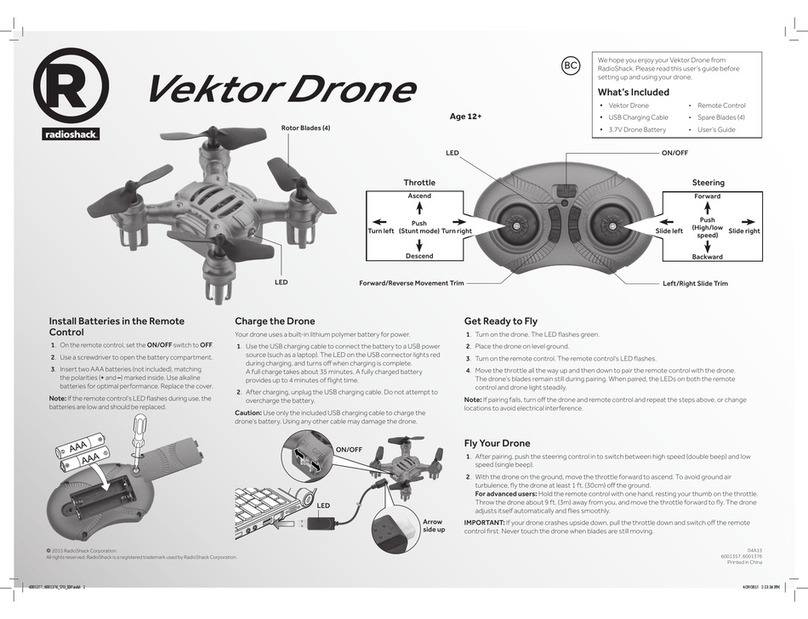
Radio Shack Vektor Drone User manual

Radio Shack

Radio Shack Vektor Drone User manual

Radio Shack SURVEYOR User manual

Radio Shack

Radio Shack SURVEYOR User manual

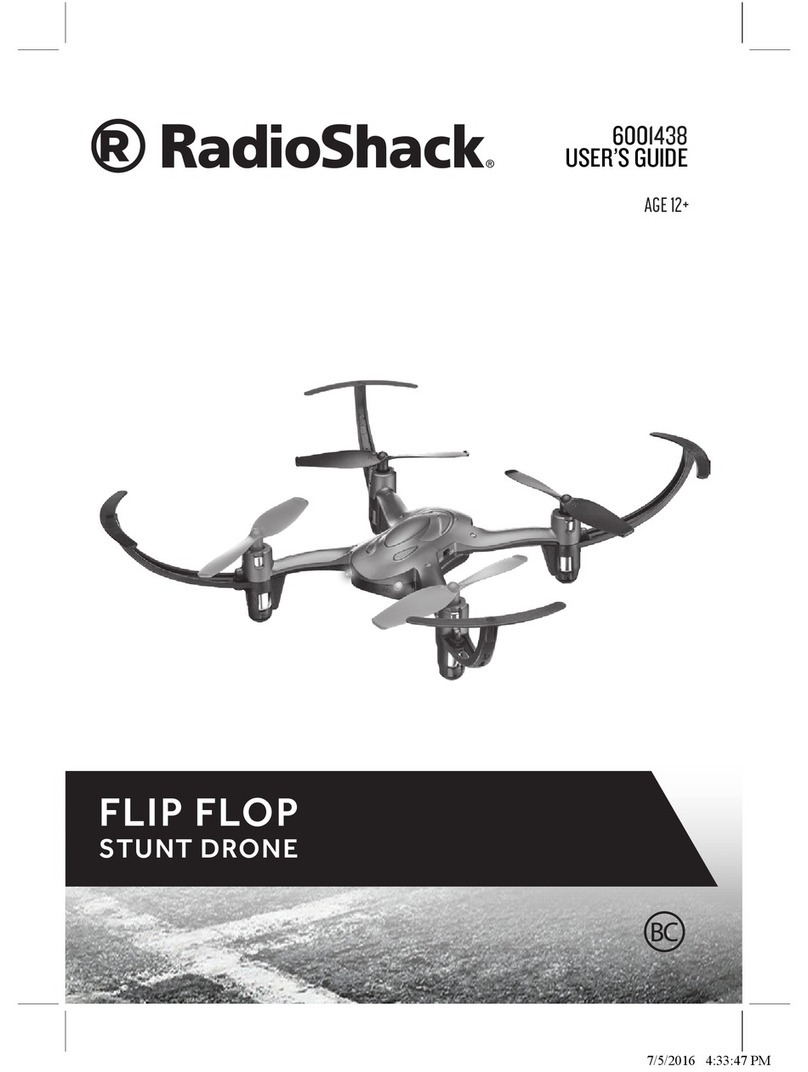
Radio Shack FLIP FLOP STUNT DRONE User manual

Radio Shack

Radio Shack FLIP FLOP STUNT DRONE User manual

Radio Shack VEGADRONE User manual

Radio Shack

Radio Shack VEGADRONE User manual

Radio Shack Surveyor Drone User manual

Radio Shack

Radio Shack Surveyor Drone User manual

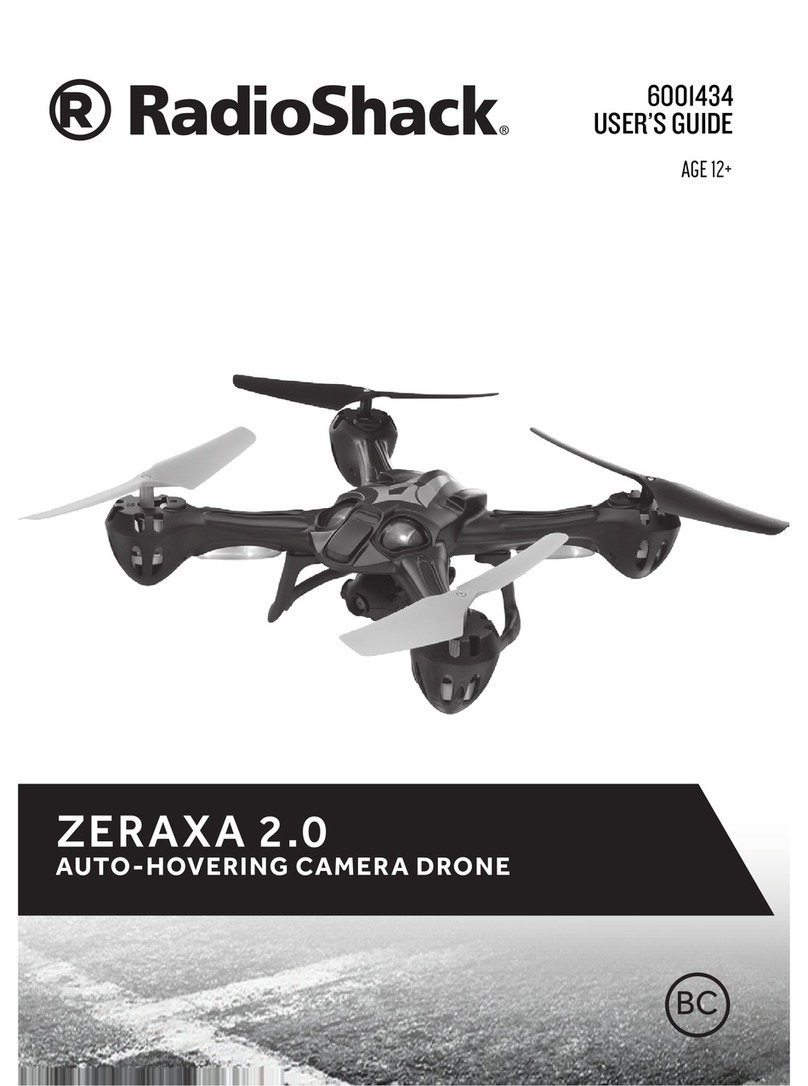
Radio Shack Zeraxa 2.0 User manual

Radio Shack

Radio Shack Zeraxa 2.0 User manual

Radio Shack 2770422 User manual

Radio Shack

Radio Shack 2770422 User manual

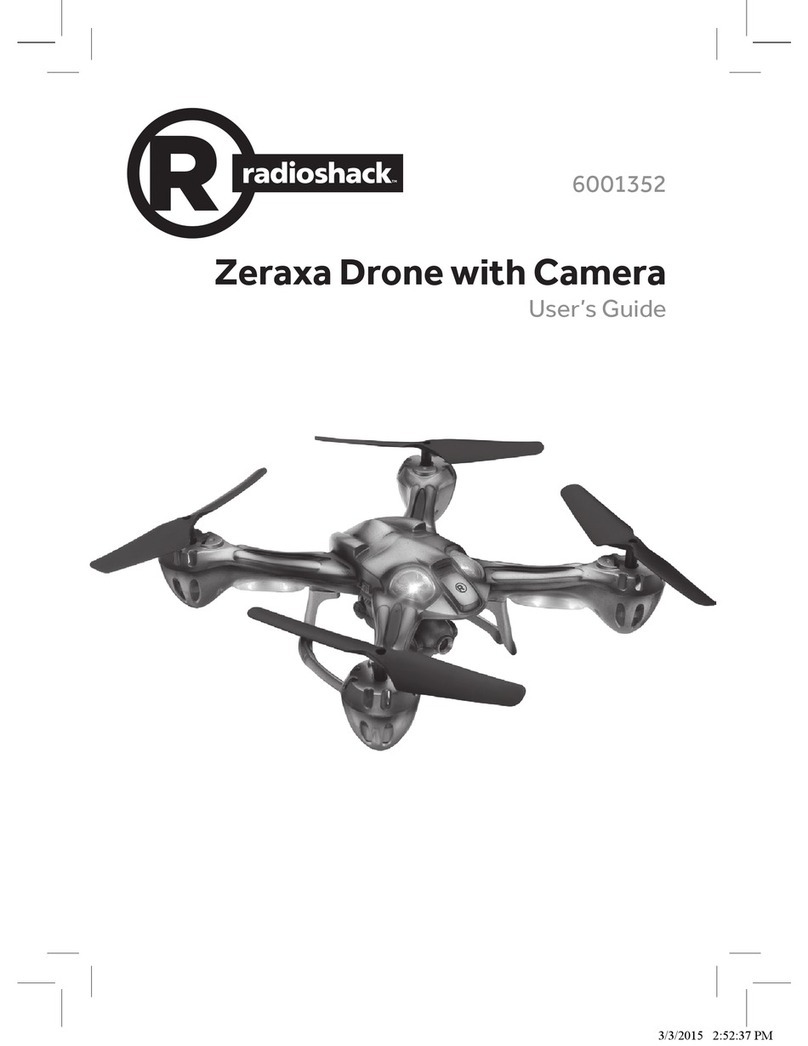
Radio Shack Zeraxa 6001352 User manual

Radio Shack

Radio Shack Zeraxa 6001352 User manual

Radio Shack 6001381 User manual

Radio Shack

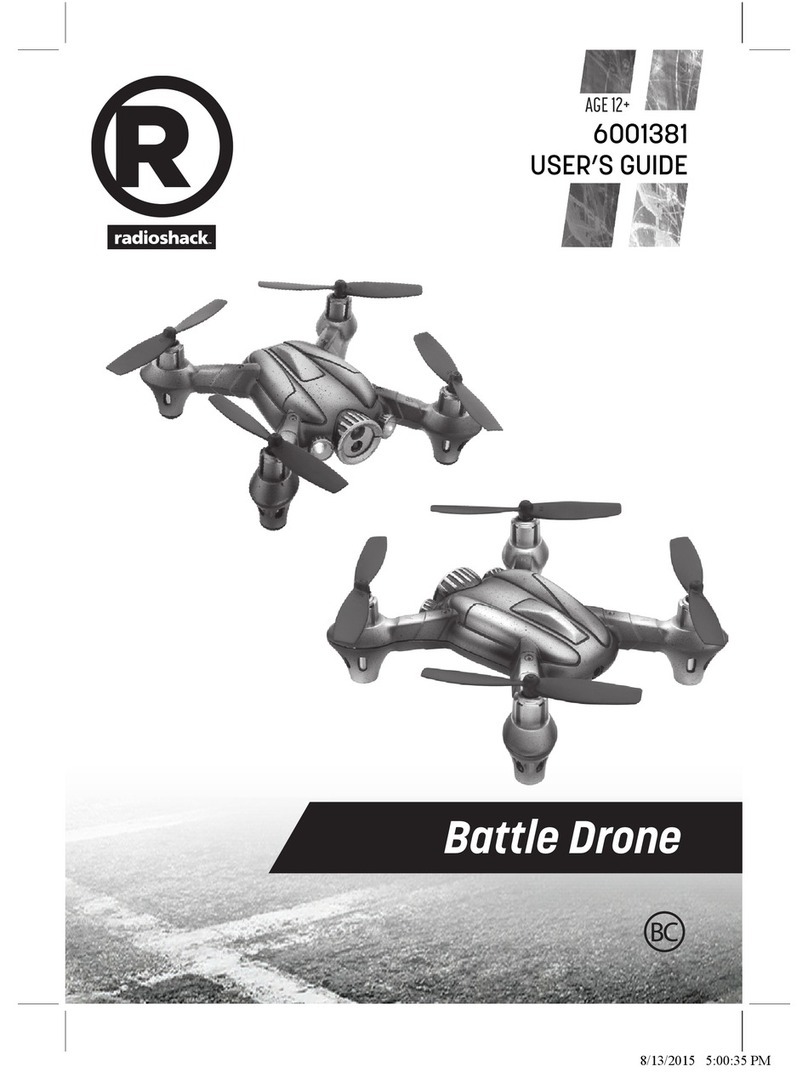
Radio Shack 6001381 User manual

Popular Drone manuals by other brands

Ryze Tello quick start guide

Ryze

Ryze Tello quick start guide

PowerVision PowerRay user manual

PowerVision

PowerVision PowerRay user manual

Force1 rogue F72 user manual

Force1

Force1 rogue F72 user manual

Zerotech DOBBY user manual

Zerotech

Zerotech DOBBY user manual

Protocol VIDEODRONE AP instruction manual

Protocol

Protocol VIDEODRONE AP instruction manual

dji Matrice M210 quick start guide

dji

dji Matrice M210 quick start guide

SYMA X440 user manual

SYMA

SYMA X440 user manual

SYMA X5UW(720P) user manual

SYMA

SYMA X5UW(720P) user manual

Dynali 25 H maintenance

Dynali

Dynali 25 H maintenance

dji PHANTOM 4 user manual

dji

dji PHANTOM 4 user manual

Atlas AtlasPRO user manual

Atlas

Atlas AtlasPRO user manual

Twodots TVVIN BOARD quick guide

Twodots

Twodots TVVIN BOARD quick guide

GDU SAGA user manual

GDU

GDU SAGA user manual

RUKO F11 user manual

RUKO

RUKO F11 user manual

Ares ETHOS QX 130 instruction manual

Ares

Ares ETHOS QX 130 instruction manual

Walkera ZHUN quick start guide

Walkera

Walkera ZHUN quick start guide

dji WIND-4 user manual

dji

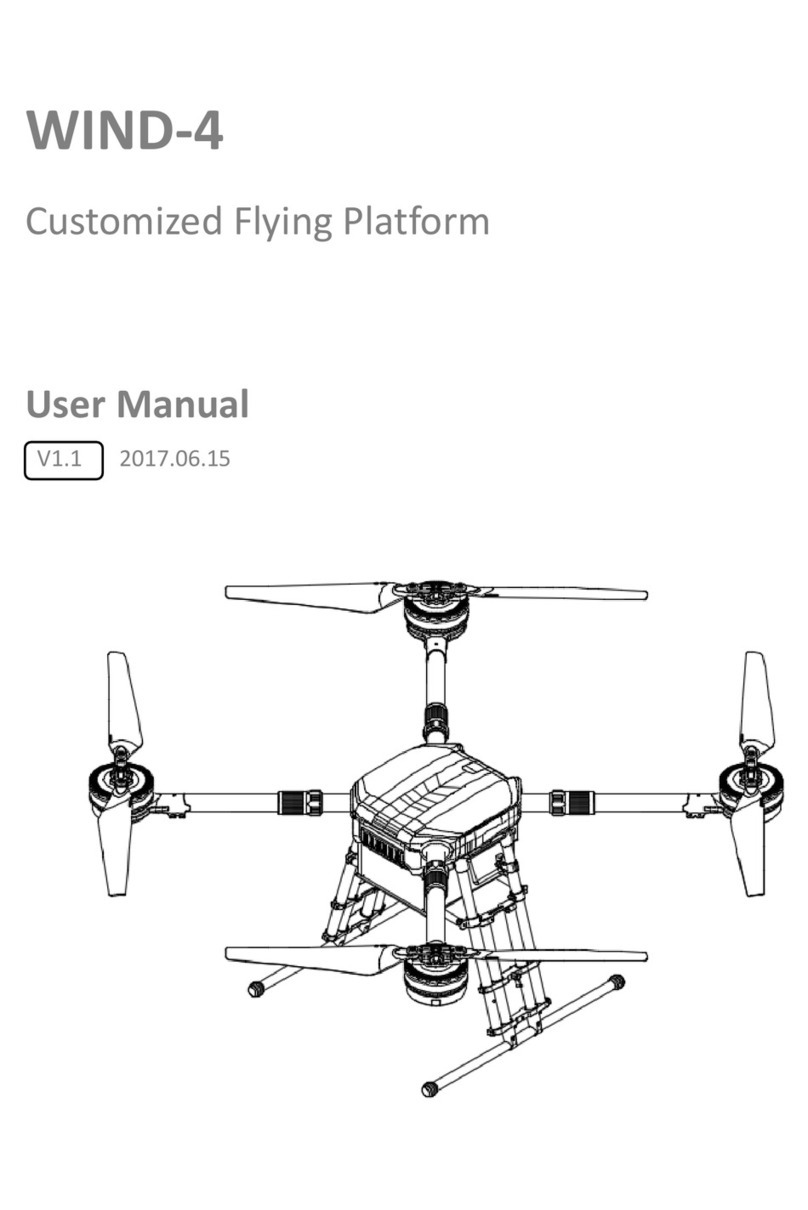
dji WIND-4 user manual

Potensic D58 Operation Guidance

Potensic

Potensic D58 Operation Guidance

manuals.online logo
manuals.online logoBrands
  • About & Mission
  • Contact us
  • Privacy Policy
  • Terms and Conditions

Copyright 2025 Manuals.Online. All Rights Reserved.

Startin g w i t h
DIY Drone Starter Kit
2770422
User’s Guide
2
We hope you enjoy your DIY Drone Starter Kit from RadioShack. This kit comes
with everything you need to build and y a Quad-Rotor Drone. Please read this
user’s guide before using your new kit.
Package Contents
Check you have all the components before you start.
PCB
3.7V 250mAH Lithium Polymer
Battery
Top Body Cover Bottom Body Cover
Motor 1 (Red/Black Wires) (3)
Motor 2 (White/Black Wires) (3)
Red/Red LED1 (1) White/Green LED2 (4)
1.2 x 4mm Screws (16) Suspension Pads (6)
Propellers A: Red (2), Black (2) Propellers B: Red (2), Black (2)
3
USB Charging Cable Remote Control
Required Tools
• Soldering Iron
• Lead-free Solder
• Diagonal Cutter
Notes: This kit contains electronic components that may contain hazardous
substance and may be harmful if misused. This activity is not intended for
children under the age of 12. Not to be used by children except under adult
supervision. Wash hands after soldering.
Before You Begin
Instill good working habits. A soldering iron is not a toy.
• Prepare a clean, uncluttered workspace with no distractions.
• Verify all tools and parts.
• Review instructions. Attention to detail is critical.
Soldering
1. Insert the component leads through the
correct pads on the PCB.
2. Press the iron to the pad to heat the pad. Do
not move the iron. Instead, touch the solder
to the pad. Flow enough solder to ll the hole
and hold the component, but not too much.
3. Trim the excess lead as closely as possible to
the PCB.
Caution: Be careful when soldering and trimming
leads. Protective eyeware is recommended.
Iron
Solder
4
Solder LEDs
Red/Red
LED1 (1)
LED1
White/
Green
LED2 (4)
LED2
-+
LEDs are polarized and MUST
match the position printed
on the PCB. The longer pin is
positive and the shorter pin is
negative.
7mm
12mm
12mm
12mm
12mm
ON/OFF
+
-
+
-
+-+
-
+
-
Insert leads into the correct pads, bend the LEDs
so they extend from the board as indicated below,
solder, then trim leads.

2 3 4 5 6 7 8
Startin g w i t h
Solder LEDs
Red/Red
LED1 (1)
LED1
White/
Green
LED2 (4)
LED2
We hope you enjoy your DIY Drone Starter Kit from RadioShack. This kit comes
with everything you need to build and y a Quad-Rotor Drone. Please read this
user’s guide before using your new kit.
Package Contents
Check you have all the components before you start.
PCB
3.7V 250mAH Lithium Polymer
Battery
Top Body Cover Bottom Body Cover
Motor 1 (Red/Black Wires) (3)
Motor 2 (White/Black Wires) (3)
Red/Red LED1 (1) White/Green LED2 (4)
1.2 x 4mm Screws (16) Suspension Pads (6)
Propellers A: Red (2), Black (2) Propellers B: Red (2), Black (2)
DIY Drone Starter Kit
2770422
User’s Guide
USB Charging Cable Remote Control
Required Tools
• Soldering Iron
• Lead-free Solder
• Diagonal Cutter
Notes: This kit contains electronic components that may contain hazardous
substance and may be harmful if misused. This activity is not intended for
children under the age of 12. Not to be used by children except under adult
supervision. Wash hands after soldering.
Before You Begin
Instill good working habits. A soldering iron is not a toy.
• Prepare a clean, uncluttered workspace with no distractions.
• Verify all tools and parts.
• Review instructions. Attention to detail is critical.
Soldering
1. Insert the component leads through the
correct pads on the PCB.
2. Press the iron to the pad to heat the pad. Do
not move the iron. Instead, touch the solder
to the pad. Flow enough solder to ll the hole
and hold the component, but not too much.
3. Trim the excess lead as closely as possible to
the PCB.
Caution: Be careful when soldering and trimming
leads. Protective eyeware is recommended.
Iron
Solder
Connect Battery
3.7V 250mAH Lithium
Polymer Battery (1)
-+
LEDs are polarized and MUST
match the position printed
on the PCB. The longer pin is
positive and the shorter pin is
negative.
Assemble Body
Top Body Cover Bottom Body
Cover
1.2 x 4mm Screws
(4)
Observe direction!
ON/OFF
Switch
CHG Port
Insert motor wires
into slots
Widen LED leads around posts
carefully using a pair of pliers
Keep wires away from
connecting posts
Fit holes
into posts
Fit holes
into posts
Solder Motor Wires
Motor 1 (2) Red M1+ Motor 2 (2) White M2+
Black M1- Black M2-
Turn on the PCB to
test LED connections.
Motor 2
Motor 1
Motor 1
Motor 2
ON/OFF
7mm
12mm
12mm
12mm
12mm
ON/OFF
+
-
+
-
+-+
-
+
-
Insert leads into the correct pads, bend the LEDs
so they extend from the board as indicated below,
solder, then trim leads.
7
Assemble Body
Top Body Cover Bottom Body
Cover
1.2 x 4mm Screws
(4)
Observe direction!
ON/OFF
Switch
CHG Port
Insert motor wires
into slots
Widen LED leads around posts
carefully using a pair of pliers
Keep wires away from
connecting posts
Fit holes
into posts
Fit holes
into posts
8
9
Propellers A (2) 1.2 x 4mm
Screws (8)
Propellers B (2) Suspension
Pads (4)
A
A
B
B
The left and right propellers are dierent (see Aand Bmarkings on the drone
and propellers). Make sure you insert the correct propeller in the correct
location to y properly.
10
CAUTION:
• Use only the supplied lithium battery and cable, or ones with the same
specication to charge. Using any other batteries, cables or dierent
specications may damage the drone.
• After playing, let the battery cool for at least 20 minutes before charging.
Recycle Rechargeable Batteries
Recycle used rechargeable batteries at one of the many collection
sites in the U.S. and Canada. To nd the site nearest you, visit www.
call2recycle.org or call 1-800-822-8837.
Charge the Drone Battery
1. Make sure your drone is switched o. Plug the USB charging cable into
your drone’s charging port (CHG) and a USB power source. The LED on the
USB connector lights red during charging, and turns o when charging is
complete.
A full charge takes about 45 minutes, and provides up to 5 minutes of ight
time.
2. After charging, unplug the charging cable. Do not attempt to overcharge.
Manufactured [Month] 20##
Complies with FDA radiation performance
standards, 21 CFR Subchapter J.
Custom Manufactured in [Country]
for General Wireless Operations Inc.
dba RadioShack, Fort Worth, TX 76102
Complies with FDA radiation performance
standards, 21 CFR Subchapter J.
Example 1: Class III laser product
Example 2: Class II laser product
Manufactured [Month] 20##
Custom Manufactured in [Country]
for General Wireless Operations Inc.
dba RadioShack, Fort Worth, TX 76102
####
X######
####
X######
Note: If resizing UL mark to smaller than size in this
document, delete the registered trademark symbol.
Note: WEEE bin
shown at
minimum size
Note: WEEE bin
shown at
minimum size
Note: If resizing UL mark to smaller than size in this
document, delete the registered trademark symbol.
LED
11
Battery Notes
• Dispose of old batteries promptly and properly. Do not burn or bury them.
Use only fresh batteries of the required size and recommended type.
• Do not mix old and new batteries, dierent types of batteries (standard,
alkaline, or rechargeable), or rechargeable batteries of dierent capacities.
• Remove batteries during longer storage periods.
Install Batteries in the Remote Control
1. Set the remote control’s ON/OFF switch to OFF.
2. Open the battery compartment and i
nsert two AAA batteries (not
included), matching the polarities (+and –) marked inside. Replace the
cover.
Note: If the remote control’s LED ashes during use, the batteries are low and
should be replaced.