EAGLE™
User Manual
EAGLE™–Energy Access Gateway Link to Ethernet
RFA-Z109
Version 2.2_bch
User Manual
Table of Contents
Regulatory information............................................................................................................ 4
Quick Setup.............................................................................................................................. 5
Step 1: Prerequisite software and hardware........................................................................... 5
Step 2: Power up the EAGLE™............................................................................................. 5
Step 3: Create your Cloud Account........................................................................................ 5
Step 4: Connect to the EAGLE™........................................................................................... 6
Features of Your EAGLE™...................................................................................................... 9
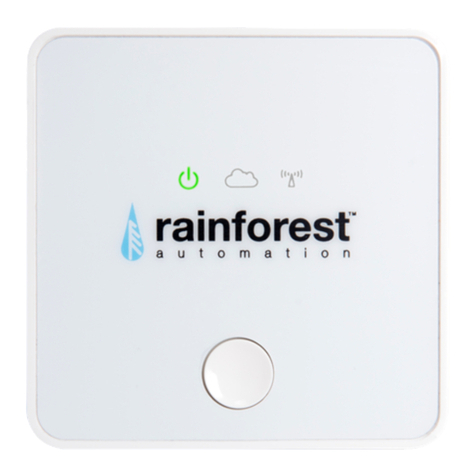
Introduction to Your EAGLE™...............................................................................................10
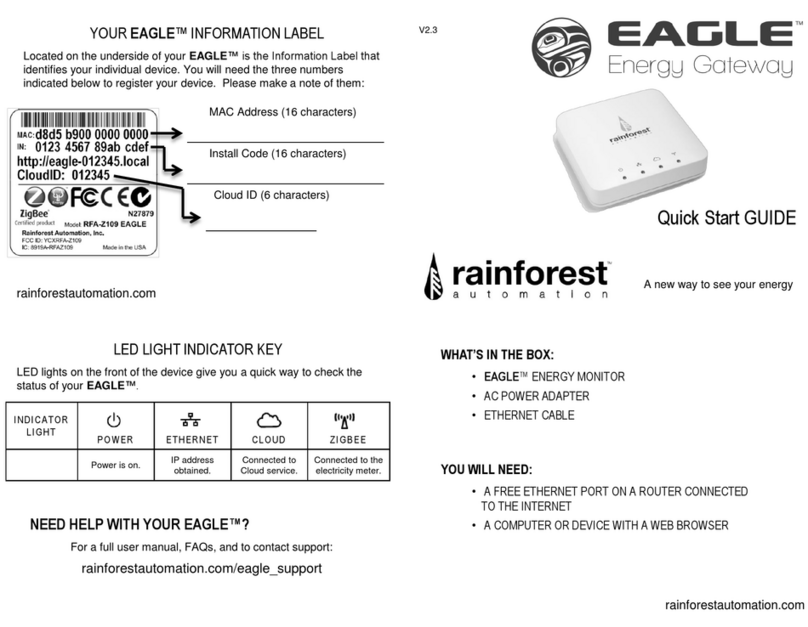
EAGLE™ Status LED Lights ..................................................................................................11
EAGLE™ Hardware Ports.......................................................................................................12
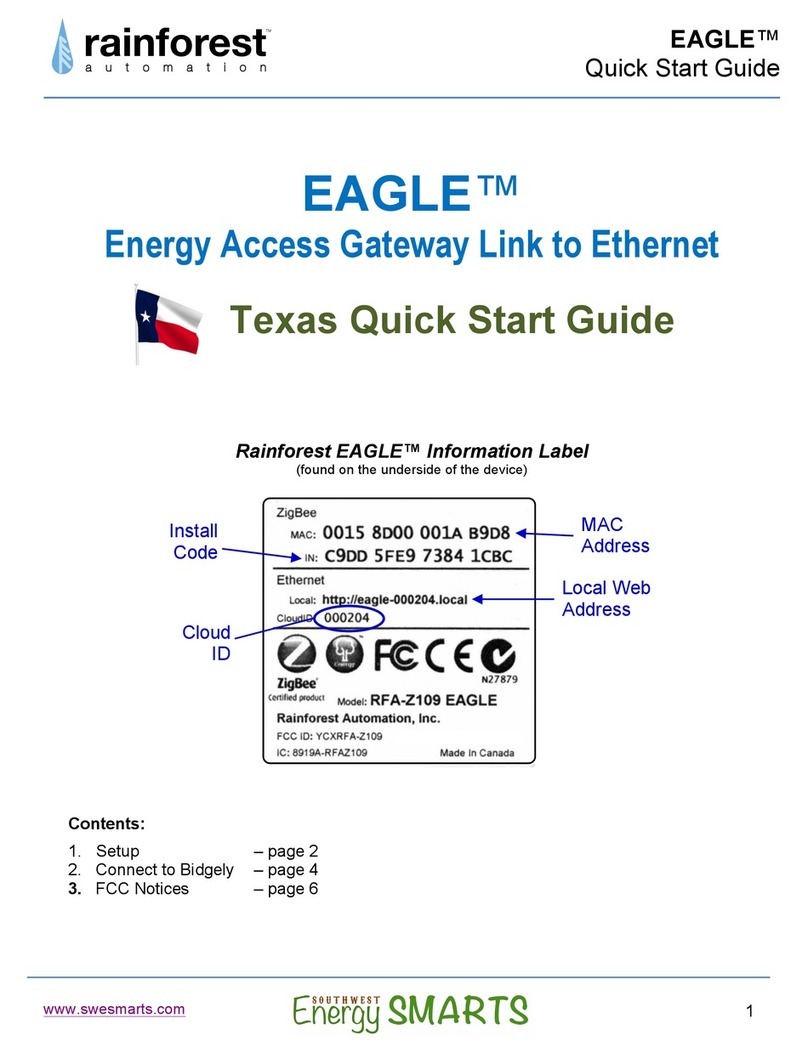
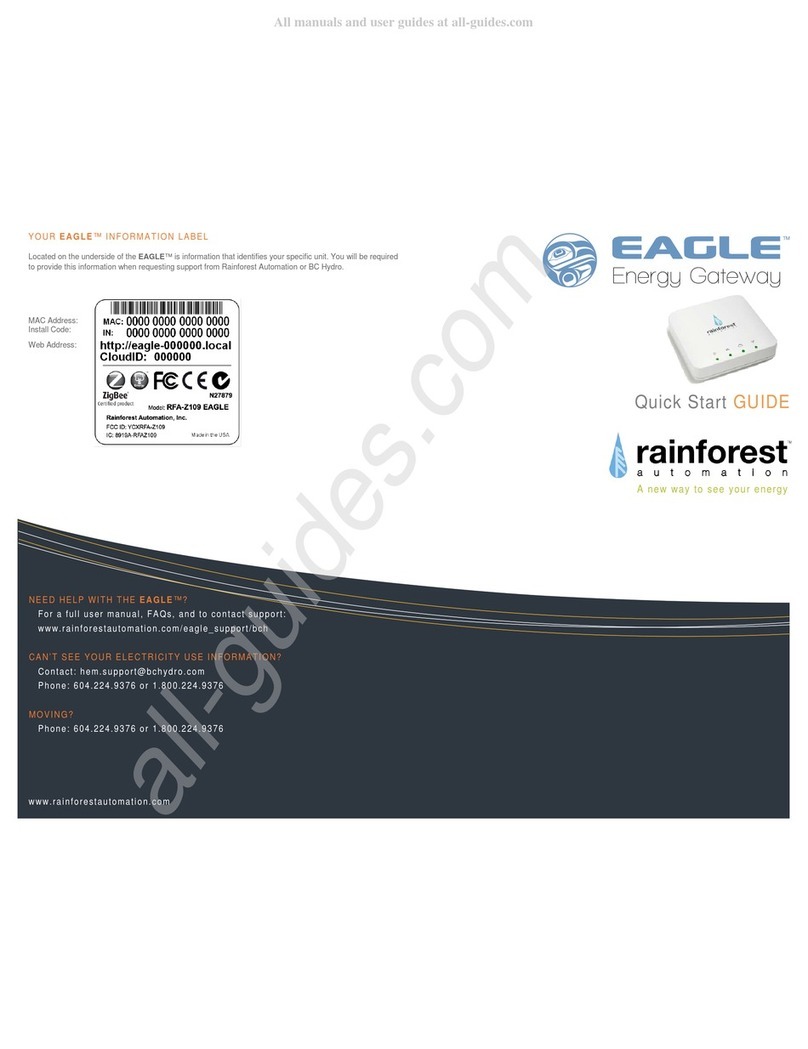
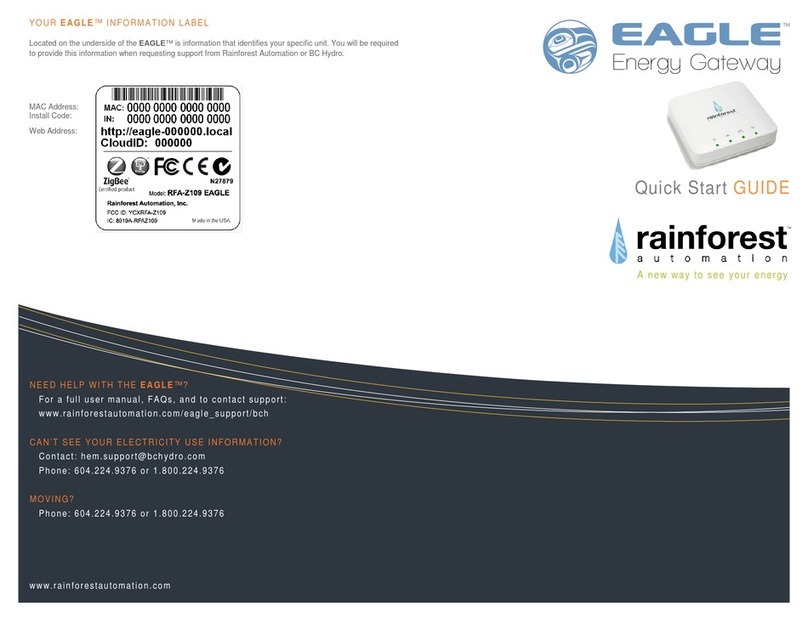
Understanding the Information Label....................................................................................13
Web Viewer Functions............................................................................................................14
Meter Button .........................................................................................................................14
History Button .......................................................................................................................17
Messages Button ..................................................................................................................19
Settings Button......................................................................................................................20
EAGLE Sub-Page.......................................................................................................21
Internet Sub-Page ......................................................................................................22
Cloud Sub-Page.........................................................................................................22
Smart Meter Sub-Page...............................................................................................23
Advanced Settings Page ............................................................................................24
Using your Cloud Account.....................................................................................................26
Creating a Cloud Account .....................................................................................................26
Managing your Gateway List.................................................................................................28
Managing your Cloud Account ..............................................................................................29
Connecting to a Cloud Service ..............................................................................................31
Connecting to Wattvision.......................................................................................................32
Connecting to BlueDot ..........................................................................................................35
Connecting Locally to your EAGLE™...................................................................................38
Troubleshooting Guide...........................................................................................................41
Technical Support.................................................................................................................42