manuals.online logo
Brands
  1. Home
  2. •
  3. Brands
  4. •
  5. Rane
  6. •
  7. Recording Equipment
  8. •
  9. Rane DC24 Quick start guide

Rane DC24 Quick start guide

Other Rane Recording Equipment manuals

Rane CP 64S User manual

Rane

Rane CP 64S User manual

Rane ASL3 User manual

Rane

Rane ASL3 User manual

Rane AD 22 User manual

Rane

Rane AD 22 User manual

Rane AVA 22d User manual

Rane

Rane AVA 22d User manual

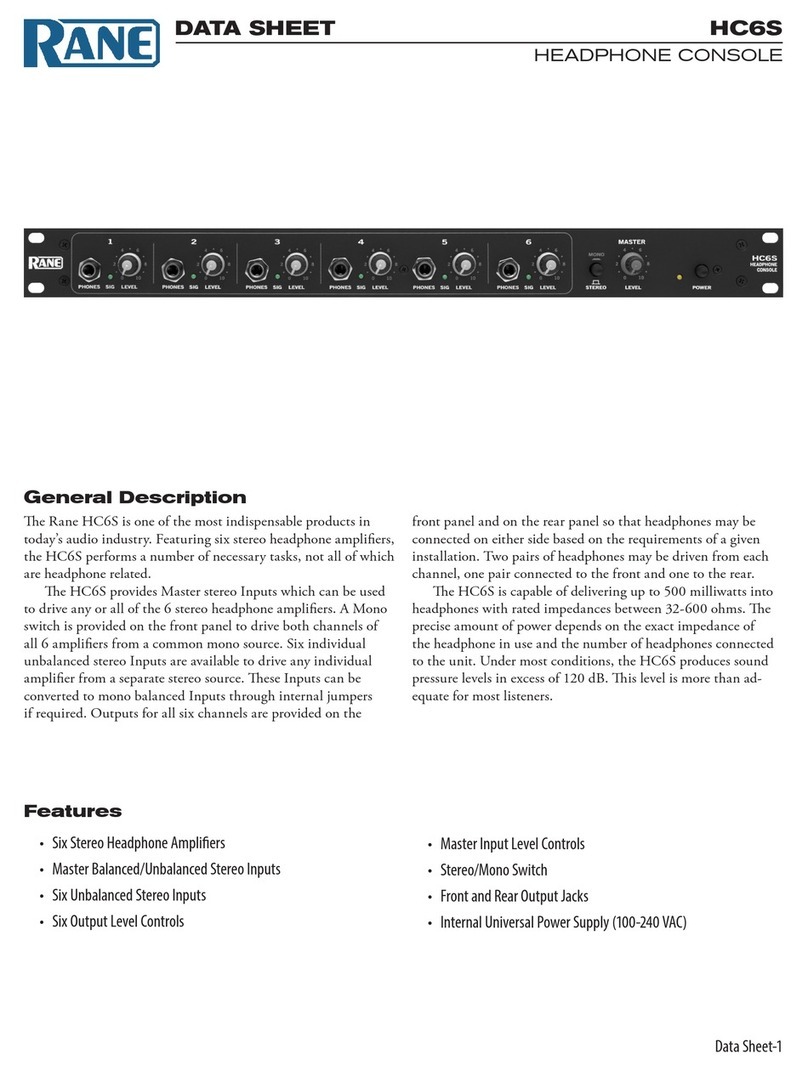
Rane HC6S User manual

Rane

Rane HC6S User manual

Rane MP 4 User manual

Rane

Rane MP 4 User manual

Rane DC 22 User manual

Rane

Rane DC 22 User manual

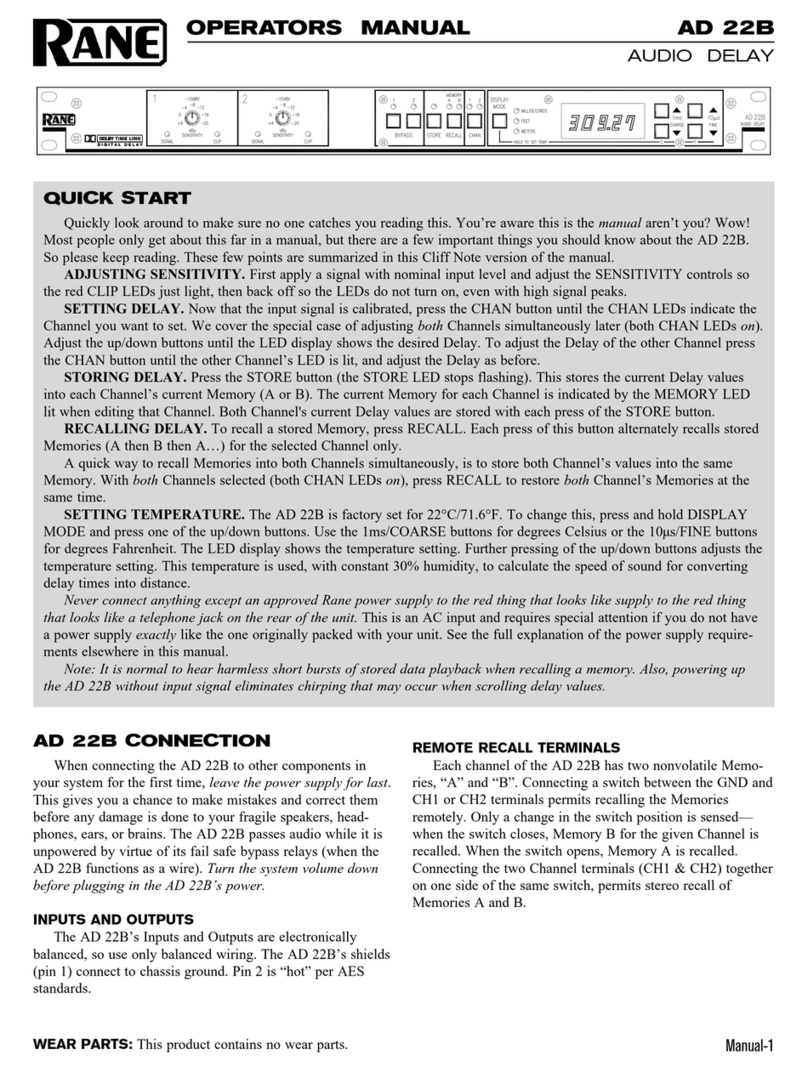
Rane AD 22B User manual

Rane

Rane AD 22B User manual

Rane ME 60S User manual

Rane

Rane ME 60S User manual

Rane AD 22 User manual

Rane

Rane AD 22 User manual

Rane DC 22S User manual

Rane

Rane DC 22S User manual

Rane RPM 26z User manual

Rane

Rane RPM 26z User manual

Rane AM2 User manual

Rane

Rane AM2 User manual

Rane SM26 Instruction and safety manual

Rane

Rane SM26 Instruction and safety manual

Rane SL3 User manual

Rane

Rane SL3 User manual

Rane C4 User manual

Rane

Rane C4 User manual

Rane DEQ 60L User manual

Rane

Rane DEQ 60L User manual

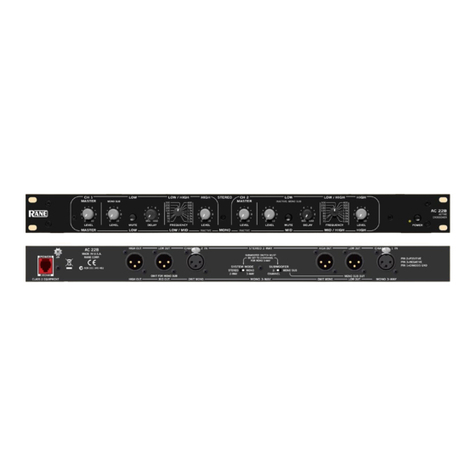
Rane AC 22B User manual

Rane

Rane AC 22B User manual

Rane AD22S User manual

Rane

Rane AD22S User manual

Rane Scratch 17357 User manual

Rane

Rane Scratch 17357 User manual

Rane Twelve MKII User manual

Rane

Rane Twelve MKII User manual

Rane RAD22 User manual

Rane

Rane RAD22 User manual

Rane AD 22D User manual

Rane

Rane AD 22D User manual

Rane AD 22D User manual

Rane

Rane AD 22D User manual

Popular Recording Equipment manuals by other brands

ThermoFisher Scientific Dionex DRS 600 Installation checklist

ThermoFisher Scientific

ThermoFisher Scientific Dionex DRS 600 Installation checklist

Shure ANIUSB-Matrix user guide

Shure

Shure ANIUSB-Matrix user guide

Nady Audio HE-1 user guide

Nady Audio

Nady Audio HE-1 user guide

AUDAC APM 01 User manual & installation guide

AUDAC

AUDAC APM 01 User manual & installation guide

Teac GF-350 owner's manual

Teac

Teac GF-350 owner's manual

Fractal Audio MFC-101 MARK III owner's manual

Fractal Audio

Fractal Audio MFC-101 MARK III owner's manual

bmcm USB-OI16 manual

bmcm

bmcm USB-OI16 manual

HHB BurnIT CDR-830 Service manual

HHB

HHB BurnIT CDR-830 Service manual

GE VersaMax IC200CPUE05 manual

GE

GE VersaMax IC200CPUE05 manual

IntesisBox MH-RC-MBS-1 user manual

IntesisBox

IntesisBox MH-RC-MBS-1 user manual

Attero Tech unD4l user manual

Attero Tech

Attero Tech unD4l user manual

Sennheiser UI 765 instruction manual

Sennheiser

Sennheiser UI 765 instruction manual

Sony RCD-W1 Operating Instructions  (primary... Service manual

Sony

Sony RCD-W1 Operating Instructions (primary... Service manual

Roland Planet-P  MKS-10 owner's manual

Roland

Roland Planet-P MKS-10 owner's manual

Roland BOSS GT-PRO Turbostart

Roland

Roland BOSS GT-PRO Turbostart

8x8 Inc Valcom V-2001A manual

8x8 Inc

8x8 Inc Valcom V-2001A manual

Waves SUB Align user guide

Waves

Waves SUB Align user guide

Mitsubishi Electric MAC-334IF-E installation manual

Mitsubishi Electric

Mitsubishi Electric MAC-334IF-E installation manual

manuals.online logo
manuals.online logoBrands
  • About & Mission
  • Contact us
  • Privacy Policy
  • Terms and Conditions

Copyright 2025 Manuals.Online. All Rights Reserved.

Manual-1
AC 22B
ACTIVE CROSSOVER
OPERATORS MANUAL
AC 22B CONNECTION
In agreement with IEC and AES/ANSI standards, AC 23B
wiring convention is pin 2 Positive, pin 3 Negative (return),
pin 1 Signal ground (for unbalanced use), with the connector
case or shell tied to chassis ground.
BALANCEDOPERATION
Use only when driving from a true balanced source and
driving to a true balanced destination—either transformer
coupled or active drive. Connect the input to pins 2 and 3
with pin 2 positive. Do not connect pin 1. Terminate the
shield to the case or shell. Connect the output to pins 2 and 3
with pin 2 positive. Do not connect pin 1. Connect the shield
to the case or shell.
UNBALANCEDOPERATION
Connect the input between pins 2 and 1 with pin 2 positive
and pin 1 Signal ground. Short pin 3 to pin 1. Terminate the
shield to the case or shell. Connect the output between pins 2
and 1 with pin 2 Positive. Leave pin 3 open—do not short it
to pin 1. Connect the shield to the case or shell.
COMBINATION OPERATION
For combined balanced and unbalanced operation, use
whichever half of the above instructions apply for each end.
See the “Sound System Interconnection” RaneNote
included in this manual for more information on cabling and
groundingrequirements.
QUICK START
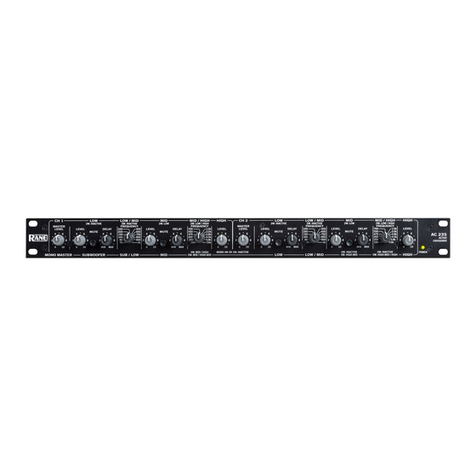
The AC 22B can be either a Stereo 2-Way or Mono 3-Way crossover. Labels above the controls refer to the unit being
operated in the 2-Way Stereo mode. Labels below the controls refer to the unit being operated in the 3-Way Mono mode.
The AC 22B is a fully balanced output version of the popular AC 22 and is equipped with 3-pin (XLR type) conectors
instead of the standard ¼" TRS jacks. All other features, specifications and operation are identical with the standard
model with an added switch. Where the AC 22 is configured somewhat automatically by using switching jacks, the AC
22B is configured by a SYSTEM MODE switch added to the back of the unit.

To operate the AC 22B in Stereo 2-Way mode, be sure that the Mode switch is set for STEREO 2-WAY. Follow the

labels above the controls and jacks.
When operated in the Mono 3-Way mode, the switch should be set in the MONO 3-WAY position. Follow the labels
below the controls and jacks. In Mono 3-Way mode the Channel 1 High Output is unusable. This output is the high-pass-
only portion of the midrange filter. The Channel 1 High Level and the Channel 2 Master Level are also defeated on the
front panel.
NEVER CONNECT ANYTHING EXCEPT AN RS 1 OR OTHER APPROVED RANE AC POWER SUPPLY
TO THE THING THAT LOOKS LIKE A TELEPHONE JACK ON THE REAR. This is an AC supply and requires
some special attention if you do not have an operational power supply EXACTLY like the one that was originally
packed with your unit.