manuals.online logo
Brands
  1. Home
  2. •
  3. Brands
  4. •
  5. RCA
  6. •
  7. Telephone
  8. •
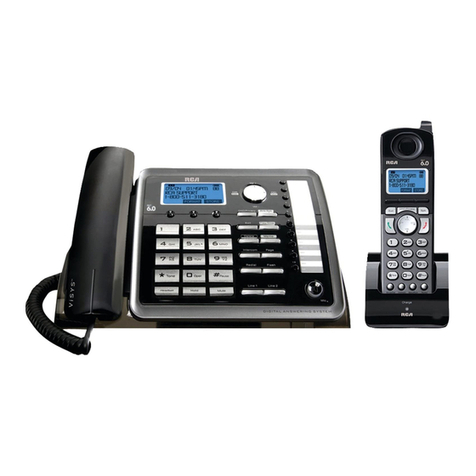
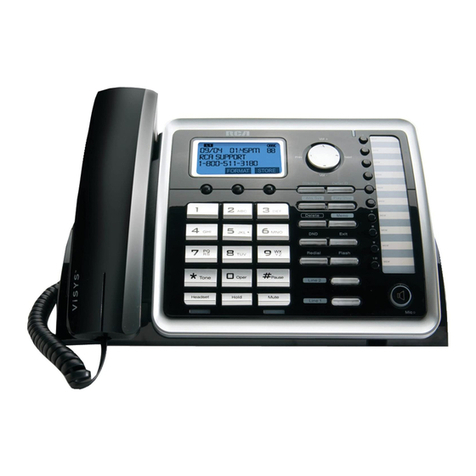
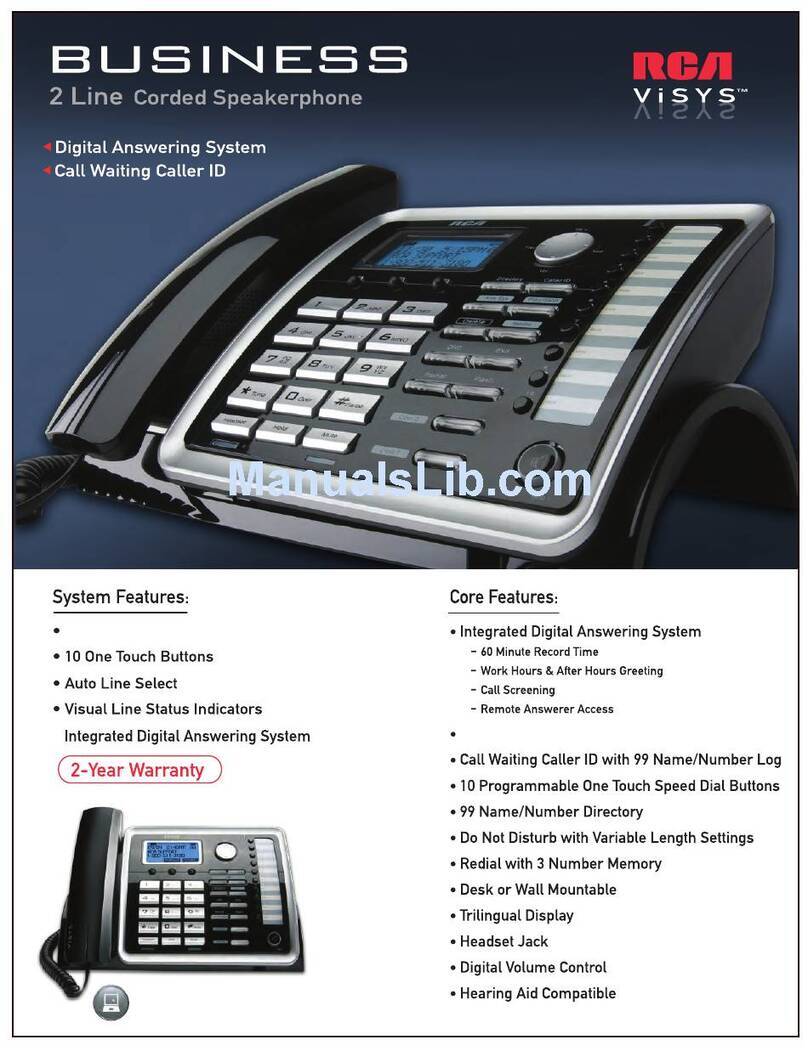
  9. RCA 25212 ViSys User manual

RCA 25212 ViSys User manual

Other RCA Telephone manuals

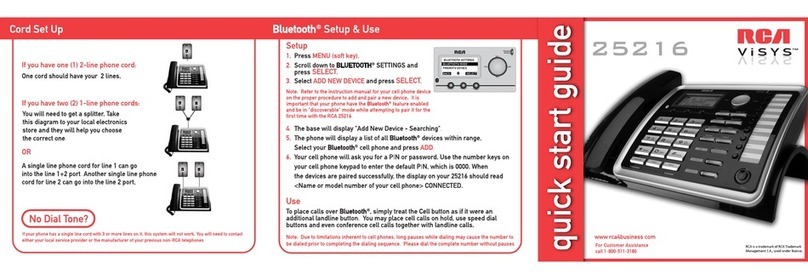
RCA VISYS 25216 User manual

RCA

RCA VISYS 25216 User manual

RCA 25204 User manual

RCA

RCA 25204 User manual

RCA 25203 User manual

RCA

RCA 25203 User manual

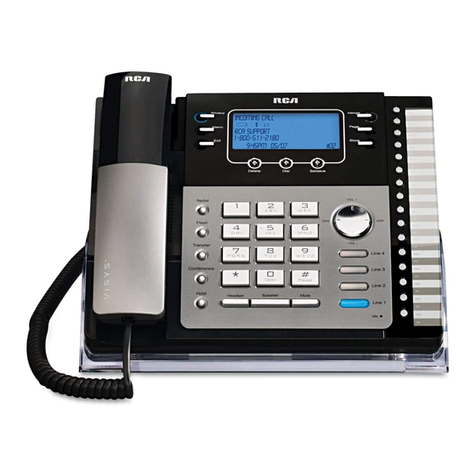
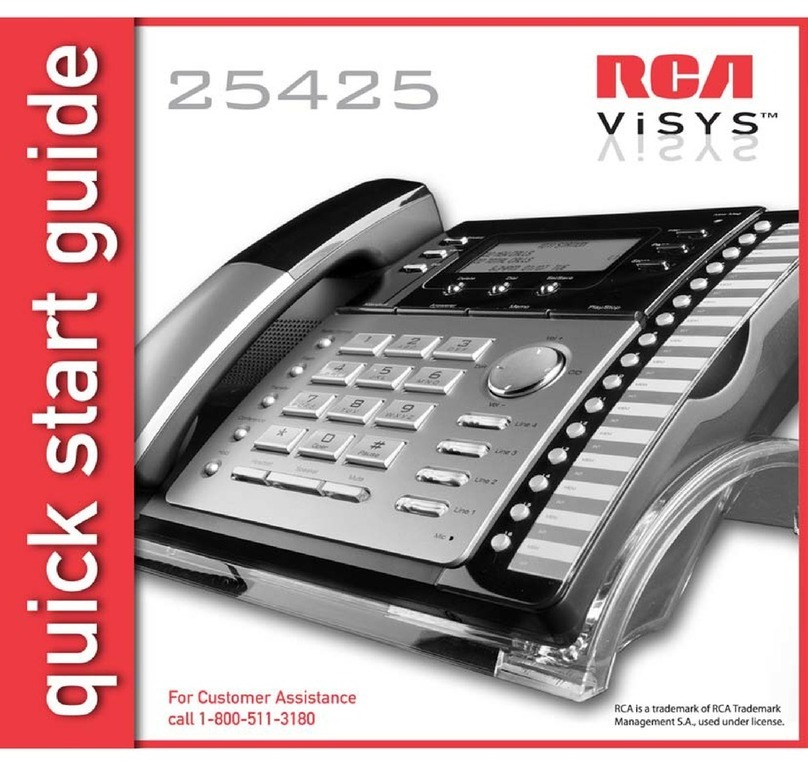
RCA 25425 User manual

RCA

RCA 25425 User manual

RCA 25425 User manual

RCA

RCA 25425 User manual

RCA 16211370 User manual

RCA

RCA 16211370 User manual

RCA 25202 User manual

RCA

RCA 25202 User manual

RCA 25250 User manual

RCA

RCA 25250 User manual

RCA 7114 User manual

RCA

RCA 7114 User manual

RCA -29271RE3 - Nostalgic Retro Phone User manual

RCA

RCA -29271RE3 - Nostalgic Retro Phone User manual

RCA ViSYS 25423 User manual

RCA

RCA ViSYS 25423 User manual

RCA 25260 User manual

RCA

RCA 25260 User manual

RCA 25214RE1 User manual

RCA

RCA 25214RE1 User manual

RCA 25425 User manual

RCA

RCA 25425 User manual

RCA IP170S User manual

RCA

RCA IP170S User manual

RCA 25255RE2 - ViSYS Cordless Phone Base Station User manual

RCA

RCA 25255RE2 - ViSYS Cordless Phone Base Station User manual

RCA 25252 User manual

RCA

RCA 25252 User manual

RCA U1000 User manual

RCA

RCA U1000 User manual

RCA 25215RE1 User manual

RCA

RCA 25215RE1 User manual

RCA 25055RE1 User manual

RCA

RCA 25055RE1 User manual

RCA ViSYS 25423 User manual

RCA

RCA ViSYS 25423 User manual

RCA 25215RE1 User manual

RCA

RCA 25215RE1 User manual

RCA IP060 User manual

RCA

RCA IP060 User manual

RCA 25260 ViSYS User manual

RCA

RCA 25260 ViSYS User manual

Popular Telephone manuals by other brands

Philips BaseLine Pro manual

Philips

Philips BaseLine Pro manual

V-tech i6772 user guide

V-tech

V-tech i6772 user guide

BT FREELANCE XD 5100 quick start guide

BT

BT FREELANCE XD 5100 quick start guide

Uniden 1360 user guide

Uniden

Uniden 1360 user guide

Fanvil D800 user manual

Fanvil

Fanvil D800 user manual

Avaya IP500 user guide

Avaya

Avaya IP500 user guide

NEC Univerge SV9100 installation manual

NEC

NEC Univerge SV9100 installation manual

Amanda MiniSOHO Installation and programming manual

Amanda

Amanda MiniSOHO Installation and programming manual

Hitachi SelecSet 900 Series user guide

Hitachi

Hitachi SelecSet 900 Series user guide

mPTech HAMMER BS21 quick start guide

mPTech

mPTech HAMMER BS21 quick start guide

NEC 2000IVX user guide

NEC

NEC 2000IVX user guide

ooma Phone Genie quick start guide

ooma

ooma Phone Genie quick start guide

Siemens Gigaset S450 user guide

Siemens

Siemens Gigaset S450 user guide

Clarity RC100 operating instructions

Clarity

Clarity RC100 operating instructions

GE 2-9480 user guide

GE

GE 2-9480 user guide

Geemarc PHOTOPHONE 155 user guide

Geemarc

Geemarc PHOTOPHONE 155 user guide

Interquartz Gemini IQ333 operating instructions

Interquartz

Interquartz Gemini IQ333 operating instructions

SSS Siedle HT 840-0 operating instructions

SSS Siedle

SSS Siedle HT 840-0 operating instructions

manuals.online logo
manuals.online logoBrands
  • About & Mission
  • Contact us
  • Privacy Policy
  • Terms and Conditions

Copyright 2025 Manuals.Online. All Rights Reserved.

25212
Registration
1. To register a 25055 accessory handset to a
RCA 25212 cordless phone, press the MENU
soft key on your 25212 base phone.
2. Press SELECT again on the PHONE setting
menu.
MAIN MENU
PHONE SETTING
DISPLAY SETTING
SOUND SETTING
3. Using the VOL (+/-) button to navigate, scroll to
ADD HEADSET and press the SELECT soft key.
The LCD on the 25212 or 25252 will read
“PAIRING PLEASE WAIT…” and will begin
searching for a compatible accessory handset.
4. Using your 25055 accessory handset, press the REG soft key.
NOTE: If your headset is unregistered, the LCD screen will read “PRESS ‘REG’
TO INITIATE REGISTRATION.” The REG soft key will be the only option available.
REG STORE
PRESS ‘REG’ TO INITIATE
REGISTRATION
5. The LCD will then read “REGISTERING…”
and will begin searching for your 25212 base phone.
6. If registration was successful, the LCD on the
base phone will read “PAIRING COMPLETE!”, the
LCD on the handset will read “REGISTRATION
COMPLETE!” and you will hear a confirmation tone
as both return to the main menu.
NOTE: If registration fails, you will hear an error tone and the LCD on the
base phone will read “PAIRING FAILED!” You will head an identical error
tone from the handset, with the “LCD reading HS REG FAILED.”
REG STORE
REGISTERING
DND Privacy
Voicemail1
Voicemail2
REG STORE
REGISTRATION
COMPLETE!
PAIRING COMPLETE!
REG STORE

Privacy,
Voicemail 1
Voicemail 2
DND Privacy
Voicemail 1
Voicemail 2
Privacy
Voicemail1
Voicemail2
o
o
DND