Data Hold Function
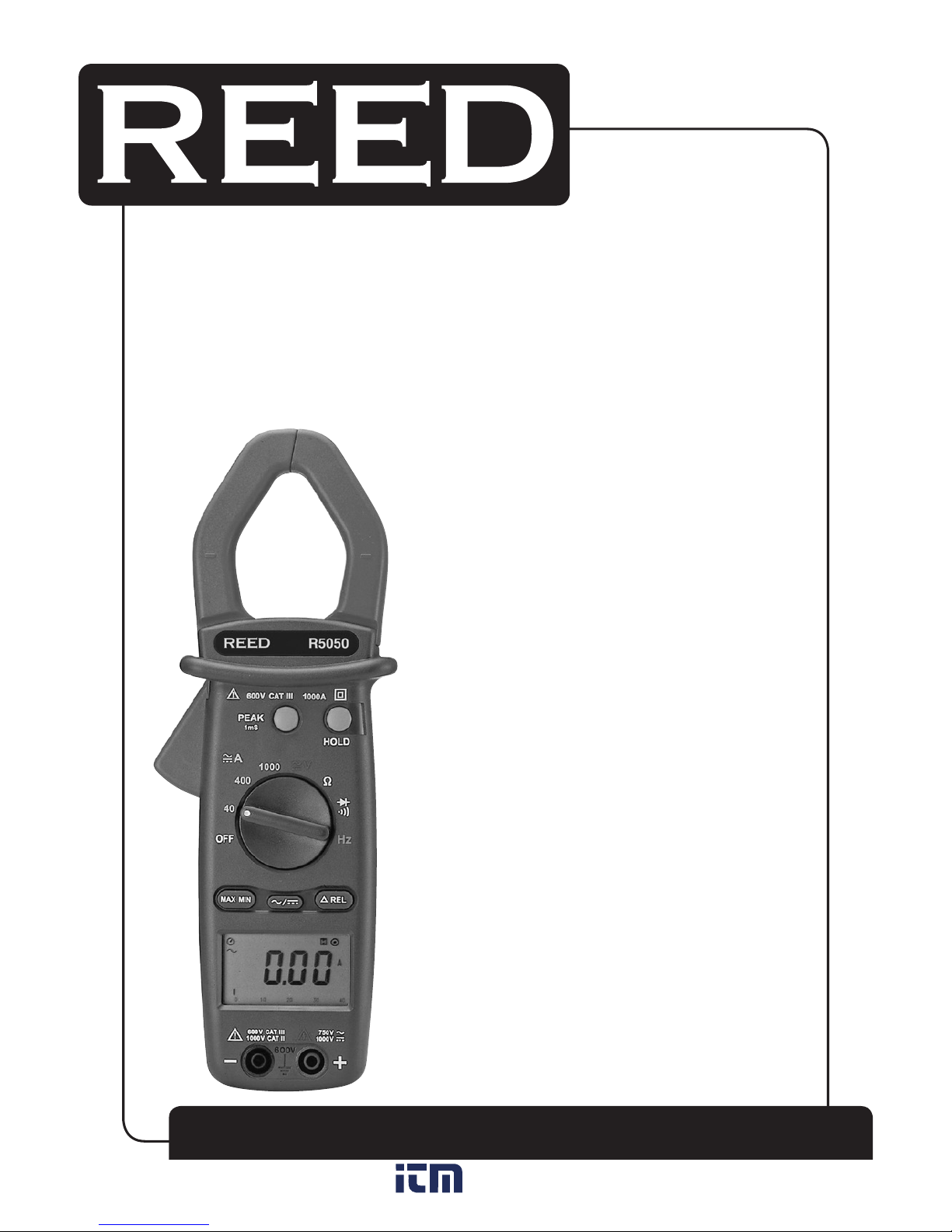
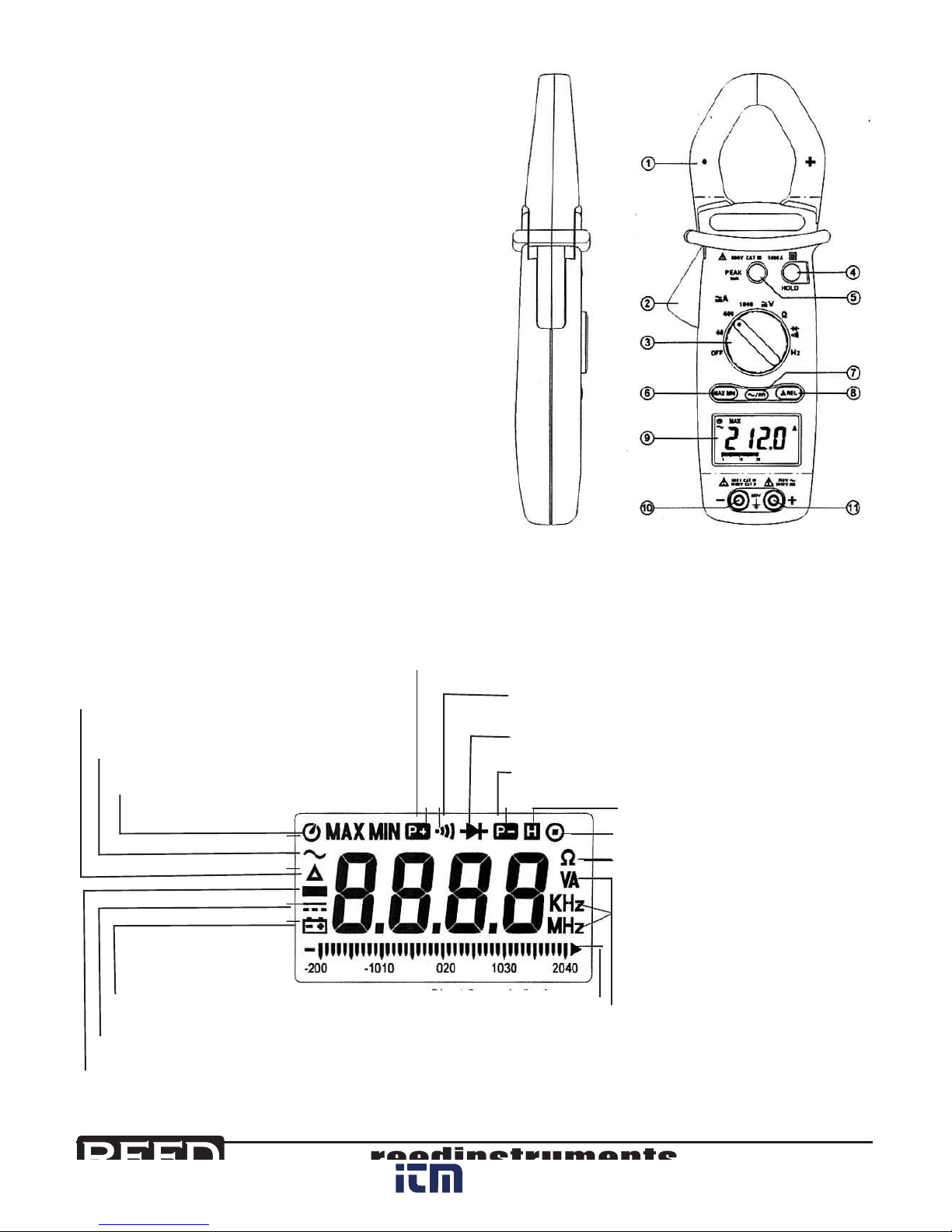
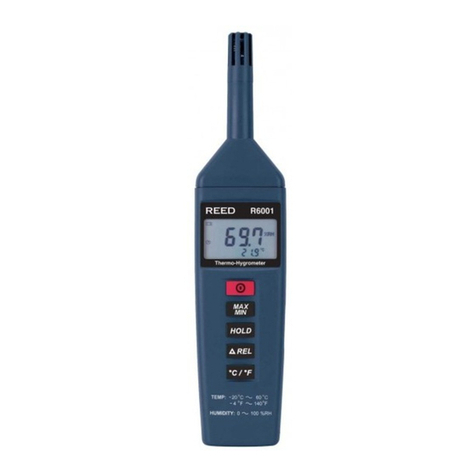
Press the “HOLD”buttonatanytimetoholdthecurrentreading.To
release the data being held, simply press the “HOLD”buttonagain.
Peak Hold Function
Thismeterisdesignedwith1mspeakholdfunctionatACA,ACV,DCA
andDCVranges.Beforeperformingapeakholdoperation,acalibration
process must be completed rst.
Todothis,pressandholdthepeakbuttonfor2seconds.“CAL”willdis-
playontheLCDandtheoffsetwillbecalculatedandkeptinthemeter.
Afterthecalibrationiscomplete,youcanchooseP+orP-bypressing
the “PEAK + HOLD”buttontokeepthepeakreading.Toreturnthemeter
backtonormaloperation,pressthe“PEAK”buttonfor2seconds.
Whenthefunctionrangechanges,themeterwillrequireanothercalibra-
tionforpeakmeasurement.
MAX/MIN Function
ThismeterisdesignedwithaMAX/MINfunctionatACA,ACV,DCAand
DCVranges.
Press the “MAX/MIN”buttononcetosetthemetertotheMAXmode.
Press it once again to set the meter to MIN mode. Press it once again and
themeterwilldisplaythepresentreadingandwillcontinuetrackingthe
MAXandMINchanges.Thismodewillalsobeindicatedwiththeblinking
“MAX MIN”symbol.
Setthemeterbacktonormaloperationbypressingthe“MAX/MIN”
button for more than 2 seconds.
REL Function:
ThismeterisdesignedwithRELfunctionatACA,ACVandDCV,DCAranges.
Press the “REL”buttontochangethezerotothecurrentreadingandthe
relativevaluewillshowontheLCD.Pressitonceagainandthemeter
willdisplaytherelativezeropoint.Thismodewillalsobeindicatedwitha
blinking“REL”symbol.
Setthemeterbacktonormaloperationbypressingthe“REL”buttonfor
more than 2 seconds.