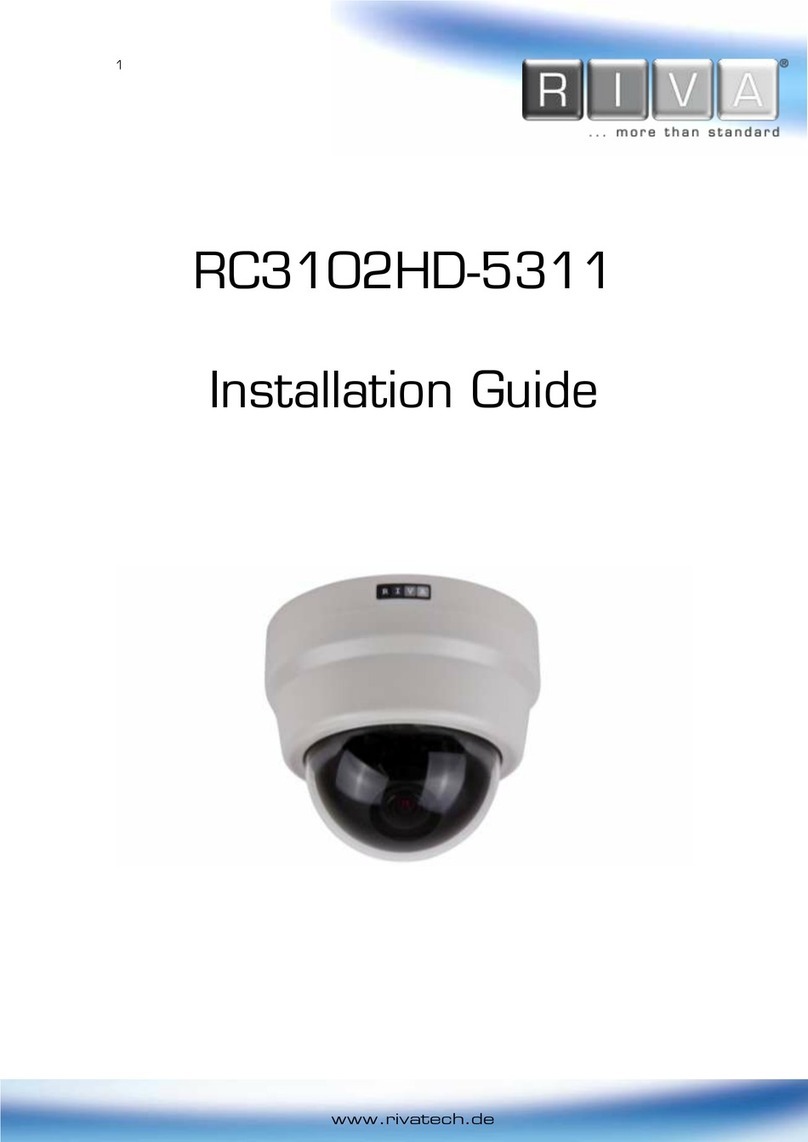
HD Series RC2103HD-6511 Installation Guide
01-2015-A www.rivatech.de 3
Table of Contents
Precaution................................................................................................................ 2
1. FEATURES............................................................................................................. 4
2. PACKAGE CONTENTS............................................................................................. 5
3. PART NAMES ........................................................................................................ 6
4. INSTALLATION ...................................................................................................... 7
4.1. Installing the camera.......................................................................................................... 7
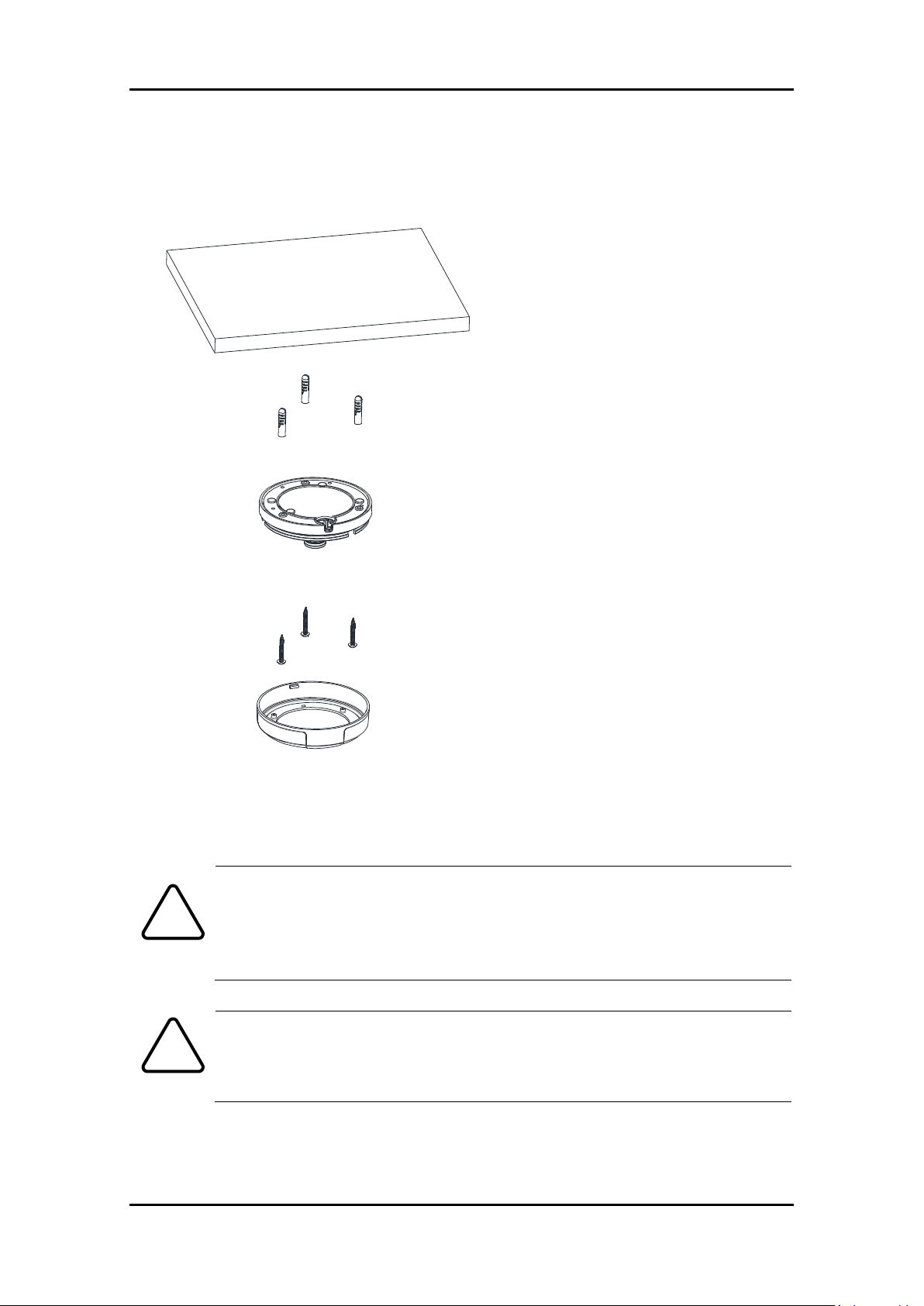
4.1.1. Semi-Flush Mount ....................................................................................................... 7
4.1.2. Flush Mount ................................................................................................................ 9
4.1.3. Compatible Accessories ............................................................................................ 11
4.2. Setting the Image Attributes............................................................................................ 12
5. CONNECTIONS.................................................................................................... 13
6. CONFIGURATION ................................................................................................ 17
6.1. Set up network environment ........................................................................................... 17
Generic IP Environment ...................................................................................................... 17
Custom IP Environment ...................................................................................................... 18
6.2. View video on web page .................................................................................................. 19
6.1.1. ActiveX Installation.................................................................................................... 19
6.2.2. View video using IPAdmin Tool................................................................................. 20
6.3. Reboot.............................................................................................................................. 21
6.4. Factory Default................................................................................................................. 21
6.5. Safe Mode ........................................................................................................................ 21
APPENDIX (A): SPECIFICATIONS .............................................................................. 23
Summary ................................................................................................................................. 23
Electrical Characteristics ......................................................................................................... 24
Environment Condition ........................................................................................................... 24
Mechanical Condition ............................................................................................................. 24
APPENDIX (B): POWER OVER ETHERNET ................................................................. 25
Power Comparison.................................................................................................................. 25
APPENDIX (C): DIMENSIONS ................................................................................... 26
APPENDIX (D): HEXADECIMAL-DECIMAL CONVERSION TABLE ................................. 27
REVISION HISTORY ................................................................................................. 29