manuals.online logo
Brands
  1. Home
  2. •
  3. Brands
  4. •
  5. Roche
  6. •
  7. Blood Glucose Meter
  8. •
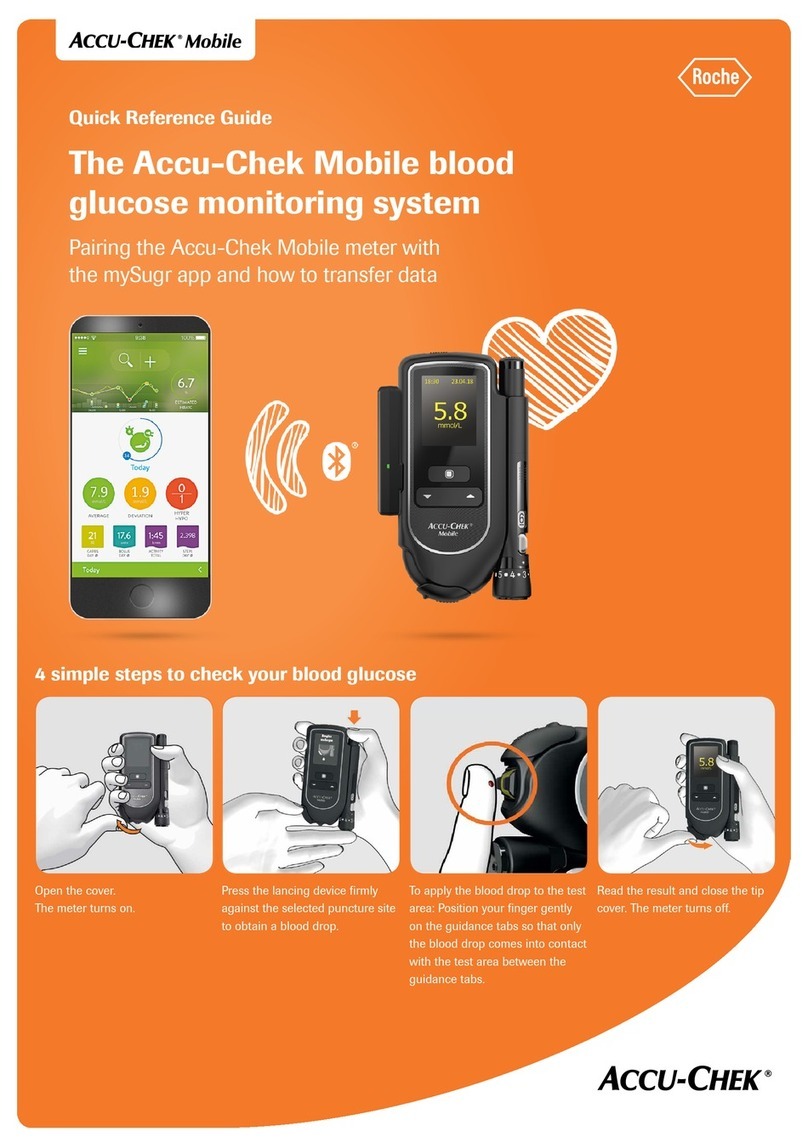
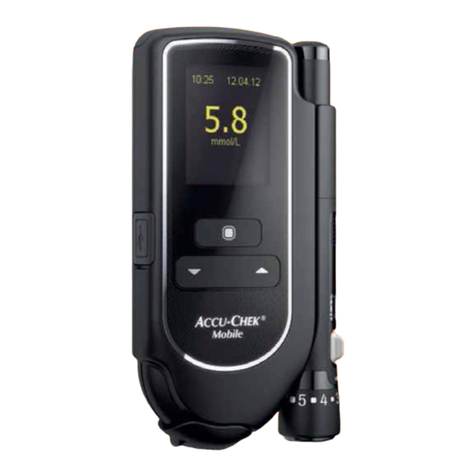
  9. Roche Accu-Chek Mobile User manual

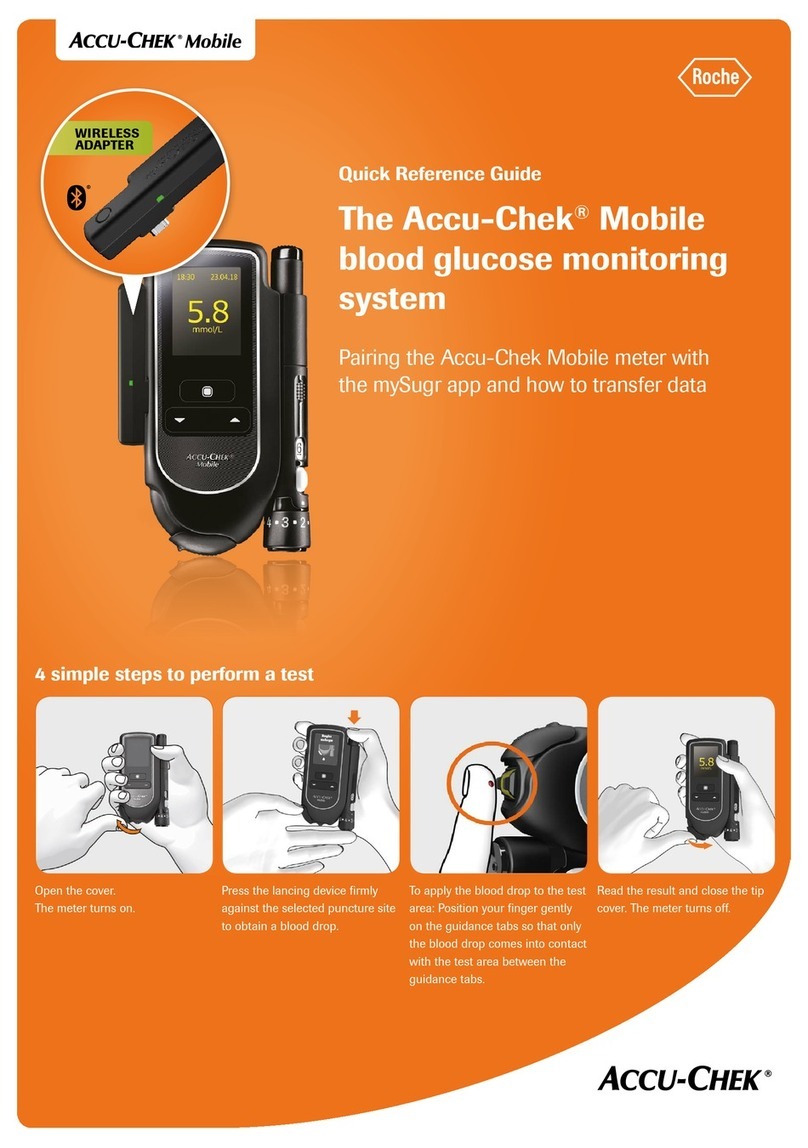
Roche Accu-Chek Mobile User manual

Other manuals for Accu-Chek Mobile

7

Other Roche Blood Glucose Meter manuals
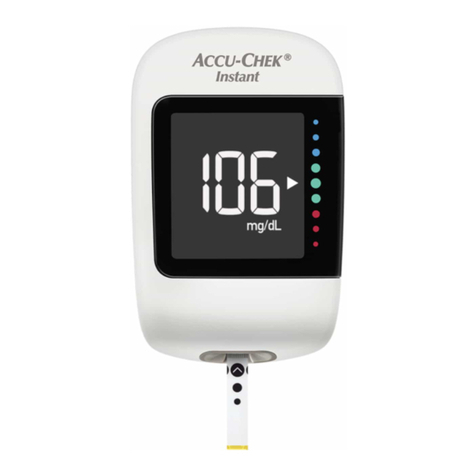
Roche Accu-Chek Instant User manual

Roche

Roche Accu-Chek Instant User manual

Roche CoaguChek Pro II User manual

Roche

Roche CoaguChek Pro II User manual

Roche Accu-Chek Mobile User manual

Roche

Roche Accu-Chek Mobile User manual

Roche ACCU-CHEK Inform II User manual

Roche

Roche ACCU-CHEK Inform II User manual

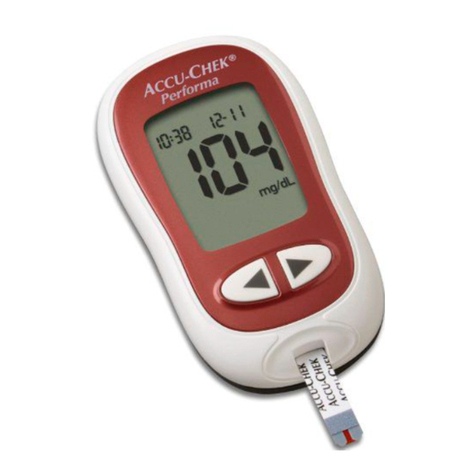
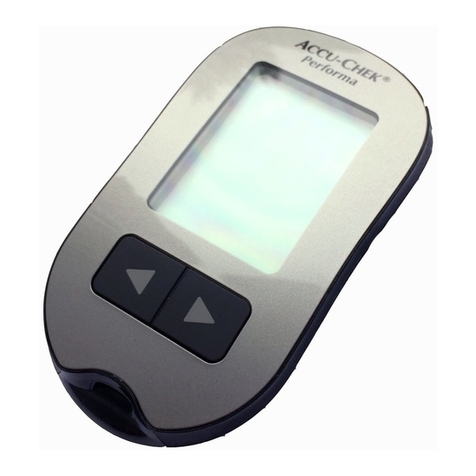
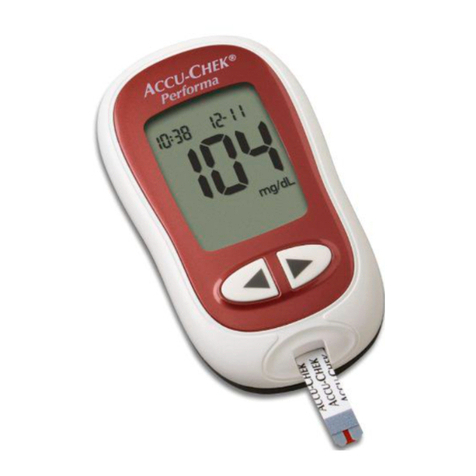
Roche Accu-chek Performa User manual

Roche

Roche Accu-chek Performa User manual
Roche CoaguChek XS Plus User manual

Roche

Roche CoaguChek XS Plus User manual

Roche ACCU-CHEK Instant S User manual

Roche

Roche ACCU-CHEK Instant S User manual

Roche Accu-Chek Aviva Combo User manual

Roche

Roche Accu-Chek Aviva Combo User manual

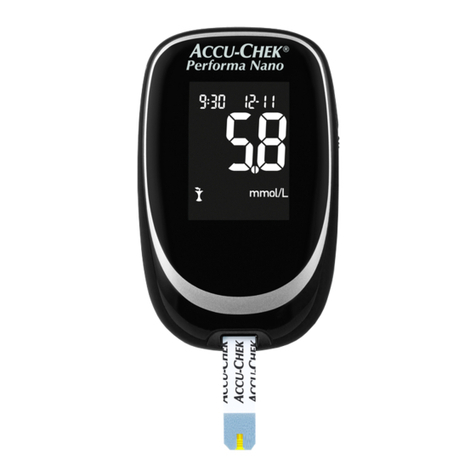
Roche Accu-Chek Performa Nano User manual

Roche

Roche Accu-Chek Performa Nano User manual

Roche Accu-Check Glucotrend 2 User manual

Roche

Roche Accu-Check Glucotrend 2 User manual

Roche ACCU-CHEK Instant S User manual

Roche

Roche ACCU-CHEK Instant S User manual

Roche ACCU-CHEK Inform II User manual

Roche

Roche ACCU-CHEK Inform II User manual

Roche Accu-Chek Mobile User manual

Roche

Roche Accu-Chek Mobile User manual
Roche Accu-Chek Mobile User manual

Roche

Roche Accu-Chek Mobile User manual

Roche Accu-Chek Aviva Expert Setup guide

Roche

Roche Accu-Chek Aviva Expert Setup guide

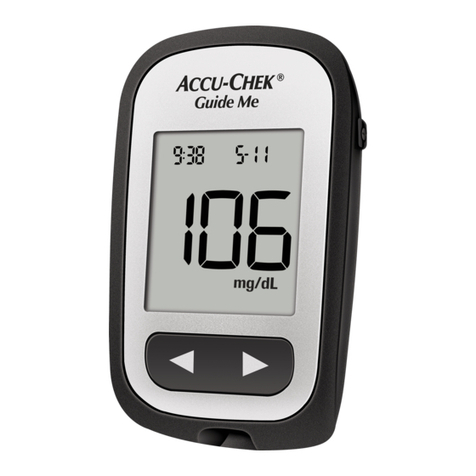
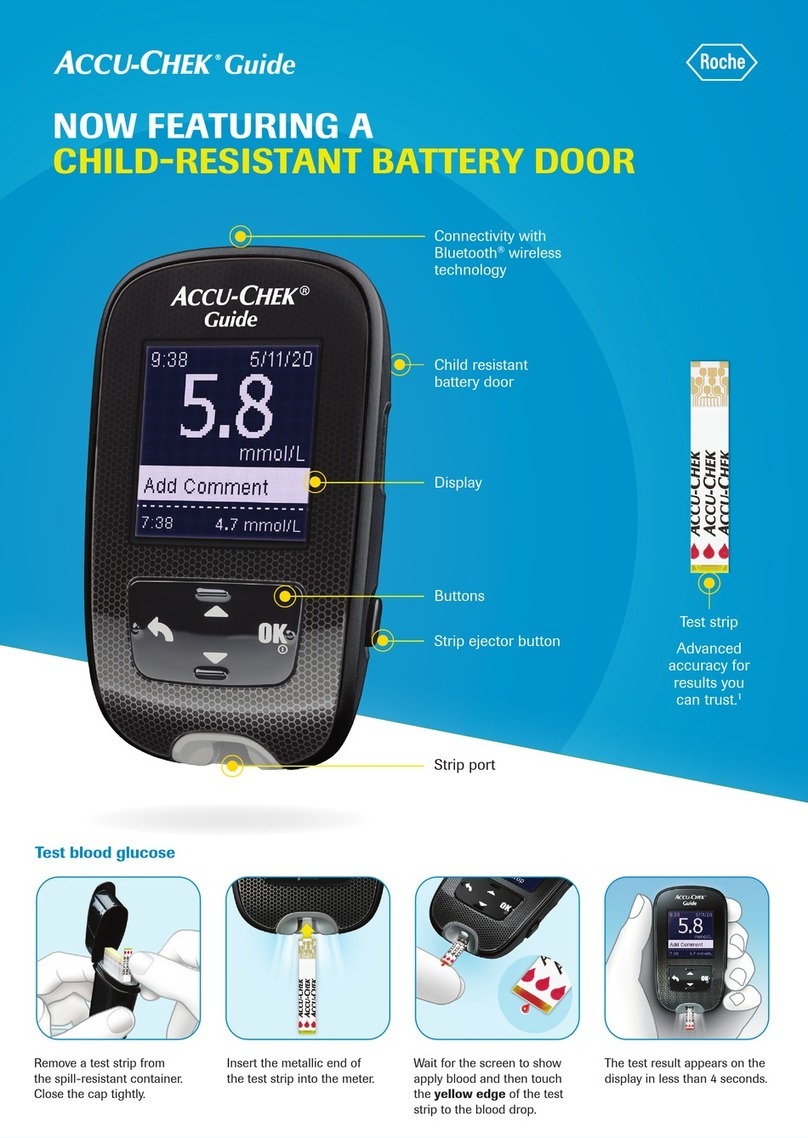
Roche ACCU-Chek Guide Me User manual

Roche

Roche ACCU-Chek Guide Me User manual

Roche Accu-Chek Aviva Combo User manual
Roche

Roche Accu-Chek Aviva Combo User manual

Roche ACCU-CHECK User manual

Roche

Roche ACCU-CHECK User manual

Roche CoaguChek INRange User manual

Roche

Roche CoaguChek INRange User manual

Roche Accu-Chek Aviva Expert Installation and user guide

Roche

Roche Accu-Chek Aviva Expert Installation and user guide

Roche Accu-Chek Advantage User manual

Roche

Roche Accu-Chek Advantage User manual

Roche ACCU-CHEK Inform II User manual

Roche

Roche ACCU-CHEK Inform II User manual
Roche ACCU-CHEK Inform II User manual

Roche

Roche ACCU-CHEK Inform II User manual

Roche CoaguChek INRange User manual

Roche

Roche CoaguChek INRange User manual

Popular Blood Glucose Meter manuals by other brands

Beurer GL50 Instructions for use

Beurer

Beurer GL50 Instructions for use

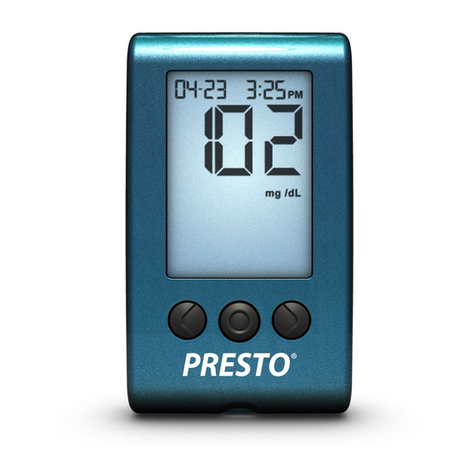
AgaMatrix Presto owner's guide

AgaMatrix

AgaMatrix Presto owner's guide

Medisana GlucoDock instruction manual

Medisana

Medisana GlucoDock instruction manual

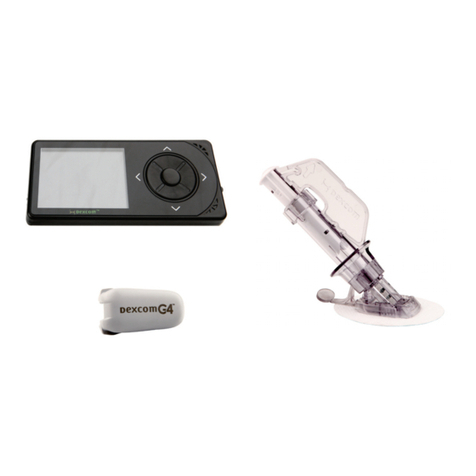
Dexcom G4 Professional user guide

Dexcom

Dexcom G4 Professional user guide

Medisana MediTouch 2 instruction manual

Medisana

Medisana MediTouch 2 instruction manual

Infopia Element Instructions for use

Infopia

Infopia Element Instructions for use

ReliOn Prime User instruction manual

ReliOn

ReliOn Prime User instruction manual

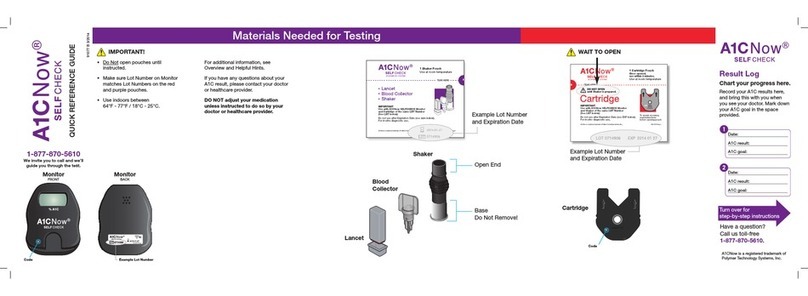
Polymer Technology Systems A1C Now Self Check user manual

Polymer Technology Systems

Polymer Technology Systems A1C Now Self Check user manual

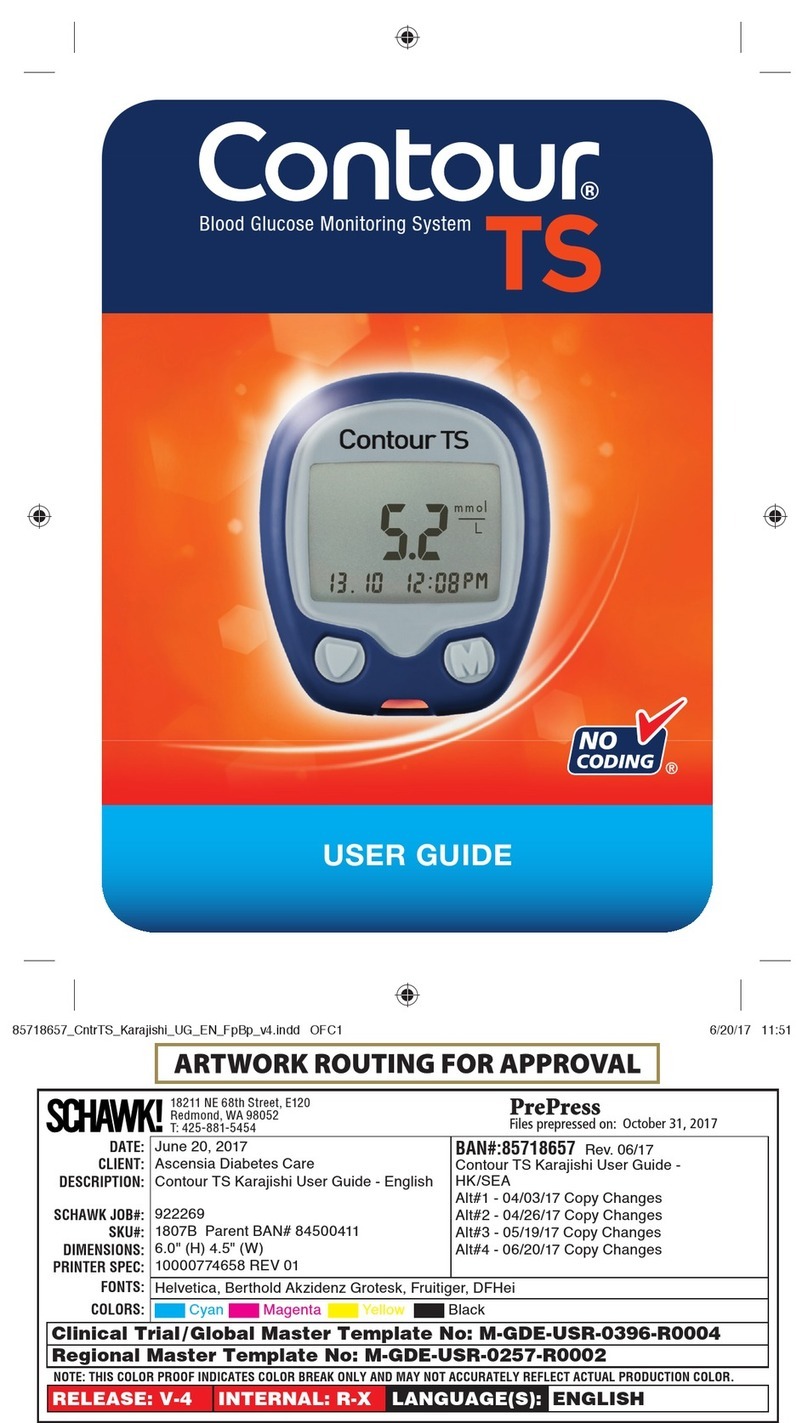
Contour TS user guide

Contour

Contour TS user guide

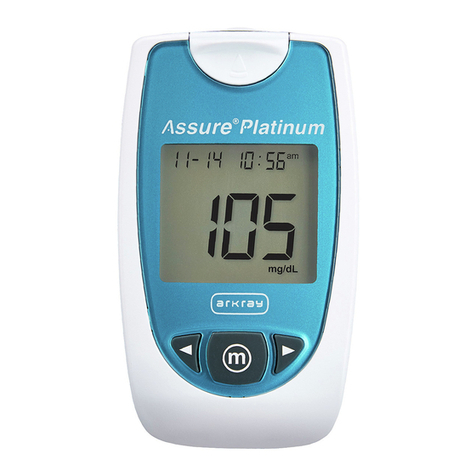
Arkray ASSURE PLATINUM quick start guide

Arkray

Arkray ASSURE PLATINUM quick start guide

Acon On Call user manual

Acon

Acon On Call user manual

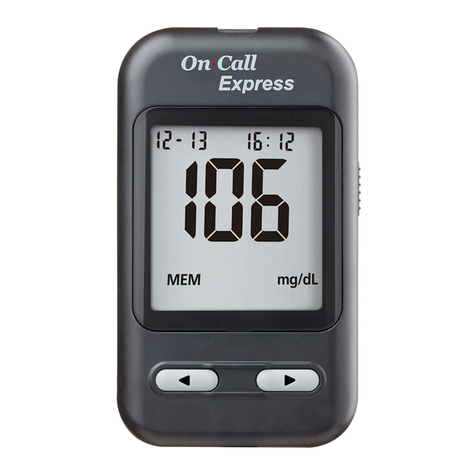
ACONLABS ON CALL EXPRESS user manual

ACONLABS

ACONLABS ON CALL EXPRESS user manual

FOR-A G71a user manual

FOR-A

FOR-A G71a user manual

Accu-Chek Mobile Getting started guide

Accu-Chek

Accu-Chek Mobile Getting started guide

Avital 6276 user guide

Avital

Avital 6276 user guide

Acon on call vivid pal user manual

Acon

Acon on call vivid pal user manual

Accu-Chek Guide Me user manual

Accu-Chek

Accu-Chek Guide Me user manual

ASCENSIA Contour Next Quick reference guide

ASCENSIA

ASCENSIA Contour Next Quick reference guide

manuals.online logo
manuals.online logoBrands
  • About & Mission
  • Contact us
  • Privacy Policy
  • Terms and Conditions

Copyright 2025 Manuals.Online. All Rights Reserved.

Wireless connectivity
Display Test strip
Buttons
Strip
ejector button
Lighted strip port
Testing blood glucose
Always wash your hands
with warm, soapy water
and dry them thoroughly
before beginning a test.
Remove a test strip from
the spill-resistant container.
Close the cap tightly.
Insert the metallic end of the
test strip into the meter.
Touch the yellow edge of
the test strip to the blood
drop. Remove your finger
from the test strip when
“Analyzing” appears on
the display.
The test result appears on
the display in less than 4
seconds.
ACCU-CHEK and ACCU-CHEK GUIDE are trademarks of Roche.
© 2018 Roche Diabetes Care
www.accu-chek.com
Roche Diabetes Care GmbH · Sandhofer Str. 116 · D-68305 Mannheim
Changing the batteries
Note
•The meter uses two 3-volt lithium batteries, coin cell type CR2032. This type of battery
can be found in many stores. It is a good idea to have spare batteries available.
•Always replace both batteries at the same time and with the same brand.
It’s easy to change the batteries in your Accu-Chek Guide meter. Don’t worry—your logbook
data will be saved as you remove and replace them.
Open the battery door
on the back of the meter
by pushing the tab in the
direction of the arrow
and pulling the door up.
Release the old
batteries by pressing
the button. Remove
the old batteries.
Slide the new batteries
under the black tabs
and button, with the
(+) side facing up. Put
the battery door back in
place and snap it closed.
32
Press
1