Contents
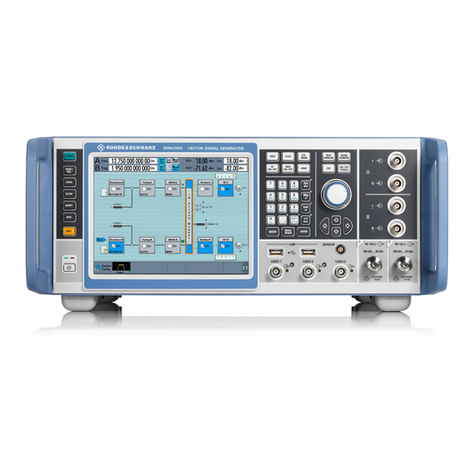
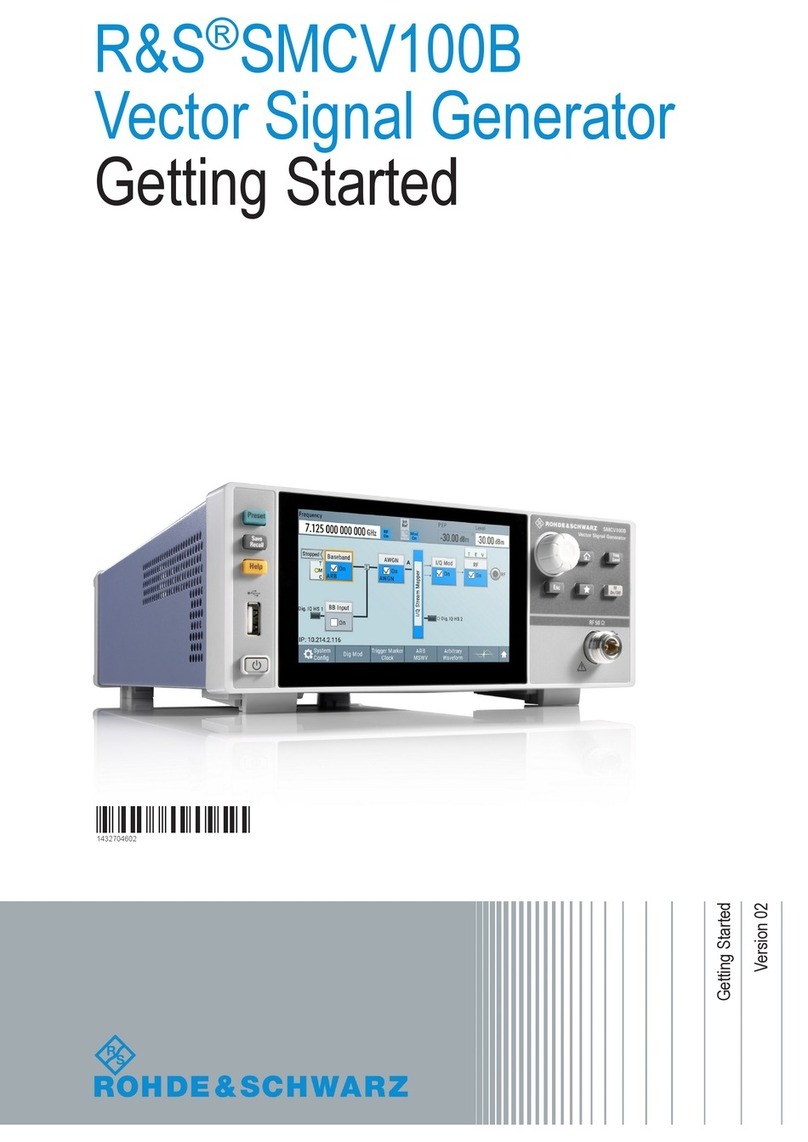
R&S®SMCV100B
5User Manual 1179.0597.02 ─ 04
4.1 Overview of the signal generation modes................................................................ 73
4.2 Accessing the functions in the baseband domain.................................................. 74
4.3 Generating signals according to broadcast standards...........................................75
4.4 Common functions and settings in the baseband domain..................................... 78
4.4.1 Basics on signals, modulation types and filters used the baseband domain................ 78
4.4.2 Common settings.......................................................................................................... 98
4.5 Generating custom digital modulated signals....................................................... 104
4.5.1 Required options......................................................................................................... 104
4.5.2 About the custom digital modulation........................................................................... 104
4.5.3 Custom digital modulation settings............................................................................. 105
4.5.4 How to create data and control lists............................................................................ 122
4.5.5 References..................................................................................................................125
4.6 Using the arbitrary waveform generator (ARB)......................................................135
4.6.1 Required options......................................................................................................... 136
4.6.2 About ARB.................................................................................................................. 136
4.6.3 ARB settings............................................................................................................... 141
4.6.4 How to create, generate and play waveform files....................................................... 151
4.6.5 How to work with waveform libraries...........................................................................167
4.6.6 How to stream waveforms from an external storage device....................................... 170
4.6.7 Tags for waveforms, data and control lists.................................................................. 171
4.7 Reducing the crest factor.........................................................................................189
4.8 Generating multi-segment waveform files..............................................................189
4.8.1 Required options......................................................................................................... 189
4.8.2 About the multi-segment waveforms...........................................................................189
4.8.3 Multi-segment settings................................................................................................ 195
4.8.4 How to create and work with multi-segment waveform files........................................211
4.8.5 Reference to triggering of multi-segment waveforms..................................................216
4.9 Generating multi-carrier signals..............................................................................219
4.9.1 Required options......................................................................................................... 220
4.9.2 About the multi-carrier waveforms.............................................................................. 220
4.9.3 Multi-carrier settings....................................................................................................222
4.9.4 How to use the multi-carrier function...........................................................................234
4.10 Generating FM/PhiM/AM/Pulse modulation signals.............................................. 237