10
e speed at which the shade moves can be increased or decreased.
If the motor does not react to the speed adjustment, the maximum or minimum speed has already been reached.
NOTE: Adjusting motor speed can only be done with a single channel or 15 channel remote.
It cannot be adjusted/set with the wall switch.
ADVANCED PROGRAMMING
ADJUSTING MOTOR SPEED
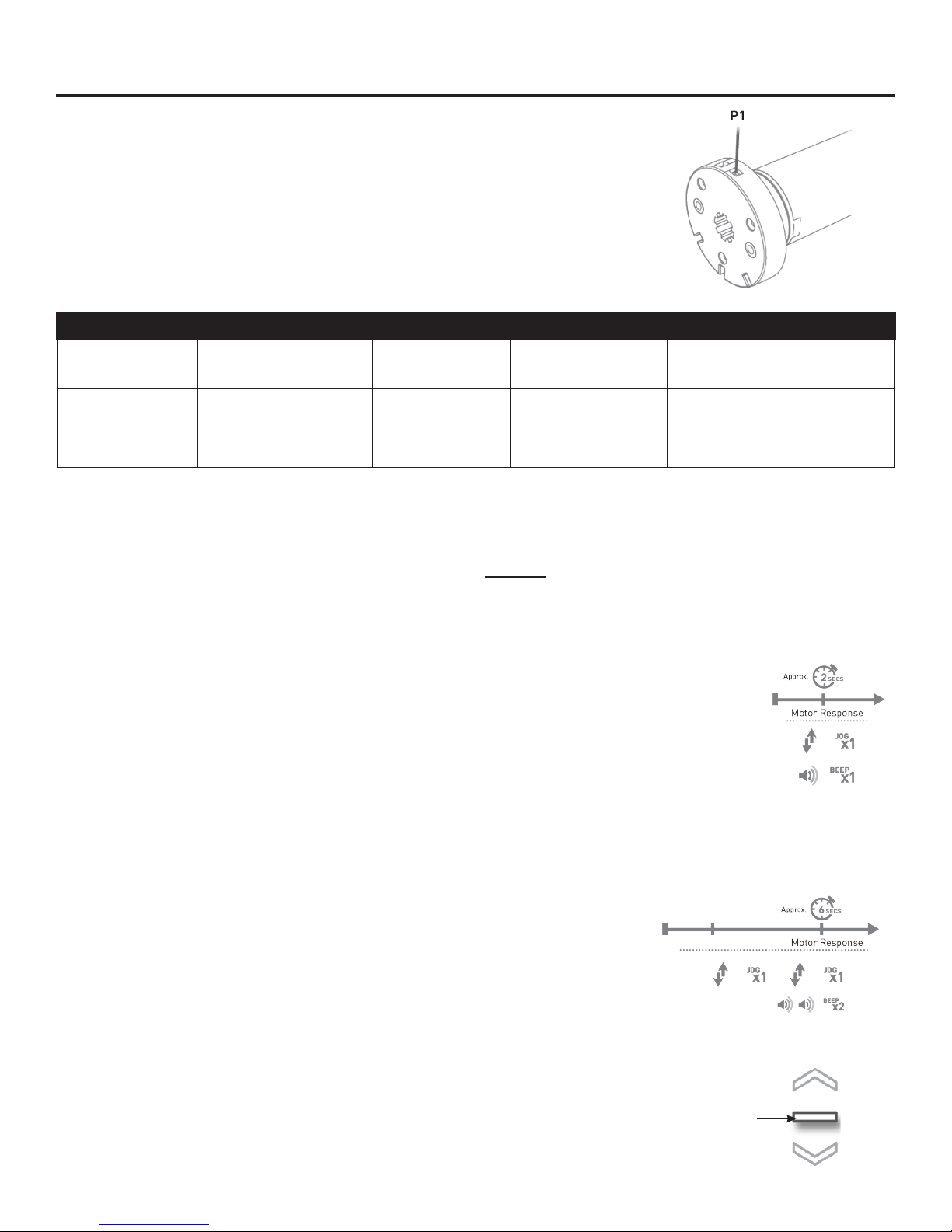
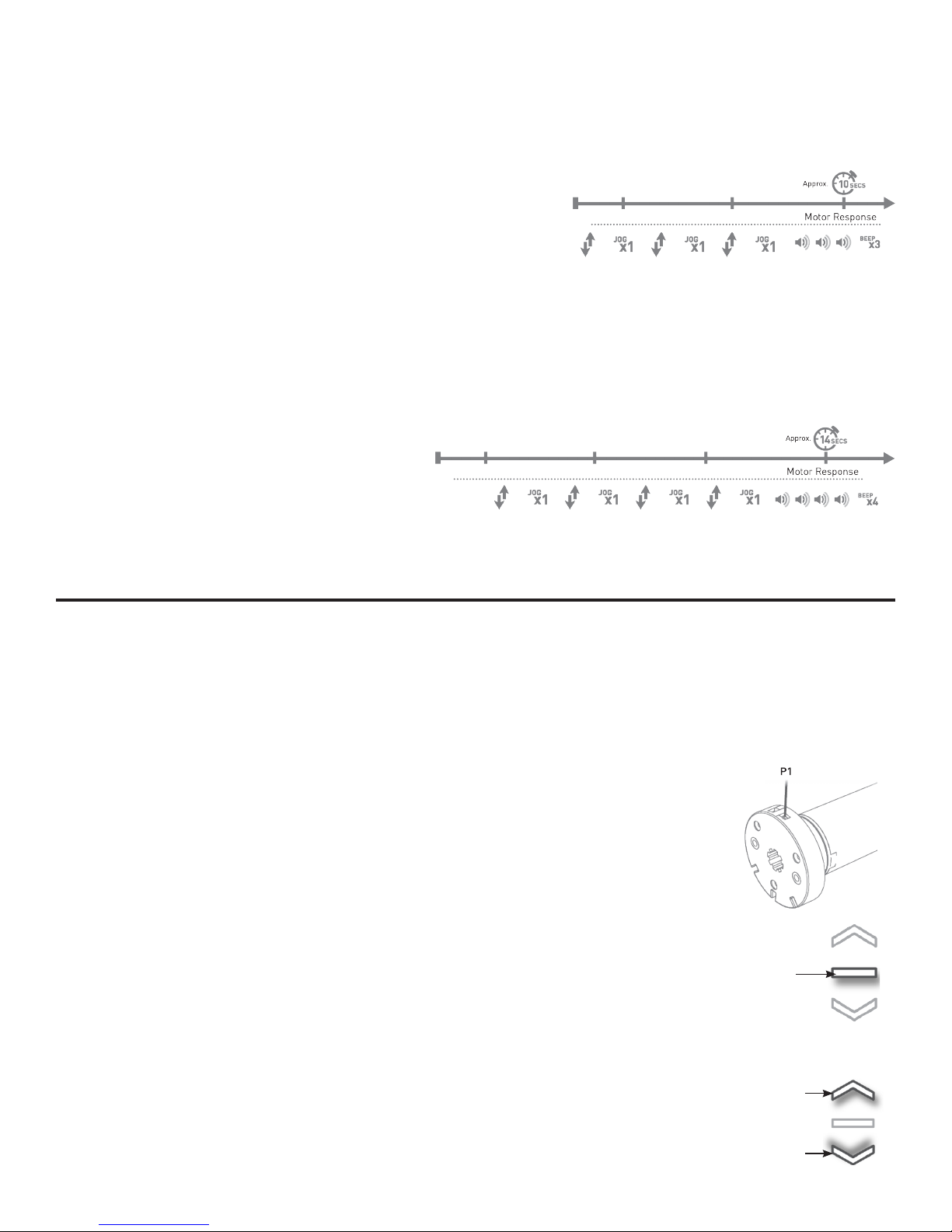
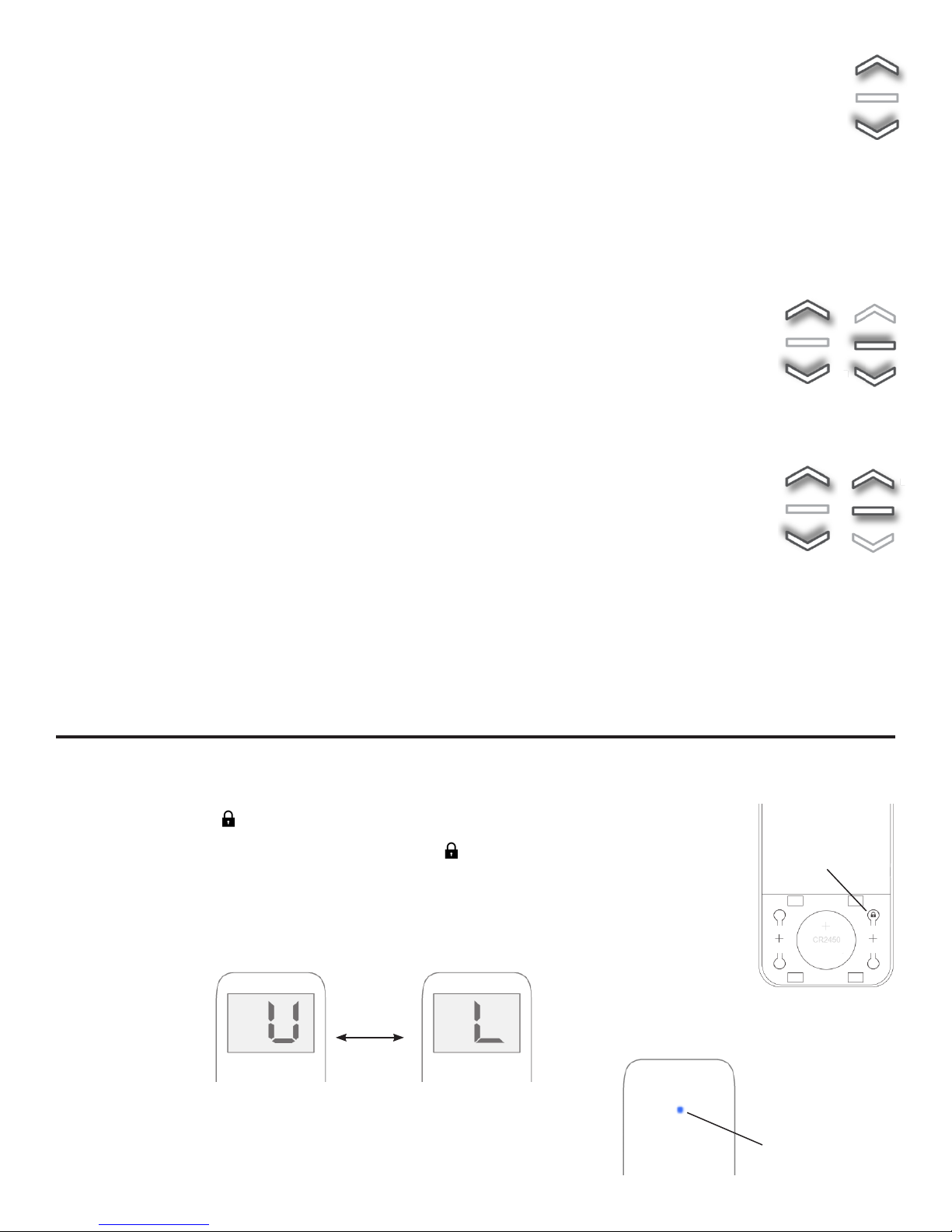
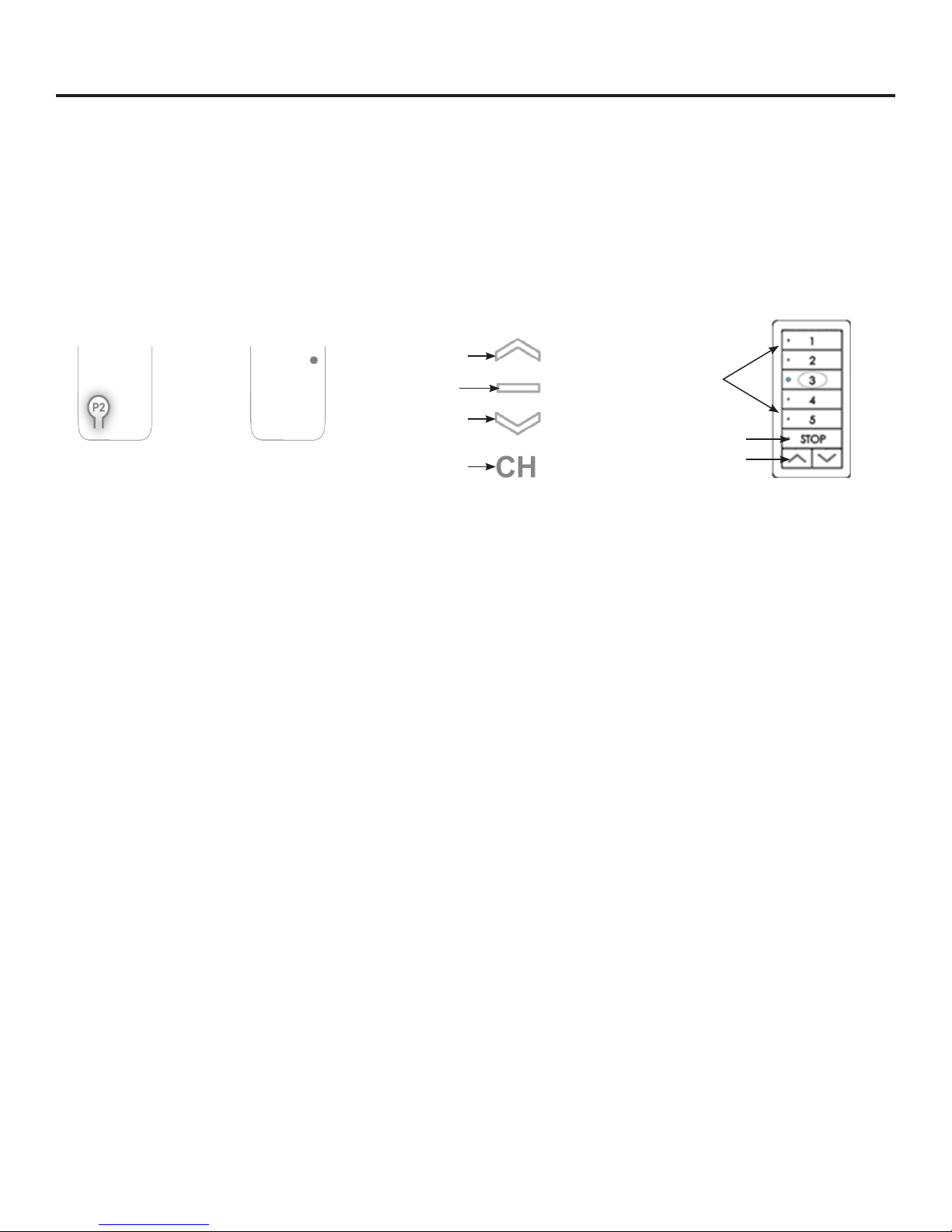
1. Press the P2 button on the back of the remote. e shade will jog once followed by a beep.
INCReASING mOTOR SPeed
2. Press the UP button. e shade will jog once then been once.
3. After the beep, press the UP button again. e shade will jog twice then beep once.
is conrms the speed has been increased.
If the speed needs to be increased more, repeat the steps above.
1. Press the P2 button on the back of the remote. e shade will jog once
followed by a beep.
deCReASING mOTOR SPeed
2. Press the DOWN button. e shade will jog once then beep once.
3. After the beep, press the DOWN button again. e shade will jog twice then beep once.
is conrms the speed has been decreased.
If the speed needs to be decreased more, repeat the steps above.
e 15 channel remote can be programmed to have anywhere from 1 to 15 channels visible.
e inactive channels will not be visible while scrolling through channel selection.
HIDE UNUSED CHANNELS
NOTE: If a channel is removed while a shade is still linked to it, that shade will still operate when “0” is
selected. If the channel is brought back, then the shade will still be linked to that channel.
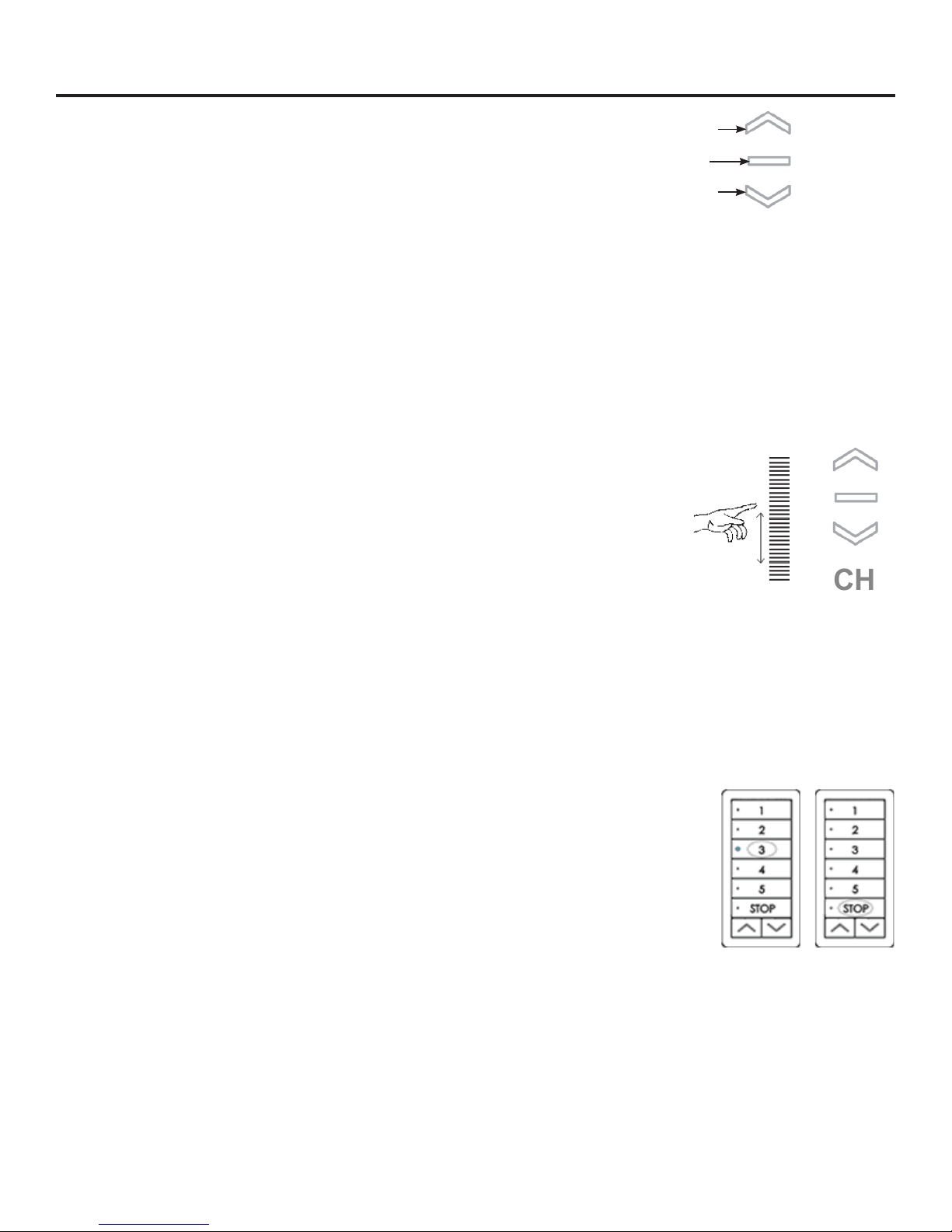
1. Hold the STOP and CHANNEL buttons at the same time. e number “15” will ash on the
screen, and both directional indicators will appear.
NOTE: e CHANNEL button must be held during this entire process.
2. While holding the CHANNEL button, use the UP and DOWN buttons to select the desired
number of visible channels.
3. Still holding the CHANNEL button, press the STOP button to conrm the amount of
channels. Once the STOP button is pressed, both directional indicators will disappear, and
both buttons can be released.
e new channel total will ash for a few seconds. Once the ashing stops the remote is ready to use.
Follow these same steps to make removed channels visible again.
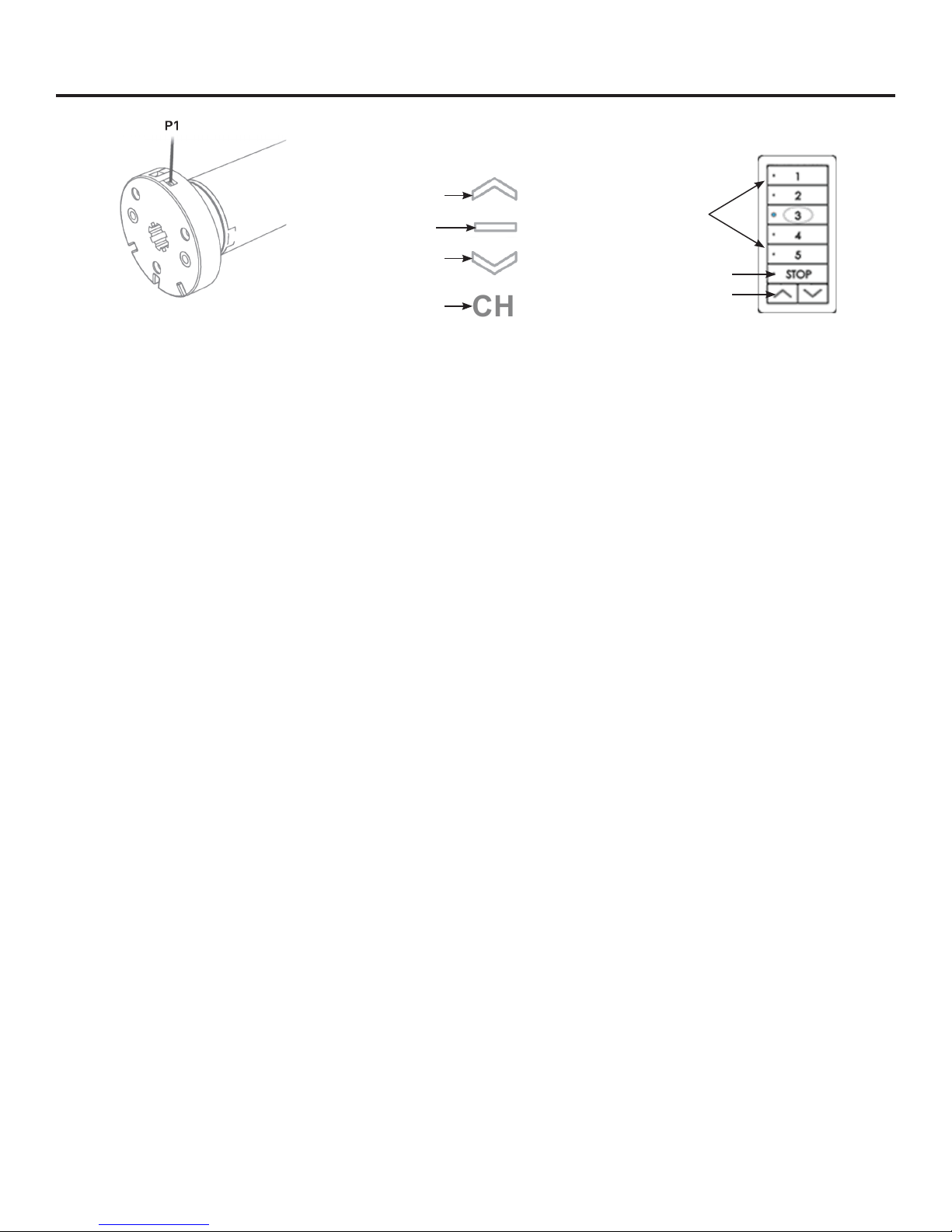
STOP
UP
Down