manuals.online logo
Brands
  1. Home
  2. •
  3. Brands
  4. •
  5. Sage
  6. •
  7. Coffee Grinder
  8. •
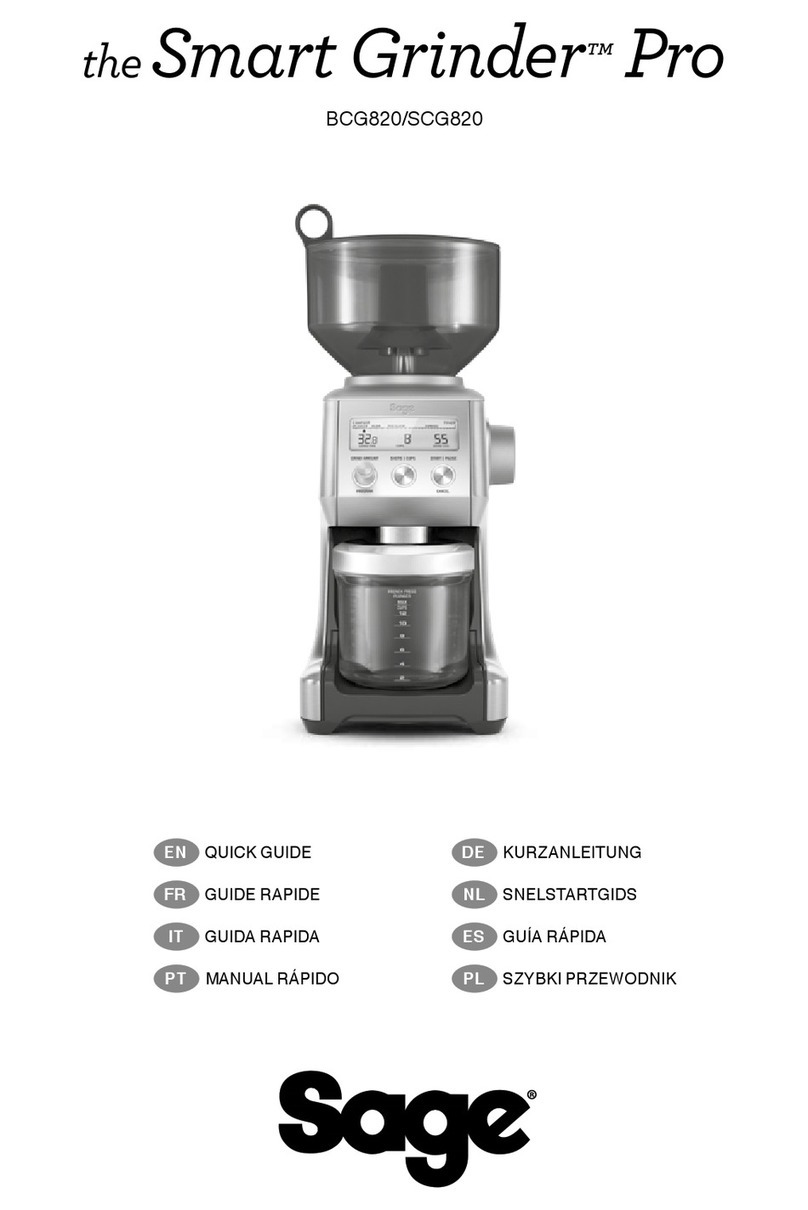
  9. Sage Smart Grinder Pro User manual

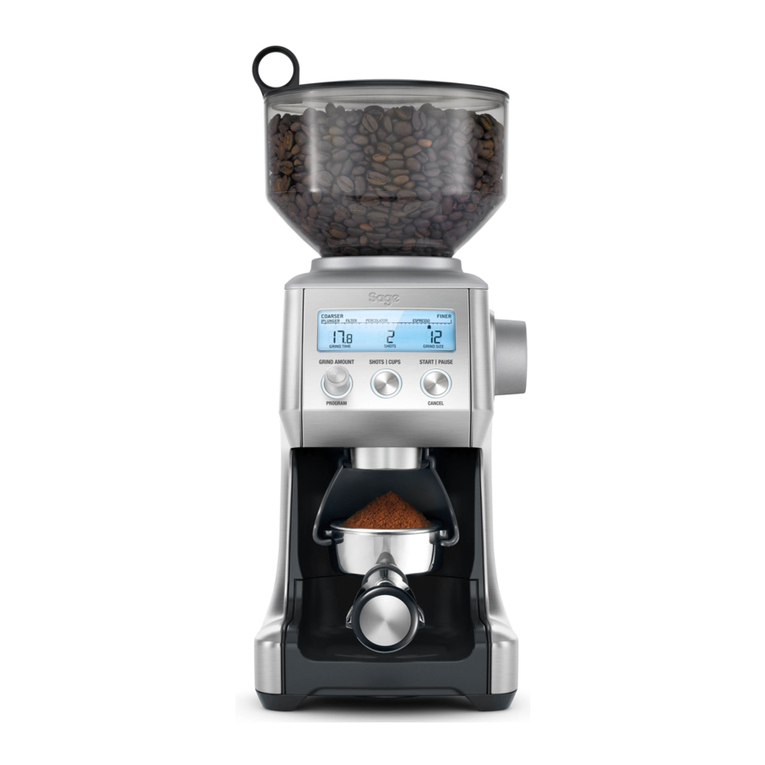
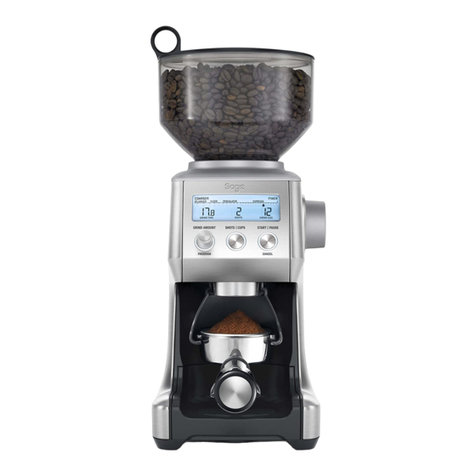
Sage Smart Grinder Pro User manual

Other manuals for Smart Grinder Pro

2

This manual suits for next models

1

Other Sage Coffee Grinder manuals

Sage SCG820 User manual

Sage

Sage SCG820 User manual

Sage Smart Grinder Pro BCG820 User manual

Sage

Sage Smart Grinder Pro BCG820 User manual

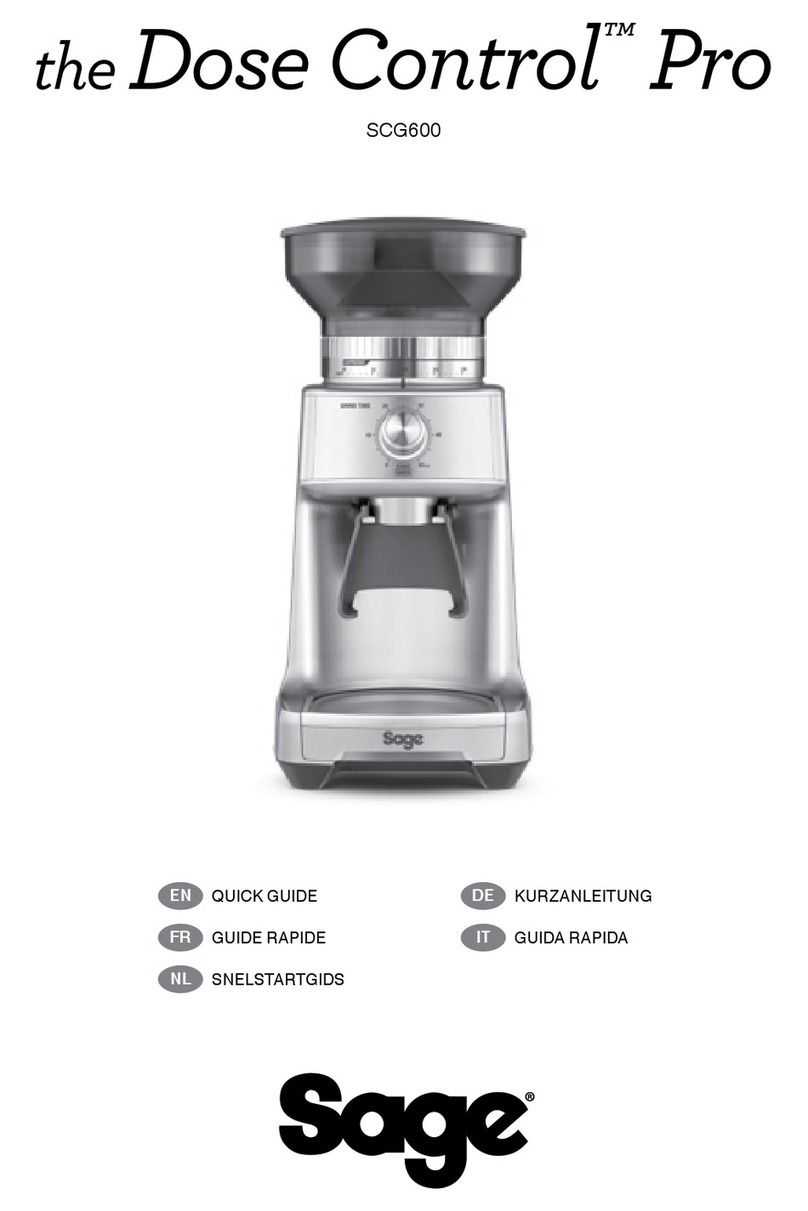
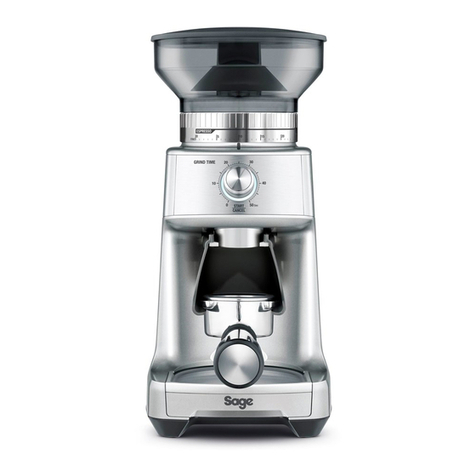
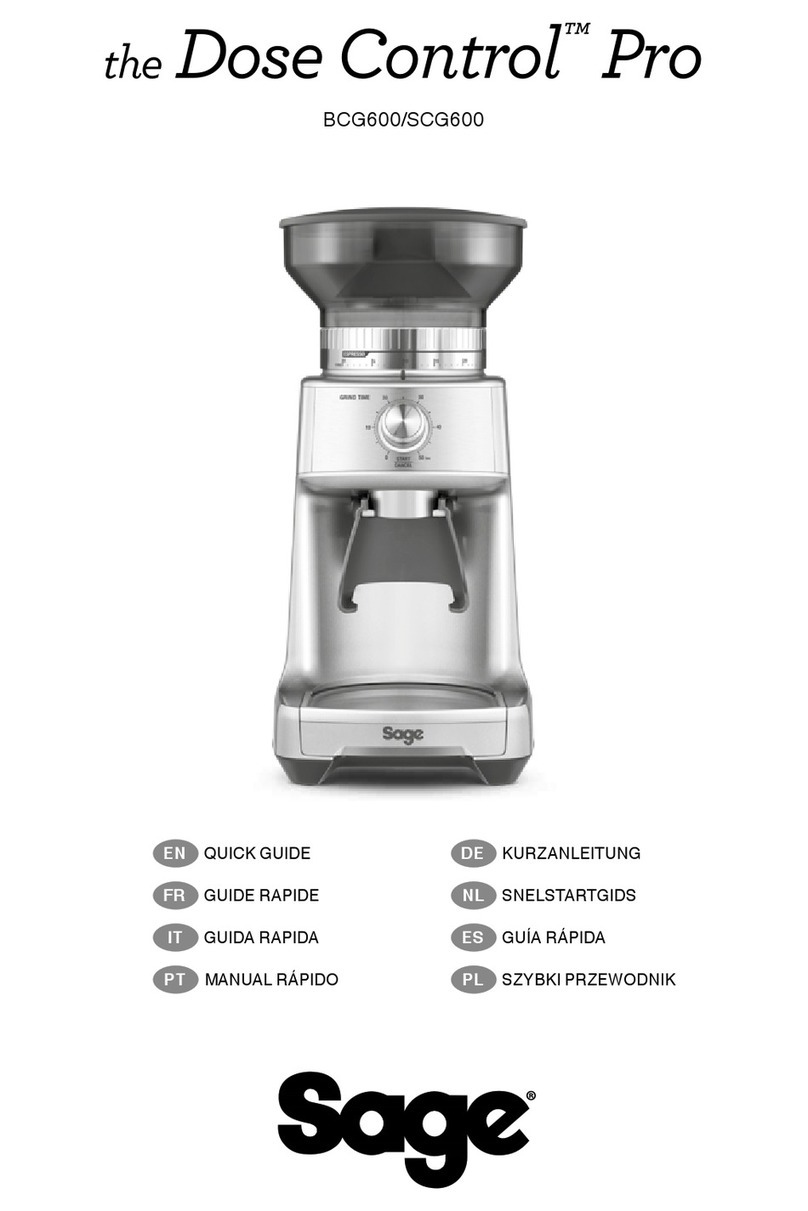
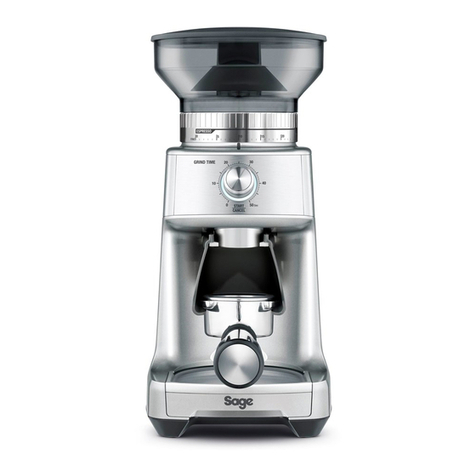
Sage Dose Control Pro BCG600 User manual

Sage

Sage Dose Control Pro BCG600 User manual

Sage Smart Grinder Pro BCG820 User manual

Sage

Sage Smart Grinder Pro BCG820 User manual

Sage Smart Grinder Pro SCG820 User manual

Sage

Sage Smart Grinder Pro SCG820 User manual

Sage Smart Grinder Pro BCG820BSSUK User manual

Sage

Sage Smart Grinder Pro BCG820BSSUK User manual

Sage Smart Grinder Pro SCG820 User manual

Sage

Sage Smart Grinder Pro SCG820 User manual

Sage Dose Control Pro BCG600 User manual

Sage

Sage Dose Control Pro BCG600 User manual

Sage Smart Grinder Pro SCG820 User manual

Sage

Sage Smart Grinder Pro SCG820 User manual

Sage Dose Control Pro SCG600 User manual

Sage

Sage Dose Control Pro SCG600 User manual

Sage the Dose Control Pro User manual

Sage

Sage the Dose Control Pro User manual

Sage Dose Control Pro SCG600 User manual

Sage

Sage Dose Control Pro SCG600 User manual

Sage BCG600 User manual

Sage

Sage BCG600 User manual

Sage the Smart Grinder Pro BCG820BSS User manual

Sage

Sage the Smart Grinder Pro BCG820BSS User manual

Sage the Dose Control Pro User manual

Sage

Sage the Dose Control Pro User manual

Sage Smart Grinder Pro User manual

Sage

Sage Smart Grinder Pro User manual

Popular Coffee Grinder manuals by other brands

Bunn G1 User instructions

Bunn

Bunn G1 User instructions

Teesa TSA4011 owner's manual

Teesa

Teesa TSA4011 owner's manual

tomado TM-1287 instruction manual

tomado

tomado TM-1287 instruction manual

Aicok CG9220 instruction manual

Aicok

Aicok CG9220 instruction manual

Zelmer ZCG7925 user manual

Zelmer

Zelmer ZCG7925 user manual

Baratza Vario Operation manual

Baratza

Baratza Vario Operation manual

Bunn SAFETY-FRESH 1 GPR operating instructions

Bunn

Bunn SAFETY-FRESH 1 GPR operating instructions

Baratza Forté AP user manual

Baratza

Baratza Forté AP user manual

Baratza Forté manual

Baratza

Baratza Forté manual

FAMITEC BOLD user manual

FAMITEC

FAMITEC BOLD user manual

Lumme LU-2601 user manual

Lumme

Lumme LU-2601 user manual

TREVIDEA Girmi MC02 user manual

TREVIDEA

TREVIDEA Girmi MC02 user manual

Eureka Zenith E User handbook

Eureka

Eureka Zenith E User handbook

Isomac ROBY Use and maintenance manual

Isomac

Isomac ROBY Use and maintenance manual

Santos SC55 User and maintenance manual

Santos

Santos SC55 User and maintenance manual

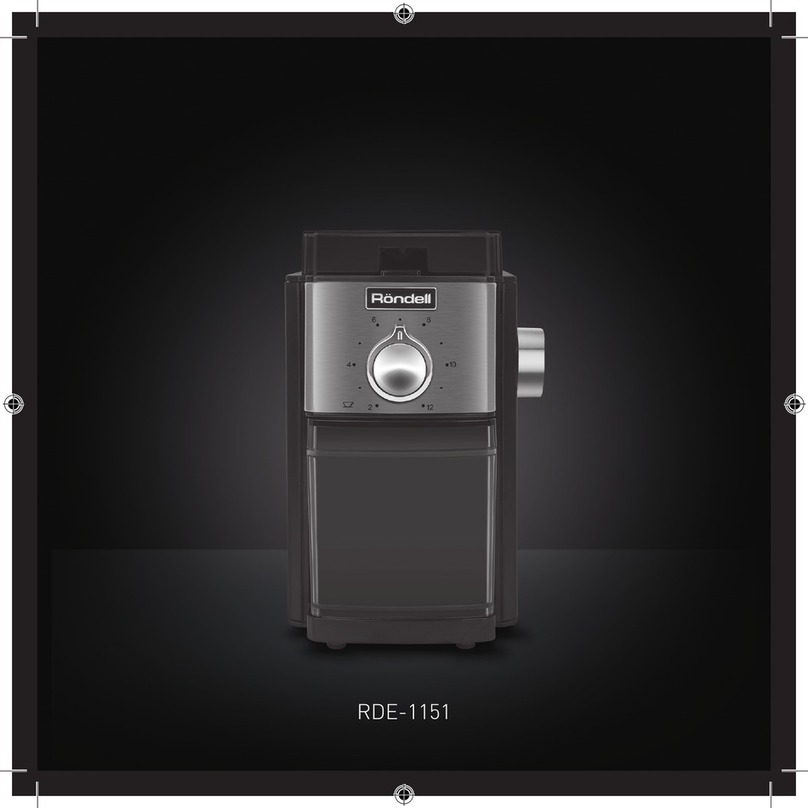
RONDELL RDE-1151 Manual instruction

RONDELL

RONDELL RDE-1151 Manual instruction

MUHLER MCG-335 instruction manual

MUHLER

MUHLER MCG-335 instruction manual

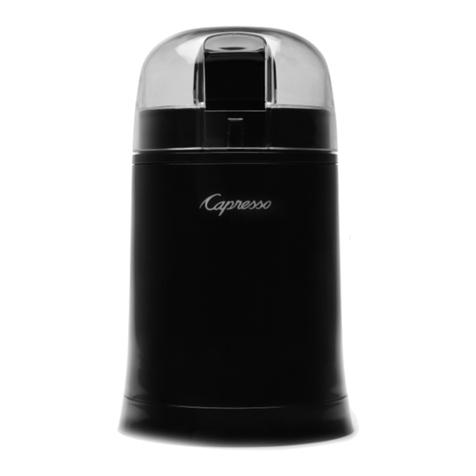
Capresso COOL GRIND 505 instructions

Capresso

Capresso COOL GRIND 505 instructions

manuals.online logo
manuals.online logoBrands
  • About & Mission
  • Contact us
  • Privacy Policy
  • Terms and Conditions

Copyright 2025 Manuals.Online. All Rights Reserved.

SCG820
the Smart Grinder™Pro
2
OPERATING YOUR NEW APPLIANCECONTENTS
SAGE®
RECOMMENDS
SAFETY FIRST
At Sage®we are very safety
conscious. We design and
manufacture appliances with
your safety foremost in mind.
In addition, we ask that you
exercise a degree of care
when using any electrical
appliance and adhere to the
following precautions.
IMPORTANT
SAFEGUARDS
READ ALL INSTRUCTIONS
BEFORE USE AND SAVE
FOR FUTURE REFERENCE
• The full information
book is available at
sageappliances.com
• Before using the rst time
ensure your electricity
supply is the same as
shown on the label on the
underside of the appliance.
• Remove and safely discard
any packaging materials
before rst use.
• To eliminate a choking hazard
for young children, safely
discard the protective cover
tted to the power plug.
• This appliance is for household
use only. Do not use the
appliance for anything other
than its intended use. Do not
use in moving vehicles or
boats. Do not use outdoors.
Misuse may cause injury.
• Fully unwind the power cord
before operating.
• Position the appliance on a
stable, heat resistant, level, dry
surface away from the edge
and do not operate on or near
a heat source such as a hot
plate, oven or gas hob.
• Do not let the power cord hang
over the edge of a bench or
table, touch hot surfaces or
become knotted.
2 We recommend safety rst
5 Know your new appliance
6 Operating your new appliance
11 Care & cleaning
12 Troubleshooting
3
OPERATING YOUR NEW APPLIANCE
• Do not leave the appliance
unattended when in use.
• Always ensure the appliance
is turned OFF, unplugged at
the power outlet and has been
allowed to cool before cleaning,
attempting to move or storing.
• Always turn the appliance to
the o position, switch o at
the power outlet and unplug
at the power outlet when the
appliance is not in use.
• Do not use the appliance if the
power cord, plug, or appliance
becomes damaged in any way.
If damaged and maintenance
other than cleaning is required
please contact Sage
Customer Service or go
to sageappliances.com
• Any maintenance other
than cleaning should be
performed by an authorised
Sage®service centre.
• Children should not play with
the appliance.
• Cleaning of the appliance
should not be carried out by
children unless they are 8 year
or older and supervised.
• The appliance and it’s
cord should be kept out
of reach of children aged
8 years and younger.
• The installation of a residual
current safety switch is
recommended to provide
additional safety when using
all electrical appliances.
Safety switches with a rated
operating current not more than
30mA are recommended.
Consult an electrician for
professional advice.
• Do not use attachments
other than those provided
with the appliances.
• Do not attempt to operate
the appliance by any
method other than those
described in this booklet.
• Do not move the appliance
whilst in operation.
• Do not touch hot surfaces.
Allow the appliance to cool
down before moving or
cleaning any parts.
• This appliance shall not be
used by children. Keep the
appliance and its cord out of
reach of children.
WE RECOMMEND SAFETY FIRST

4
OPERATING YOUR NEW APPLIANCEWE RECOMMEND SAFETY FIRST
• This appliance can be used by
persons with reduced physical,
sensory or mental capabilities
or a lack of experience and
knowledge, only if they have
been given supervision
or instruction concerning
use of the appliance in a
safe way and understand
the hazards involved.
• Do not operate the grinder
without the hopper lid in position.
Keep ngers, hands, hair,
clothing and utensils away from
the hopper during operation.
The symbol shown
indicates that this appliance
should not be disposed of
in normal household waste.
It should be taken to a local
authority waste collection centre
designated for this purpose or to
a dealer providing this service.
For more information, please
contact your local council oce.
To protect against electric
shock do not immerse the
power plug, cord or appliance in
water or any liquid
FOR HOUSEHOLD USE ONLY
SAVE THESE INSTRUCTIONS
5
OPERATING YOUR NEW APPLIANCE
C
B
D
E
F
G
H
M
L
O
N
A
K
J
I
Oi
Oii
KNOW YOUR NEW APPLIANCE
A. Bean Hopper Lid
B. Bean Hopper
C. Hardened Stainless Steel Conical Burrs
D. Backlit LCD Screen
E. GRIND AMOUNT/PROGRAM Dial
F. SHOTS/CUPS Button
G. Grind Outlet
H. Grind Tray
I. Grind Size Dial
J. START/PAUSE/CANCEL Button
K. Portalter Activation Switch
ACCESSORIES
L. Portalter Cradle 50–54mm
M. Portalter Cradle 58mm
N. Conical Burr Cleaning Brush
O. Grinds Container.
Oi - Container Cap
Oii - Container Lid
Rating Information
220–240V ~ 50-60Hz 165W
6
OPERATING YOUR NEW APPLIANCE
BEFORE FIRST USE
Remove and safely discard all promotional
labels and packing materials attached to
your Sage®product.
Wash hopper, cradles, grind container, container
lid and cleaning brush in warm soapy water and
dry thoroughly. Wipe exterior of grinder with a
soft damp cloth and dry thoroughly. Place grinder
on at level surface and plug power cord into
220–240V outlet and switch Power ‘ON’.
ENERGY SAVING FEATURE
The grinder will automatically switch o if not
used after 5 minutes.
ASSEMBLING YOUR SAGE SMART
GRINDER™PRO
Bean Hopper
Align tabs on the base of the bean hopper
and insert hopper into position. Turn the
bean hopper dial 90° to lock into position.
Fill with fresh coee beans and secure lid
on top of bean hopper.
GRINDING FOR ESPRESSO
COFFEE
Use single wall lter baskets when grinding fresh
coee beans. Use the ner 1–30 settings in the
ESPRESSO range.
STEP 1:
Insert the appropriate portalter cradle size. Insert
your portalter into the cradle.
PUSH
50-54mm
58mm
CRADLES
NOTE
Maximum number of shots with the cradle
inserted is 2.
PLUNGER
1 UP TO 12 CUPS
BREW METHOD
GRIND SETTING
GRIND SIZE
AMOUNT
FINE
1-30
1 UP TO 8 SHOTS
ESPRESSO DRIP FILTER
MEDIUM COARSE
46-54
COARSE
55-60
1 UP TO 12 CUPS
PERCOLATOR
31-45
1 UP TO 12 CUPS
MEDIUM
COFFEE CHART
OPERATING YOUR NEW APPLIANCE
7
OPERATING YOUR NEW APPLIANCE
STEP 2:
Selecting your SHOTS/CUPS
Select the desired amount of ground coee
required by pressing the SHOTS/CUPS button.
START PAUSE
GRIND AMOUNT SHOTS CUPS
CANCELPROGRAM
Rotate the Grind Amount Dial to adjust the grinding
time to achieve the correct amount of coee.
START PAUSE
GRIND AMOUNT SHOTS CUPS
CANCELPROGRAM
STEP 3:
Select your grind size
For espresso, we recommend selecting Grind Size
setting 12 as a starting point and moving the Grind
Size dial Coarser or Finer to adjust the ow of
espresso as required.
START PAUSE
GRIND AMOUNT SHOTS CUPS
CANCELPROGRAM
NOTE
If the Grind Size Dial is tight, run the grinder
by pressing the START/PAUSE/CANCEL
button while turning the Grind Size Dial.This
will release coee grounds caught between
the burrs.
GRINDING INTO GRINDS
CONTAINER OR COFFEE FILTER
STEP 1:
Remove cradle by sliding out from under the
grind outlet.
PULL
Slide in grinds container with cap open or coee
lter directly under grind outlet.
INSERT UNDER
GRIND OUTLET
OPEN CONTAINER
CAP
8
OPERATING YOUR NEW APPLIANCE
NOTE
Programming a custom grind amount/time
only sets it for that particular brew method.
This will not change the other Shots or
Cups settings.
Pause Function
You can pause the grinder during operation
allowing you to collapse or settle the coee
in the portalter.
• Press and release the
START/PAUSE/CANCEL button to start the
grinding operation.
• During grinding, press the
START/PAUSE/CANCEL button again
to pause the operation for 10 seconds.
• Press again within this time to resume grinding
the remaining dose.
START PAUSE
GRIND AMOUNT SHOTS CUPS
CANCELPROGRAM
PRESS & RELEASE
OPERATING YOUR NEW APPLIANCE
• Select the required amount of ground coee
by pressing the SHOTS/CUPS button.
• Press the START/PAUSE/CANCEL button to
start grinding operation.
START PAUSE
SHOTS CUPS
CANCEL
START PAUSE
SHOTS CUPS
CANCEL
FEATURES OF YOUR SAGE
SMART GRINDER™ PRO
Automatic Grinding
Grinding automatically allows you to grind
hands-free.
• Press and release either the
START/PAUSE/CANCEL button or push
the handle of your portalter once. This will
activate the PORTAFILTER SWITCH.
• Grinding will automatically stop when the
preset amount is dispensed.
START PAUSE PORTAFILTER SWITCH
PRESS & RELEASE
OR
PUSH
9
OPERATING YOUR NEW APPLIANCE
ADJUSTING YOUR GRIND AMOUNT
Increasing the Grind Amount
To increase the grind amount selected, turn the
GRIND AMOUNT dial to the right.
START PAUSE
GRIND AMOUNT SHOTS CUPS
CANCELPROGRAM
Decreasing the Grind Amount
To decrease grind amount selected, turn the
Grind Amount Dial to the left.
NOTE
To RESET the grind amount/time to the default
settings, press and hold the SHOTS/CUPS
button until a long beep sounds.
Program Function
Once you have set your required dose,
you can program this time into the number
of shot(s) currently displayed on the LCD.
Press and hold the PROGRAM button,
grinder will beep twice to conrm. Only
the shot displayed will be programmed,
all other shots will remain unchanged.
START PAUSE
GRIND AMOUNT SHOTS CUPS
CANCELPROGRAM
PRESS & HOLD
Manual Grinding
Grinding manually allows you to have complete
control over how much coee is dispensed.
• Press and hold either the
START/PAUSE/CANCEL button or push
the handle of your portalter to activate the
PORTAFILTER SWITCH for as long as you
require.
• Release START/PAUSE/CANCEL button or
PORTAFILTER SWITCH and grinding will stop.
START PAUSE PORTAFILTER SWITCH
PRESS, HOLD & RELEASE
OR
PUSH
10
OPERATING YOUR NEW APPLIANCE
ADJUSTING CONICAL BURRS
Some types of coee may require a wider grind range to achieve an ideal extraction or brew.
A feature of your Smart Grinder™ Pro is the ability to extend this range with an adjustable upper burr.
We recommend making only one adjustment at a time.
13
Hold hopper over container & turn
dial to release beans into container
Align hopper
into position
Run grinder
until empty
Remove hopperUnlock hopper
1 2 3 4 5
Move adjustable
top burr, 1 number,
coarser or finer
Remove wire
handle from both
sides of the burr
Align the number
with the handle
opening
Remove upper
burr
6
8877 9
Insert wire
handle from both
sides of the burr
10
Push upper burr
firmly into
position
11
Lock upper burr
12
Align hopper
into position
AIR TIGHT
CONTAINER
14
Lock hopper
15
Check your
extraction
F
I
N
E
C
O
A
R
S
E
F
I
N
E
C
O
A
R
S
E
4
5
6
7
8
F
I
N
E
C
O
A
R
S
E
F
I
N
E
C
O
A
R
S
E