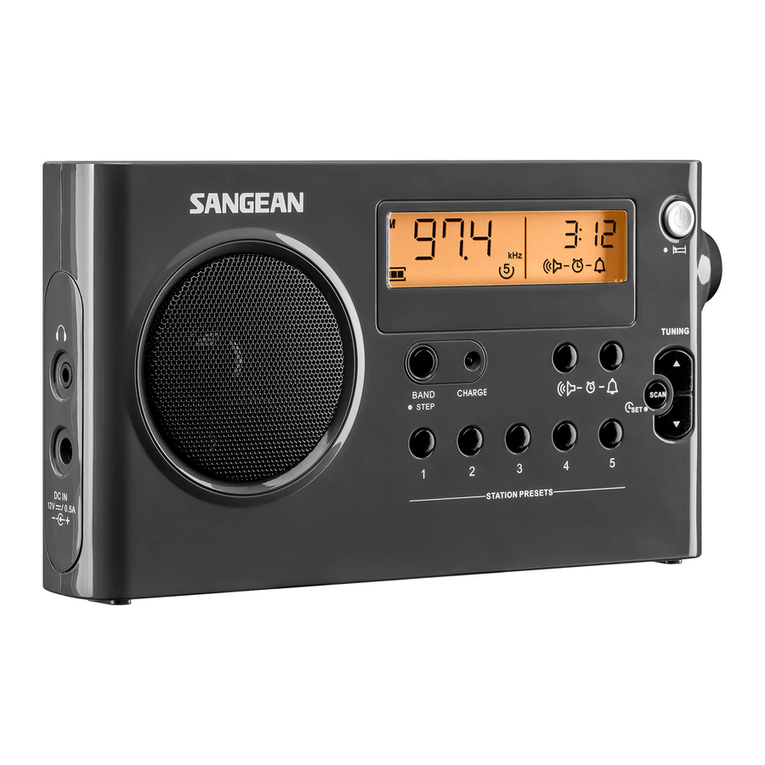
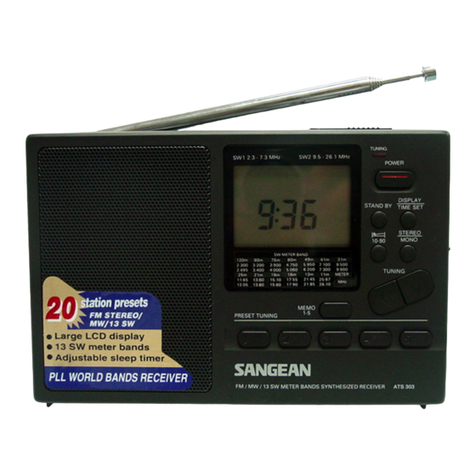
SR-25VControls
1.Poweron/off and volumecontrolswitch
2.Powerindicator
3.Tuning LEDindicator
4.DialScal/pointer
5.Tuning Control
6.Boss forhand strap
7.TelescopicAntenna
8.Earphonesjack
9.MW(AM)/FM/TVL/TVHband selector
10.Batterycompartment
PowerSupply
Toinsertthe battery,firstopen the batterycover(10)bysliding itin
the direction shownbythe arrow.InserttwoAA (UM-3)sizesbattery
intothe compartment.
Earphones
Plug the earphones(notsupplied)intothe earphonesjack (8)for
privatelistening.Thiswill disconnectthe speaker.
Telescopicantenna
The Telescopicantenna (7)isforFM/TVband reception.Extend and
rotateitforbestFM/TVreception.Thereisaseparatedirectional
antenna builtintothe radioforMW(AM) reception.Toachievethe
bestMW(AM) reception,itmaybe necessarytorotatethe radio.
Powerand Volumecontrolswitch
Turnon the powerbyswitching the Power/Volumecontrolswitch(1).
Adjustittothe desired levelofsound.Rotating the controlclockwise
will increasethe sound level.
MW(AM)/FM/TVL/TVHband selector(9)
Setthe band selectortothe desired waveband.
Tuning Control
Slowlyrotatethe tuning control(5)toselectthe desired station.
DialScale/Dialpointer(4)
Rotatethe tuning controluntil the dialpointercorrespondstothe
frequency ofthe desired station.
Generalmaintenance
Donotallowthisunittobe exposed towater,steamorsand.
Donotleavethe unitwhereexcessiveheatcoulddamage suchasin
aparked carwherethe heatfromthe sun can buildup even though
the outside temperaturemaynotseemtoo high.
It isrecommended thatthe FMband be used wereeverpossibleas
betterresultsintermsofqualityand freedomfrominterferencewill
usuallybe obtained than on the MW(AM) band.
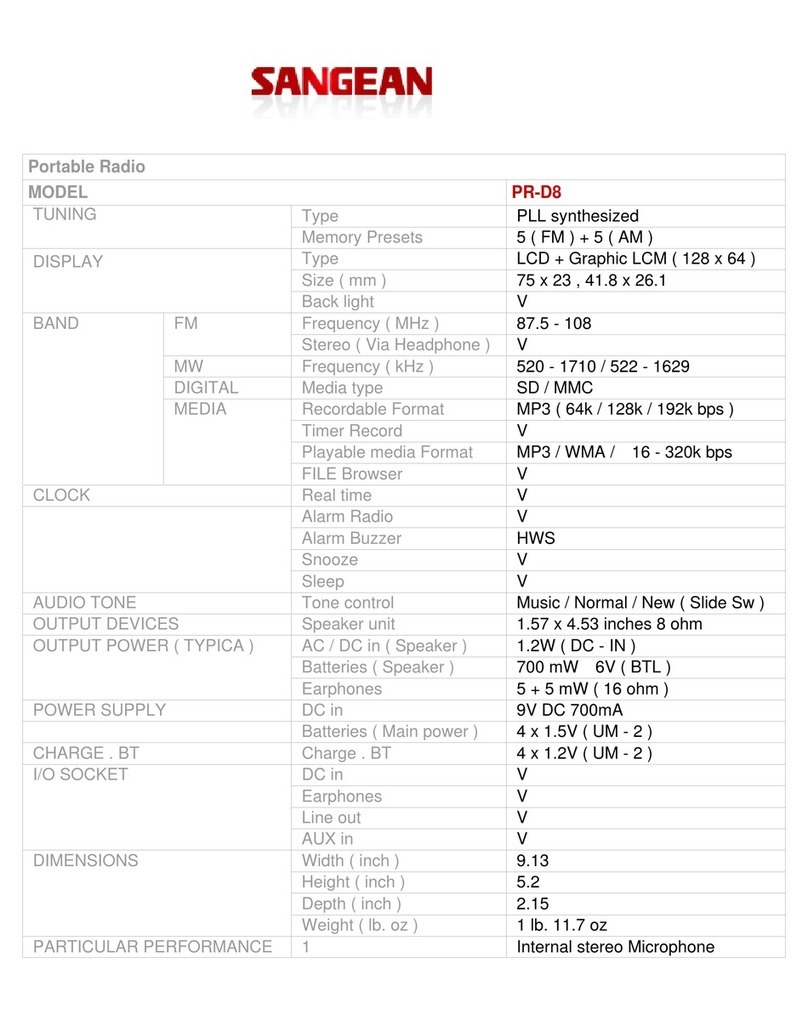
Specifications
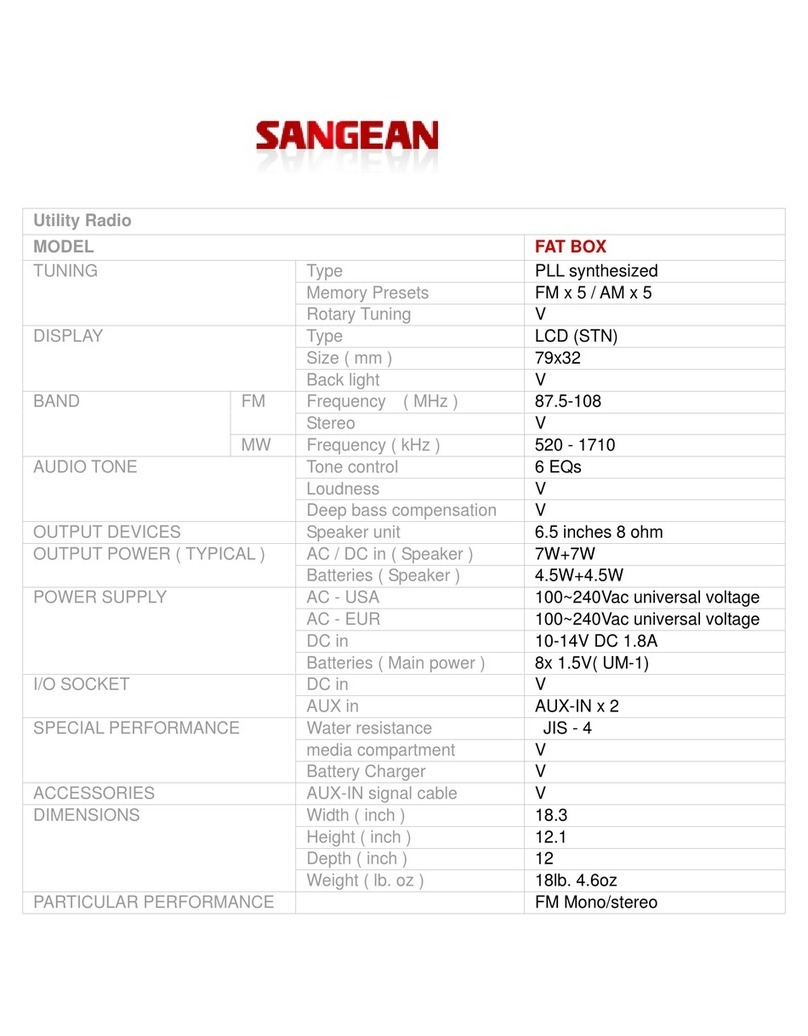
Battery2XAA (UM-3)size
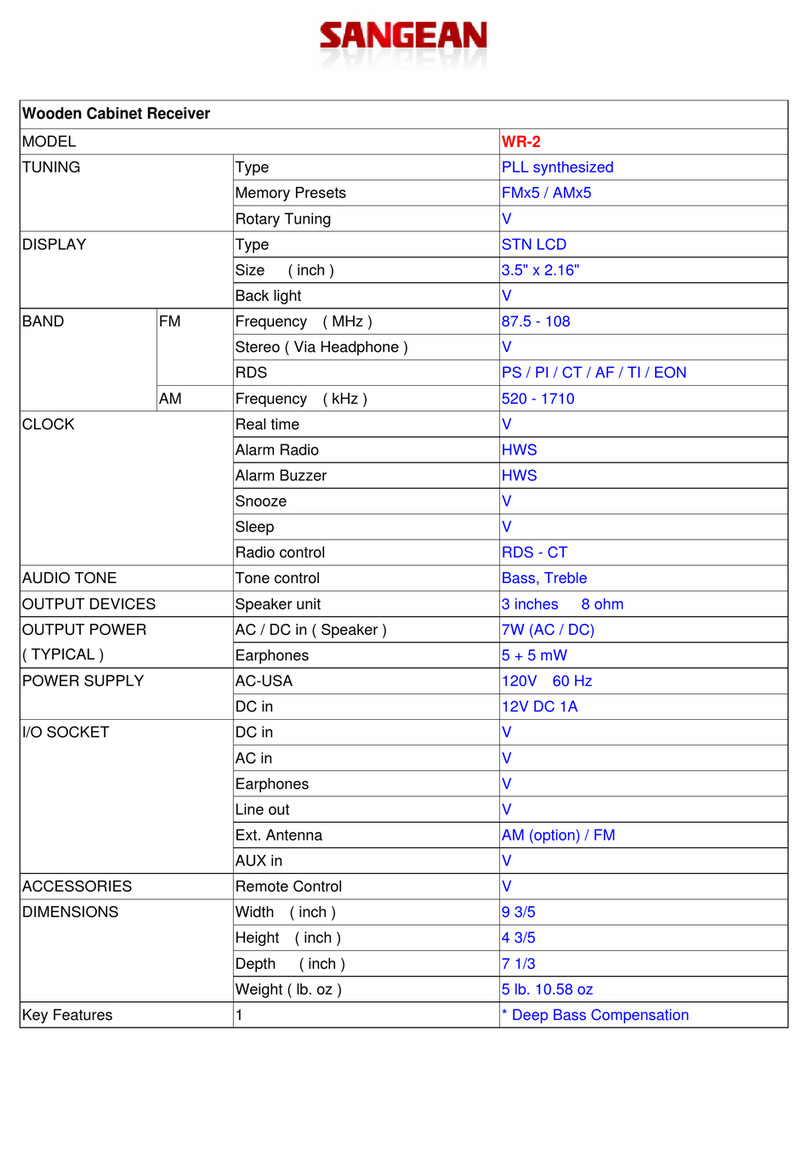
Frequency coverage MW530 -1710 kHzTVH7-13 CH
FM87.5-108 MHzTVL2-6CH
Semiconductors1IC,1FET,1LED,1Transister
OutputPower150 mW
Earphonesjack 3.5mm dia(mono)
Design and specificationsaresubjecttochange withoutpriornotice.
GBOperating Instructions
EInstruccionesde manejo
AM/FM/TV3-band radio
Radiode 3bandasAM/FM/TV
Controles
1.Controlde volumen yencendido/apagado
2.Indicadorde encendido
3.IndicadorLEDde sintonización
4.Puntero/escaladeldial
5.Controlde sintonización
6.Salienteparalacorrea de mano
7.Antena telescópica
8.Tomade losauriculares
9.Selectorde banda MW(AM)/FM/TVL/TVH
10.Compartimentode laspilas
Suministroeléctrico
Parainsertarlasbaterías,abralatapa delcompartimento(10)deslizándola
en ladirecciónseñalada porlaflecha.Introduzcaen elcompartimentodos
pilasdeltipo AA (UM-3).
Auriculares
Conectelosauriculares(no seincluyen con elaparato)en latomade
auriculares(8).Deestaformasedesconectaráelaltavoz.
Antenatelescópica
Paralarecepciónen FM/TVseutilizalaantena telescópica(7).Paraobtener
una recepciónóptimaextienda laantena ygírela.Elinteriordelaparato
alberga una antena direccionalindependienteparalarecepciónen MW
(AM).Paraobteneruna recepciónóptimaen MW(AM) girelaradio.
Controldevolumenyconexión
Utiliceelcontrolde volumen/conexión(1)paraencenderelaparatode radio
yajustarelvolumen alniveldeseado.Parasubirelvolumen gírelohaciala
derecha.
SelectordebandaMW(AM)/FM/TVL/TVH(9)
Coloque elselectorde banda en labanda de frecuenciadeseada.
Controldesintonización
Parasintonizarlaemisorade supreferenciagirelentamenteelcontrolde
sintonización(5).
Punterodeldial/escaladeldial(4)
Gireelcontrolde sintonizaciónhastaque elpunterodeldialcorresponda a
lafrecuenciade laemisoraque desee.
Mantenimiento
Noexponga elaparatode radioalagua,vaporoarena.Nodejelaunidad en
lugaresdonde un calorexcesivopueda producirdaños,porejemplo,en un
coche aparcado donde elcalordelsolpuede serintensoinclusoaunque la
temperaturaexteriorno parezcamuyelevada.Recomendamosque,en la
medida de loposible,utilicelabanda de FMyaque,porlogeneral,ofrece
una mejorcalidad de recepciónymenosinterferenciasque labanda MW
(AM).
Característicastécnicas
Baterías2pilastamañoAA (UM-3)
Coberturade frecuenciaMW530 -1710 kHzTVH7-13 CH
FM87.5-108 MHzTVL2-6CH
Semiconductores1IC,1FET,1LED,1Transister
Potenciade salida 150 mW
Tomade auriculares3.5mm diámetro(mono )
Eldiseñoylascaracterísticastécnicaspueden modificarsesinprevioaviso.
381F601