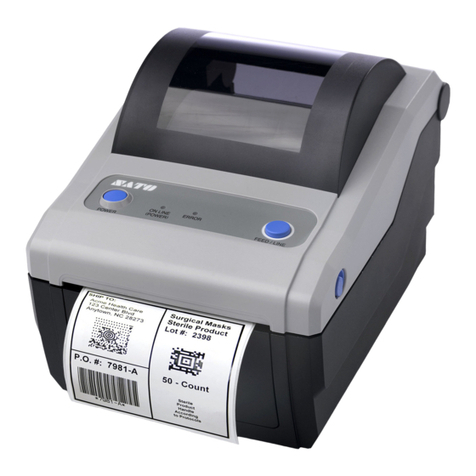
D4 Series
User Manual
iv
Contents
1 Introduction.........................................................................................................2
1.1 Features ....................................................................................................2
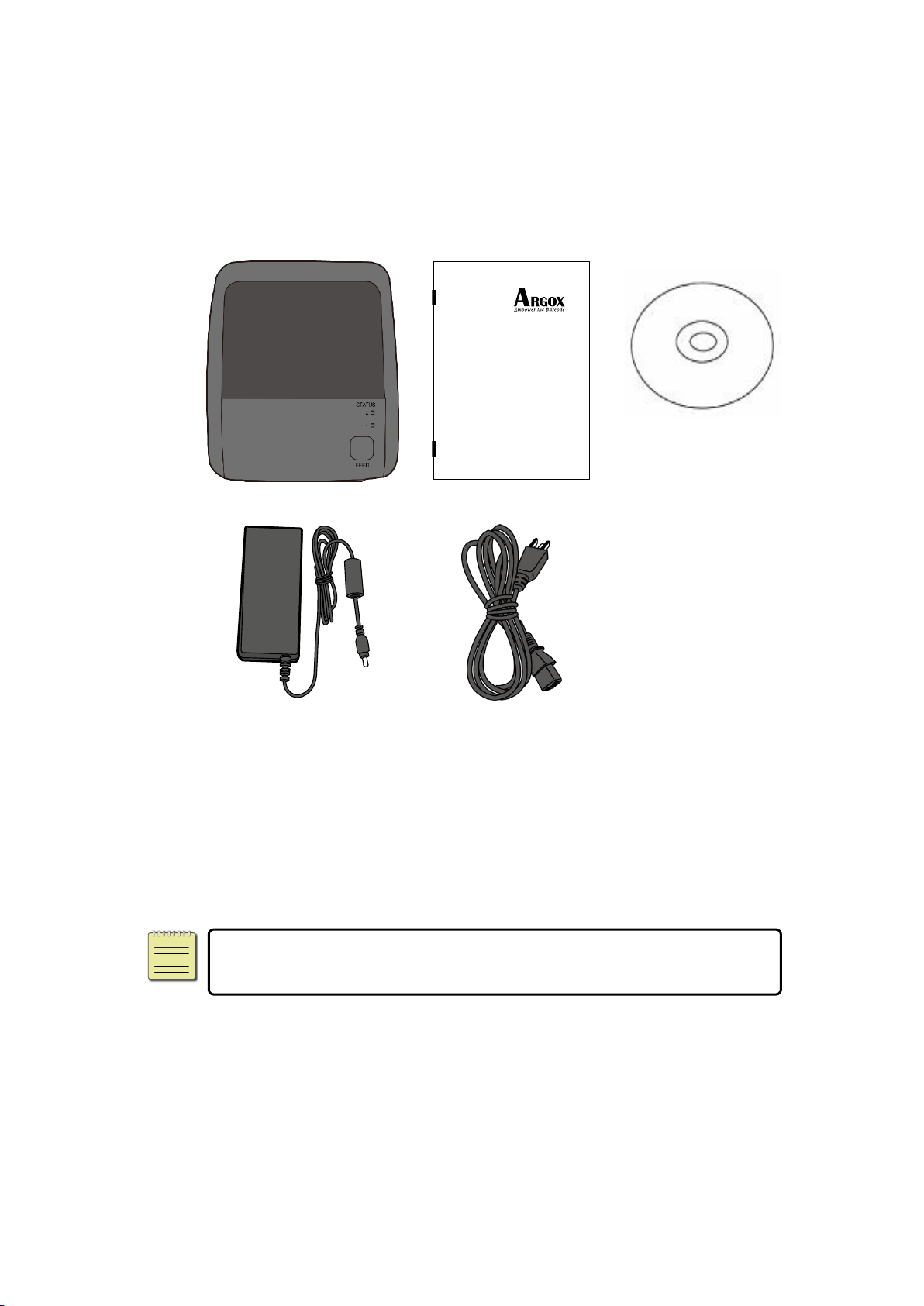
1.2 Unpacking.................................................................................................2
1.3 Understand your printer ...........................................................................3
1.3.1 Perspective view...........................................................................3
1.3.2 Back view .....................................................................................4
1.3.3 Interior view.................................................................................5
1.4 Printer lights..............................................................................................6
1.4.1 Status lights..................................................................................6
1.4.2 System mode................................................................................9
2 Get started.........................................................................................................10
2.1 Attach the power cord ............................................................................10
2.2 Turn on/off your printer..........................................................................11
2.2.1 Turn on your printer...................................................................11
2.2.2 Turn off your printer...................................................................12
2.3 Load media .............................................................................................13
2.3.1 Prepare media............................................................................13
2.3.2 Place a media roll .......................................................................14
2.3.3 Test media feed..........................................................................17
2.4 Media types ............................................................................................18
2.5 Media sensing.........................................................................................20
2.5.1 Transmissive sensor....................................................................20
2.5.2 Reflective sensor ........................................................................21
3 Printer operation ...............................................................................................22
3.1 Printing Media Calibration & Configuration ............................................22
3.2 Self test...................................................................................................23
3.3 Reset your printer ...................................................................................29
3.4 Communications .....................................................................................30
3.4.1 Interfaces and Requirements .....................................................30
3.5 Driver installation....................................................................................32
3.5.1 Installing a Plug and Play printer driver (for USB only) ...............33
3.5.2 Installing a Printer Driver (for other interfaces except USB) .......38
4 ConfigurationonWebSettingTool...........................................................................44
4.1 Attaching the power cord ............................................................................44
4.2 Connecting the printer to a LAN hub..................................................................44
4.3 Gettingthe IP address of theprinter ..................................................................45