manuals.online logo
Brands
  1. Home
  2. •
  3. Brands
  4. •
  5. sauermann
  6. •
  7. Measuring Instrument
  8. •
  9. sauermann Si-RM3V User manual

sauermann Si-RM3V User manual

This manual suits for next models

2

Other sauermann Measuring Instrument manuals

sauermann Si-CA 8500 User manual

sauermann

sauermann Si-CA 8500 User manual
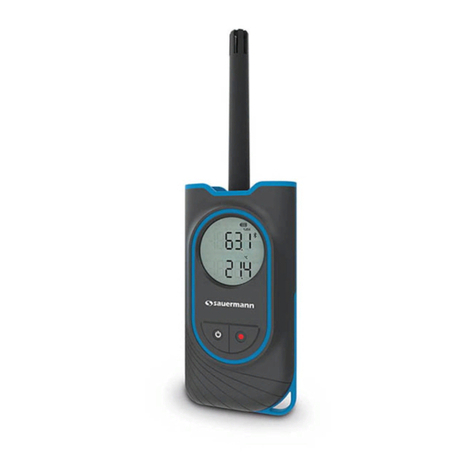
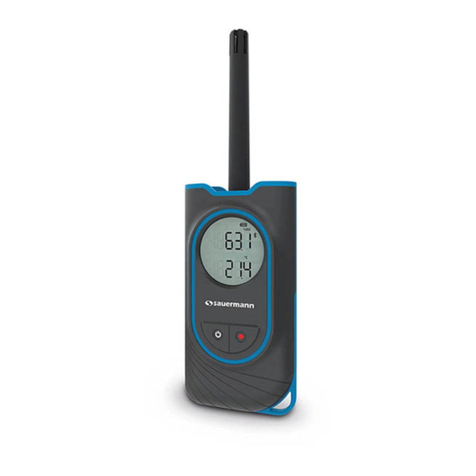
sauermann Si-HH3 User manual

sauermann

sauermann Si-HH3 User manual
sauermann LX 200 User manual

sauermann

sauermann LX 200 User manual
sauermann DBM 620 User manual

sauermann

sauermann DBM 620 User manual
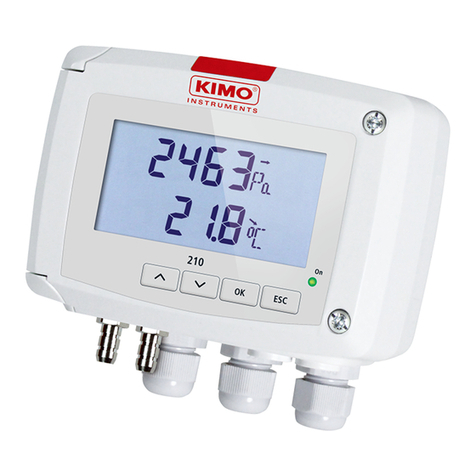
sauermann CP 210-R User manual

sauermann

sauermann CP 210-R User manual
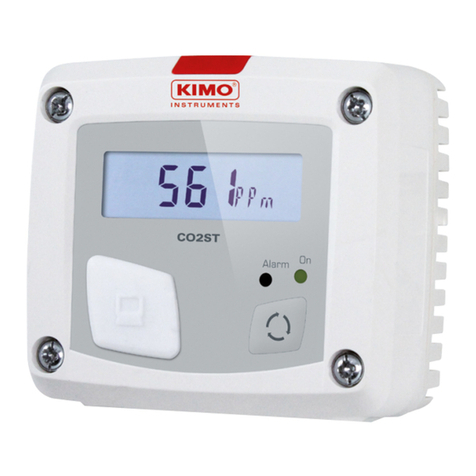
sauermann CO2ST-S User manual

sauermann

sauermann CO2ST-S User manual
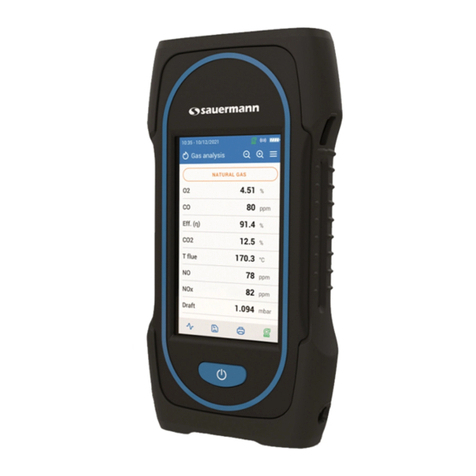
sauermann SI-CA 130 User manual

sauermann

sauermann SI-CA 130 User manual
sauermann E INSTRUMENTS E6000 Installation and operation manual
sauermann

sauermann E INSTRUMENTS E6000 Installation and operation manual

sauermann DBM 620 User manual

sauermann

sauermann DBM 620 User manual

sauermann Si-CA 230 User manual

sauermann

sauermann Si-CA 230 User manual
sauermann Si-PM3 User manual

sauermann

sauermann Si-PM3 User manual
sauermann SI-AQ PRO User manual

sauermann

sauermann SI-AQ PRO User manual
sauermann Si-VV 3 User manual

sauermann

sauermann Si-VV 3 User manual
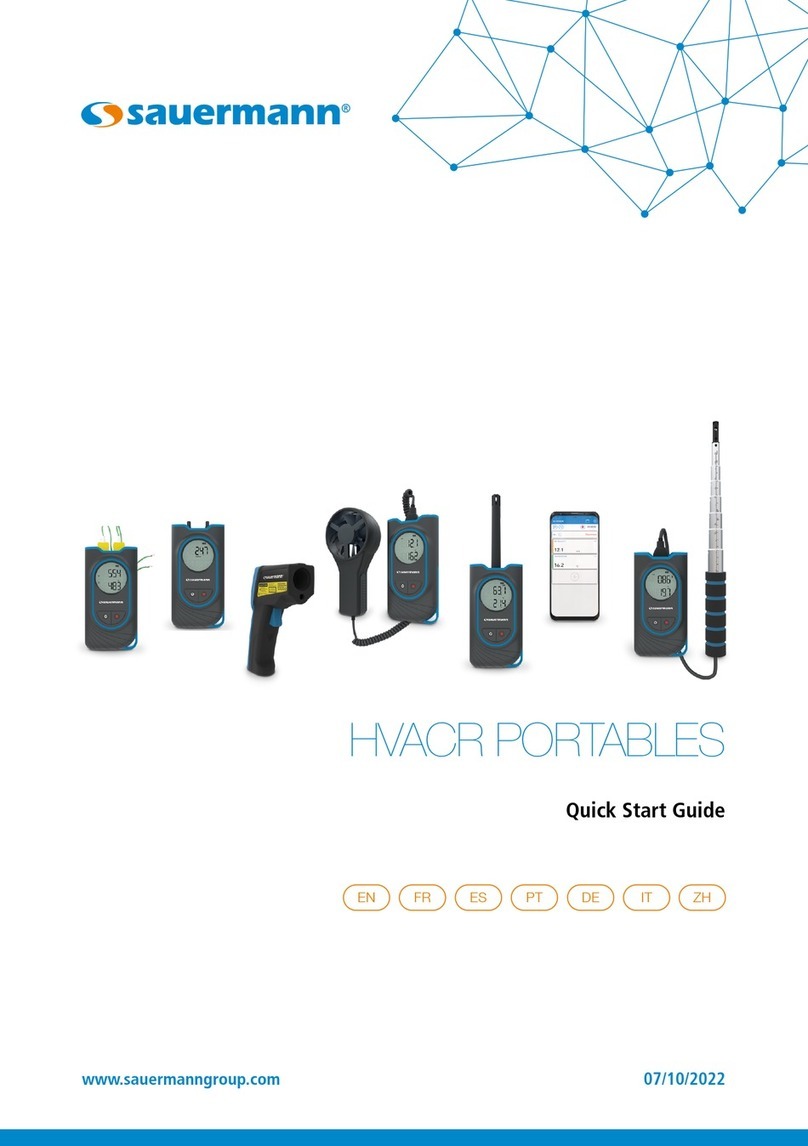
sauermann Si-HH3 User manual

sauermann

sauermann Si-HH3 User manual
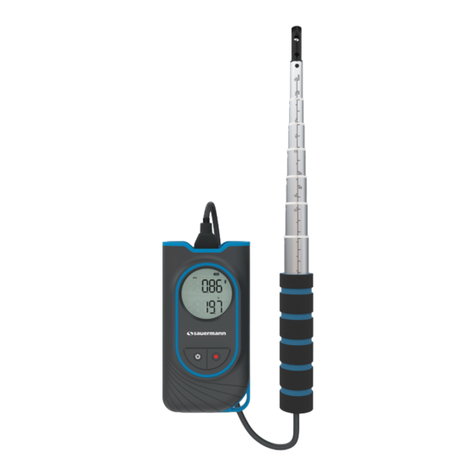
sauermann Si-VH3 User manual

sauermann

sauermann Si-VH3 User manual

sauermann Si-CA 230 User manual

sauermann

sauermann Si-CA 230 User manual
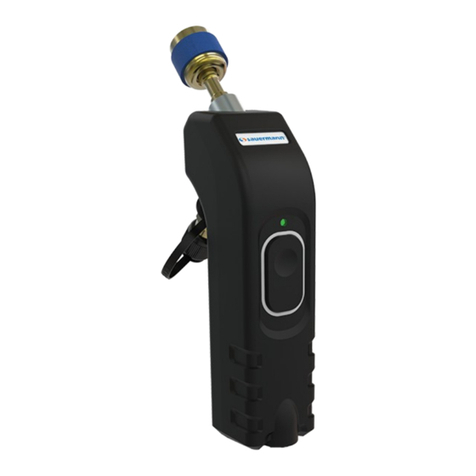
sauermann Si-RM3 User manual

sauermann

sauermann Si-RM3 User manual
sauermann 25555-V User manual

sauermann

sauermann 25555-V User manual
sauermann LX 100 User manual

sauermann

sauermann LX 100 User manual
sauermann SI-PRO-U-W User manual

sauermann

sauermann SI-PRO-U-W User manual
sauermann Si-C320 User manual

sauermann

sauermann Si-C320 User manual

sauermann Si-CA 8500 User manual

sauermann

sauermann Si-CA 8500 User manual

sauermann Si-HH3 User manual

sauermann

sauermann Si-HH3 User manual

sauermann CTV 110 User manual

sauermann

sauermann CTV 110 User manual

Popular Measuring Instrument manuals by other brands

Powerfix Profi 278296 Operation and safety notes

Powerfix Profi

Powerfix Profi 278296 Operation and safety notes

Test Equipment Depot GVT-427B user manual

Test Equipment Depot

Test Equipment Depot GVT-427B user manual

Fieldpiece ACH Operator's manual

Fieldpiece

Fieldpiece ACH Operator's manual

FLYSURFER VIRON3 user manual

FLYSURFER

FLYSURFER VIRON3 user manual

GMW TG uni 1 operating manual

GMW

GMW TG uni 1 operating manual

Downeaster Wind & Weather Medallion Series instruction manual

Downeaster

Downeaster Wind & Weather Medallion Series instruction manual

Hanna Instruments HI96725C instruction manual

Hanna Instruments

Hanna Instruments HI96725C instruction manual

Nokeval KMR260 quick guide

Nokeval

Nokeval KMR260 quick guide

HOKUYO AUTOMATIC UBG-05LN instruction manual

HOKUYO AUTOMATIC

HOKUYO AUTOMATIC UBG-05LN instruction manual

Fluke 96000 Series Operator's manual

Fluke

Fluke 96000 Series Operator's manual

Test Products International SP565 user manual

Test Products International

Test Products International SP565 user manual

General Sleep Zmachine Insight+ DT-200 Service manual

General Sleep

General Sleep Zmachine Insight+ DT-200 Service manual

Sensa Core Lacto Spark user manual

Sensa Core

Sensa Core Lacto Spark user manual

VOLTCRAFT UTS-1980 operating instructions

VOLTCRAFT

VOLTCRAFT UTS-1980 operating instructions

EBCHQ 94915 Operation manual

EBCHQ

EBCHQ 94915 Operation manual

Balluff BIP LD2-T017-01-EP-S4 Series user guide

Balluff

Balluff BIP LD2-T017-01-EP-S4 Series user guide

Pulsar IMP Lite Series instruction manual

Pulsar

Pulsar IMP Lite Series instruction manual

ETCR 6800 user manual

ETCR

ETCR 6800 user manual

manuals.online logo
manuals.online logoBrands
  • About & Mission
  • Contact us
  • Privacy Policy
  • Terms and Conditions

Copyright 2025 Manuals.Online. All Rights Reserved.

Si-RM3
Please refer to the complete user manual of the Si-Manifold application to get more information
about safety instructions.
SIMPLIFIED USER MANUAL
DOWNLOAD THE APPLICATION
➢Go to Google store or App store.
➢Search for “Si-Manifold” application.
➢Install the application.
PAIR THE PROBES
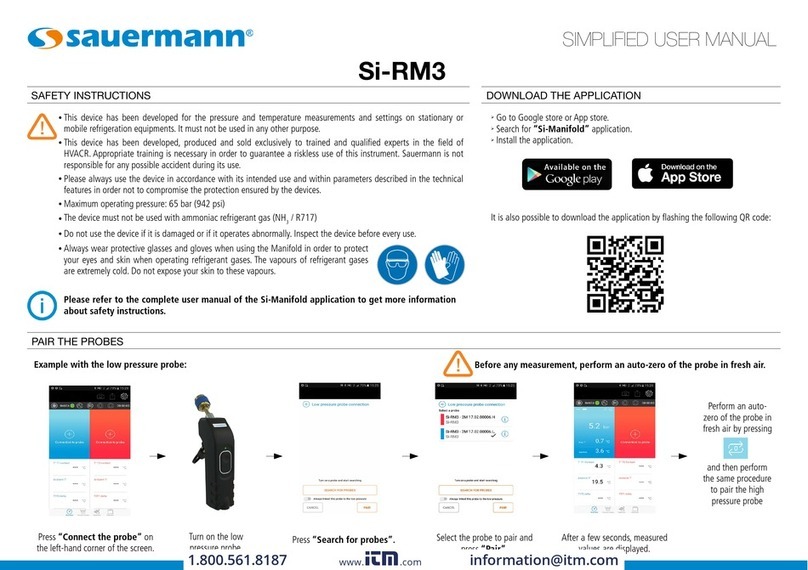
Press “Connect the probe” on
the left-hand corner of the screen. Press “Search for probes”.
Turn on the low
pressure probe.
Select the probe to pair and
press “Pair”.
After a few seconds, measured
values are displayed.
and then perform
the same procedure
to pair the high
pressure probe
Example with the low pressure probe Before any measurement, perform an auto-zero of the probe in fresh air.
Perform an auto-
ero of the probe in
fresh air by pressing
It is also possible to download the application by flashing the following QR code:
SAFETY INSTRUCTIONS
●This device has been developed for the pressure and temperature measurements and settings on stationary or
mobile refrigeration equipments. It must not be used in any other purpose.
●This device has been developed, produced and sold exclusively to trained and qualified experts in the field of
HVACR. Appropriate training is necessary in order to guarantee a riskless use of this instrument. Sauermann is not
responsible for any possible accident during its use.
●Please always use the device in accordance with its intended use and within parameters described in the technical
features in order not to compromise the protection ensured by the devices.
●Maximum operating pressure: 65 bar (942 psi)
●The device must not be used with ammoniac refrigerant gas (NH3 / R717)
●Do not use the device if it is damaged or if it operates abnormally. Inspect the device before every use.
●Always wear protective glasses and gloves when using the Manifold in order to protect
your eyes and skin when operating refrigerant gases. The vapours of refrigerant gases
are extremely cold. Do not expose your skin to these vapours.
www.calcert.com sales@calcert.com1.888.610.7664 0
5
10
15
20
25
30
LAUNCH A MEASUREMENT / DISPLAY THE REFRIGERANTS LIST / ACCESS TO PARAMETERS
Press
Launch the measurement Display the refrigerants list
Press
Refrigerant gases list
Access to the application parameters
Press
Parameters list
Read the
complete user
manual of the Si-
Manifold app to
get information
about all the
available
functions.
CONNECT THE Si-RM3
➢Connect the low pressure probe on the system to control.
➢Connect the high pressure probe on the system to control.
For pressure measurements
➢Connect the temperature clamp on the pressure probe.
➢Position the temperature clamp on the pipe.
For pipe temperature measurements
Before any measurement, perform an auto-zero of the probe at fresh air.
➢Press on the bottom of the screen to go to “Manifold” mode.
NTang_simplified_Si-RM3 – 07/09/17 – Non-contractual document – We reserve the right to modify the characteristics of our products without prior notice.
www.calcert.com sales@calcert.com1.888.610.7664 0
5
10
15
20
25
30