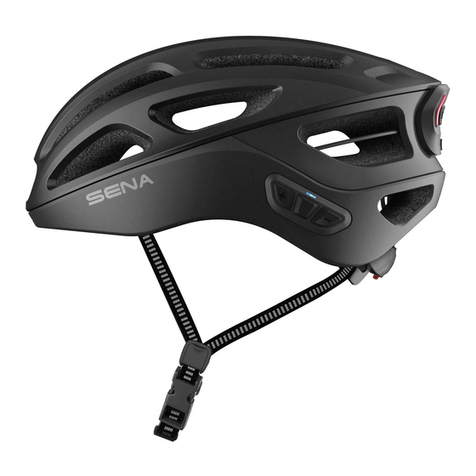
a. Powering On and Off
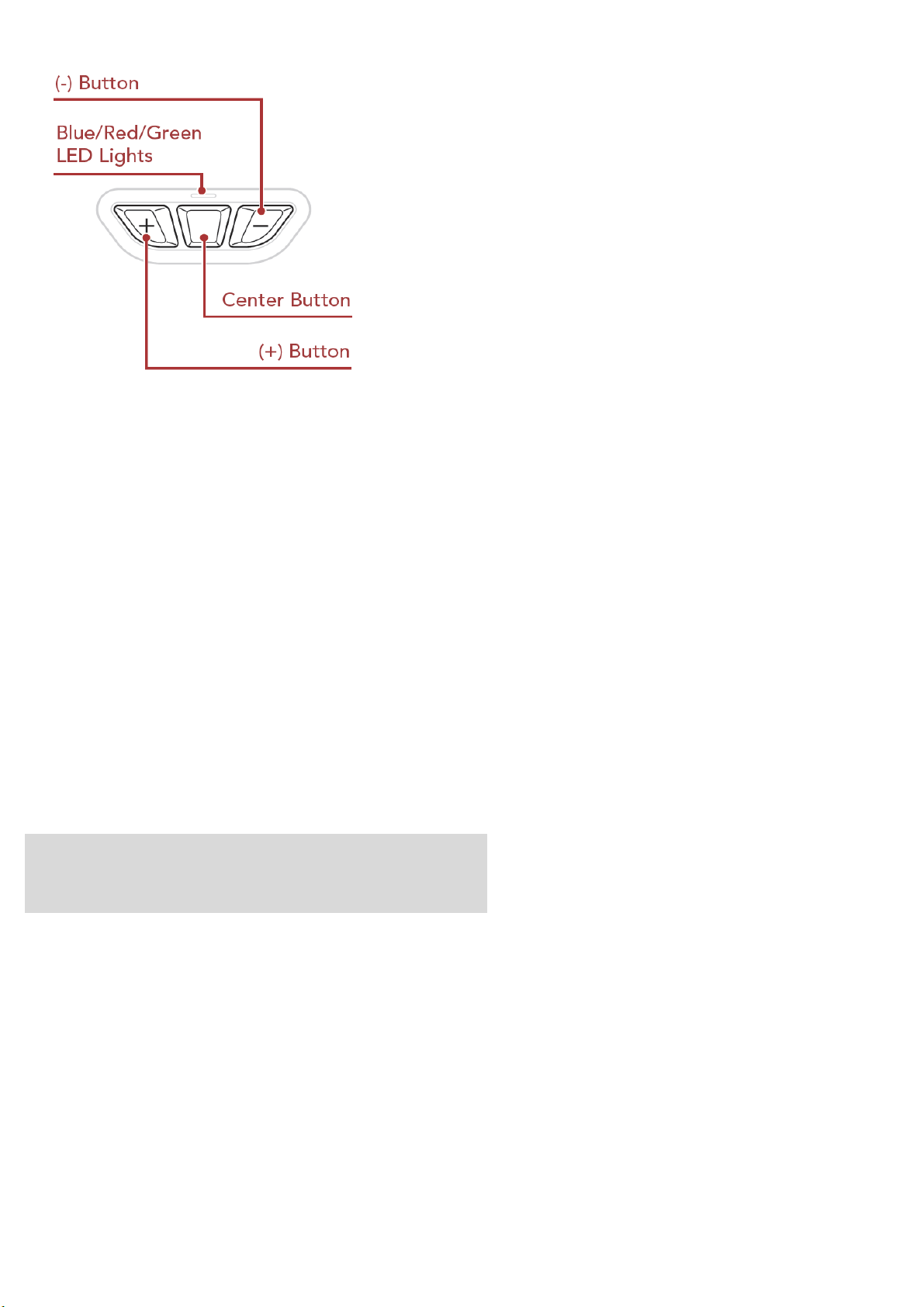
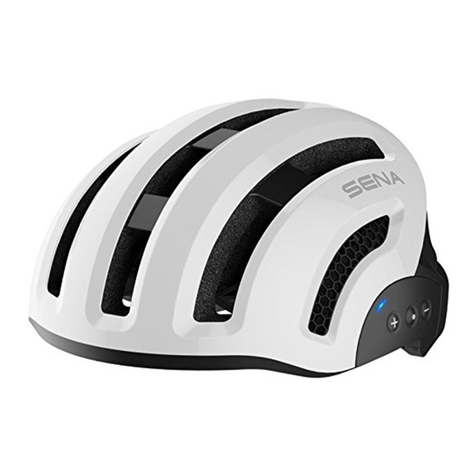
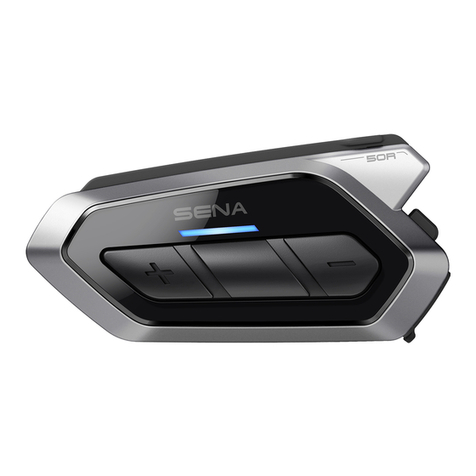
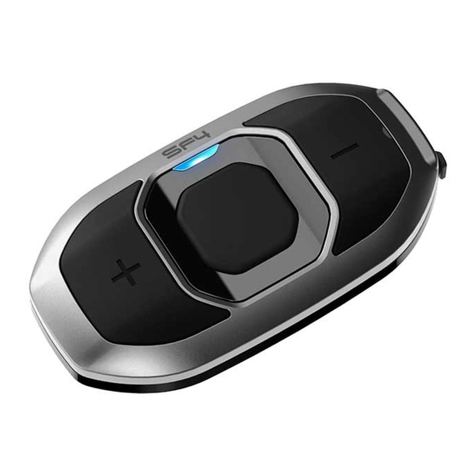
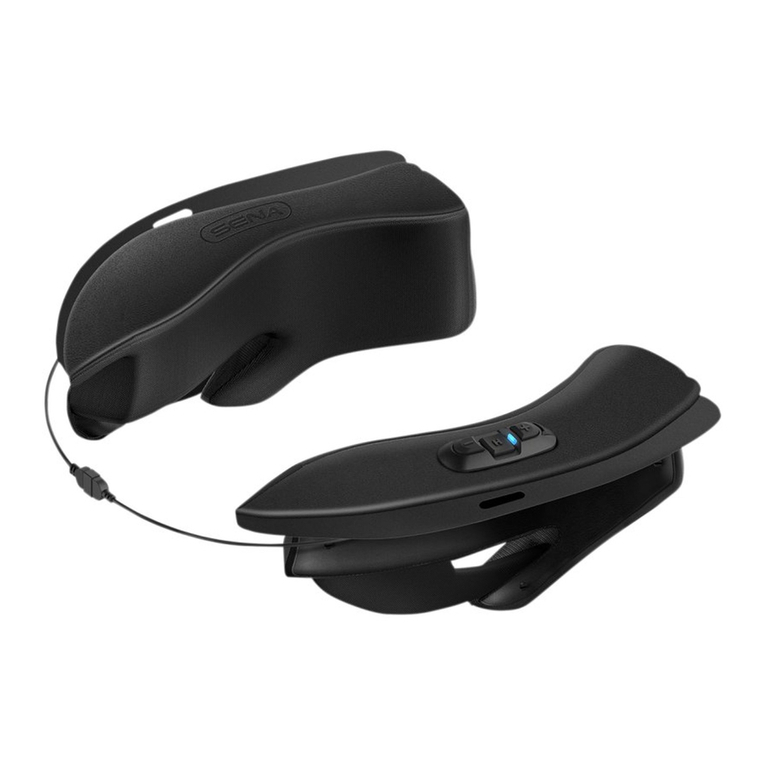
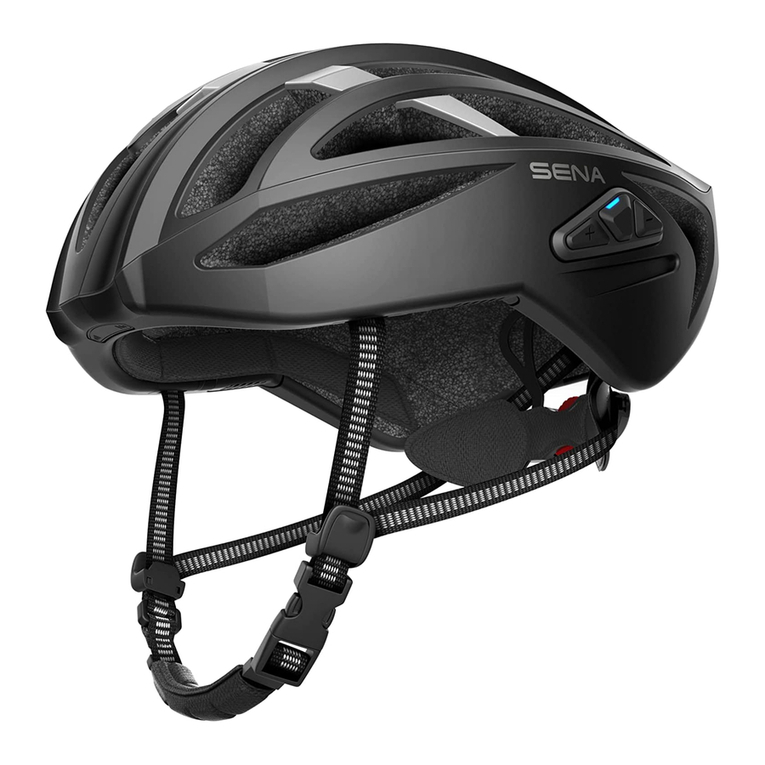
Power On : Press and hold the (+) Button and Center Button for 1 second.
Power Off : Tap the (+) Button and Center Button.
b. Phone Pairing
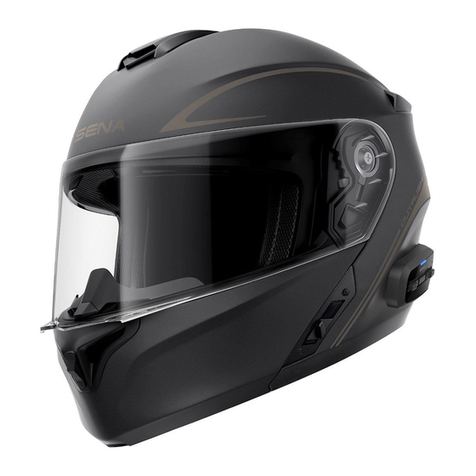
When using the R2X with smartphone for the first time, they will need to be “paired.”The R2X
remains paired with the devices and automatically reconnects to them when they are within range.
b.1 Initially Pairing the R2X Helmet
The R2X will automatically enter the phone pairing mode when you initially turn on the R2X
or in the following situation: •Rebooting after executing Factory Reset.
1. Press and hold the (+) Button and Center Button for 1 second until the LED flashes
Blue alternately and you hear a voice prompt, “Phone pairing”.
2. With your mobile phone in Bluetooth-pairing mode, select R2X in the list of devices detected.
3. If your mobile phone asks for a PIN, enter 0000.
4. The mobile phone confirms that pairing has been completed and the R2X is ready to use.
You will hear a voice prompt, “Your headset is paired”.
Refer. R2X Operation
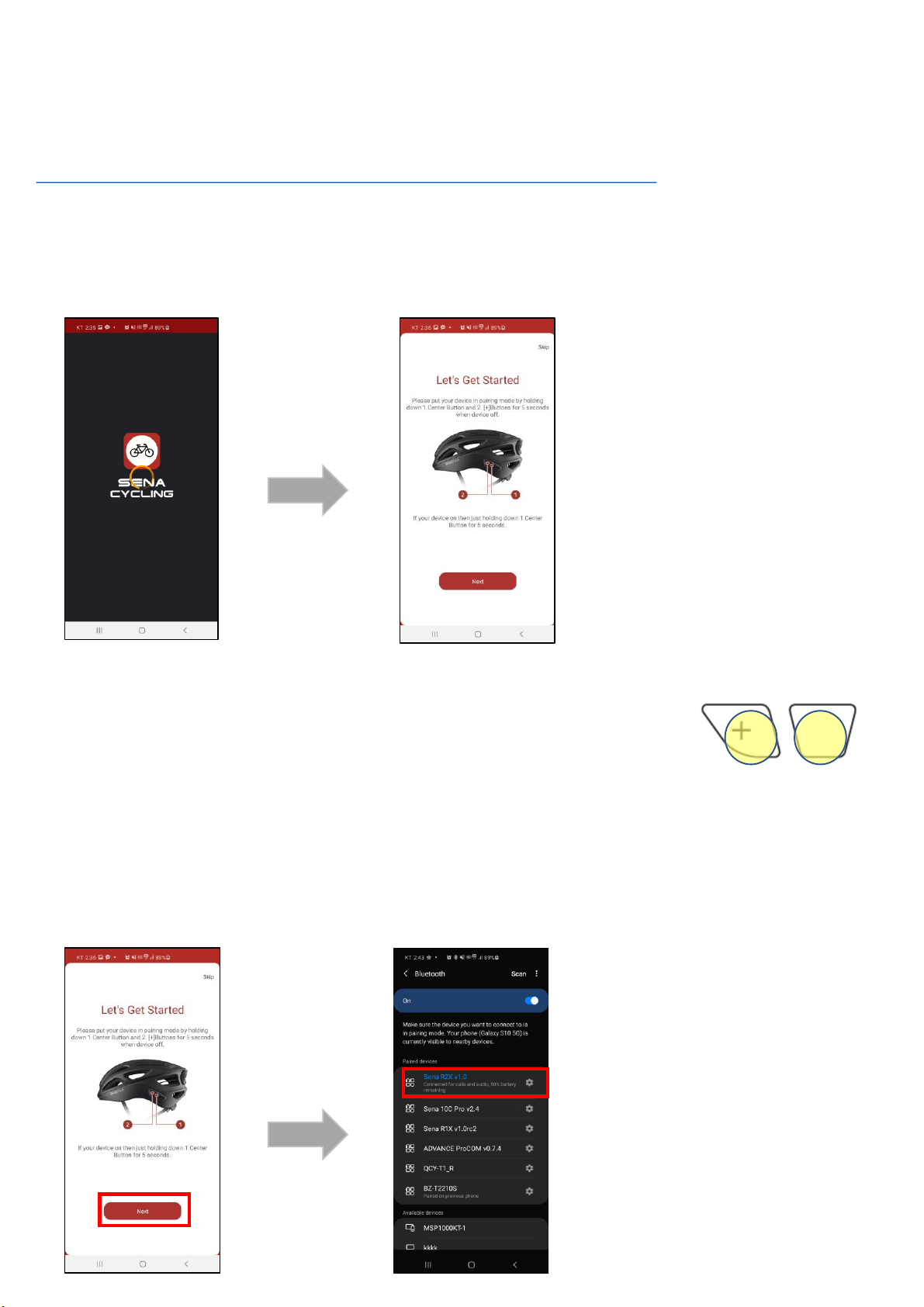
b.2 Pairing When the R2X Helmet is Turned Off
1. While the R2X is off, press and hold the (+) Button and Center Button for 5 seconds
until the LED flashes Blue alternately and you hear a voice prompt, “Phone pairing”.
b.3) Pairing When the R2X Helmet is Turned On
1. While the R2X is on, press and hold the Center Button for 5 seconds until the LED
flashes Blue alternately and you hear a voice prompt, “Phone pairing”.
3) Factory Reset
To erase all of your settings and start fresh, the R2X can be restored
to factory default settings using the factory reset.
1. To restore the R2X to factory default settings, press and hold the
Center Button for 10 seconds until you hear a voice prompt, “Factory reset”.
2. Within 10 seconds, Tap the Center Button to confirm reset.
The R2X will be restored to factory setting and switched off automatically.
You will hear a voice prompt, “Headset reset, good-bye”.