EN-6
EN
Vacuum Sealer
SVS 4010SS
2020 05/2020
DESCRIPTION OF THE CONTROL PANEL
B
Mode Food Canister Vac Seal Marinating Seal Stop
Gentle Normal Moist Dry
1
2
3
4
5
6
7
8
9
10
11
12
13
B1
"Mode" button (withLED indicators)
Enables the setting of two vacuum operating modes
(Normal andGentle). The default mode is "Normal". In
the event that the foodstuffs are crumbly, press the
button to switch the vacuum mode to "Gentle". During
the vacuum process, you may adjust the vacuum
level at any time by pressing button "Seal". The air
suction will stop, indicator B11 Vac Seal will turn off
and the bag sealing process will start automatically
and the Seal indicator B13 will be lit. When the seal
weld is created, the process will stop automatically
andindicator B13 will turn off. You can lift the
lid,remove the bag and check the seal weld.
(Note: Inthe event of apower outage, the
appliances settings will return to the preset
standard mode.)
B2 "Food" button (with LED indicators)
Enables two modes to be set (Dry andMoist). The
default mode is "Dry", press the button to switch
to "Moist" mode. You can select the mode based
on the type of foodstuff. "Dry" for dry foodstuffs
anditems and"Moist" for moist foodstuffs.
(Note: Inthe event of apower outage, the
appliances settings will return to the preset
standard mode.)
B3
"Canister" button (withLED indicator)
Enables air to be sucked out of an external vacuum
jar. Afterfinishing the vacuum process, the process
will turn off automatically.
B4
"Vac Seal" button (withLED indicator)
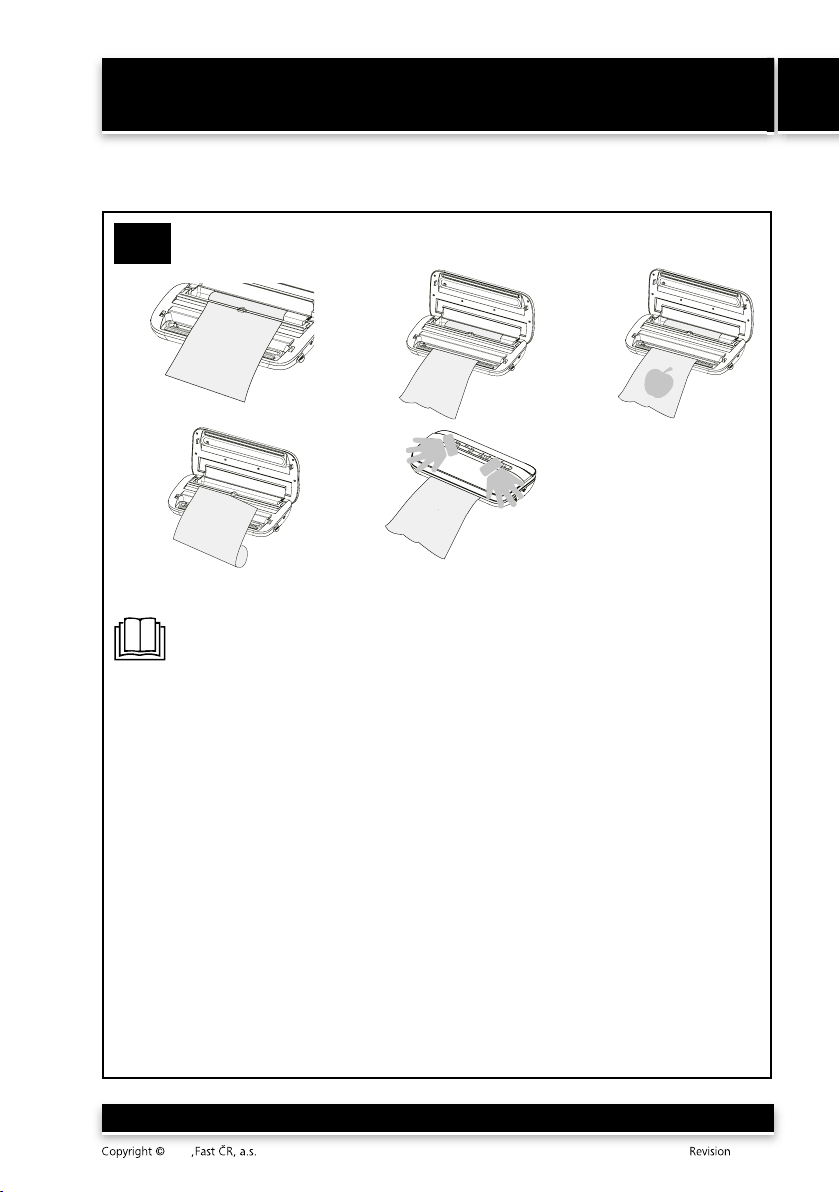
Enables air to be sucked out of abag and
subsequently sealed. The vacuum process can be
ended at any time by pressing the Seal button
andafter which the sealing process follows, or the
entire process can be ended by pressing the Stop
button. We recommend leaving the automatic mode
andto leave the vacuum time andsealing up to the
appliance.
B5 "Marinating" button (withLED indicator)
Enables foodstuffs to be vacuum marinaded, which
significantly shortens the marinating process to
amere approx. 20 minutes compared to the standard
marinating process. During the marinating process,
air is repeatedly sucked in and out of the bag. The
process takes 20 approximately minutes. As soon
as the process is finished, the Marinating button
will turn off andyou may remove the bag, or in the
case of marinating in an external container, you may
disconnect the container.
B6 "Seal" button (withLED indicator)
Enables bags to be sealed. You can end the process at any
time by pressing the Stop button.
B7 "Stop" button.
Enables operation to be stopped at any time.
B8 Gentle or Normal mode indicators
B8 Moist or Dry mode indicators
B10
Canister button indicator
B11
Vac Seal button indicator
B12
Marinating button indicator
B13
Seal button indicator